Viewers2 min read
How to Open HEIC Photos on Windows or Android (No App Needed)
View iPhone HEIC photos at full quality in any browser on Windows, Android or Linux, without installing codecs. Convert them to JPG with one click if needed.
By the ZapMorph team
On this page
Just want it done?
Open the HEIC Viewer — it runs in your browser and nothing is uploaded.
iPhone photos land on a Windows PC and show up as blank icons. Windows wants you to install extensions (one of them paid) before it can open them. If you just want to see the photos, the HEIC viewer opens them in your browser.
Why HEIC causes problems
Since iOS 11, iPhones save photos as HEIC by default. It's an efficient format, but support outside Apple is patchy:
| Where | Opens HEIC? |
|---|---|
| iPhone, iPad, Mac | ✓ |
| Windows Photos | Only with Microsoft Store extensions |
| Android | Many recent phones, not all |
| Chrome, Edge, Firefox | ✗ |
| Many websites and forms | ✗ (they ask for JPG or PNG) |
How to view HEIC photos with ZapMorph
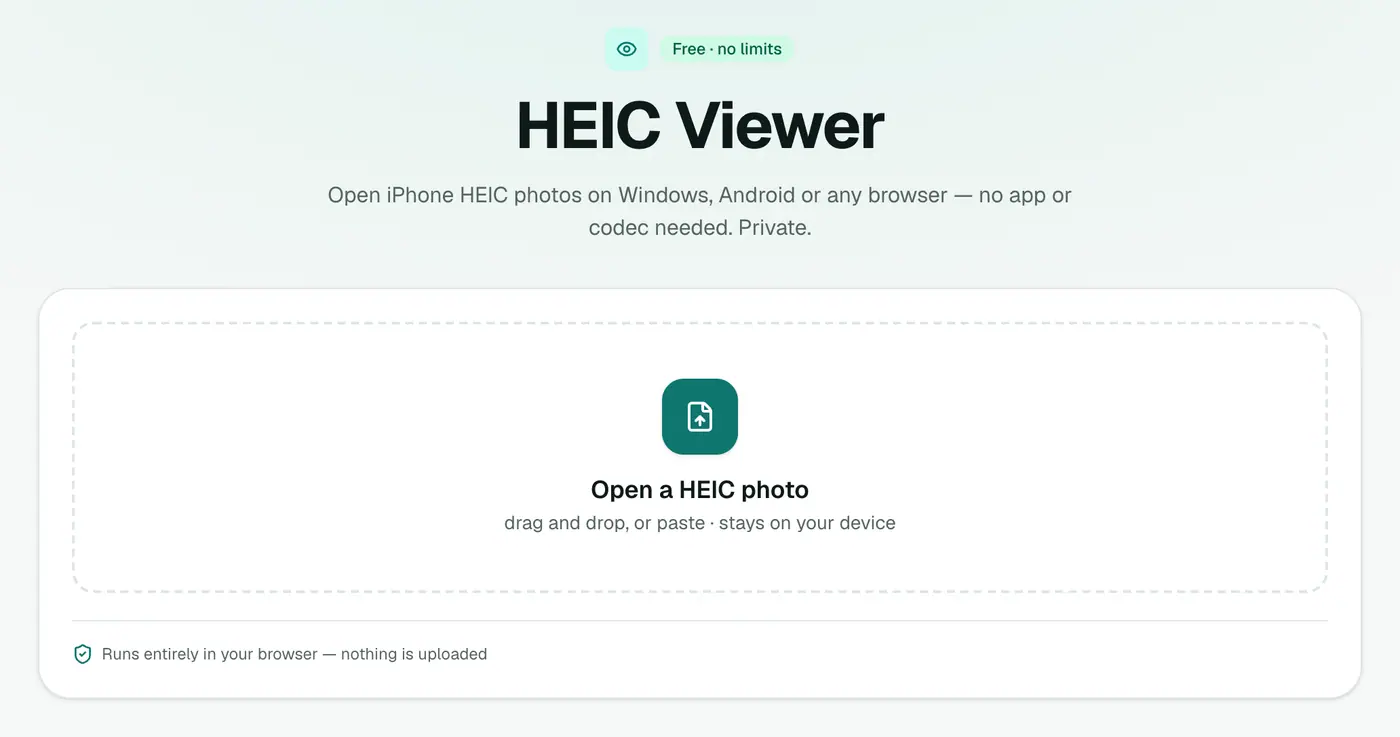
1. Open the HEIC viewer
Go to the HEIC viewer.
2. Drop in the photo
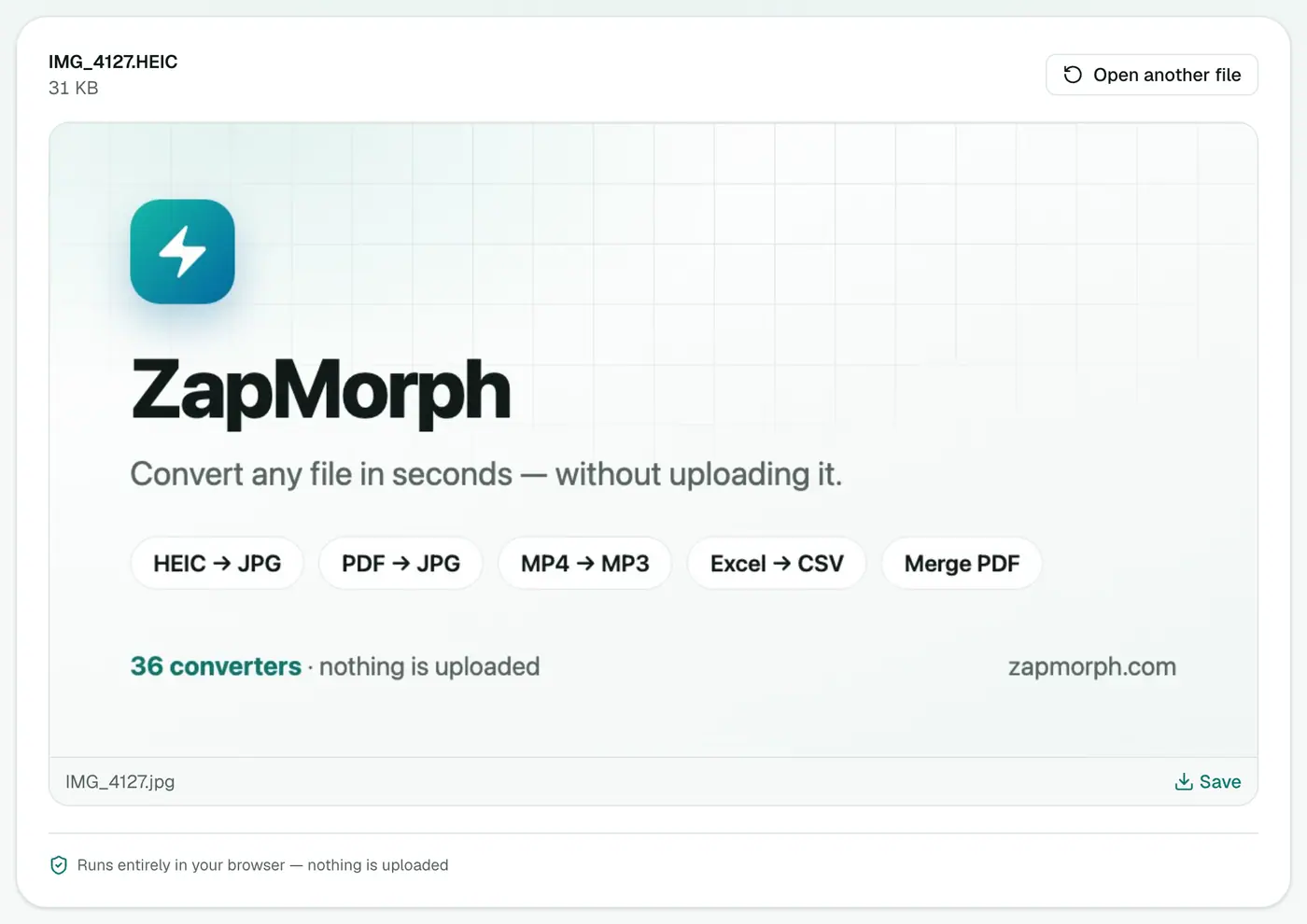
Drop the .heic onto the box. It shows at full quality.
Need JPGs?
For sharing, uploading or printing, convert with HEIC to JPG. We have a full guide to converting HEIC too.
Other options:
- HEIC to PNG for lossless copies or editing.
- HEIC to PDF to put photos of documents into one PDF.
Stop getting HEIC files in the first place
- Take photos as JPG: iPhone Settings → Camera → Formats → Most Compatible.
- Convert automatically when copying to a PC: iPhone Settings → Photos → Transfer to Mac or PC → Automatic. Photos copied over USB arrive as JPG.
- Sharing by email or AirDrop from the Photos app often converts to JPG automatically, but not always.
Troubleshooting
It's a Live Photo. Live Photos come as a HEIC plus a short MOV video. The viewer shows the still image.
The file came from a Samsung or other Android phone. Some Android phones also save HEIF. They open in the viewer the same way.
Colours look slightly different. iPhone photos use a wide colour range (Display P3). Screens that can't show it display slightly flatter colours.
Summary
The HEIC viewer shows iPhone photos on any device, no codecs or apps needed.
FAQs
Why can't Windows open HEIC?
Windows needs the HEIF and HEVC extensions from the Microsoft Store to read HEIC, and the HEVC one isn't free.
Are my photos uploaded?
No. They're decoded in your browser.
How do I keep a JPG copy?
Use HEIC to JPG. It converts a whole batch at once.
What is HEIC?
The High Efficiency Image format iPhones use by default since iOS 11. It stores photos at similar quality to JPG in roughly half the space.
Can I stop my iPhone taking HEIC photos?
Yes. Settings → Camera → Formats → Most Compatible saves new photos as JPG. Photos already taken stay HEIC.
Does it open HEIF files too?
Yes. HEIF and HEIC are the same family, and both open in the viewer.
Try the HEIC Viewer
Free to start, no install, and your files never leave your device.