Viewers2 min read
How to Open and Read a PDF Without Adobe Acrobat
View PDFs with sharp zoom and page navigation in any browser, on shared or locked-down computers where you can't install a reader. Private, free.
By the ZapMorph team
On this page
Just want it done?
Open the PDF Viewer — it runs in your browser and nothing is uploaded.
Most browsers can open PDFs already, so why a PDF viewer? Because "most" isn't "all". Some work laptops force PDFs to download, some shared computers have the built-in viewer disabled, and some phones hand PDFs to an app that wants you to sign up. This viewer just shows the pages.
How to view a PDF with ZapMorph
1. Open the PDF viewer
Go to the PDF viewer.
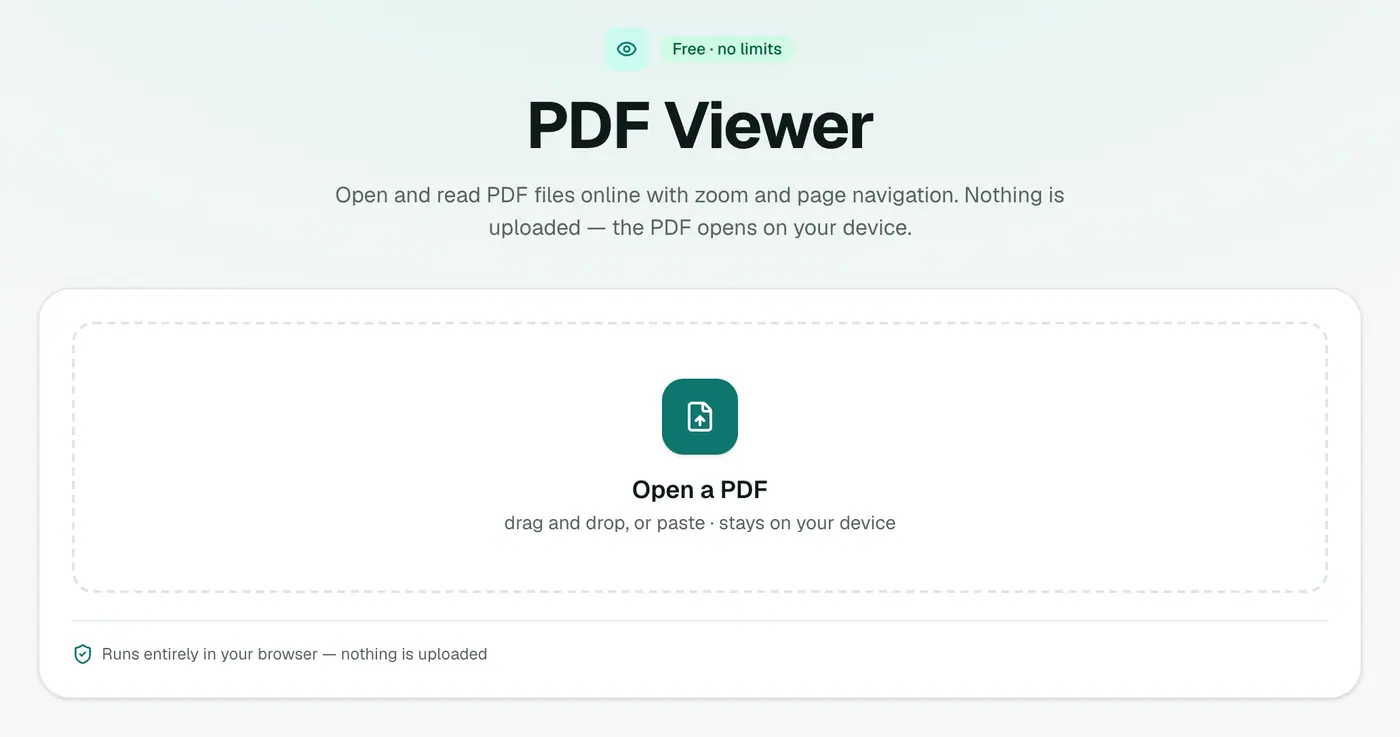
2. Open your PDF
Click the box or drag the file onto it. The pages render in your browser, sharp at any zoom, with page navigation.
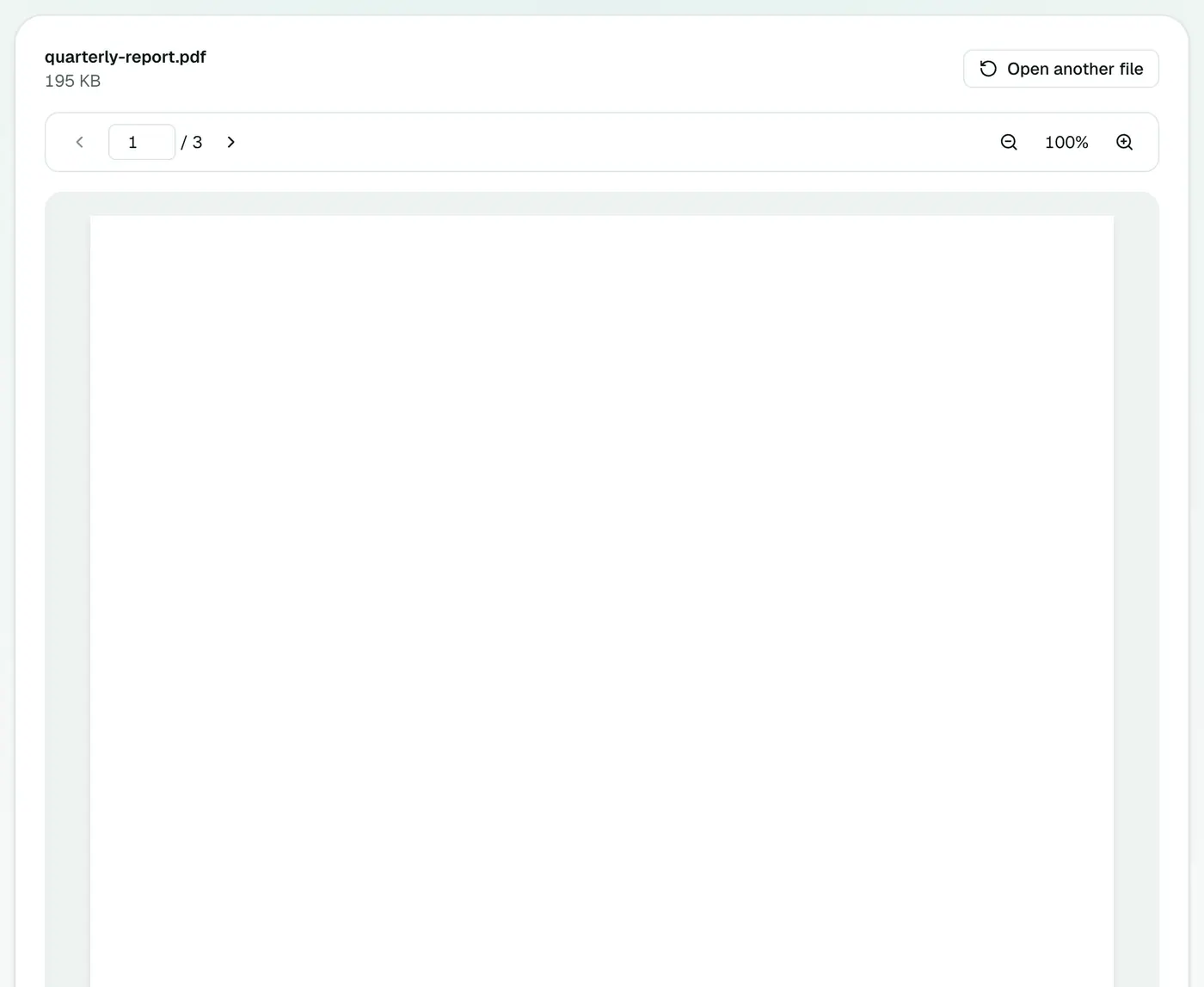
When it's handy
- Library, hotel or office computers where you can't install software.
- Checking a PDF quickly before deciding what to do with it.
- Private documents you don't want to open in an online editor that uploads them.
- Phones that push PDFs into an app asking you to create an account.
Free PDF readers, compared
| Reader | Install | Account | Notes |
|---|---|---|---|
| PDF viewer (browser) | No | No | Read, zoom, navigate, search |
| Chrome / Edge / Firefox built-in | No | No | Sometimes disabled by IT policy |
| Mac Preview | Built in | No | Also annotates and signs |
| Adobe Acrobat Reader | Yes | Optional, prompts often | Most complete, heavy |
| Phone Files apps | Built in | No | Basic viewing |
Want to do more than read?
- Edit it: Edit PDF, Sign PDF.
- Change it: PDF to Word, PDF to JPG.
- Shrink it: Compress PDF.
- Fix it: Rotate PDF for sideways pages, Repair PDF for damaged files.
- Make scans searchable: OCR PDF.
Troubleshooting
It asks for a password. The PDF is encrypted. If you know the password, Unlock PDF removes it so the file opens anywhere.
Blank or broken pages. The file may be damaged or partly downloaded. Download it again, or try Repair PDF.
Search finds nothing. The PDF is a scan. Use OCR PDF.
Summary
The PDF viewer opens any PDF in your browser, quickly and privately, with nothing to install.
FAQs
Is the PDF uploaded?
No. The PDF is opened and rendered by your browser on your own device.
Can I search inside the PDF?
Use your browser's find (Ctrl+F or Cmd+F) to search text on the pages.
Is it free?
Yes, the viewer is free with no limits.
My PDF won't open. What now?
It may be damaged or password-protected. Try Repair PDF, or Unlock PDF if you know the password.
Why can't I search a scanned PDF?
A scan is a picture of text, not text. Run it through OCR PDF to make it searchable.
Can I fill in or sign the PDF?
The viewer is for reading. To add text or a signature, use Edit PDF or Sign PDF.
Try the PDF Viewer
Free to start, no install, and your files never leave your device.