PDF2 min read
How to Extract Text From a PDF to a Plain TXT File
Copy all the text out of a PDF in one go, for searching, quoting, translating or pasting into another tool. Plus what to do if the PDF is a scan.
By the ZapMorph team
On this page
Just want it done?
Open the PDF to Text Converter — it runs in your browser and nothing is uploaded.
Selecting text in a PDF reader and pressing Ctrl+C works for a paragraph. For a 40-page report it's painful: selections jump around, headers and footers get mixed in, and some readers limit how much you can copy at once.
Extracting the whole thing to a .txt file is quicker and gives you something you can search, edit, translate or feed into other tools.
First, check what kind of PDF you have
Try selecting a word in your PDF reader.
- You can select it → it's a "real" PDF with a text layer. PDF to Text will work.
- You can't, or the whole page highlights as one block → it's a scan. Use OCR PDF to Text, which reads the words from the image.
How to extract text from a PDF with ZapMorph
1. Open PDF to Text
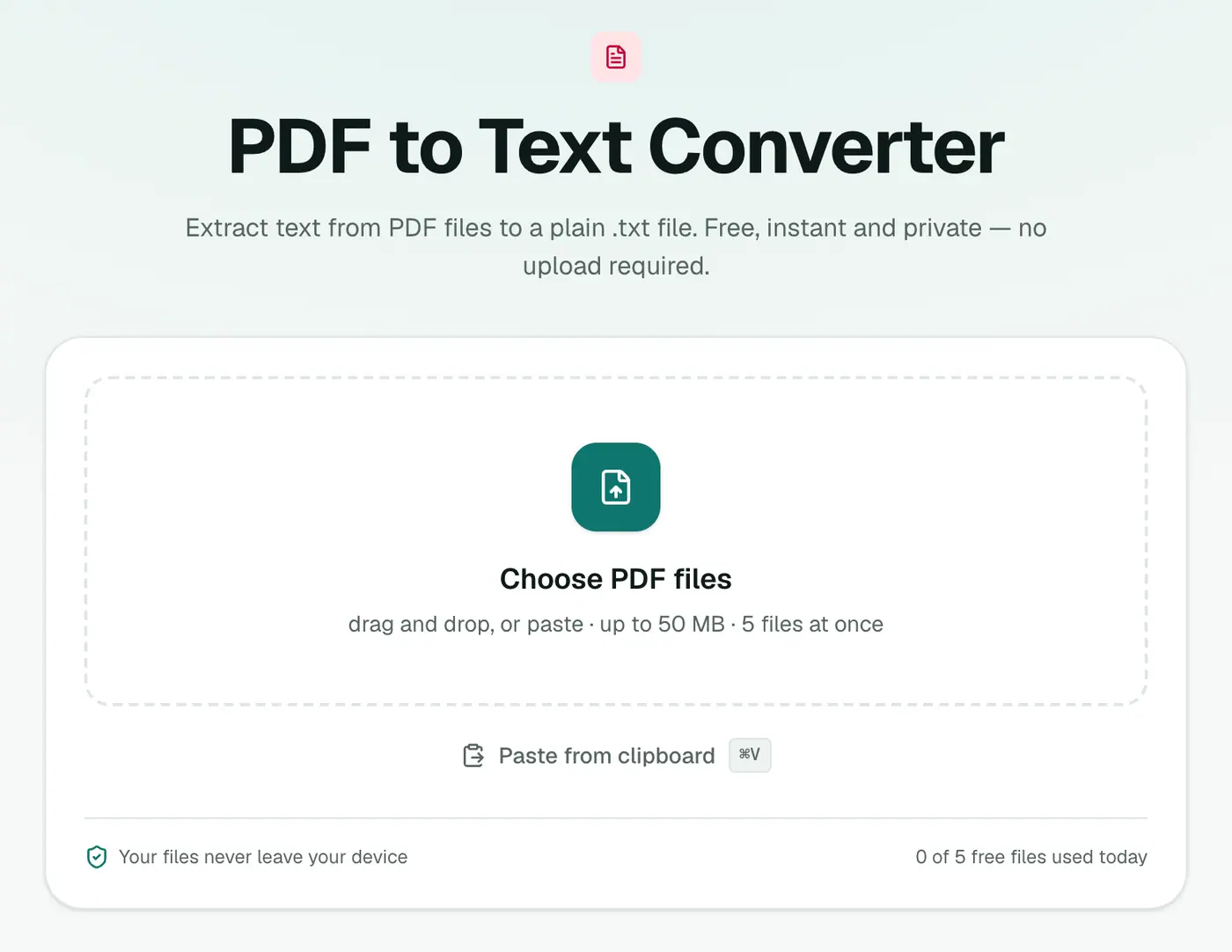
Go to the PDF to Text converter.
2. Add your PDFs
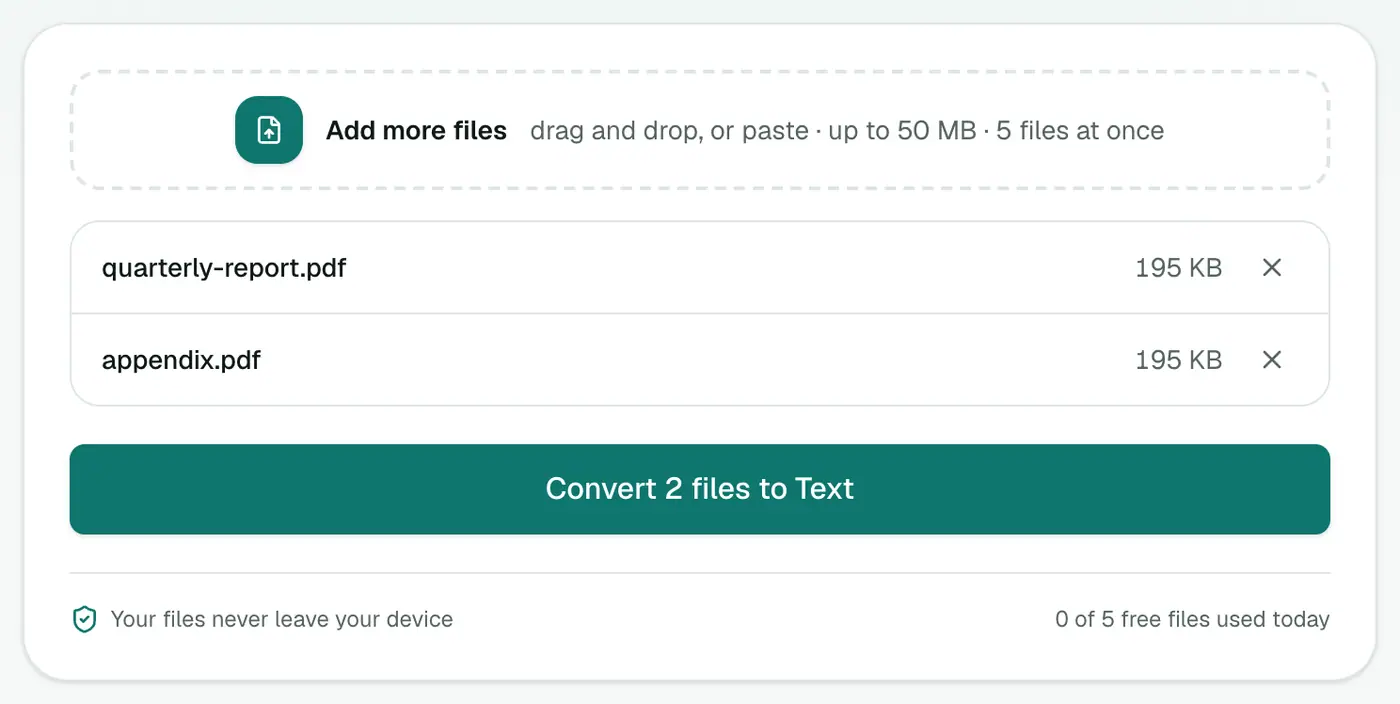
Drop in one or more PDFs. There are no settings.
3. Convert and download
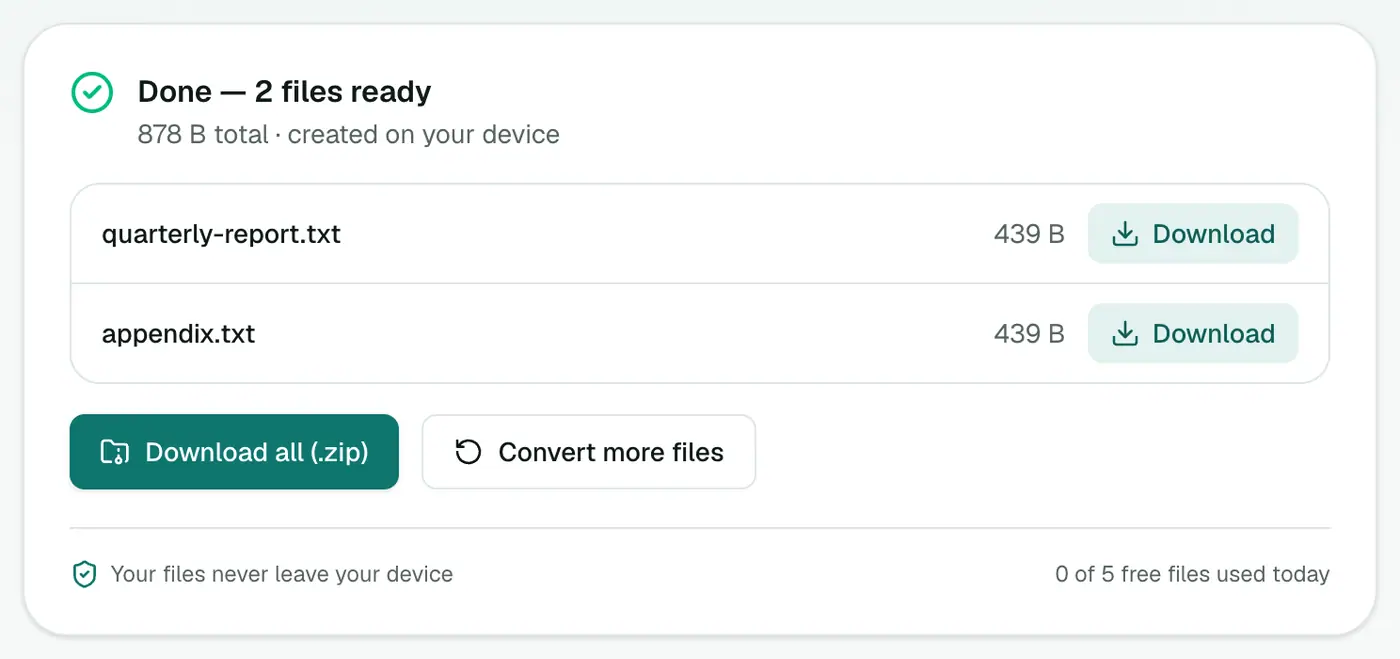
Click Convert to Text. Each PDF becomes a .txt file.
What people use it for
- Searching a long document for every mention of a name or clause.
- Quoting from reports and papers without retyping.
- Translating with a translation tool.
- Word counts in the word counter.
- Comparing two versions of a contract in the text diff checker.
Other ways
- Copy and paste from Acrobat or your browser's PDF viewer for short passages.
- Google Docs can open a PDF and convert it to text, but that uploads it to Google.
- Command line:
pdftotextfrom Poppler is excellent if you're comfortable in a terminal.
Tips
- Need formatting? PDF to Word rebuilds paragraphs and headings in an editable DOCX.
- Need the numbers in a table? PDF to Excel groups text into rows and columns.
- Headers and footers repeat on every page in the text file. A quick find-and-replace cleans them up.
Text, Word or Excel?
| You need… | Use |
|---|---|
| Plain words to search, quote or paste | PDF to Text |
| An editable document with headings | PDF to Word |
| Tables of numbers | PDF to Excel |
| Text from a scan | OCR PDF |
Comparing two versions
Extract the text of both PDFs and paste them into the text diff checker to see every change between drafts of a contract or policy.
Summary
If you can select the text in your PDF, the PDF to Text converter pulls all of it out in seconds. If you can't, it's a scan, and OCR is what you need.
FAQs
Why is the output empty or full of gibberish?
The PDF is probably a scan, which is a picture of text with no real text inside. Use OCR PDF to Text instead.
Will tables and columns be kept?
The text is extracted in reading order, so complex layouts like multi-column pages and tables may come out in a slightly different order. For tables, PDF to Excel works better.
Can I paste the text into ChatGPT or another AI tool?
Yes, plain text is ideal for that. Remember that pasting confidential text into an online AI service does send it to that service.
Is my PDF uploaded?
No. The text is extracted in your browser.
Can I extract text from several PDFs at once?
Yes. Add several files and download a text file for each.
Try the PDF to Text Converter
Free to start, no install, and your files never leave your device.