Image2 min read
How to Convert TIFF to PNG Without Losing Any Quality
Convert TIFF scans and print files to lossless PNG for editing, archiving or the web, with every page of a multi-page TIFF saved separately.
By the ZapMorph team
On this page
Just want it done?
Open the TIFF to PNG Converter — it runs in your browser and nothing is uploaded.
If you're working with TIFFs from a scanner, a print workflow or a photo archive and want a format that's easier to handle without losing any detail, PNG is the one. It's lossless like TIFF, but it opens in every browser, design tool and operating system.
TIFF to PNG or TIFF to JPG?
- PNG: when quality matters most. Editing, restoration, line drawings, signatures, anything with transparency.
- JPG: when you just need to share or upload scans and want small files. See TIFF to JPG.
How to convert TIFF to PNG with ZapMorph
1. Open the converter
Go to the TIFF to PNG converter.
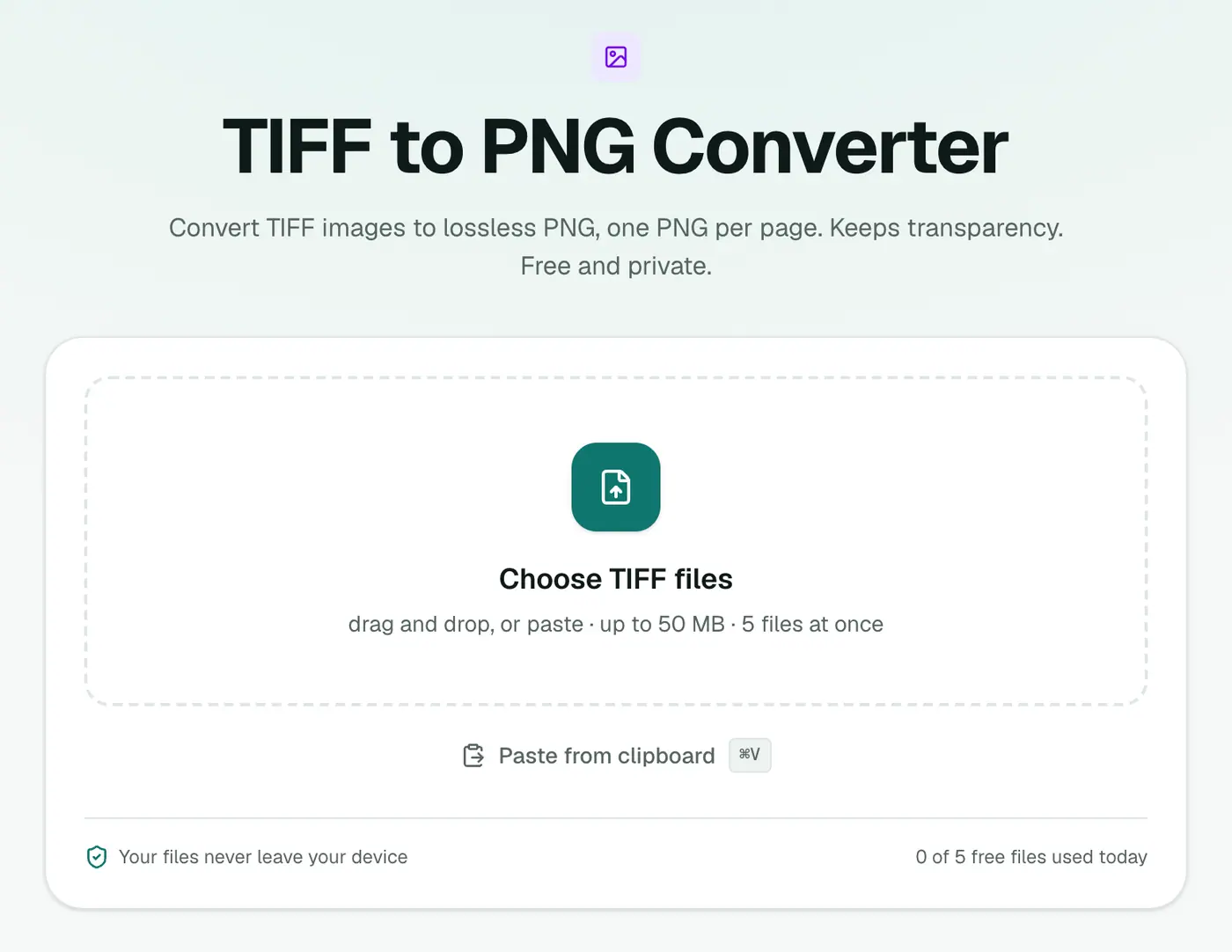
2. Add your TIFFs
Drop in .tif or .tiff files. No settings are needed.
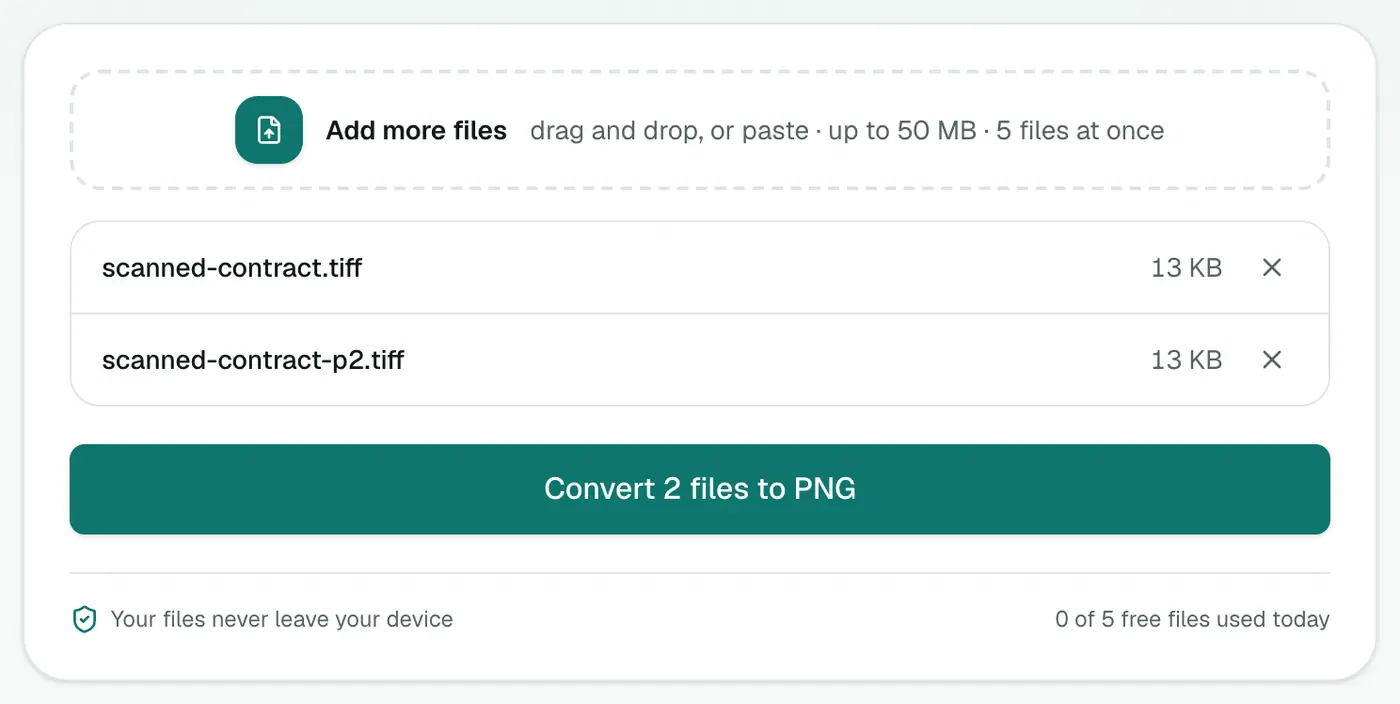
3. Convert and download
Click Convert to PNG. Multi-page files come out as numbered pages. Grab the ZIP to keep them together.
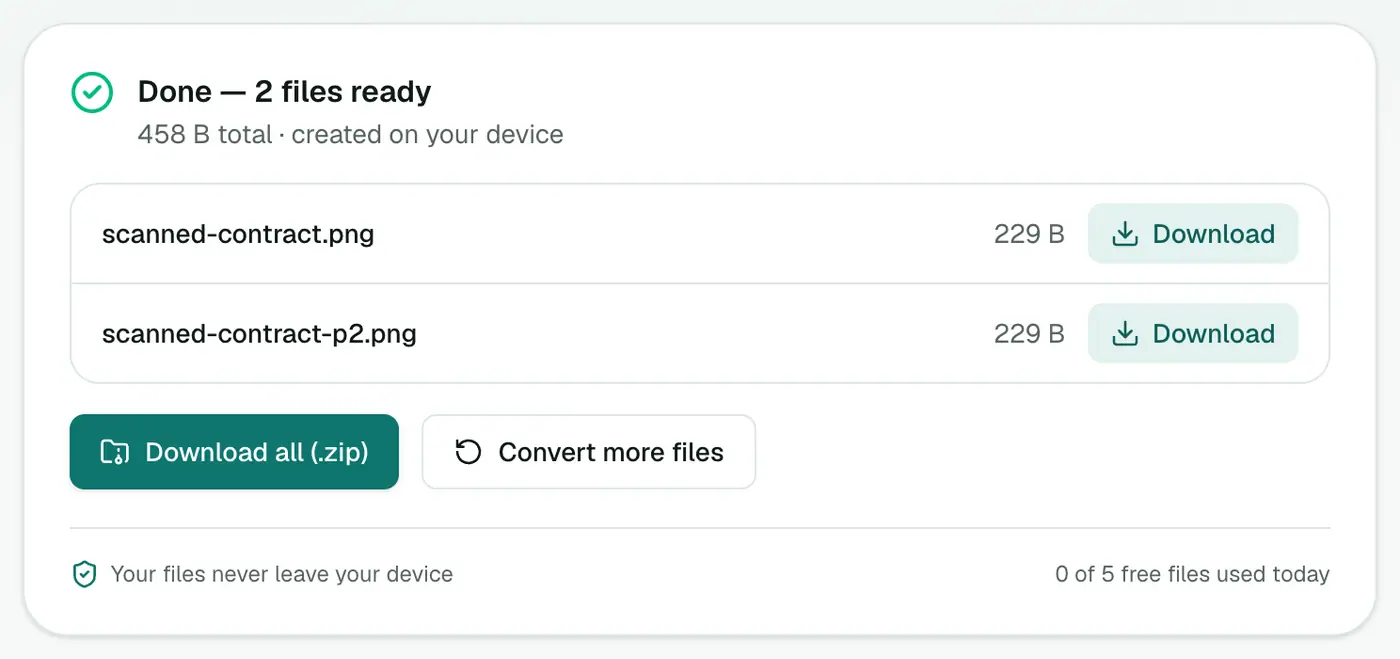
Other ways
- Mac Preview: select a page in the sidebar, then File → Export → PNG.
- GIMP or Photoshop: open the TIFF and export as PNG. Multi-page TIFFs open as layers or separate documents, depending on the app.
Tips
- Restoring old photos? Do the retouching on the PNG and only export a JPG at the very end.
- Going on a website? Convert the PNG to WebP with PNG to WebP to cut the size.
- Want all pages in one file? Use TIFF to PDF.
When PNG beats JPG for TIFFs
| Content | Best format |
|---|---|
| Line drawings, plans, diagrams | PNG: crisp edges, no artefacts |
| Text-heavy scans you'll OCR | PNG: cleaner for text recognition |
| Graphics with transparency | PNG |
| Photos | JPG: far smaller |
| Multi-page documents |
Next steps
- Pull text out of a scanned page with Image to Text.
- Make it lighter for the web with PNG to WebP.
In short
The TIFF to PNG converter gives you lossless, widely compatible copies of your TIFFs, one PNG per page, without installing anything.
FAQs
Is TIFF to PNG lossless?
Yes. PNG stores pixels exactly, so nothing from the TIFF is lost in the conversion.
How are multi-page TIFFs handled?
Every page becomes a separate PNG, named with -page-1, -page-2 and so on.
Why is the PNG still big?
Lossless formats keep every detail. PNG is usually smaller than an uncompressed TIFF, but a full-page scan will still be a few megabytes.
Is my file uploaded?
No. The conversion happens in your browser.
Does PNG keep transparency from a TIFF?
Yes. If the TIFF has a transparent background, the PNG keeps it.
Try the TIFF to PNG Converter
Free to start, no install, and your files never leave your device.