Image2 min read
How to Convert TIFF to JPG (Scans, Faxes and Multi-Page TIFFs)
TIFF files from scanners and fax software are huge and won't open on phones or websites. Here's how to convert TIFF to JPG, including multi-page files.
By the ZapMorph team
On this page
Just want it done?
Open the TIFF to JPG Converter — it runs in your browser and nothing is uploaded.
TIFF is the format scanners, fax software and print shops love. It's high quality and can hold several pages in one file. It's also huge, and most phones, browsers, email previews and upload forms can't show it.
If you've been sent a .tif and nothing will open it, or you need to upload a scanned page as a picture, convert it to JPG.
Why TIFF needs converting
- Browsers (except Safari) don't display TIFF.
- Upload forms almost never accept it.
- Phones often show a blank preview.
- Size: an uncompressed A4 scan at 300 DPI can be 25 MB or more. The JPG is a fraction of that.
How to convert TIFF to JPG with ZapMorph
1. Open the converter
Go to the TIFF to JPG converter. Both .tif and .tiff work.
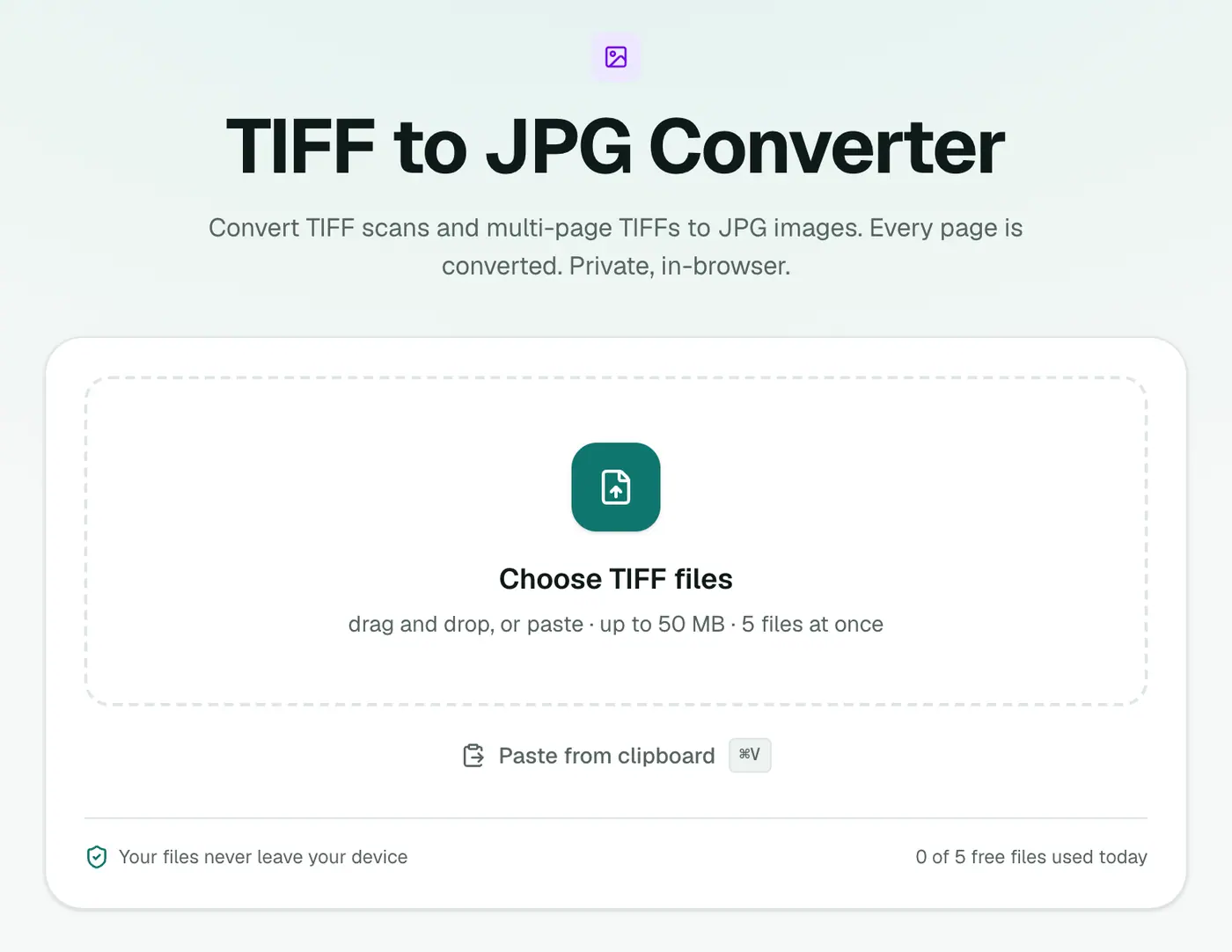
2. Add your TIFF files
Drop them in. Quality starts at 92%, which keeps small print crisp. If the scans are just for reading on screen, 80% saves more space.
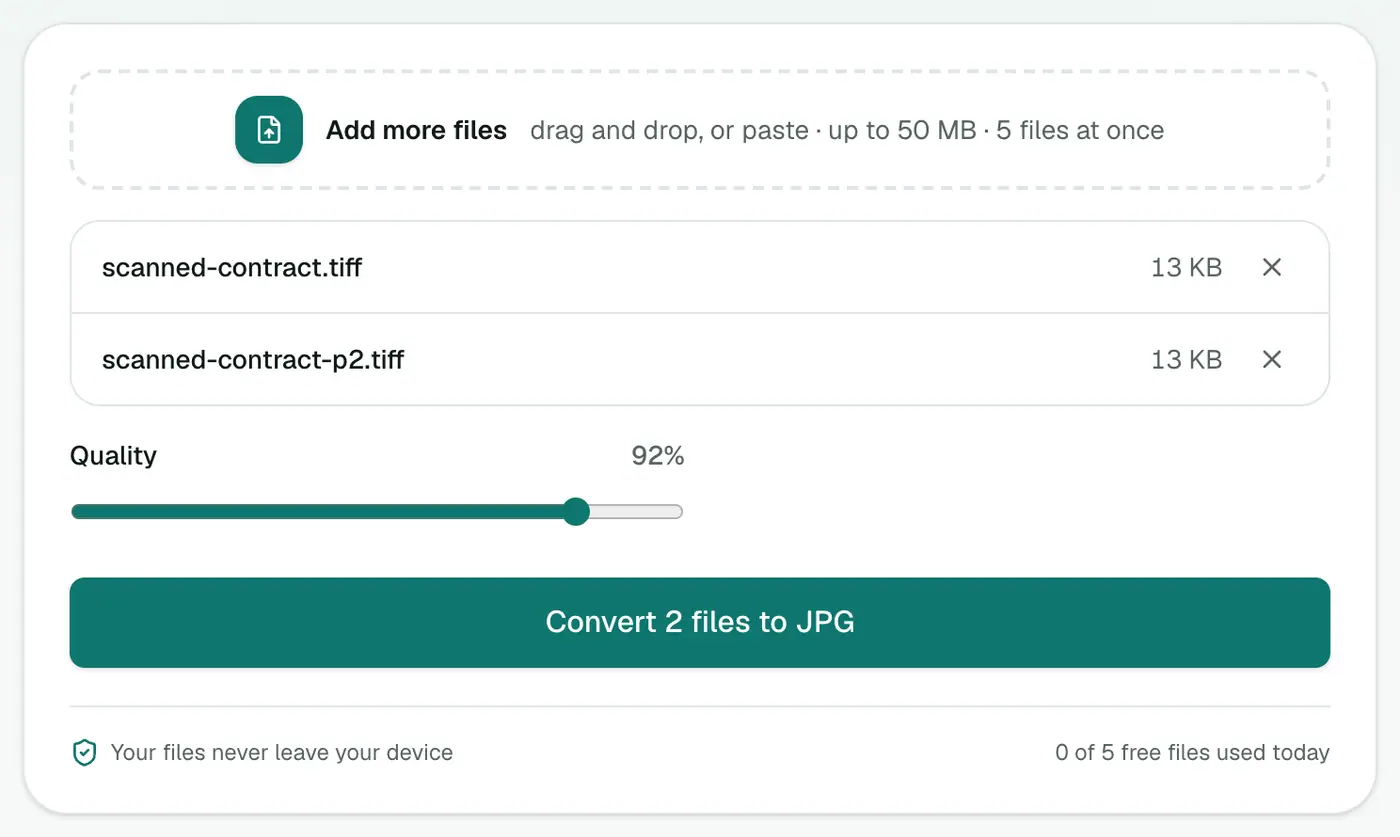
3. Convert and download
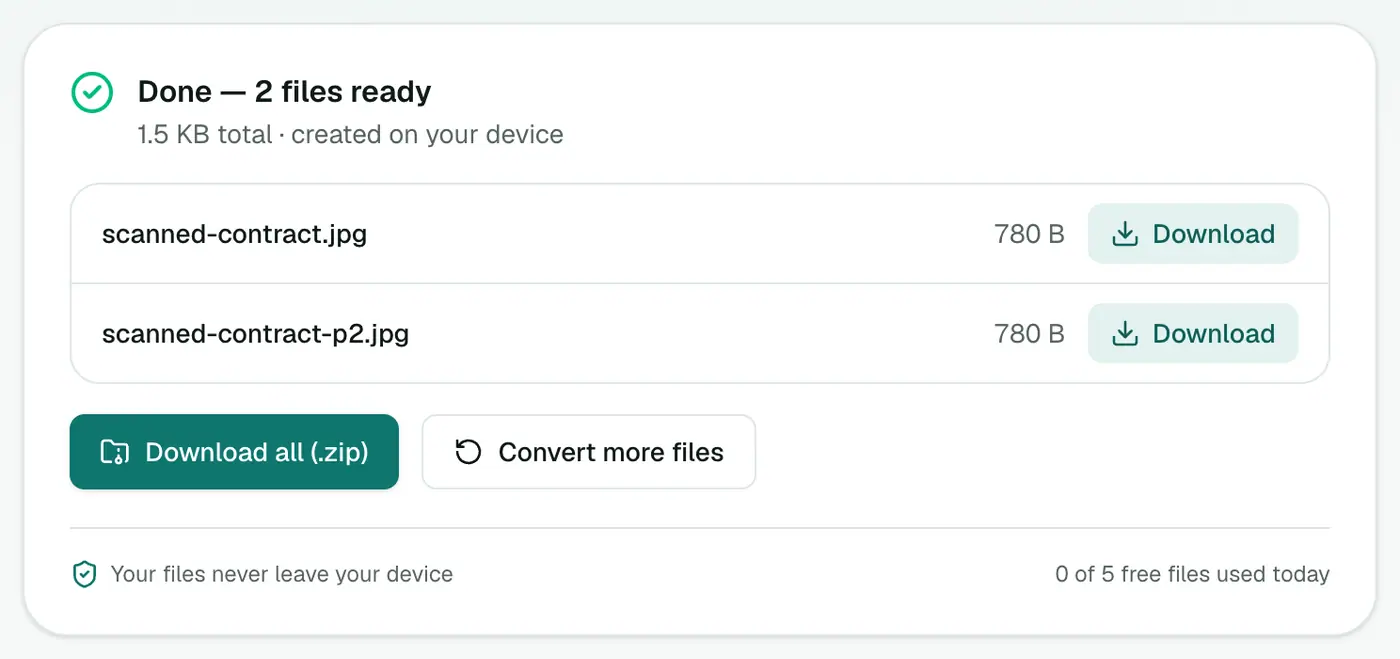
Click Convert to JPG. Multi-page TIFFs come out as one JPG per page, named in order.
Other options
- Windows Photos opens TIFFs. Use Save as to make a JPG, one page at a time.
- Mac Preview shows every page of a multi-page TIFF in the sidebar. Select a page and File → Export as JPEG.
- Just need to read it? The TIFF viewer shows every page in your browser without converting.
Tips
- Sending a multi-page document? One TIFF to PDF file is far nicer for the recipient than eight separate JPGs.
- Need to edit the image? Convert to PNG instead to avoid compression.
- Change your scanner's default. Most scanning apps can save straight to JPG or PDF. Look for "File type" in the settings.
How much space you'll save
| Scan | TIFF | JPG (~90%) |
|---|---|---|
| A4 page, colour, 300 dpi | 20–25 MB | 1–2 MB |
| A4 page, greyscale, 300 dpi | 8 MB | 0.5–1 MB |
| Photo print scan, 600 dpi | 50+ MB | 3–6 MB |
Forms that reject TIFF
Visa portals, job applications, insurance claims and university admissions usually ask for JPG or PDF under a size limit. Convert to JPG for single images, or to PDF when the form wants one document. If the file is still too big, run it through Compress Image with a maximum width of 2048 px.
Summing up
TIFF is great for archiving and awkward for everything else. The TIFF to JPG converter turns scans and faxes into images that open anywhere, with every page split out for you.
FAQs
What happens with a multi-page TIFF?
Each page becomes its own JPG, numbered in order. Download them one by one or as a ZIP.
Will the JPG be good enough to read small text?
Yes, at the default 92% quality. For documents you'll mostly read on screen, you can go lower to save space.
My TIFF is black and white. Is that a problem?
No. Fax-style 1-bit TIFFs convert fine, and the JPGs will look the same.
Should I convert scans to JPG or PDF?
PDF if it's a document with several pages you'll share or print. JPG if you need individual images for a form or a website.
Is my scan uploaded?
No. TIFFs are decoded and converted in your browser, which matters for scanned IDs, contracts and medical records.
Which quality setting should I use for scans?
90% or higher keeps small text crisp. Drop to around 80% for photos you only need to view on screen.
Try the TIFF to JPG Converter
Free to start, no install, and your files never leave your device.