Image3 min read
How to Convert JPG to PNG (and When You Actually Should)
Need a PNG for a design tool, an upload form or a sticker? Here's how to turn a JPG into a PNG, plus the one thing converting won't do for you.
By the ZapMorph team
On this page
Just want it done?
Open the JPG to PNG Converter — it runs in your browser and nothing is uploaded.
Most of the time you don't need to turn a JPG into a PNG. But sometimes a tool insists. A print shop wants PNG, a sticker app won't take anything else, or you're about to edit an image several times and don't want it getting worse with every save.
Here's how to do it, and what to expect.
A quick reality check
People often convert JPG to PNG hoping for one of two things: better quality or a transparent background. Neither happens automatically.
- Quality: the PNG is an exact copy of the JPG as it is now. Any blockiness from JPG compression is still there. What PNG does is stop it getting worse each time you edit and save.
- Transparency: a JPG has a solid background, so the PNG will too. You'd have to remove the background in an editor.
So when is it worth it?
- A website, app or printer requires PNG.
- You're going to edit the image repeatedly (cropping, adding text, re-saving) and want to avoid stacking up JPG artefacts.
- You're adding it to a design file where you'll later cut out parts of it.
How to convert JPG to PNG with ZapMorph
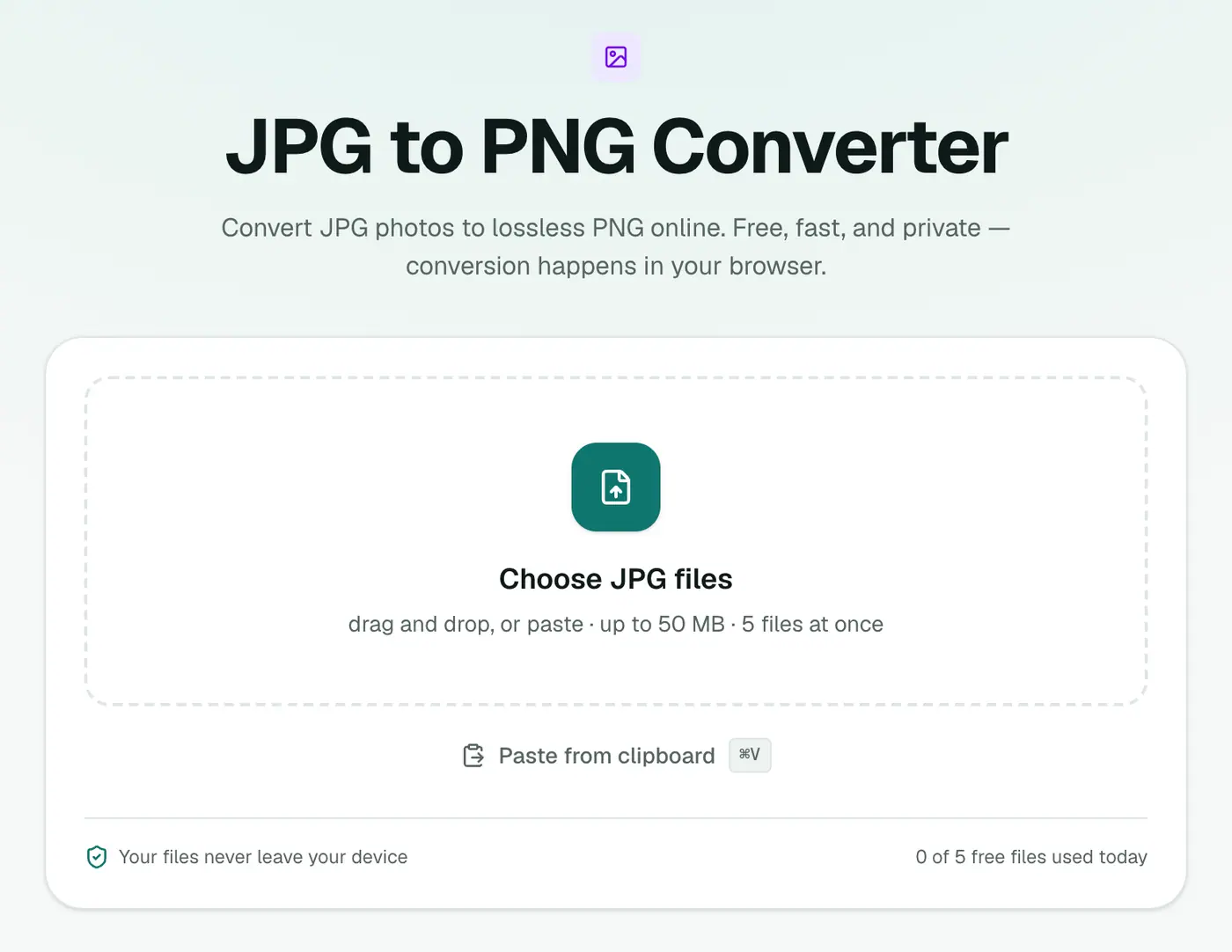
1. Open the converter
Go to the JPG to PNG converter. There are no settings to fiddle with, since PNG is lossless.
2. Add your JPGs
Drag them in or click to choose. .jpg, .jpeg and .jfif files all work. That last one is the odd extension Windows sometimes gives images saved from a browser.
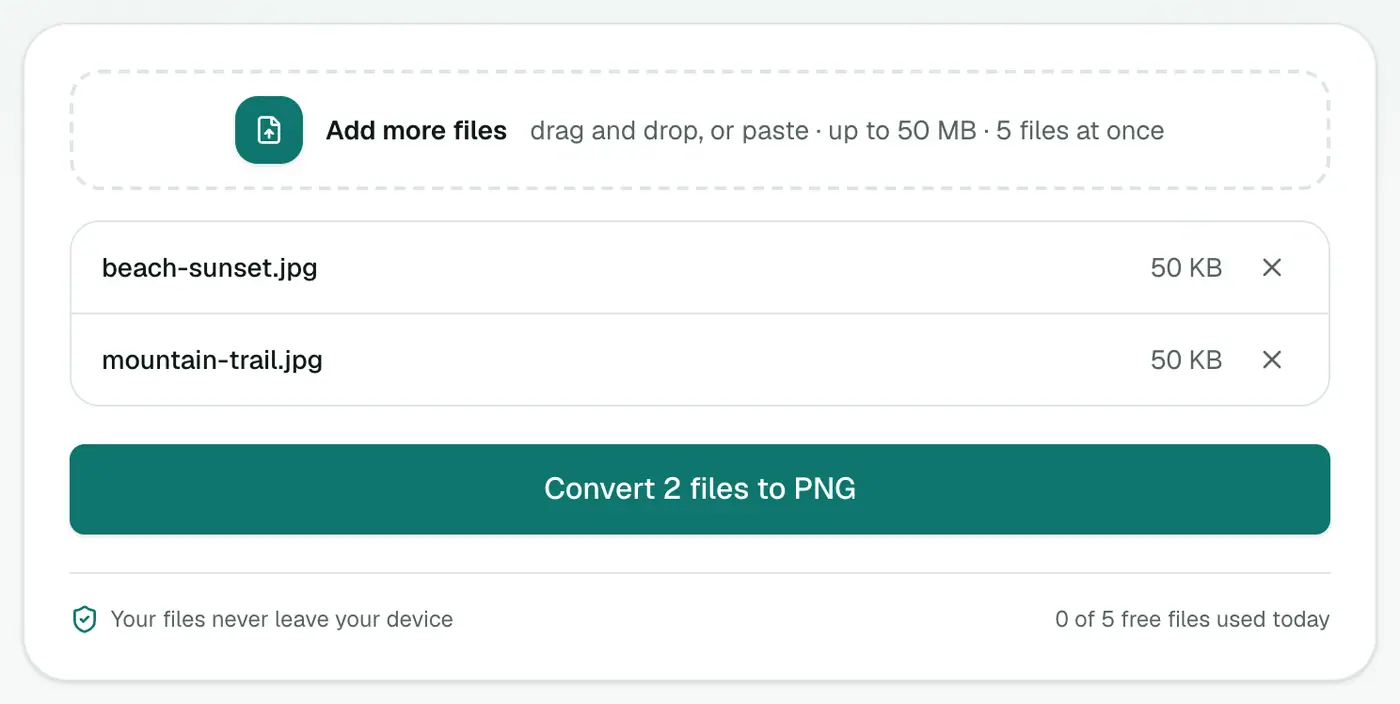
3. Convert and download
Click Convert to PNG and download the files, or grab the ZIP if there are several.
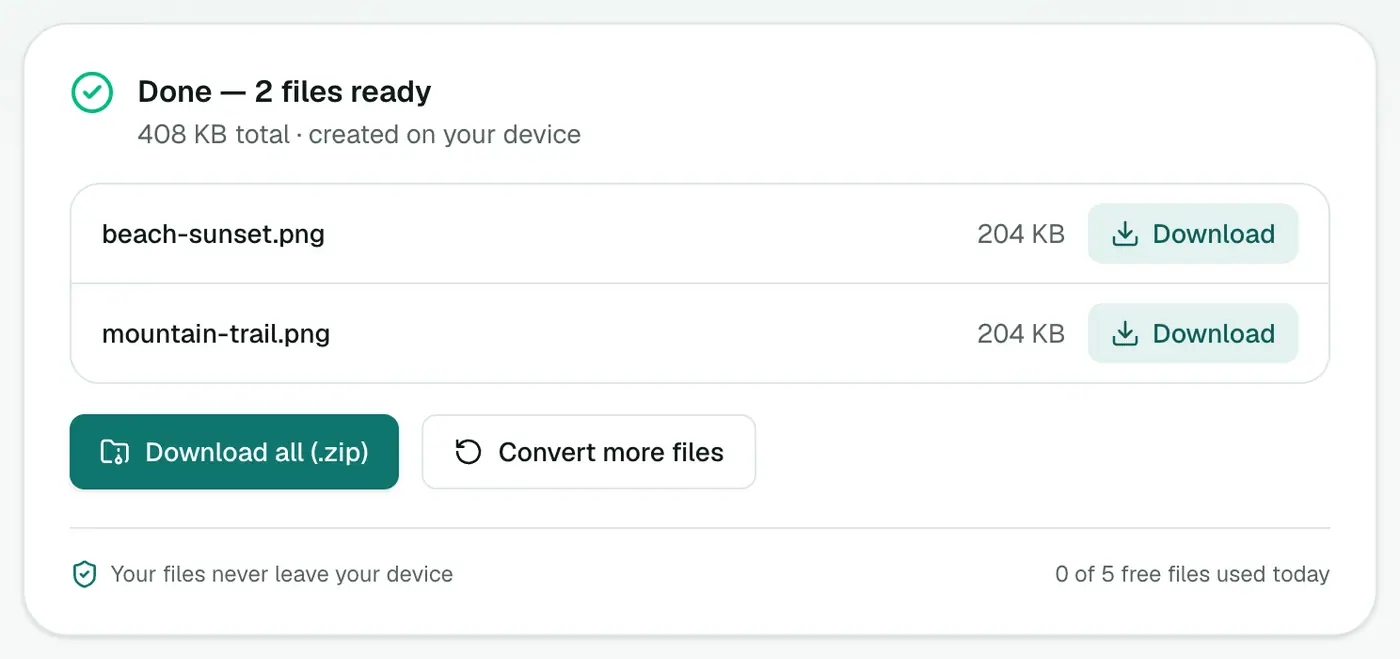
Don't be surprised if the PNGs are several times larger than the JPGs. That's normal for photos.
Built-in alternatives
Windows: open the image in Paint and choose File → Save as → PNG picture.
Mac: open it in Preview, go to File → Export, and pick PNG as the format.
iPhone/Android: there's no built-in way. Most people end up using a browser tool, which is exactly what the converter is.
These are fine for one image. For a batch, or on a locked-down work laptop where you can't install anything, the browser converter is quicker.
Tips
- Got a JFIF file that won't open? It's just a JPG with a weird extension. Convert it here, or rename it to
.jpg. - Need a smaller file instead? Go the other way and use the image compressor.
- Want a transparent PNG from a logo? Start from the original SVG if you have one and use SVG to PNG. The edges will be much cleaner.
- Making a favicon? The favicon generator takes a JPG directly and produces every size you need.
When JPG to PNG actually helps
| Situation | Worth converting? |
|---|---|
| A form or tool only accepts PNG | ✓ |
| You'll edit and re-save many times | ✓ (no further JPG loss) |
| You want a transparent background | Only after removing the background |
| You want better quality | ✗, quality can't be added back |
| You want a smaller file | ✗, PNG will be bigger |
Making a logo transparent
Converting alone keeps the white background. To get transparency, run the image through Remove Background, which outputs a PNG with the background cut away.
Bottom line
Convert JPG to PNG when something requires PNG or when you're about to do a lot of editing. Just don't expect it to fix quality or remove backgrounds. The JPG to PNG converter does the job in a couple of clicks, and the images never leave your computer.
FAQs
Will converting JPG to PNG make my image better quality?
No. PNG keeps the image exactly as it is now, so it stops further quality loss, but it can't bring back detail the JPG already lost.
Does converting to PNG make the background transparent?
No. A JPG has no transparency, so the PNG will have the same solid background. You'd need to remove the background in an editor first.
Why is the PNG so much bigger?
PNG is lossless, so it stores every pixel exactly. For photos that typically means a file 3–10 times larger than the JPG.
Can I convert JPEG and JFIF files too?
Yes. .jpg, .jpeg and .jfif are all the same format and the converter accepts all three.
Is my photo uploaded?
No. It's converted in your browser.
Can I convert JPG to PNG on iPhone or Android?
Yes. Open the converter in your mobile browser, pick photos and download the PNGs.
Try the JPG to PNG Converter
Free to start, no install, and your files never leave your device.