Image2 min read
How to Remove the Background From a Photo (Transparent PNG)
Cut out products, people and pets from their background automatically and download a transparent PNG. The AI runs on your device, so photos aren't uploaded.
By the ZapMorph team
On this page
Just want it done?
Open the Image Background Remover — it runs in your browser and nothing is uploaded.
Background removal used to mean twenty minutes with Photoshop's pen tool. Now an AI model can do a good job in a few seconds, and this one runs entirely in your browser, so your photos (kids, ID photos, unreleased products) aren't sent anywhere.
Good uses
- Product photos for Etsy, eBay, Amazon or your own shop. Many marketplaces prefer a plain white background.
- Profile pictures on a clean or colored background.
- Stickers and graphics for presentations, posters or social posts.
- Swapping backgrounds: cut out the subject, then place it on something else in Canva or PowerPoint.
How to remove a background with ZapMorph
1. Open the background remover
Go to the image background remover. It's a Pro tool, and free accounts get a daily run to try it.
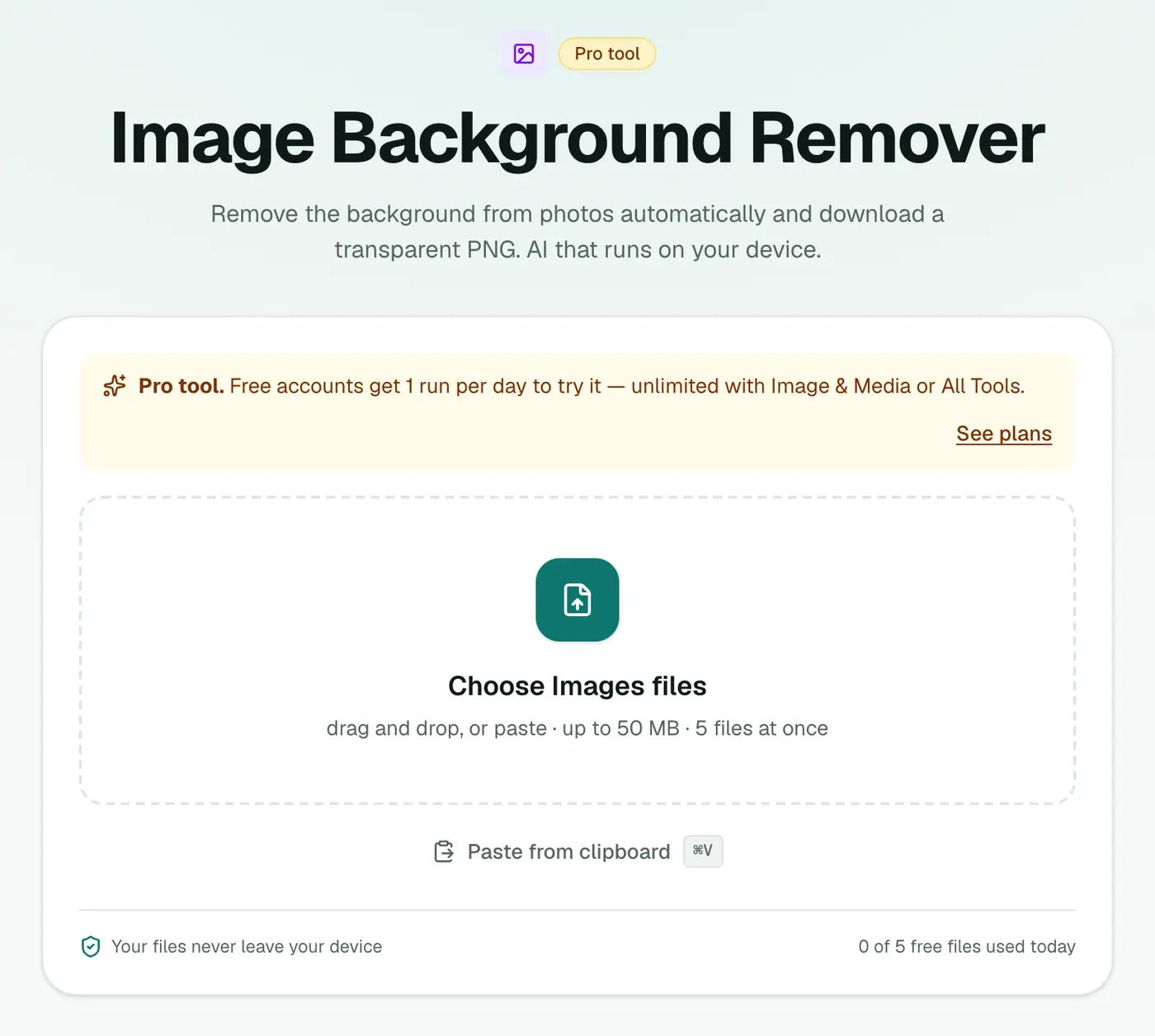
2. Add your photos
Drop in JPG, PNG or WebP images. Several at once is fine.
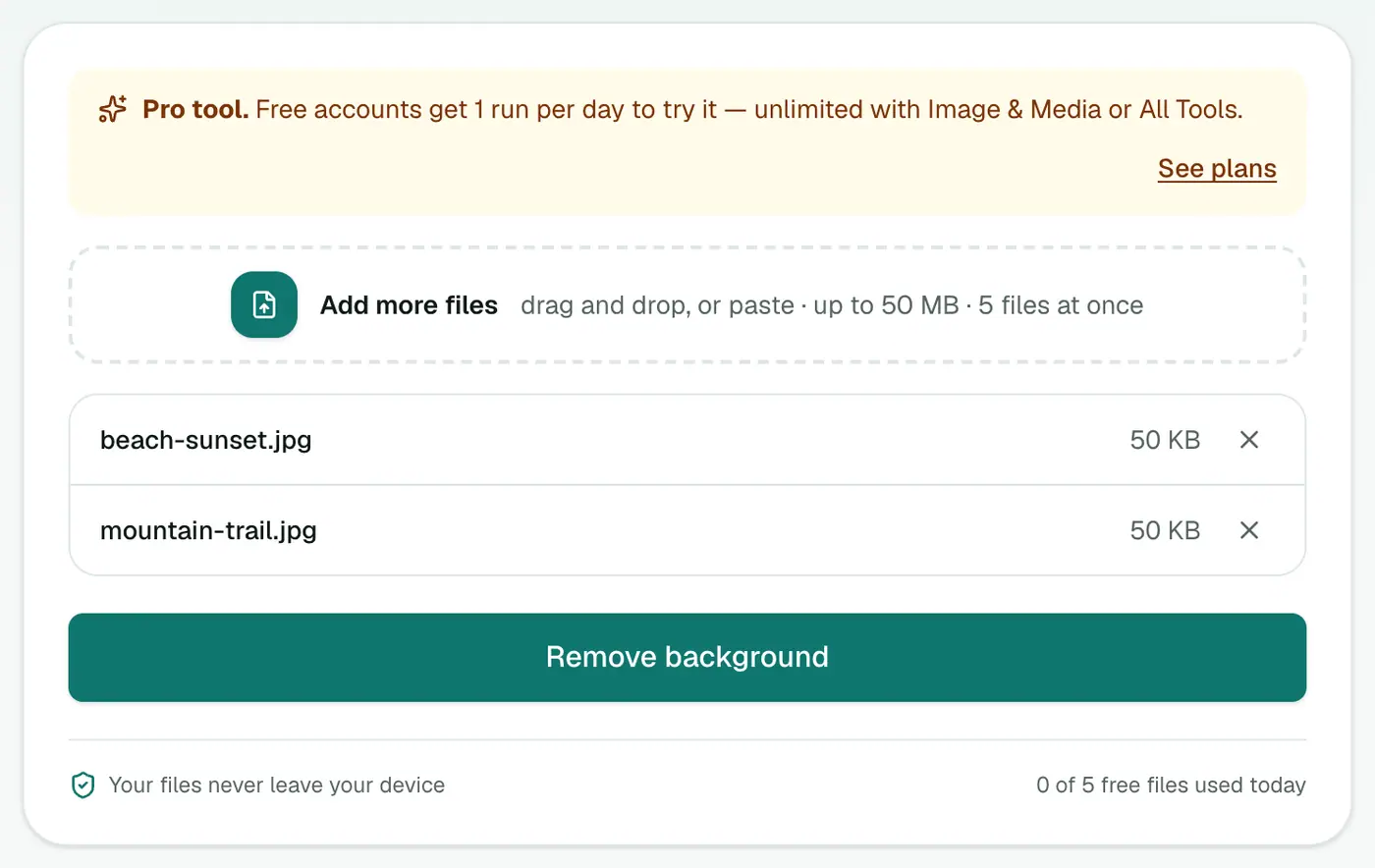
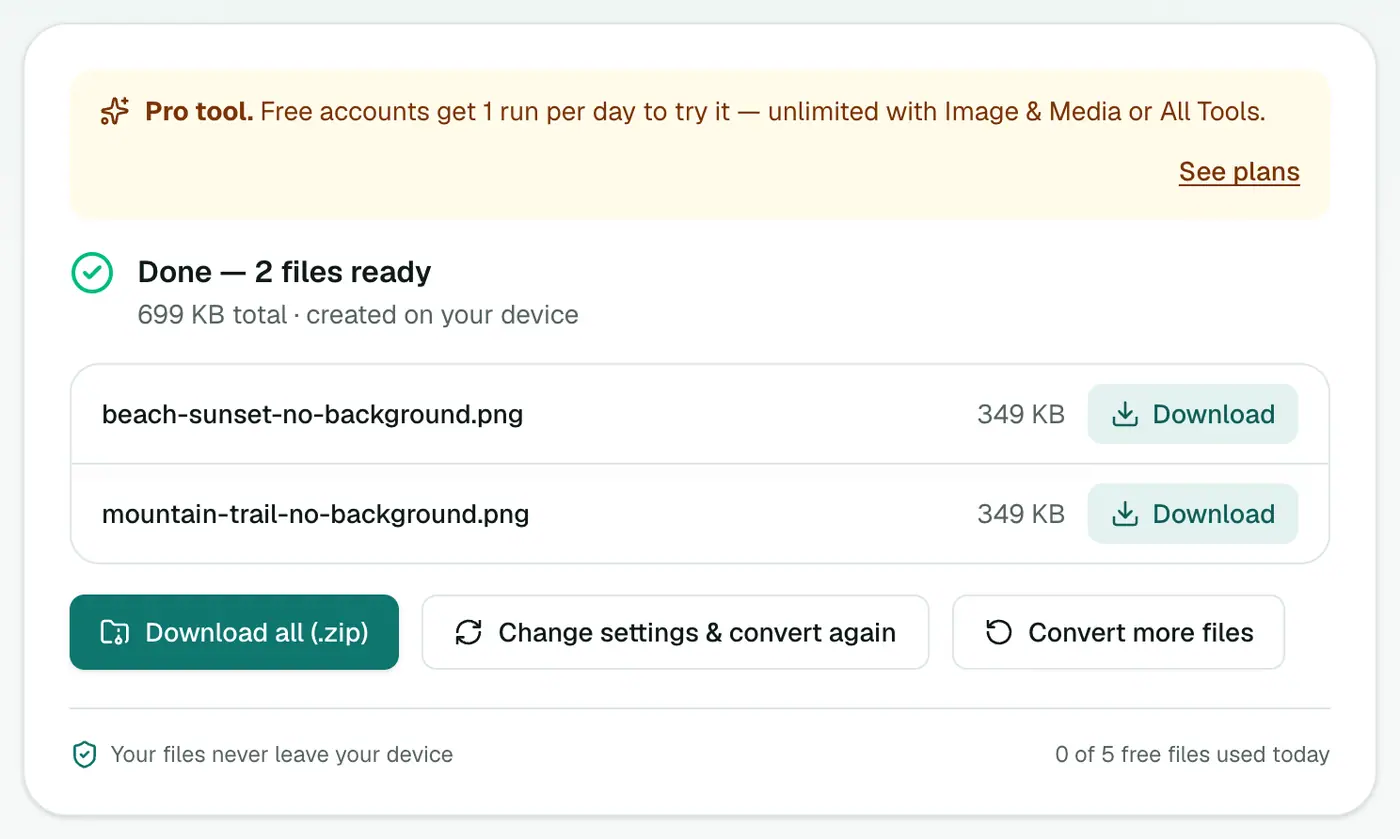
3. Remove the background and download
Click the button and wait. The first run downloads the AI model, which takes a moment. You'll get transparent PNGs back.
Tips for cleaner cut-outs
- Contrast helps. A dark product on a light table cuts out better than a white mug on a white counter.
- Keep the subject whole in the frame. Cropped edges confuse the model.
- Hair and fur are the hardest part. Shoot against a plain background for the best edges.
- Zoom in and check edges before using the image for print. For a perfect result on a hero image, touch up the edges in an editor.
Putting it on a new background
The PNG is transparent, so:
- In PowerPoint or Google Slides, insert it on any slide color.
- In Canva, drop it onto a template.
- For a plain white background (marketplace style), place it on white and export as JPG. Or run it through PNG to JPG, which fills transparent areas with white automatically.
Other options
- iPhone and Mac: long-press the subject in a photo (iOS 16+) or right-click in Preview to "Copy Subject". That's fantastic for one-off photos.
- Canva and Photoshop have background removal built in, but they upload or need a subscription.
What makes a good source photo
| Works well | Struggles |
|---|---|
| One clear subject | Groups of overlapping objects |
| Contrast between subject and background | Subject the same colour as the background |
| Sharp focus | Motion blur |
| Even lighting | Strong shadows merging into the background |
| Hair against a plain wall | Fine hair against busy foliage |
Marketplace and profile photo checklist
- Amazon and many marketplaces want a pure white background. Put the cut-out on white in any editor.
- LinkedIn and ID-style photos: a soft grey or blue background looks professional.
- Keep the PNG as your master. Save JPG copies for places that don't accept transparency.
Summary
For quick, private cut-outs, especially a batch of product photos, the background remover gets you transparent PNGs in seconds without uploading anything.
FAQs
What kind of photos work best?
A clear main subject against a background that looks different from it. Product shots on a table, portraits against a wall and pets on a lawn all work well.
What format is the result?
A PNG with a transparent background, ready to place on any color or design.
Why is the first run slow?
The AI model downloads to your browser the first time. After that it's cached and much faster.
Is my photo uploaded?
No. The model runs inside your browser, so the photo never leaves your device.
Is it free?
It's a Pro tool. Free accounts can try it once a day.
Can I remove the background from many photos at once?
Yes. Add several photos and download all the cut-outs. How many at once depends on your plan.
Does it work on logos and graphics?
It's trained mainly on photos of people, products and animals. Simple logos on a plain background often work, but a vector editor gives cleaner edges for graphics.
Try the Image Background Remover
Free to start, no install, and your files never leave your device.