Email2 min read
How to Extract Text From an Outlook for Mac OLM File
Get every email in an .olm archive as plain text with headers, in one searchable file. No Outlook for Mac needed, nothing uploaded.
By the ZapMorph team
On this page
Just want it done?
Open the OLM to Text Converter — it runs in your browser and nothing is uploaded.
Searching an OLM archive normally means reinstalling Outlook for Mac. Plain text gets rid of that problem: one file that any editor, any operating system and any search tool can read.
It's the most practical format when you want to find something rather than look at it. Think of an old invoice number, a contract date, or what someone actually agreed to in 2019.
What you get
One .txt file for the whole archive. Each email looks like this:
From: Priya Shah <priya@example.com>
To: Sam Lee <sam@example.com>
Date: Friday, March 12, 2021 at 9:14 AM
Subject: Revised quote
Attachments: quote-v2.pdf (84 KB)

Hi Sam, attached is the revised quote…
Emails are separated by a line of = characters, so it's easy to see where one ends and the next begins.
How to convert OLM to text with ZapMorph
1. Open the converter
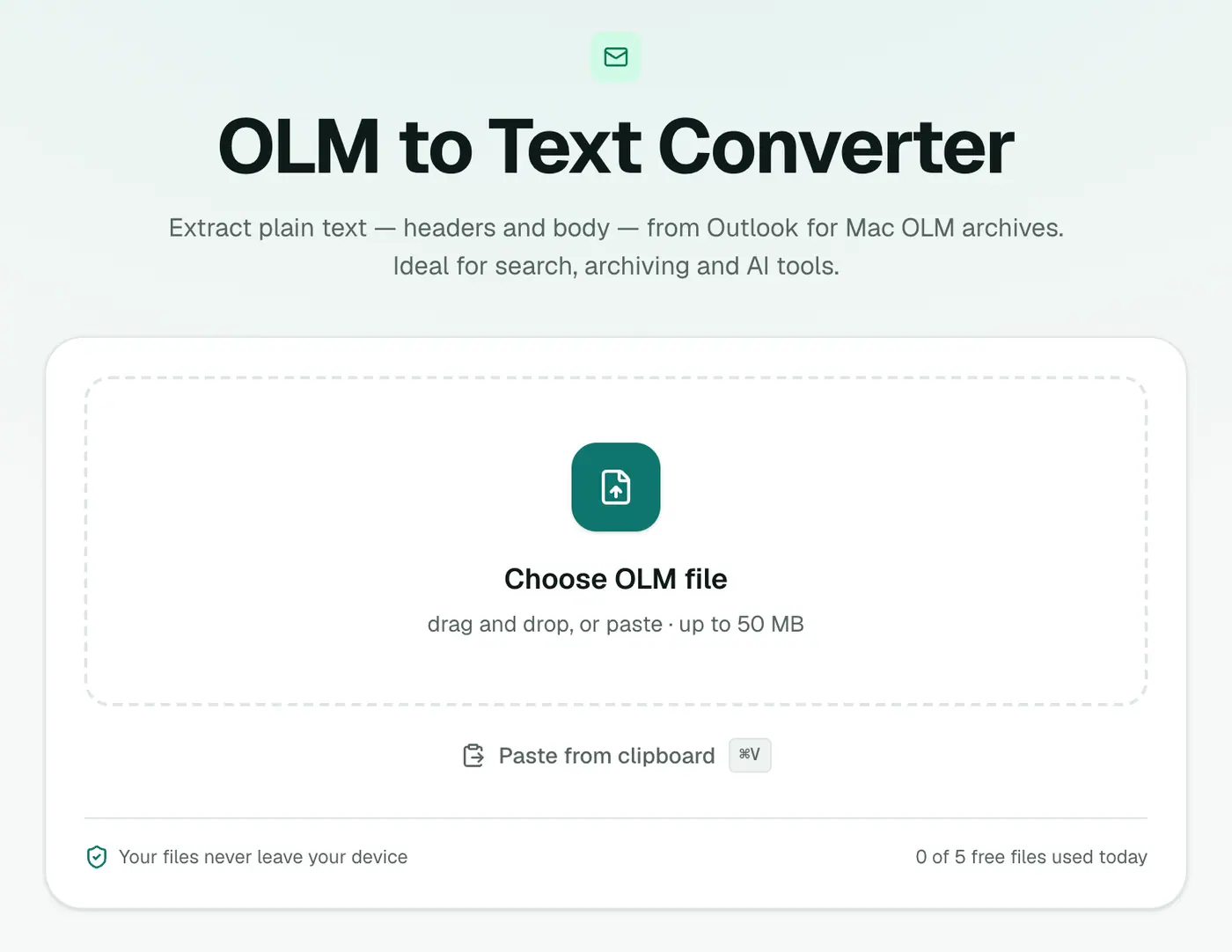
Go to the OLM to Text converter. It works in any modern browser and there's nothing to install.
2. Add the OLM
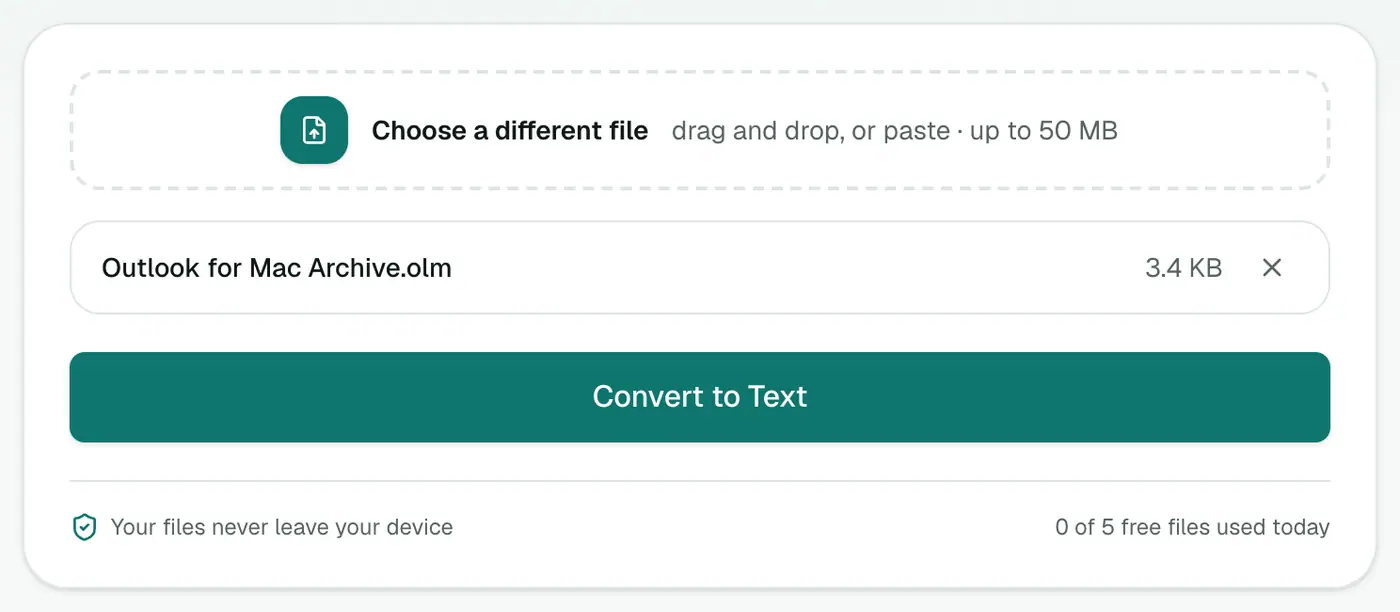
Drop in the .olm file. It's read on your device, so even a confidential archive never leaves your computer.
3. Convert and download
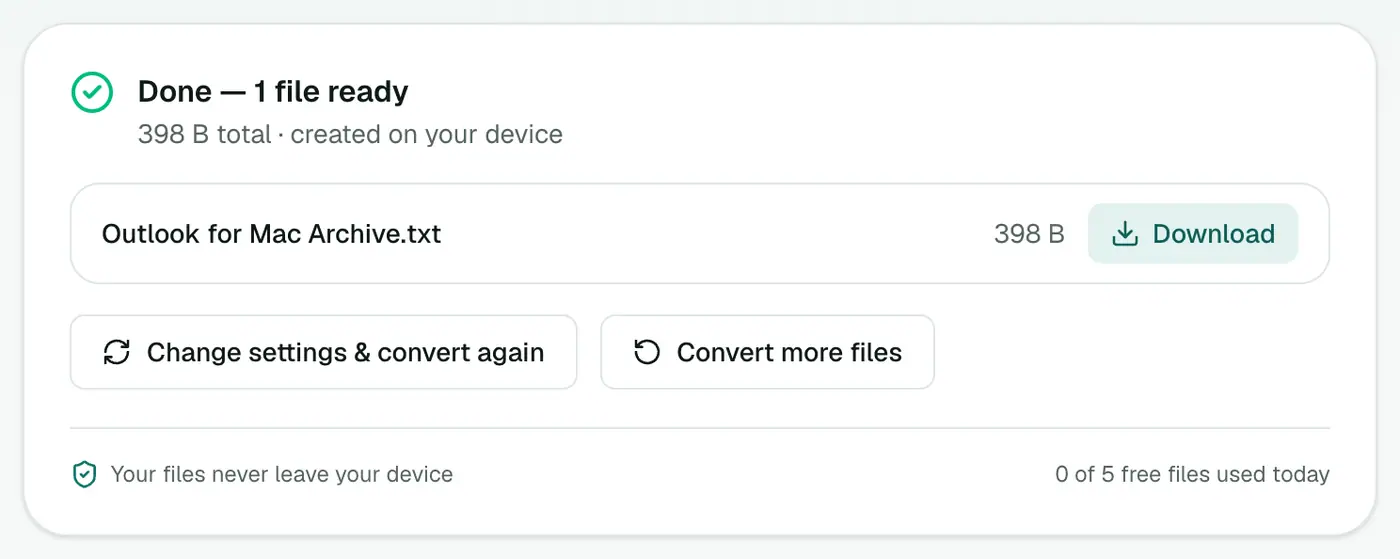
Click Convert to Text. Larger archives take a little longer, because every message has to be unpacked.
Searching the result
- Any editor: Ctrl+F / Cmd+F in Notepad, TextEdit or VS Code.
- Across many files: VS Code's Search panel or
grep -i "invoice" archive.txtin a terminal. - AI tools: paste sections into an AI assistant and ask it to summarise a thread or pull out dates and amounts.
Why plain text?
| Need | Best format |
|---|---|
| Search, quote or feed to AI | Text |
| Read with the original formatting | OLM to HTML |
| Filter by sender or date in Excel | OLM to CSV |
| Process with a script | OLM to JSON |
| Keep as a formal record | OLM to PDF |
Don't have the OLM yet?
In Outlook for Mac, choose Tools → Export (or File → Export in older versions). Untick everything except Mail to keep the file smaller, then save. If Export isn't there in the new Outlook, switch back to Legacy Outlook from the Outlook menu and try again.
Troubleshooting
"This isn't a valid Outlook for Mac archive." The file may be incomplete. OLM files are ZIP archives underneath, and a half-copied one won't open. Copy it again from the original drive.
Some emails look empty. A few messages only contain an attachment or an image, with no text at all. Their headers still appear.
The archive is very large. The whole archive is read in your browser, so multi-gigabyte exports can be slow. Exporting only Mail, without calendar and contacts, helps.
Summary
The OLM to Text converter turns an Outlook for Mac archive into one plain, searchable file, privately and without Outlook.
FAQs
What's included?
From, To, Cc, Date, Subject, attachment names and the body of each email, separated by a line of = characters.
Are HTML emails readable?
Yes. Emails that only have an HTML version are converted to clean text, without tags or styling code.
Are attachments included in the text file?
Their names and sizes are listed under each email, but the files themselves aren't. Use OLM to EML or the OLM viewer to get the attachments.
Do I need Outlook for Mac installed?
No. The archive is read directly in your browser, on Windows, Mac, Linux or a Chromebook.
Is my archive uploaded?
No. The OLM is opened on your own device and the text file is created there. Nothing is sent to a server.
Can I use the text with ChatGPT, Claude or other AI tools?
Yes. Plain text is the easiest format for AI tools to read. For large archives, split the file or ask about one period at a time, as most tools have an input size limit.
Try the OLM to Text Converter
Free to start, no install, and your files never leave your device.