Email2 min read
How to Move Outlook for Mac Mail to Apple Mail (OLM to MBOX)
Convert an Outlook for Mac .olm archive into an MBOX mailbox and import it into Apple Mail or Thunderbird in one step. Attachments kept, nothing uploaded.
By the ZapMorph team
On this page
Just want it done?
Open the OLM to MBOX Converter — it runs in your browser and nothing is uploaded.
Leaving Outlook for Mac for Apple Mail, the app already on your Mac? It's a common move once a Microsoft 365 subscription ends. Apple Mail can't read OLM, but it imports MBOX happily, and so do Thunderbird and most other desktop mail apps.
What is MBOX?
MBOX is the oldest and most widely supported mailbox format: every email in one long file, one after another. Apple Mail, Thunderbird, Gmail's Takeout export and many archive tools all use it. That makes it a safe long-term home for old mail.
How to convert OLM to MBOX with ZapMorph
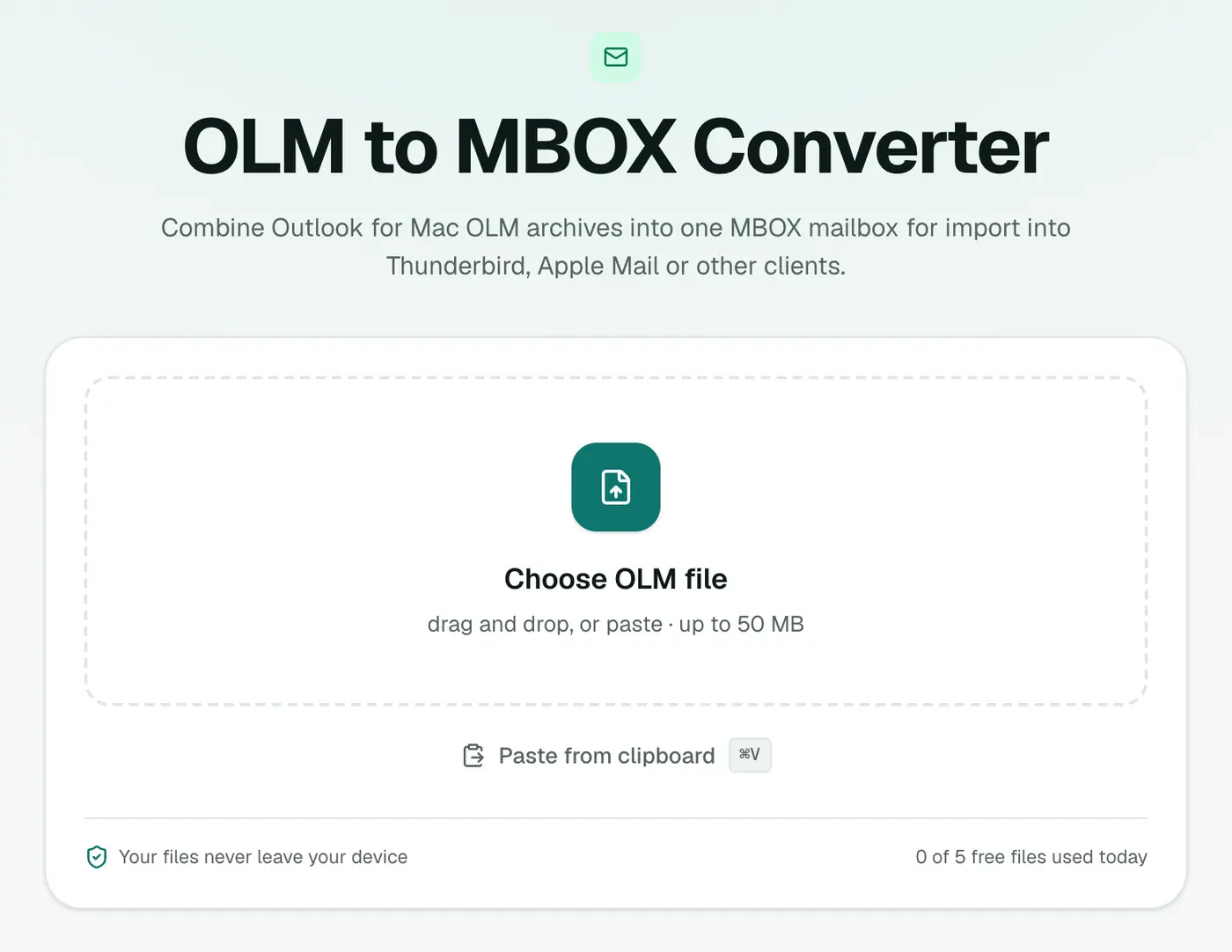
1. Open the converter
Go to the OLM to MBOX converter.
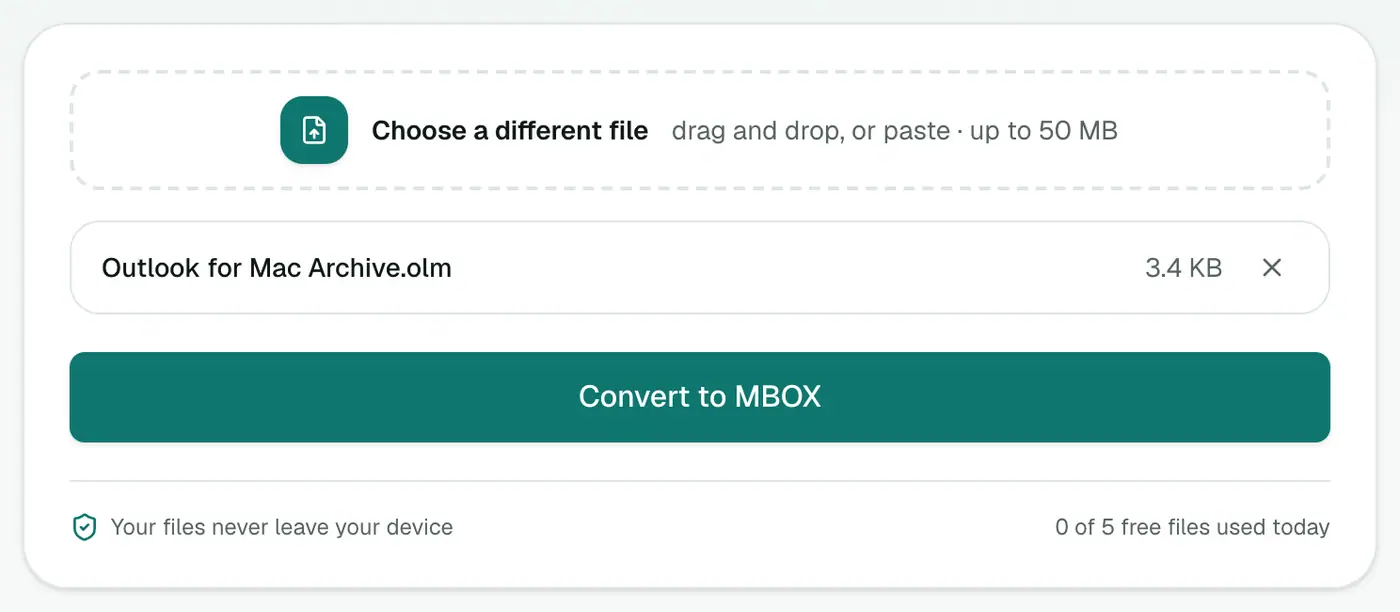
2. Add the OLM
Drop in the .olm file. It's processed on your Mac, not uploaded.
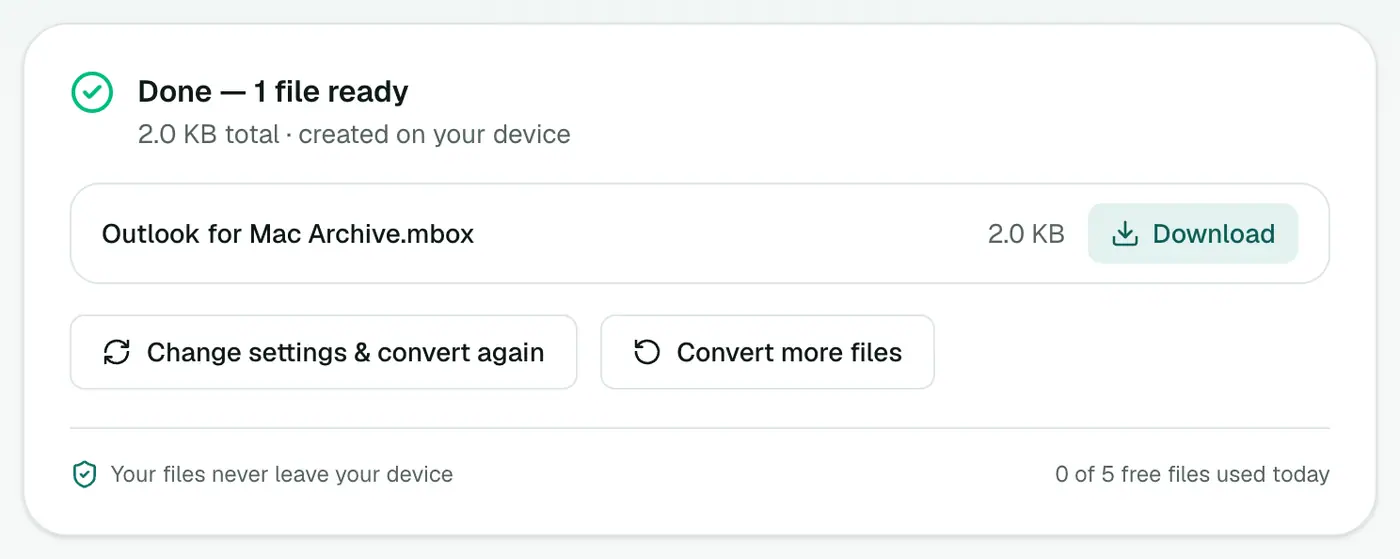
3. Convert and download
Click Convert to MBOX.
Importing into Apple Mail
- Open Apple Mail.
- File → Import Mailboxes.
- Choose Files in mbox format and select the file.
- Your emails appear under On My Mac → Import. Drag them into whichever mailboxes you like.
Want them in iCloud, not just this Mac? Drag the imported messages into an iCloud mailbox. They'll sync to your iPhone and iPad.
Importing into Thunderbird
Install the free ImportExportTools NG add-on, right-click Local Folders, then choose ImportExportTools NG → Import mbox file.
Before you start: export from Outlook for Mac
If you still have Outlook for Mac, create the OLM with Tools → Export (or File → Export in older versions). Tick Mail. While you're there, also export:
- Contacts: select them all in People and drag them to the desktop to get vCards, which the Contacts app imports.
- Calendar: the calendar items in an OLM can't be read by Apple Calendar, so subscribe to or export your Microsoft 365 calendar as
.icswhile you still have access.
Troubleshooting
Apple Mail says the mailbox is empty. Make sure you chose Files in mbox format, not Apple Mail, in the import window.
Dates look wrong. Apple Mail sorts by the date in each email's header. Check the Date Received column. Old emails keep their original dates.
The OLM is enormous. The whole archive is read in your browser. Export only Mail, or close other tabs, to keep things quick.
Summary
The OLM to MBOX converter is the shortest route from Outlook for Mac to Apple Mail or Thunderbird, with every email and attachment intact.
FAQs
How do I import the MBOX into Apple Mail?
File → Import Mailboxes → Files in mbox format, then choose the file.
Can Apple Mail import OLM directly?
No. Apple Mail understands MBOX, not OLM, which is why converting is needed.
What about contacts and calendar in the OLM?
This converter handles the emails. Export contacts and calendar separately from Outlook for Mac if you still have it: contacts as vCards, calendar as .ics.
Are folders kept?
All emails go into one mailbox. Once imported, you can sort them into mailboxes with Apple Mail's search and drag and drop.
Are attachments kept?
Yes. Every email keeps its attachments and inline images.
Can I use the MBOX with Gmail?
Gmail doesn't import MBOX directly. Import it into Apple Mail or Thunderbird with your Gmail account added, then drag the emails into a Gmail label.
Try the OLM to MBOX Converter
Free to start, no install, and your files never leave your device.