Email2 min read
How to Convert OLM to EML (Outlook for Mac to Any Mail App)
Split an Outlook for Mac .olm archive into standard .eml files, one per email with attachments, that open in Apple Mail, Thunderbird or Outlook for Windows.
By the ZapMorph team
On this page
Just want it done?
Open the OLM to EML Converter — it runs in your browser and nothing is uploaded.
Moving from Outlook for Mac to Outlook for Windows is surprisingly awkward, since Windows can't read OLM. EML files bridge the gap: each email becomes a standard file that almost every mail app on every platform can open.
What is EML?
EML is the plain, standard format for a single email. It's the message exactly as mail servers send it: headers, body and attachments in one file. Because it isn't tied to any one app, it's the most portable way to keep individual emails.
Choose EML when you want to:
- Open, forward or reply to particular emails in a different mail app.
- Keep evidence as individual files, one email per file.
- Drag selected emails into Outlook for Windows.
- Store emails in a folder structure on disk or in cloud storage.
How to convert OLM to EML with ZapMorph
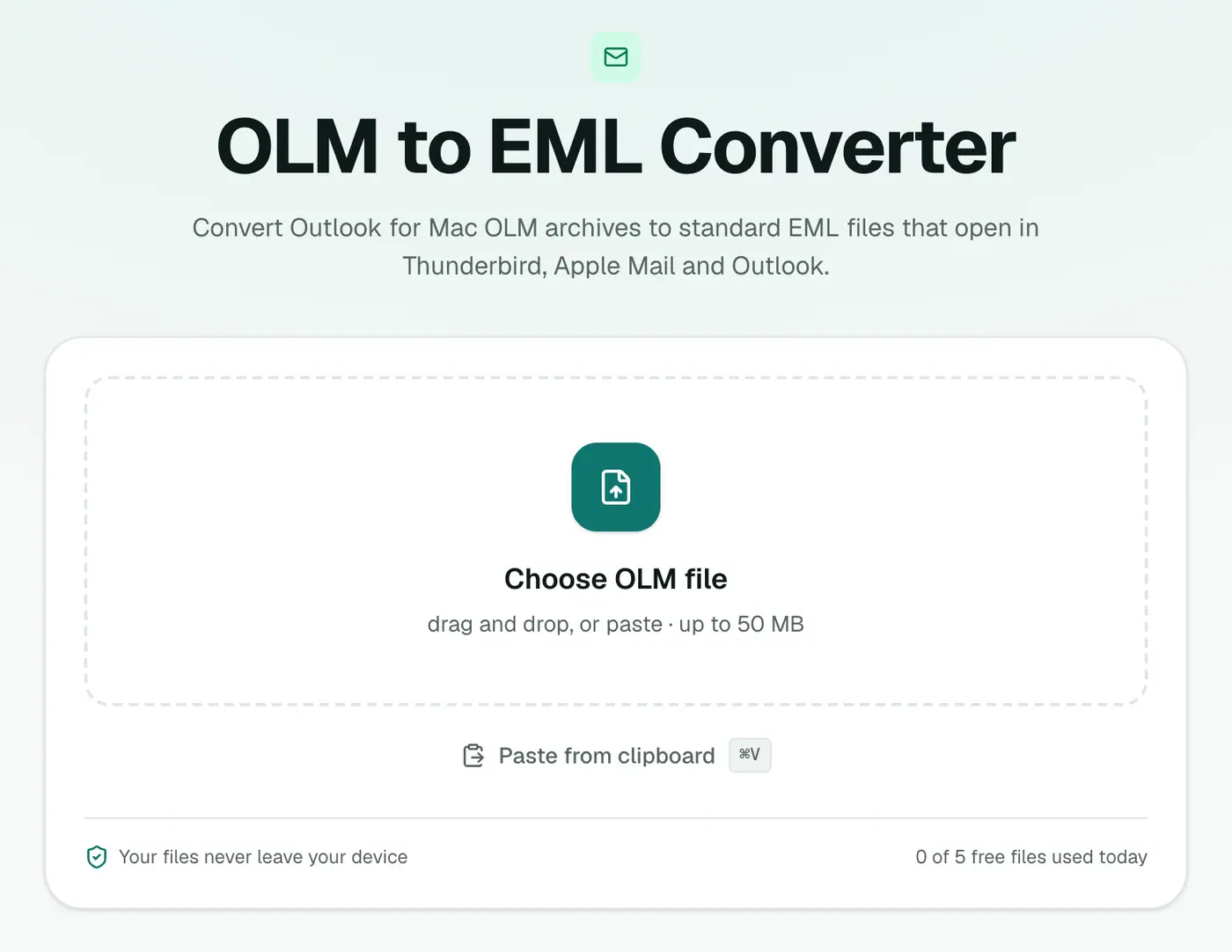
1. Open the converter
Go to the OLM to EML converter.
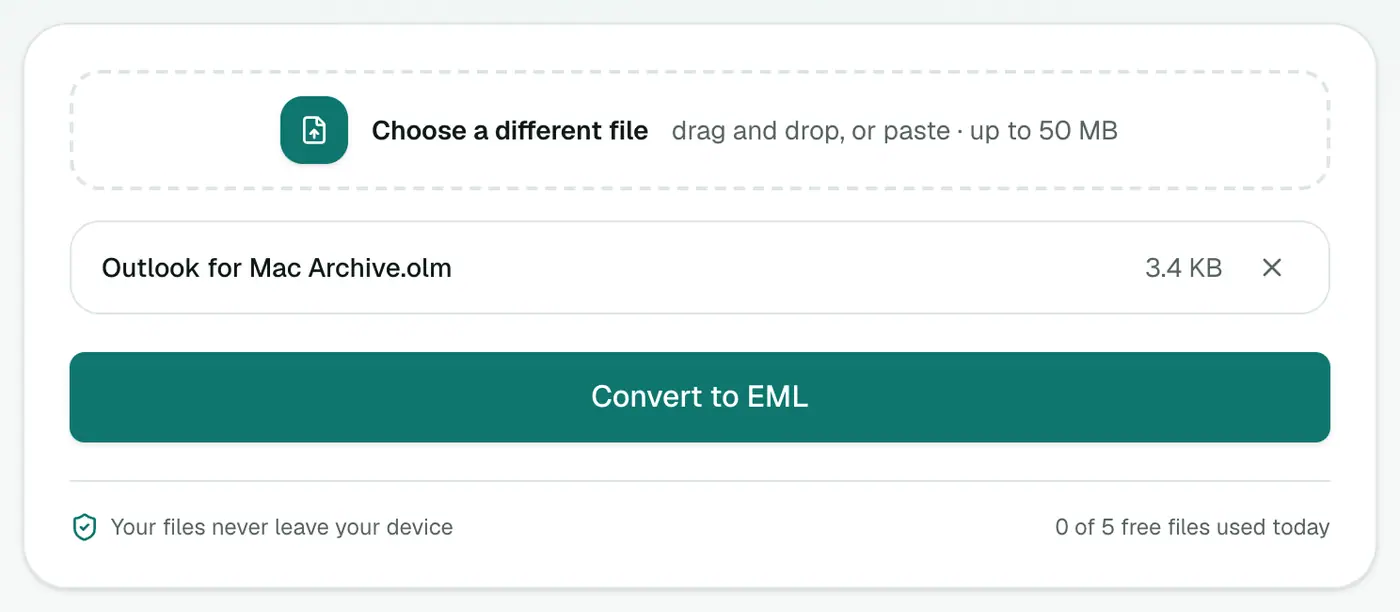
2. Add the OLM
Drop in the .olm file. It stays on your computer.
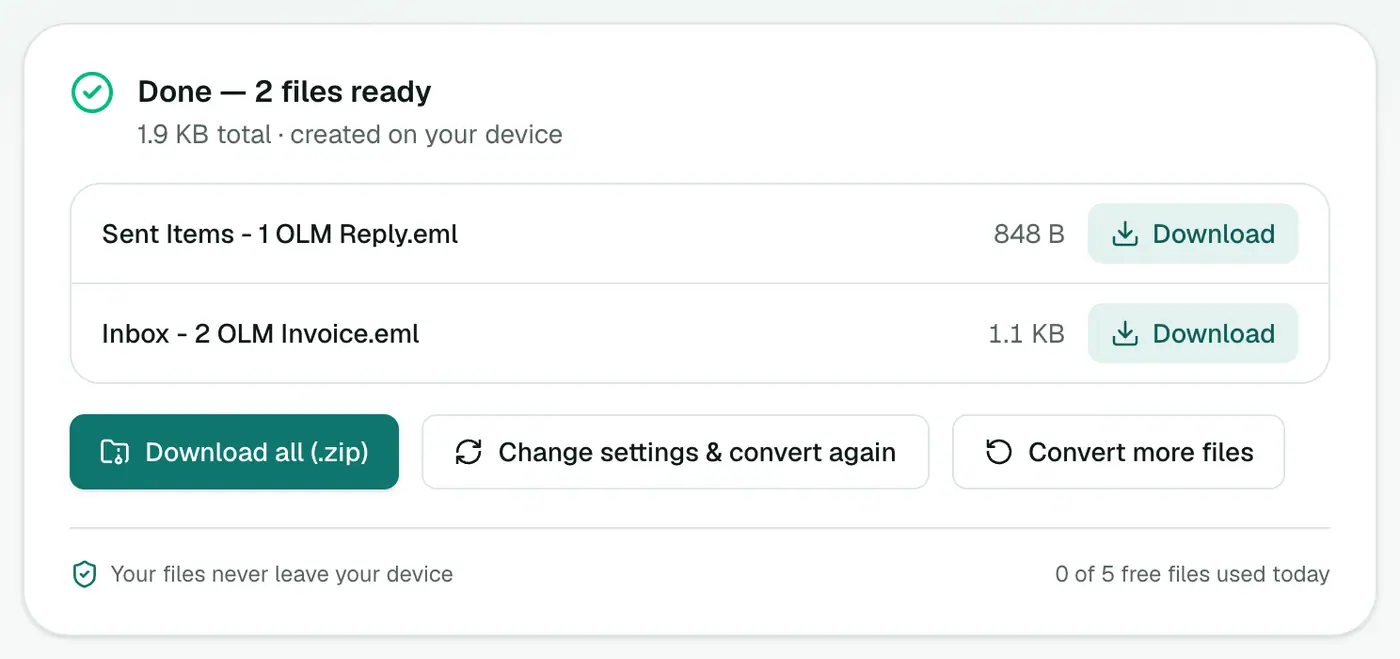
3. Convert and download
Click Convert to EML, then Download all for a ZIP.
Getting them into your mail app
Outlook for Windows (classic)
Unzip the files, create a folder in Outlook, then select the EML files in File Explorer and drag them onto it. Do it in batches of a few hundred if Outlook gets slow.
Apple Mail
Double-click an EML to open it. To import many at once, it's easier to use OLM to MBOX and File → Import Mailboxes.
Thunderbird
Drag EML files from your file manager into a Thunderbird folder. For thousands of emails, importing an MBOX (OLM to MBOX) is easier to manage.
EML or MBOX?
| EML | MBOX | |
|---|---|---|
| Files | One per email | One for everything |
| Best for | Selected emails, evidence, file storage | Moving a whole mailbox |
| Apple Mail import | One at a time | Built-in import |
| Outlook for Windows | Drag and drop | Not supported |
Troubleshooting
Windows opens EML in the wrong app. Right-click an EML, choose Open with → Choose another app, pick Outlook and tick Always.
The ZIP is huge. Attachments are included in full. If you only need the text, OLM to PDF or OLM to Text is much smaller.
"No emails were found." The OLM contains no mail. Re-export from Outlook for Mac with Mail ticked.
Summary
The OLM to EML converter turns an Outlook for Mac archive into standard emails that open on any platform, attachments and all.
FAQs
Will the EML files open in Outlook for Windows?
Yes. EML is a standard format, so classic Outlook for Windows, Apple Mail and Thunderbird all open it.
How are they named?
By folder, a sequence number and the subject, for example 'Inbox - 0042 Revised quote.eml', so they sort neatly.
Are attachments kept?
Yes. Each email keeps its attachments, and inline images stay inside the message.
How do I download thousands of files?
Click Download all to get every EML in one ZIP, then unzip it.
Is the archive uploaded?
No. The OLM is unpacked and the EML files are built in your browser.
Can I convert EML back to PST?
Not with this tool. To get emails into Outlook for Windows, drag the EML files into a folder, or import them through Thunderbird.
Try the OLM to EML Converter
Free to start, no install, and your files never leave your device.