Email2 min read
How to Convert OLM to JSON
Parse an Outlook for Mac .olm archive into a JSON array of emails with folder, headers, recipients, bodies and attachment details. No parser to write.
By the ZapMorph team
On this page
Just want it done?
Open the OLM to JSON Converter — it runs in your browser and nothing is uploaded.
OLM files are ZIP archives full of Microsoft-specific XML, with one file per message, HTML that's often entity-encoded more than once, and addresses stored as attributes. Writing a parser is a weekend project you probably don't want. Converting to JSON gives you clean, structured data straight away.
What the JSON looks like
The output is one array, one object per email:
[
  {
    "folder": "Inbox/Clients",
    "subject": "Revised quote",
    "from": [{ "name": "Priya Shah", "address": "priya@example.com" }],
    "to": [{ "name": "Sam Lee", "address": "sam@example.com" }],
    "cc": [],
    "date": "2021-03-12T09:14:00.000Z",
    "text": "Hi Sam, attached is the revised quote…",
    "html": "<p>Hi Sam, attached is the revised quote…</p>",
    "attachments": [{ "name": "quote-v2.pdf", "type": "application/pdf", "size": 86016 }]
  }
]
textis always filled in. If an email only has HTML, a clean text version is generated.htmlisnullfor plain-text emails.folderkeeps the Outlook folder path, so you can group or filter by it.
How to convert OLM to JSON with ZapMorph
1. Open the converter
Go to the OLM to JSON converter.
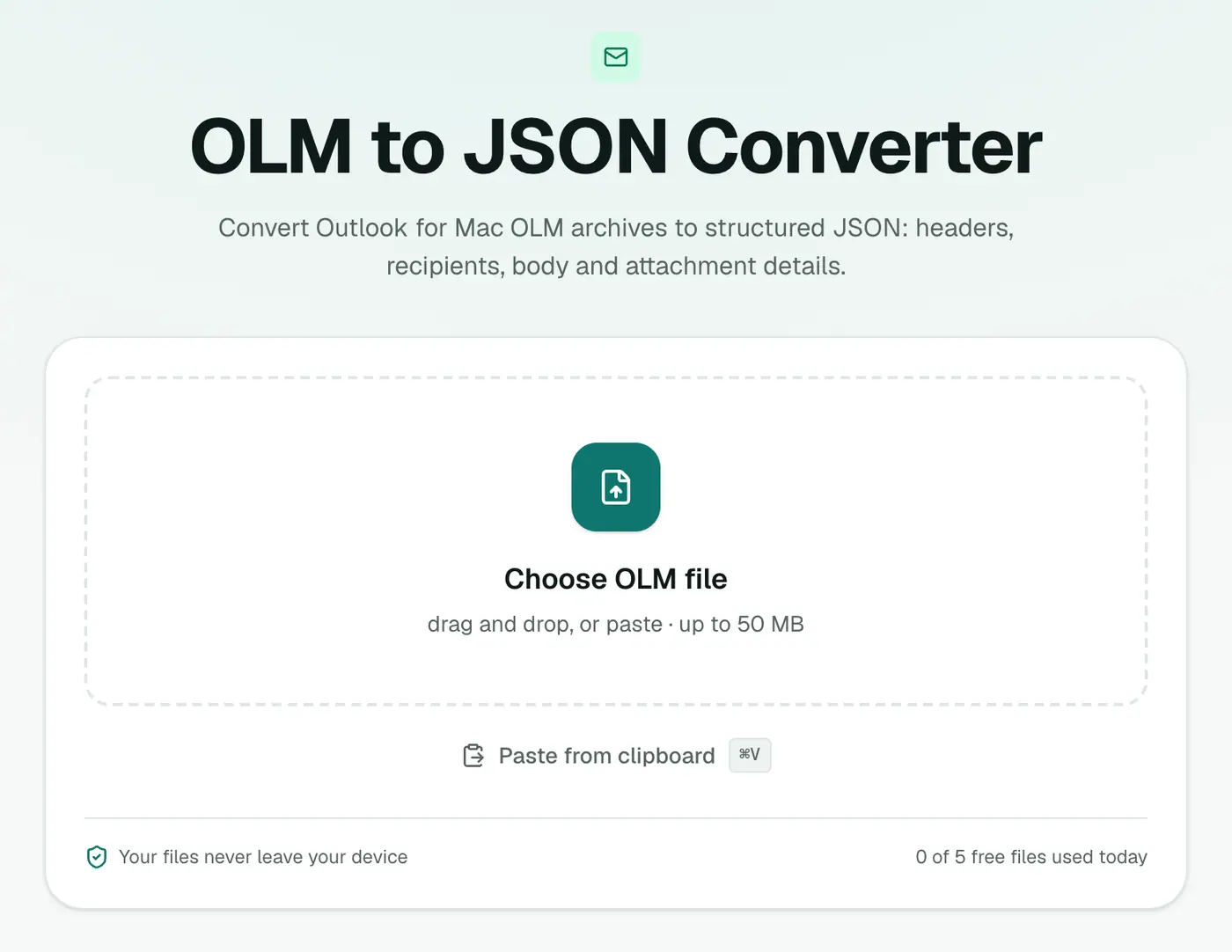
2. Add the OLM
Drop in the .olm file. It's processed locally, which matters if the archive contains client or employee data.
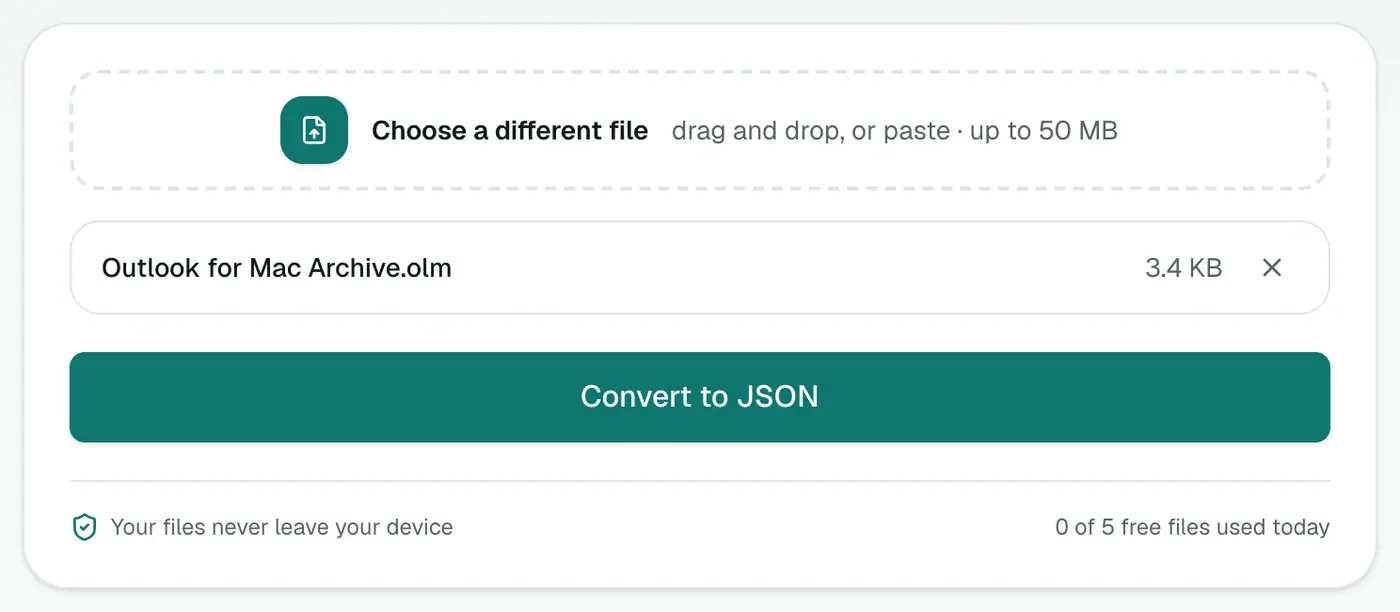
3. Convert and download
Click Convert to JSON.
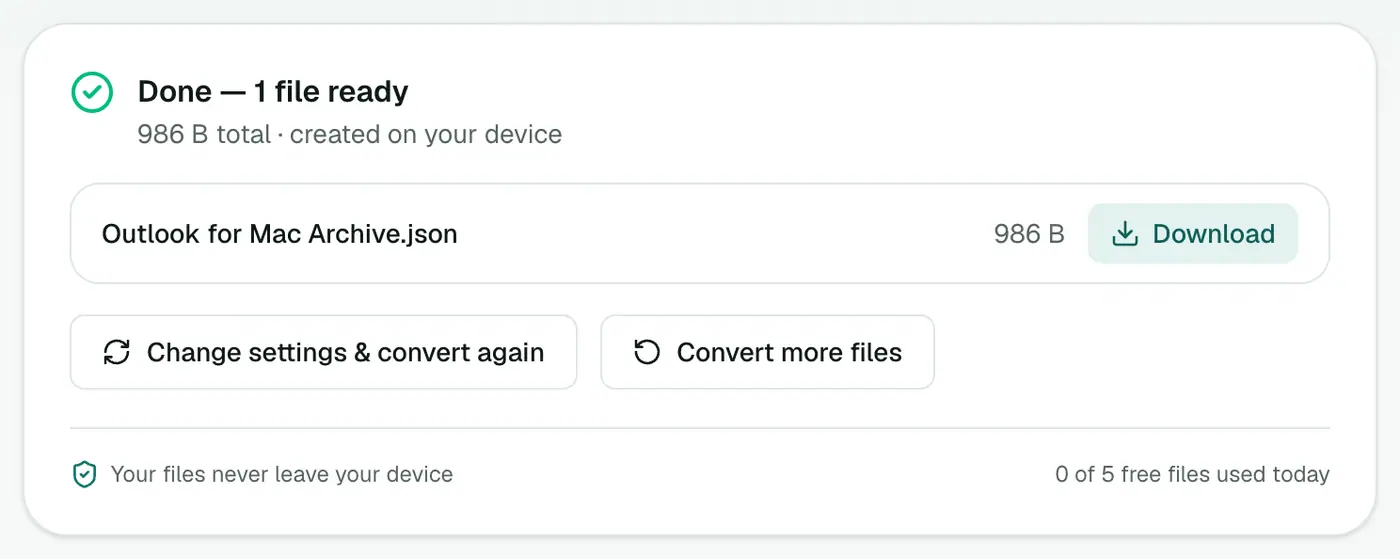
What people use it for
- E-discovery and audits: load every email into a script and filter by sender, date range or keyword.
- Analytics: count emails per correspondent or per month with a few lines of Python or JavaScript.
- Migration: push messages into a CRM, help desk or database through its API.
- AI and search: chunk the
textfield into a vector database for question-answering over an old mailbox.
A quick start in Python:
import json
from collections import Counter

emails = json.load(open("archive.json", encoding="utf-8"))
senders = Counter(e["from"][0]["address"] for e in emails if e["from"])
print(senders.most_common(10))
Tips
- Explore it first in the JSON viewer. Collapsible nodes make large files easy to skim.
- Need a spreadsheet instead? OLM to CSV gives one row per email.
- Big archive? Use a streaming parser (such as
ijsonin Python) rather than loading everything into memory at once.
Troubleshooting
"No emails were found." The export probably contains only contacts or calendar items. Re-export from Outlook for Mac with Mail ticked.
Some from arrays are empty. A few system messages and drafts have no sender recorded. Guard for it in your code, as the example above does.
Summary
The OLM to JSON converter skips the parsing work and gives you an Outlook for Mac archive as clean, structured JSON.
FAQs
What fields does each email have?
folder, subject, from, to, cc, date, text, html and attachments (name, type, size).
Is the OLM format documented?
Not publicly in detail. OLM is a ZIP-based archive with Microsoft's own XML layout. The converter handles it, so you don't have to.
What format are dates in?
ISO 8601 in UTC, for example 2021-03-12T09:14:00.000Z, which every language can parse.
Are attachment contents included?
No, only their name, MIME type and size in bytes, so the file stays a manageable size. Use OLM to EML if you need the files themselves.
Is the archive uploaded?
No. Parsing happens in your browser. Nothing is sent to a server.
Try the OLM to JSON Converter
Free to start, no install, and your files never leave your device.