Audio & video2 min read
How to Convert MP3 to WAV for Editing, CDs and Samplers
Convert MP3 to uncompressed WAV for audio editors, DJ software, samplers and CD burning. What it does (and doesn't) do to quality. Private, batch.
By the ZapMorph team
On this page
Just want it done?
Open the MP3 to WAV Converter — it runs in your browser and nothing is uploaded.
Some tools simply want WAV: older audio editors, hardware samplers, CD-burning software, some broadcast and radio systems, and certain transcription services. Converting your MP3 gets you a file they'll accept.
Be clear on what it does
Converting MP3 to WAV won't make it sound better. The detail MP3 discarded is gone. What it gives you is an uncompressed working copy, so further editing and saving won't stack up more compression loss.
How to convert MP3 to WAV with ZapMorph
1. Open the converter
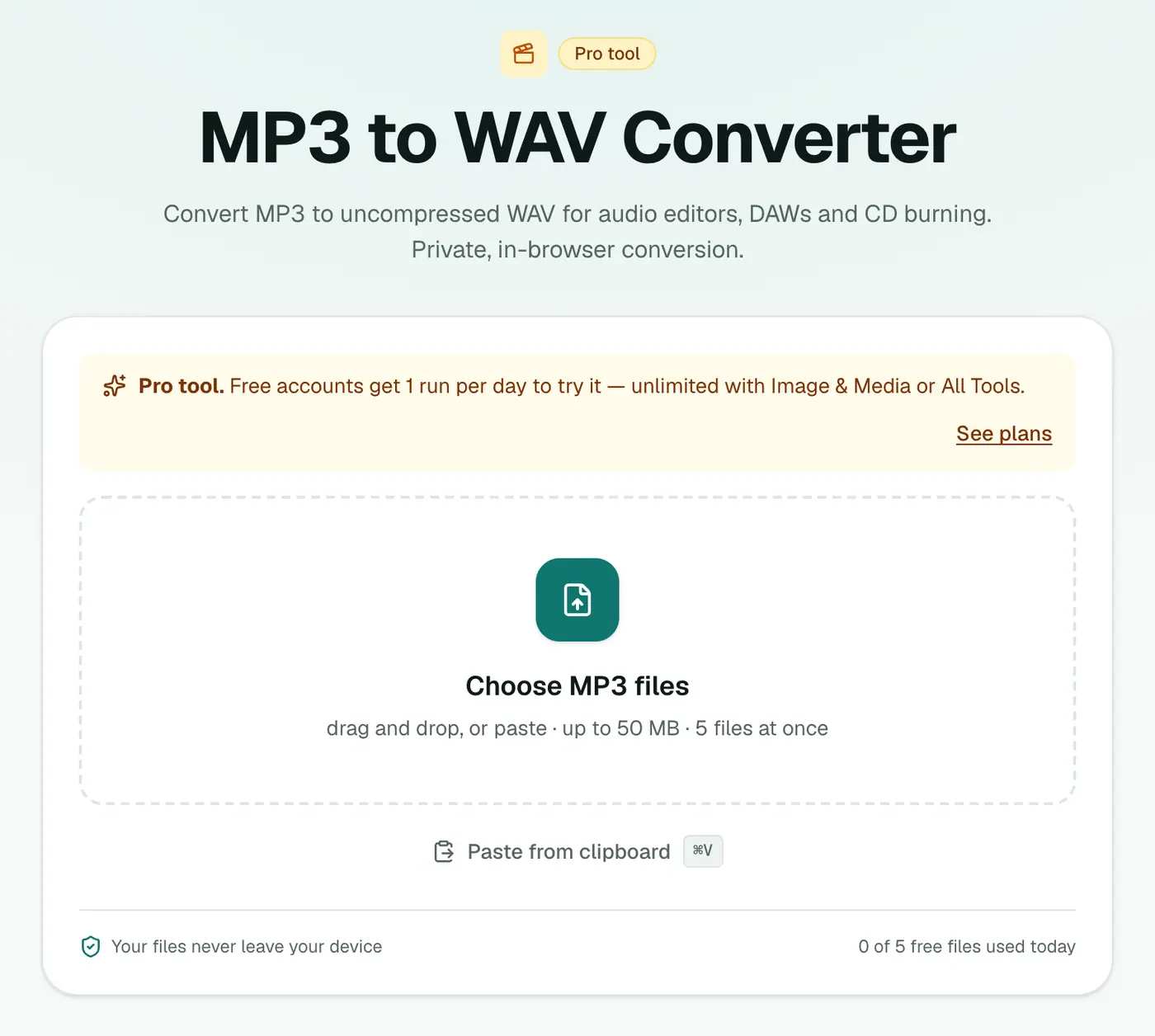
Go to the MP3 to WAV converter.
2. Add your MP3s
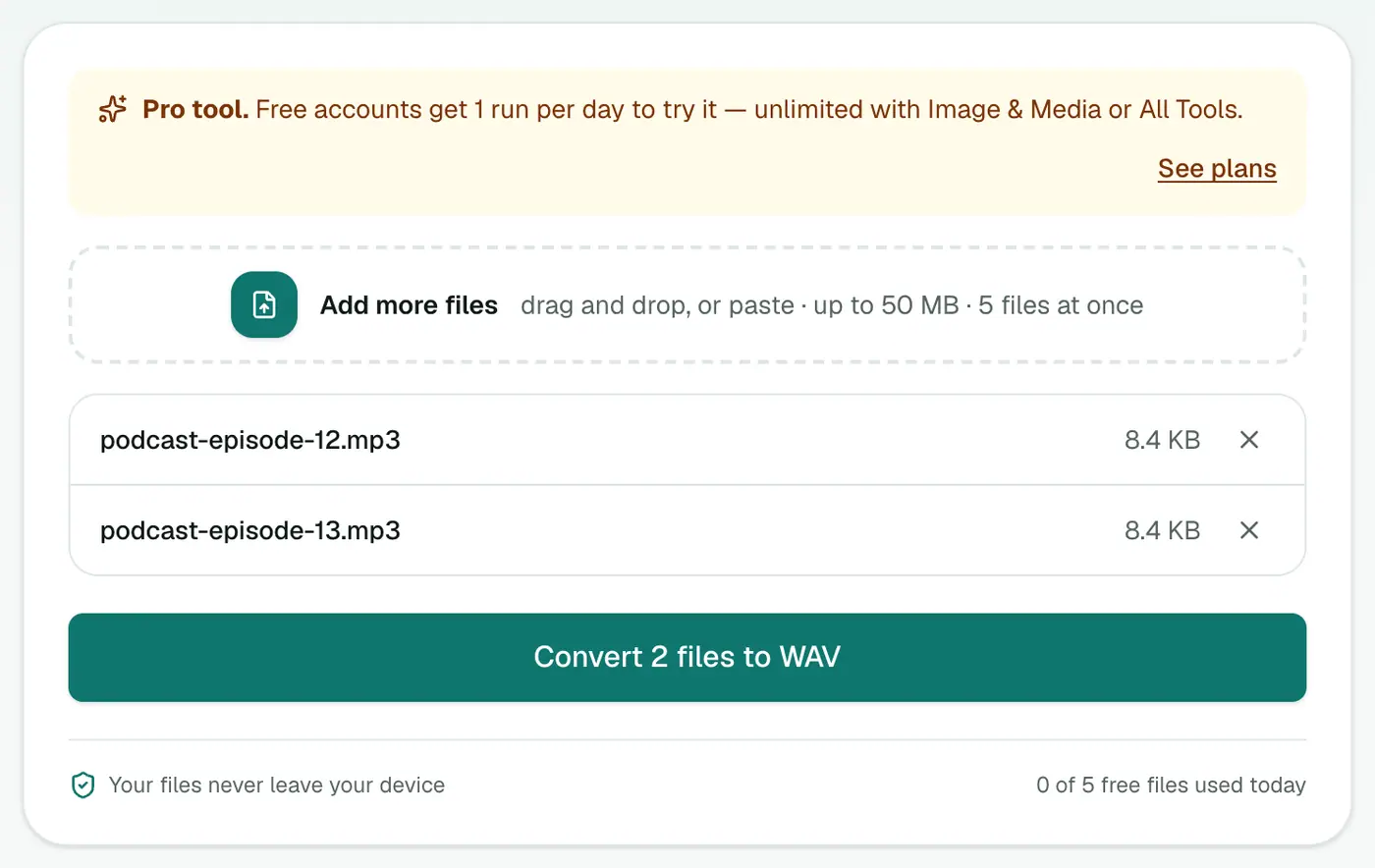
Drop in one or more .mp3 files.
3. Convert and download
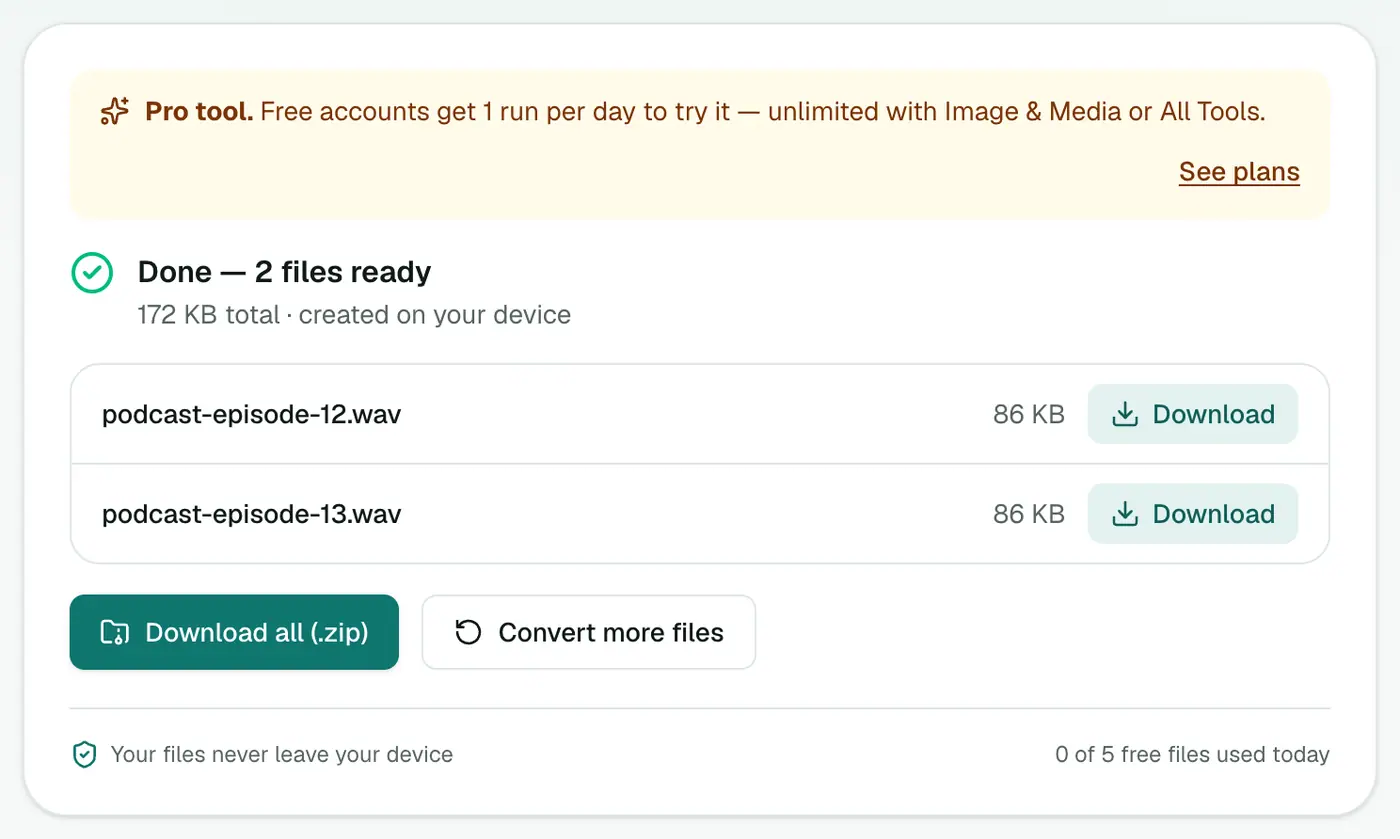
Click Convert to WAV.
Who needs WAV?
| Use | Why WAV |
|---|---|
| Hardware samplers and drum machines | Many only read WAV |
| CD burning | Audio CDs are built from WAV-style audio |
| Radio and broadcast playout | Station systems often require WAV |
| Older or simple audio editors | Fewer codecs supported |
| Some transcription and voice tools | WAV is the safest input |
| Video editors | Avoids audio sync drift with some MP3s |
Tips
- Editing in Audacity or a DAW? Most open MP3 directly, so you may not need to convert. Exporting the final mix as WAV is what matters.
- Want something smaller but still lossless? MP3 to FLAC.
- Sampler file limits: some samplers need mono or a specific sample rate. Check its manual and adjust in an editor afterwards.
- Burning a CD? An 80-minute CD holds about 700 MB of WAV audio. Plan your track list accordingly.
Size check
| MP3 length | MP3 (192 kbps) | WAV |
|---|---|---|
| 3 minutes | ~4 MB | ~30 MB |
| 1 hour | ~85 MB | ~600 MB |
Troubleshooting
The WAV has a gap at the start. Some MP3 encoders add a few milliseconds of silence. Trim it in an editor if your loops need to be sample-accurate.
Conversion is slow. Long MP3s take a moment, as everything happens on your device.
Summary
When a tool insists on WAV, the MP3 to WAV converter gives you an uncompressed copy without installing anything.
FAQs
Does converting MP3 to WAV improve quality?
No. It can't restore what MP3 compression removed. It gives you an uncompressed copy that won't lose any more quality when edited and re-saved.
Why is the WAV so much bigger?
WAV stores audio uncompressed, around 10 MB per minute for CD-quality stereo, compared with about 1–2 MB for MP3.
Is it free?
Yes, once a day: one file up to 25 MB with no account. A free account gets one Pro tool run a day, and paid plans are unlimited.
What WAV format is produced?
16-bit PCM at the MP3's sample rate (usually 44.1 kHz), the CD standard every app and device accepts.
Can I convert a whole folder?
Yes. Add several MP3s and download the WAVs together as a ZIP. How many at once depends on your plan.
Are my files uploaded?
No. They're converted in your browser.
Try the MP3 to WAV Converter
Free to start, no install, and your files never leave your device.