Audio & video2 min read
How to Extract Audio From a Video (MP4 to MP3)
Pull the soundtrack out of an MP4 video as an MP3: a lecture to listen to on a walk, a voice note from a video message, or music from your own clips. Private.
By the ZapMorph team
On this page
Just want it done?
Open the MP4 to MP3 Converter — it runs in your browser and nothing is uploaded.
You've got a recorded lecture, a webinar, a family video or a clip of your band rehearsing, and you only care about the sound. An MP3 is a fraction of the size, plays on anything, and you can listen to it with your phone in your pocket.
How to convert MP4 to MP3 with ZapMorph
1. Open the converter
Go to the MP4 to MP3 converter.
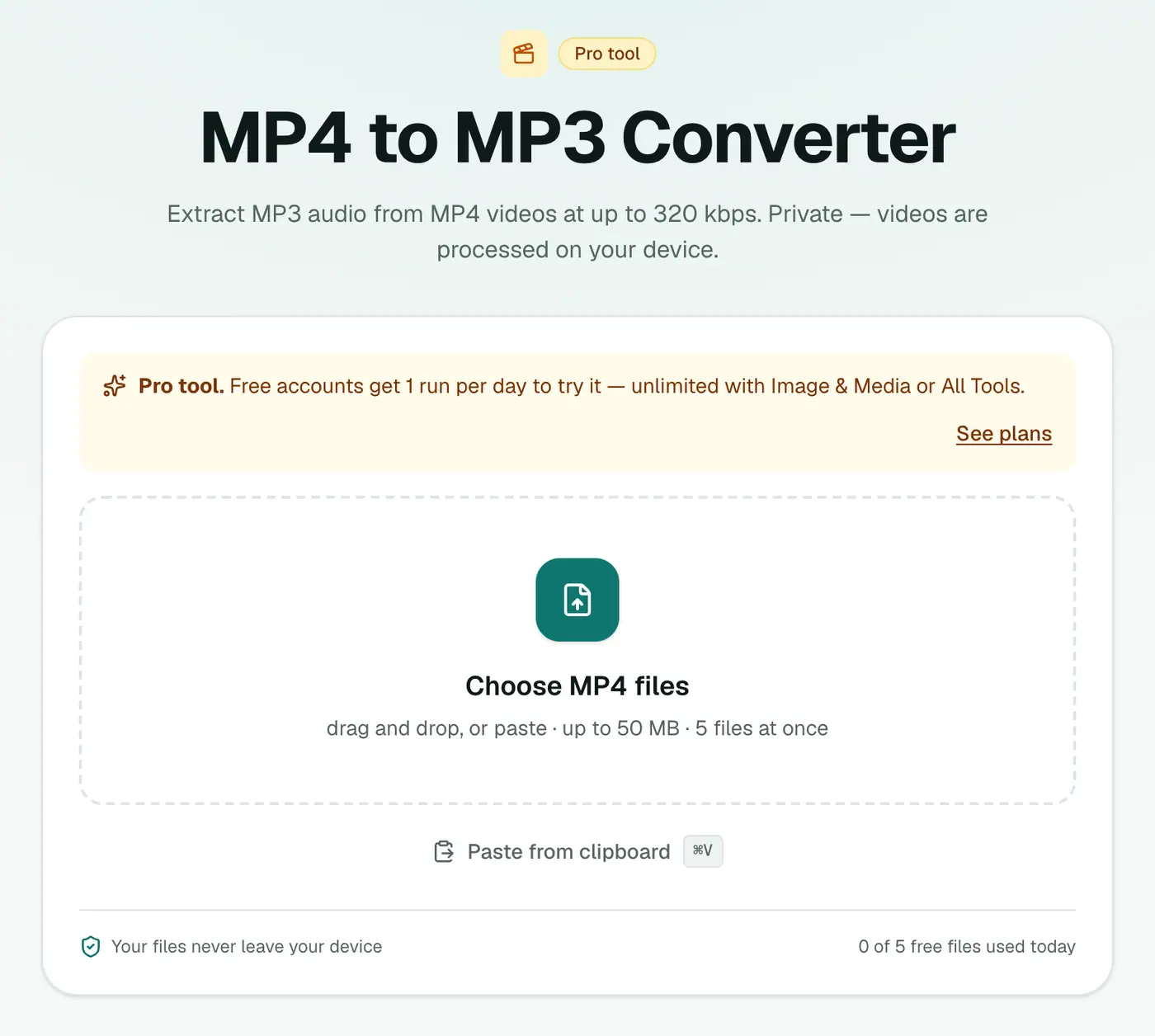
2. Add videos and pick a quality
- 128 kbps: smallest. Fine for talks, lectures and podcasts.
- 192 kbps: recommended. Sounds good for almost everything.
- 256 / 320 kbps: for music you care about.
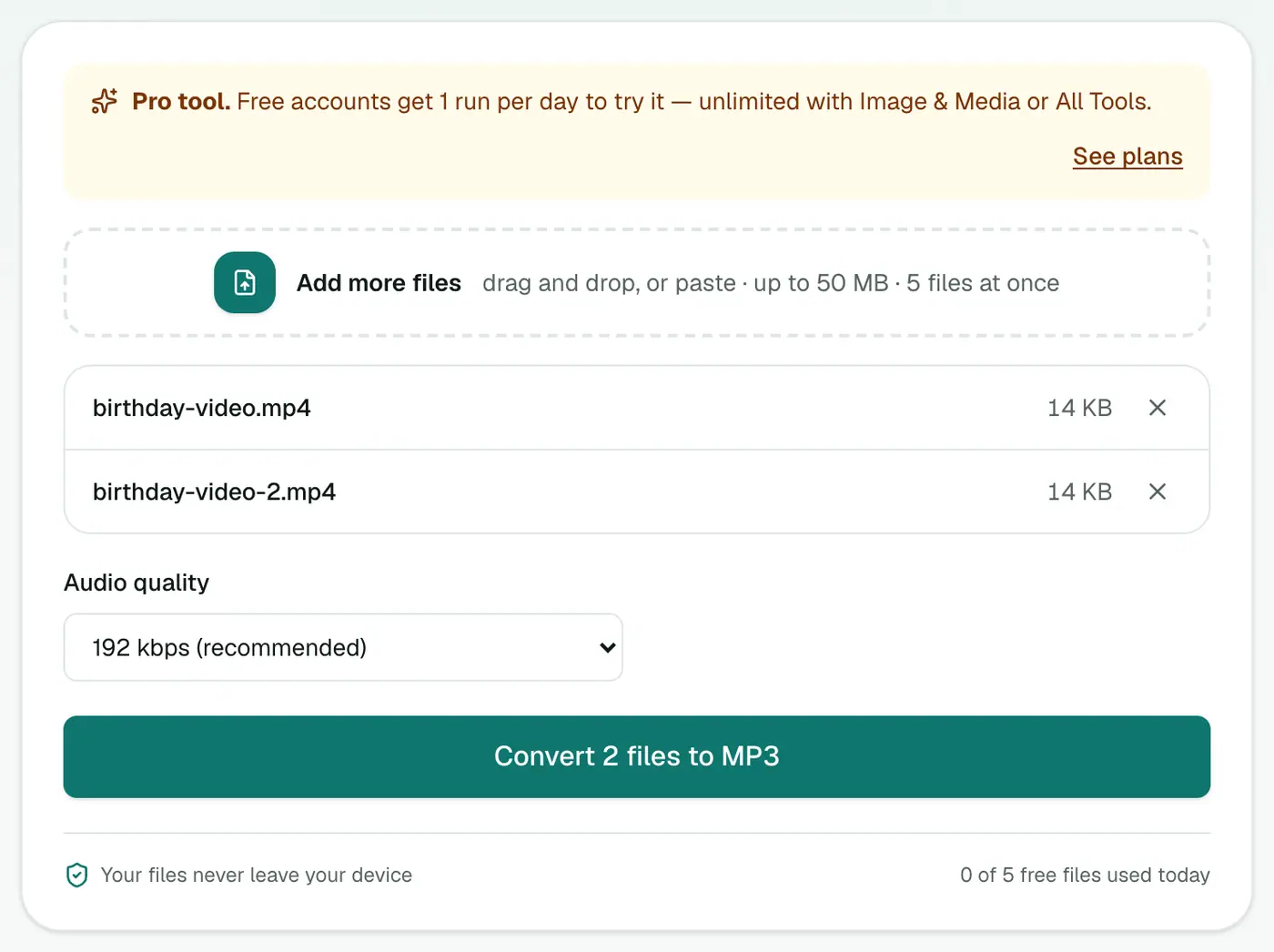
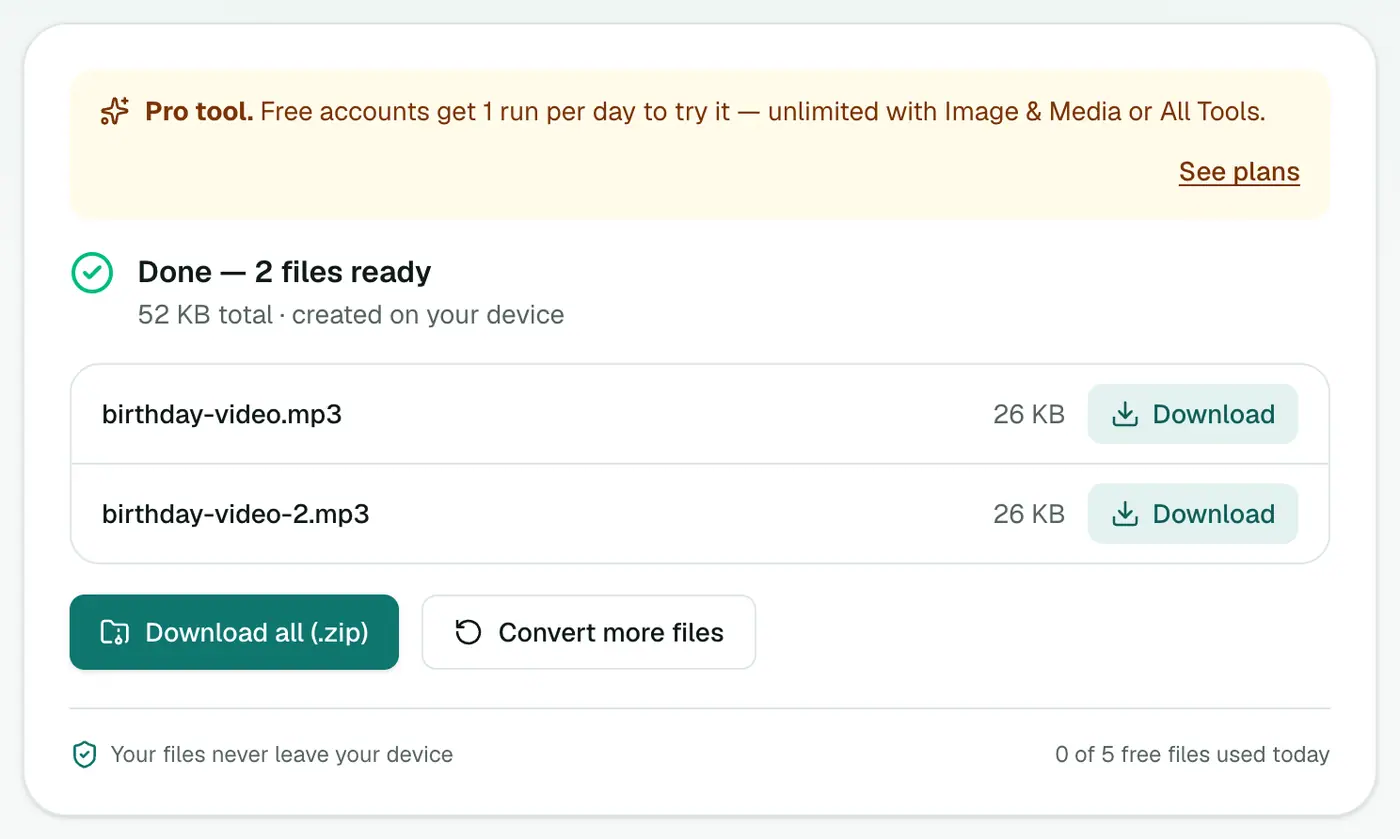
3. Convert and download
Click Convert to MP3. Conversion happens on your device, so longer videos take a bit longer on older computers.
How much smaller?
| 1 hour of… | Size |
|---|---|
| 1080p MP4 video | ~1–4 GB |
| MP3 at 192 kbps | ~86 MB |
| MP3 at 128 kbps | ~58 MB |
Good uses
- Lectures and webinars to listen to while commuting.
- Zoom or Teams recordings for meeting notes.
- Interviews to send to a transcriber.
- Your own music videos or performances, as audio tracks.
- Video messages from family, kept as audio.
A note on quality
Picking 320 kbps won't make audio sound better than the video's own soundtrack. Most phone videos carry around 128–256 kbps AAC audio. Going much higher than the source just makes a bigger file.
Tips
- Want lossless audio for editing? Use MP4 to WAV.
- Got a MOV, MKV or WebM? The video converter can output MP3 from any of them.
- Need a transcript instead? The subtitle generator creates timed captions from speech.
Troubleshooting
"Couldn't be converted" or "produced an empty file." The video may have no audio track. Screen recordings made without sound are a common cause.
Only one language came out. Only the first audio track is extracted.
Summary
The MP4 to MP3 converter pulls the soundtrack from your videos in a few clicks, without uploading them anywhere.
FAQs
Which audio quality should I choose?
192 kbps (recommended) is great for speech and most music. Use 128 kbps for small files of talks and podcasts, and 256 or 320 kbps for music where quality matters.
Is the video uploaded?
No. The audio is extracted inside your browser with a built-in converter. Your video never leaves your device.
Can I download audio from YouTube with this?
No. It converts video files you already have. Only extract audio from videos you own or have permission to use.
Is it free?
Yes, once a day: one file up to 25 MB with no account. A free account gets one Pro tool run a day, and paid plans are unlimited.
Can I convert several videos at once?
Yes. Add several and download the MP3s together. How many at once depends on your plan.
What about MOV, MKV or WebM files?
This converter takes MP4 and M4V. For other formats, use the video converter with MP3 as the output.
Try the MP4 to MP3 Converter
Free to start, no install, and your files never leave your device.