Audio & video2 min read
MP3 to FLAC: When It Makes Sense (and When It Doesn't)
Converting MP3 to FLAC won't make it lossless or better quality. Here's when you'd still want to, and how to do it in your browser, privately and in batches.
By the ZapMorph team
On this page
Just want it done?
Open the MP3 to FLAC Converter — it runs in your browser and nothing is uploaded.
Let's start with the honest bit: converting MP3 to FLAC doesn't make your music lossless. MP3 threw away detail when it was created. FLAC will preserve the MP3's sound perfectly, flaws and all, in a much bigger file. Anyone selling "MP3 to lossless upgrades" is selling nothing.
So when does it make sense?
- A tool or platform requires FLAC, like some music distributors, archive systems or DJ setups.
- You're going to edit and re-save repeatedly. Working in FLAC (or WAV) avoids stacking extra MP3 compression each time.
- You want one consistent format in a library that's mostly FLAC.
If none of those apply, keep the MP3.
What you gain and lose
| Keep MP3 | Convert to FLAC | |
|---|---|---|
| Sound | Same | Same |
| File size, 4-min song | ~6–10 MB | ~25–30 MB |
| Further edits without loss | ✗ | ✓ |
| Accepted where FLAC is required | ✗ | ✓ |
How to convert MP3 to FLAC with ZapMorph
1. Open the converter
Go to the MP3 to FLAC converter.
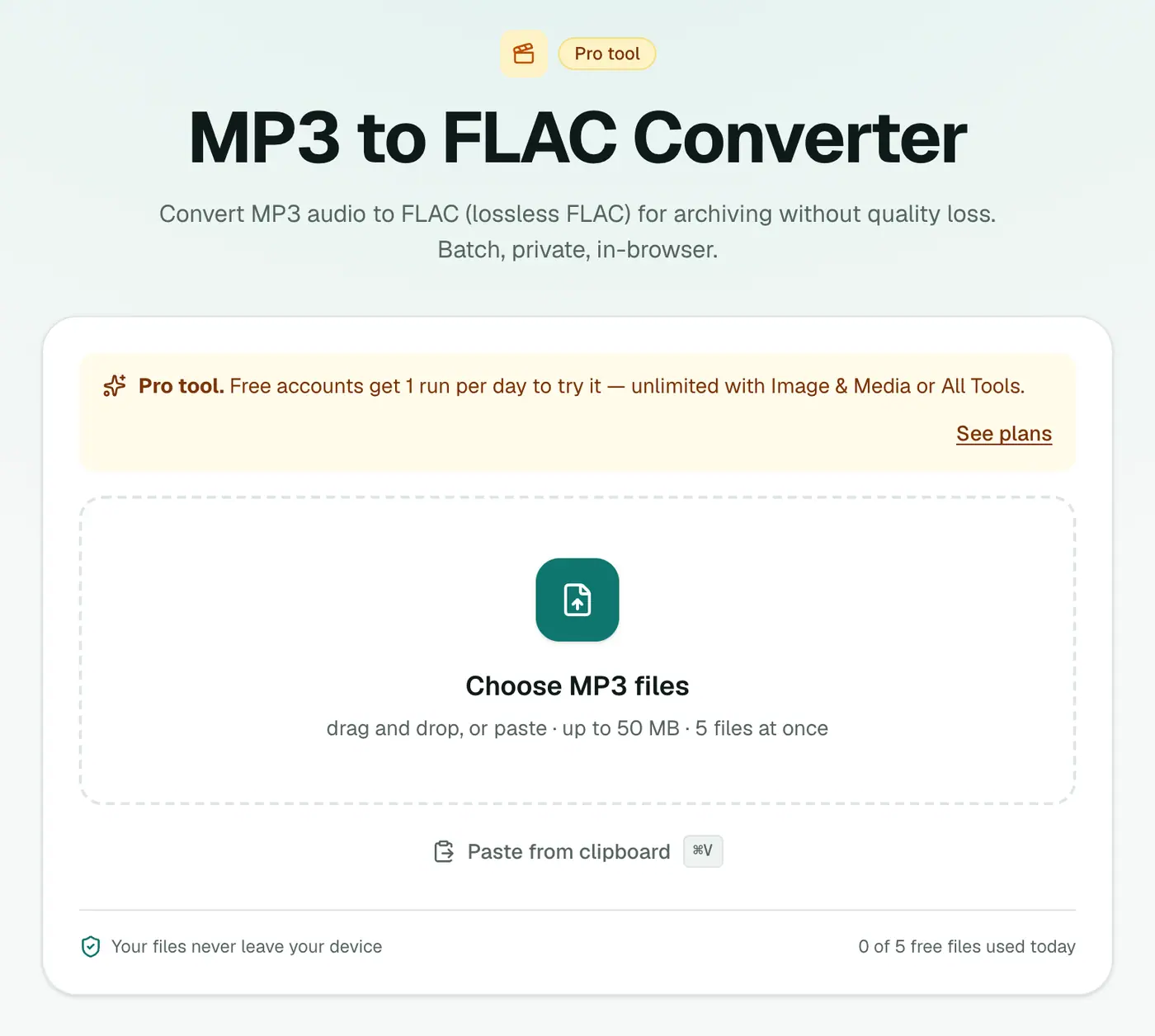
2. Add your MP3s
Drop in one or more .mp3 files.
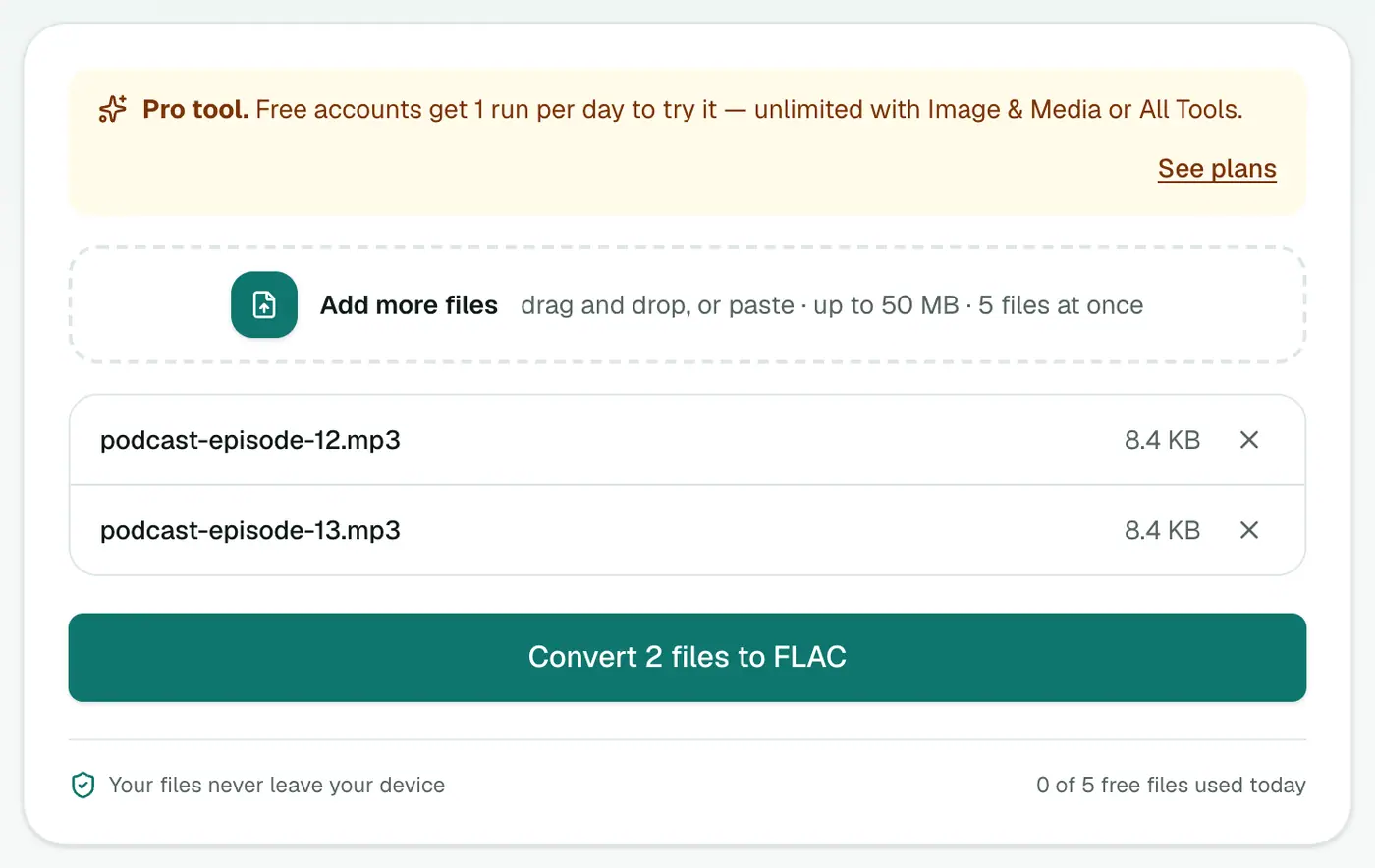
3. Convert and download
Click Convert to FLAC.
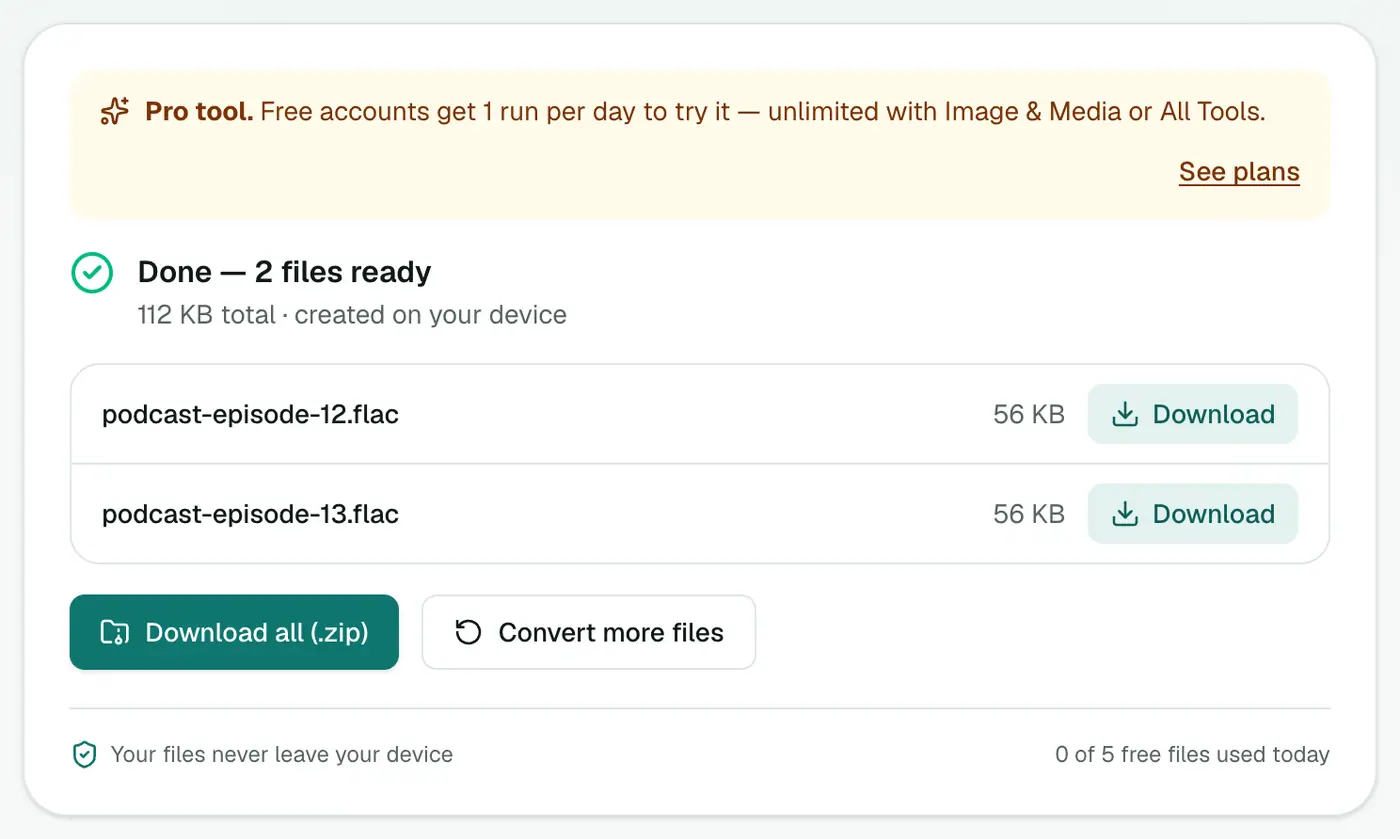
Want real lossless?
Get it from the source: buy lossless downloads (Bandcamp, Qobuz), rip CDs to FLAC, or ask the artist for WAVs.
Labelling honestly
If you share or archive converted files, note their origin (for example, add "from MP3" in the comments tag). It saves future confusion, and some communities and distributors reject "transcoded" files.
Related
- For editing, MP3 to WAV is equally lossless and accepted by every editor.
- For iPhone, MP3 to M4A.
Summary
The MP3 to FLAC converter is useful when a workflow demands FLAC, just don't expect it to improve the sound.
FAQs
Does MP3 to FLAC improve quality?
No. The FLAC is a lossless copy of the MP3, including everything MP3 already removed. It sounds identical to the MP3.
Then why convert?
Some software, libraries or archive policies require FLAC, and editing a FLAC won't add another round of MP3 compression when you save.
Why is the file bigger?
FLAC is lossless, so it stores the decoded audio in full. Expect a file several times the size of the MP3.
Is it free?
Yes, once a day: one file up to 25 MB with no account. A free account gets one Pro tool run a day, and paid plans are unlimited.
How can I tell if a FLAC was made from an MP3?
Open it in a spectrum analyser such as Spek. Audio from an MP3 usually stops sharply around 16–20 kHz, while true lossless audio extends higher.
Are my files uploaded?
No. The conversion runs in your browser.
Try the MP3 to FLAC Converter
Free to start, no install, and your files never leave your device.