Viewers2 min read
How to View TIFF and Multi-Page TIFF Files in Any Browser
Open scans, faxes and print-ready TIFF images page by page at full resolution, on any device. Most browsers can't display TIFF on their own. Private, free.
By the ZapMorph team
On this page
Just want it done?
Open the TIFF Viewer — it runs in your browser and nothing is uploaded.
You get a .tif from a scanner, a fax service or a print shop, and it opens as a download, a blank tab or an error. TIFF is a professional format that most browsers simply don't display.
Why TIFF is still around
TIFF (Tagged Image File Format) is old but reliable. It's lossless, supports many pages in one file, and is accepted by printers, archives and document systems. You'll often meet it as:
- Scans from office multifunction printers.
- Faxes received through online fax services.
- Print-ready artwork from designers and print shops.
- Archive copies of documents in legal, medical and government records.
- Satellite and microscope images in science (often called GeoTIFF).
How to view a TIFF with ZapMorph
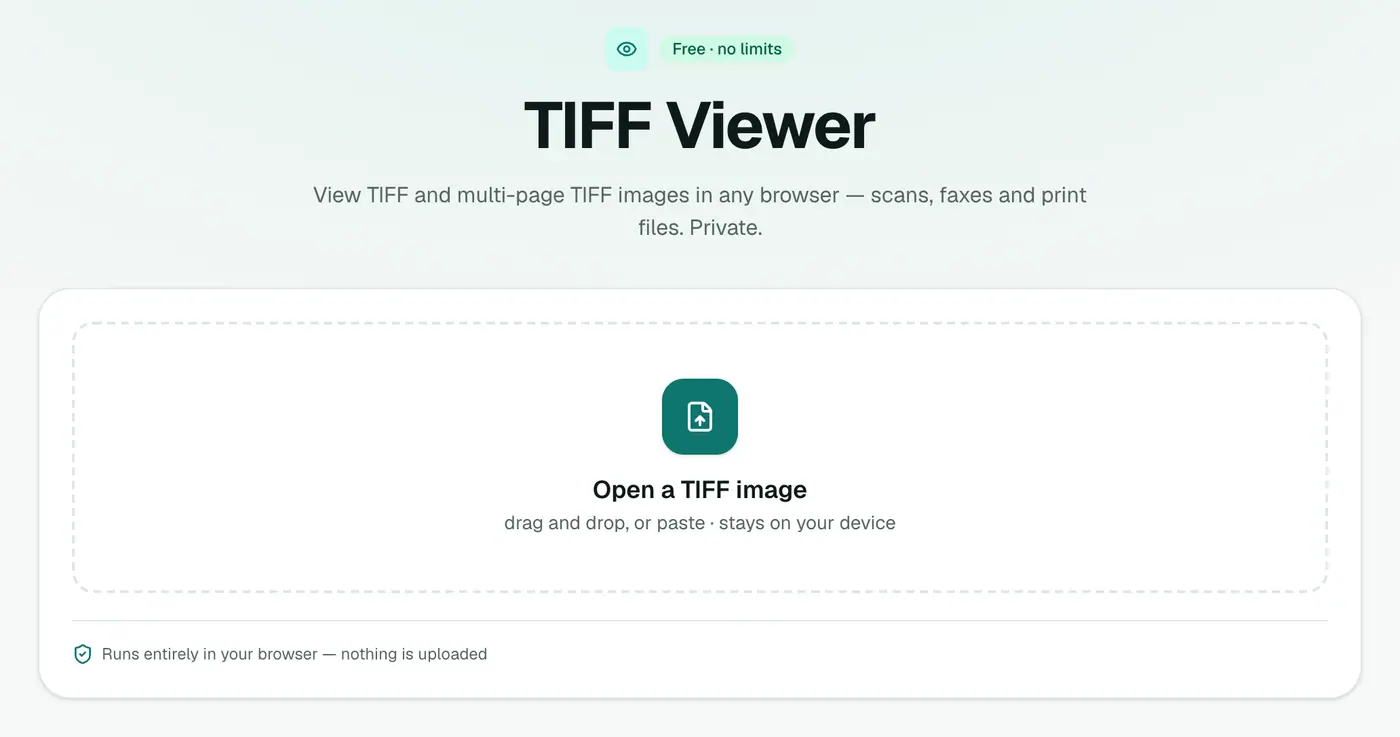
1. Open the TIFF viewer
Go to the TIFF viewer.
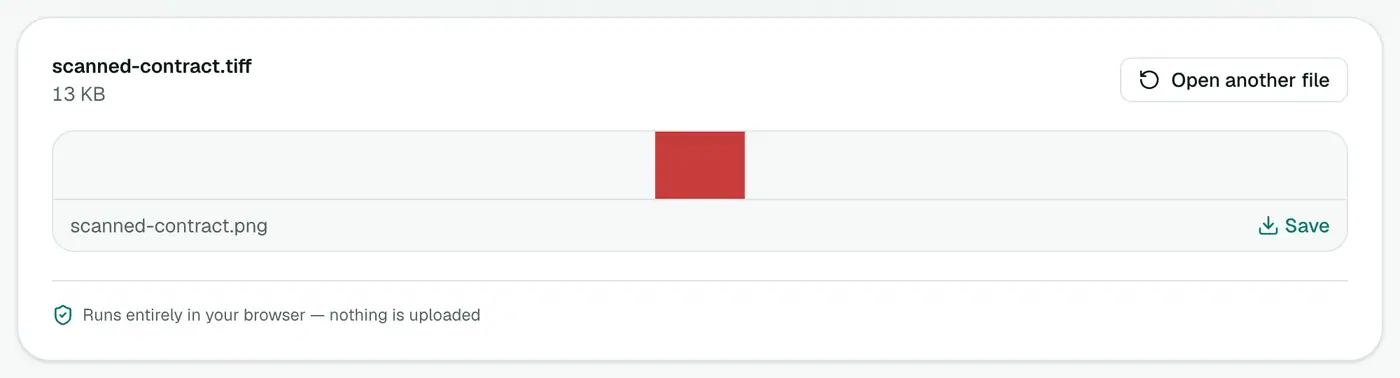
2. Drop in the file
Drop the file onto the box. Multi-page files show every page, at full resolution.
TIFF support at a glance
| App | Opens TIFF? | Notes |
|---|---|---|
| Chrome, Edge, Firefox | ✗ | Downloads the file instead |
| Safari | ✓ | Mac and iPhone |
| Windows Photos | ✓ | Multi-page support varies |
| Mac Preview | ✓ | Shows every page as thumbnails |
| TIFF viewer | ✓ | Every page, any device |
Need it in another format?
- TIFF to PDF: one shareable document, ideal for multi-page scans.
- TIFF to JPG: images for forms and email.
- TIFF to PNG: lossless copies.
Troubleshooting
The image is huge and slow. Print TIFFs can be hundreds of megabytes. Give it a moment, or convert to JPG for a smaller copy.
Colours look odd. Some print files use CMYK colours meant for presses, not screens. They'll print correctly; on screen, colours can look a little different.
It won't open. A few rare TIFF compression types used by specialised software aren't supported. Ask for a PDF or JPG instead.
Summary
The TIFF viewer shows scans and faxes in any browser, every page, without uploading them.
FAQs
Why won't my browser open TIFF?
Chrome, Edge and Firefox don't support TIFF natively. Only Safari does.
Can it show multi-page TIFFs?
Yes, page by page.
Is the file uploaded?
No, it's decoded in your browser.
What's the difference between .tif and .tiff?
None. They're the same format with two spellings of the extension.
Can Windows open TIFF?
The Photos app opens TIFFs, though how it handles multi-page files varies by version. The viewer shows every page on any device.
Can I convert the TIFF afterwards?
Yes. TIFF to PDF, TIFF to JPG and TIFF to PNG are a click away.
Try the TIFF Viewer
Free to start, no install, and your files never leave your device.