Viewers2 min read
How to View an XML File as a Readable Tree
Open XML files (RSS feeds, sitemaps, invoices, config files) as a formatted, collapsible tree of elements, attributes and text. Private, in your browser.
By the ZapMorph team
On this page
Just want it done?
Open the XML Viewer — it runs in your browser and nothing is uploaded.
XML is everywhere behind the scenes: sitemaps, RSS feeds, e-invoices, Office files, Apple .plist settings, SVG graphics. Opened in a text editor, it's an indentation nightmare. A tree view makes the structure obvious.
How to view XML with ZapMorph
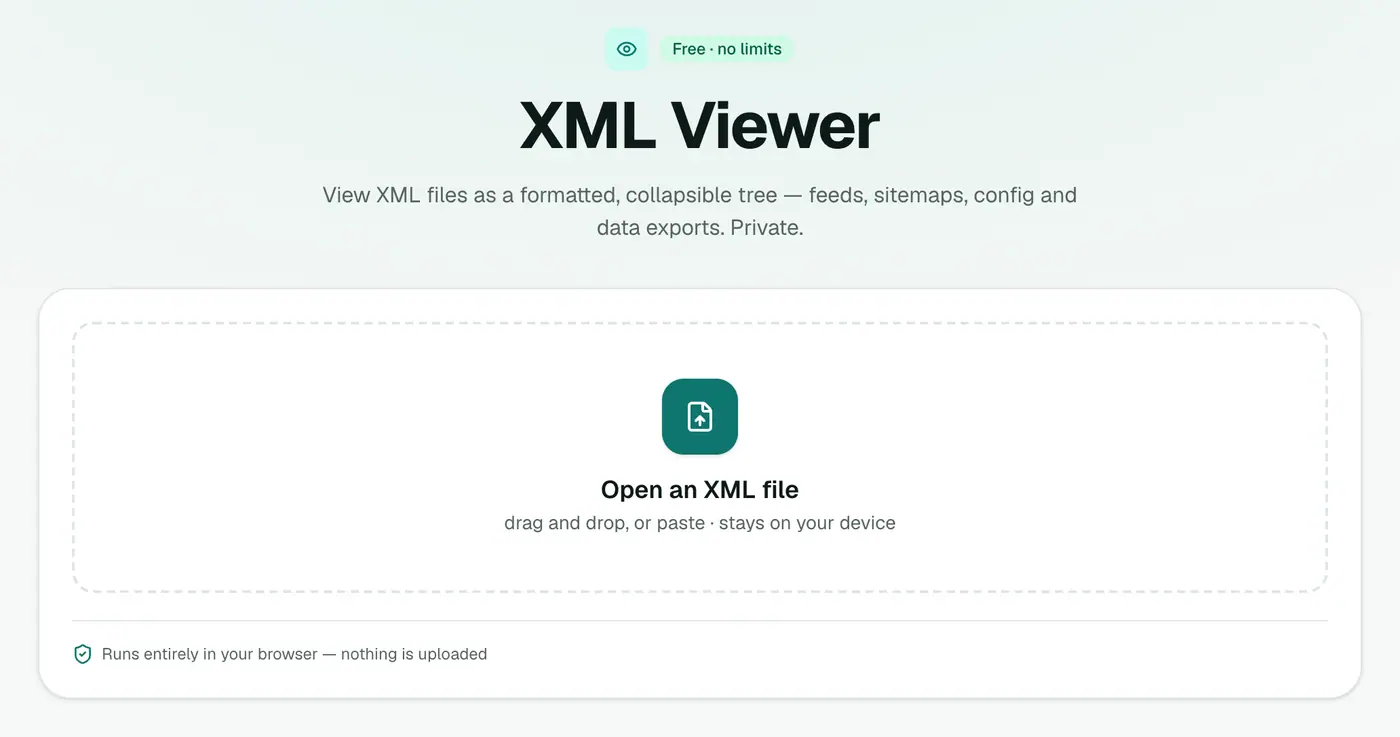
1. Open the XML viewer
Go to the XML viewer.
2. Drop in the file
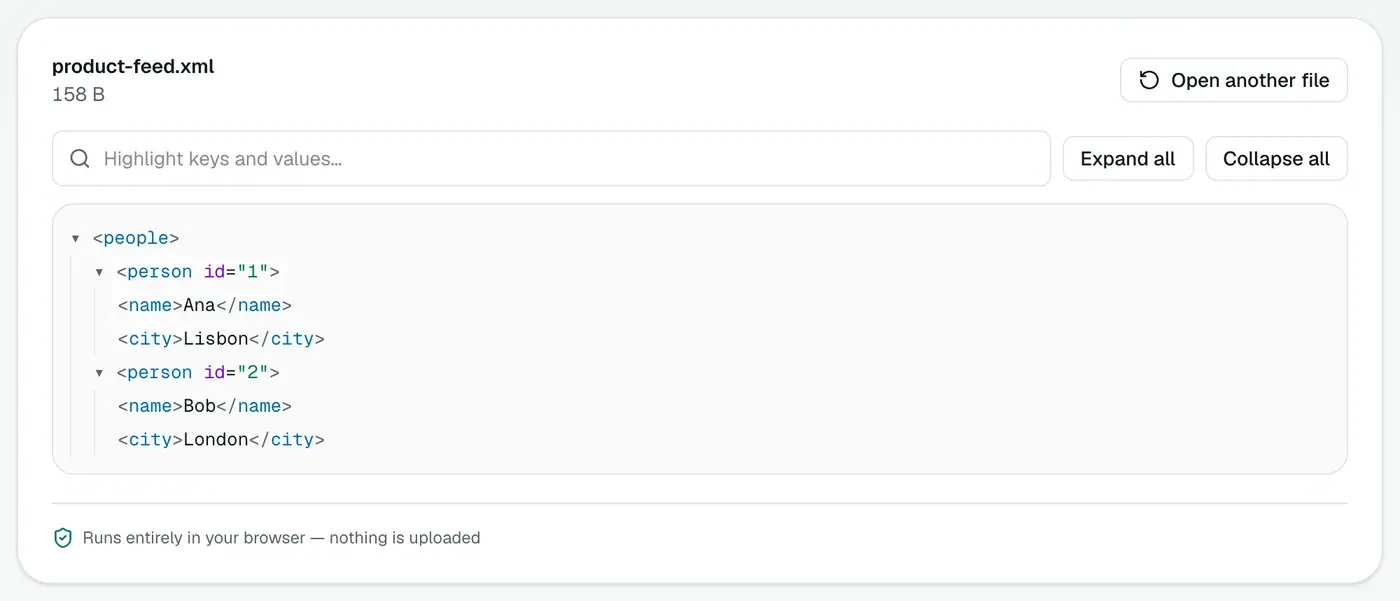
Drop the file on the box. Elements, attributes and text are laid out as an indented tree you can fold and unfold.
Common uses
- SEO: check your
sitemap.xmllists the right pages, with sensiblelastmoddates. - Feeds: see what's in an RSS, Atom or Google Shopping product feed.
- Mac settings: read a
.plistfile. - E-invoices: inspect UBL, Peppol or Factur-X invoice XML before sending it.
- SVG graphics: see the shapes and paths an icon is made of.
- Office files: unzip a
.docxor.xlsxand inspect its internal XML.
Reading XML quickly
| Term | Meaning | Example |
|---|---|---|
| Element | A named block | <url>…</url> |
| Attribute | A setting on an element | <price currency="EUR"> |
| Text | The content inside | 19.99 |
| Namespace | A prefix showing which standard a tag belongs to | <cbc:ID> |
Viewer vs browser vs editor
- Browsers show raw XML, often as a flat tree with no folding, and some refuse local files.
- Text editors show everything, but long files are hard to navigate.
- The XML viewer gives you a foldable tree in a second, without installing anything.
Need the data somewhere else?
- XML to JSON for code and APIs.
- XML to CSV for Excel.
- JSON to XML and CSV to XML the other way round.
Troubleshooting
"Not well-formed" or a parsing error. A tag isn't closed, there's an unescaped &, or there's text before the <?xml line. Fix it in a text editor and try again.
Binary .plist files. Some Mac settings files are stored in a binary format. Convert with plutil -convert xml1 file.plist in Terminal first.
Summary
The XML viewer makes any XML file readable at a glance.
FAQs
Which files can it open?
.xml, .rss, .atom, .svg, .plist, .xsd and .xsl.
Are attributes shown?
Yes. Elements, attributes and text are all laid out in the tree.
Is the file uploaded?
No, it's read in your browser.
Can I fold and unfold sections?
Yes. Collapse the parts you don't need and expand the ones you're interested in.
Can I edit the XML?
No, it's a viewer. Edit in a text editor such as VS Code, then check the result here.
What if the XML is invalid?
Broken XML, such as a missing closing tag, can't be shown as a tree. You'll see an error instead, which is a quick way to find out the file is damaged.
Try the XML Viewer
Free to start, no install, and your files never leave your device.