PDF2 min read
How to Rotate PDF Pages and Save Them That Way
Fix sideways or upside-down scans for good. Rotate all pages, or just odd, even, landscape or portrait ones, and save the rotation in the file.
By the ZapMorph team
On this page
Just want it done?
Open the Rotate PDF — it runs in your browser and nothing is uploaded.
Rotating a PDF in your reader only changes your view. Close it, send it to someone, and the pages are sideways again. To fix it for good, the rotation has to be saved into the file.
The usual culprits
- Scanned documents where a page went through the feeder upside down.
- Double-sided scans where every even page is upside down. This is very common with sheet-fed scanners.
- Mixed documents with a landscape spreadsheet page that came out sideways.
- Phone scans where the app guessed the orientation wrong.
How to rotate a PDF with ZapMorph
1. Open Rotate PDF
Go to the Rotate PDF tool.
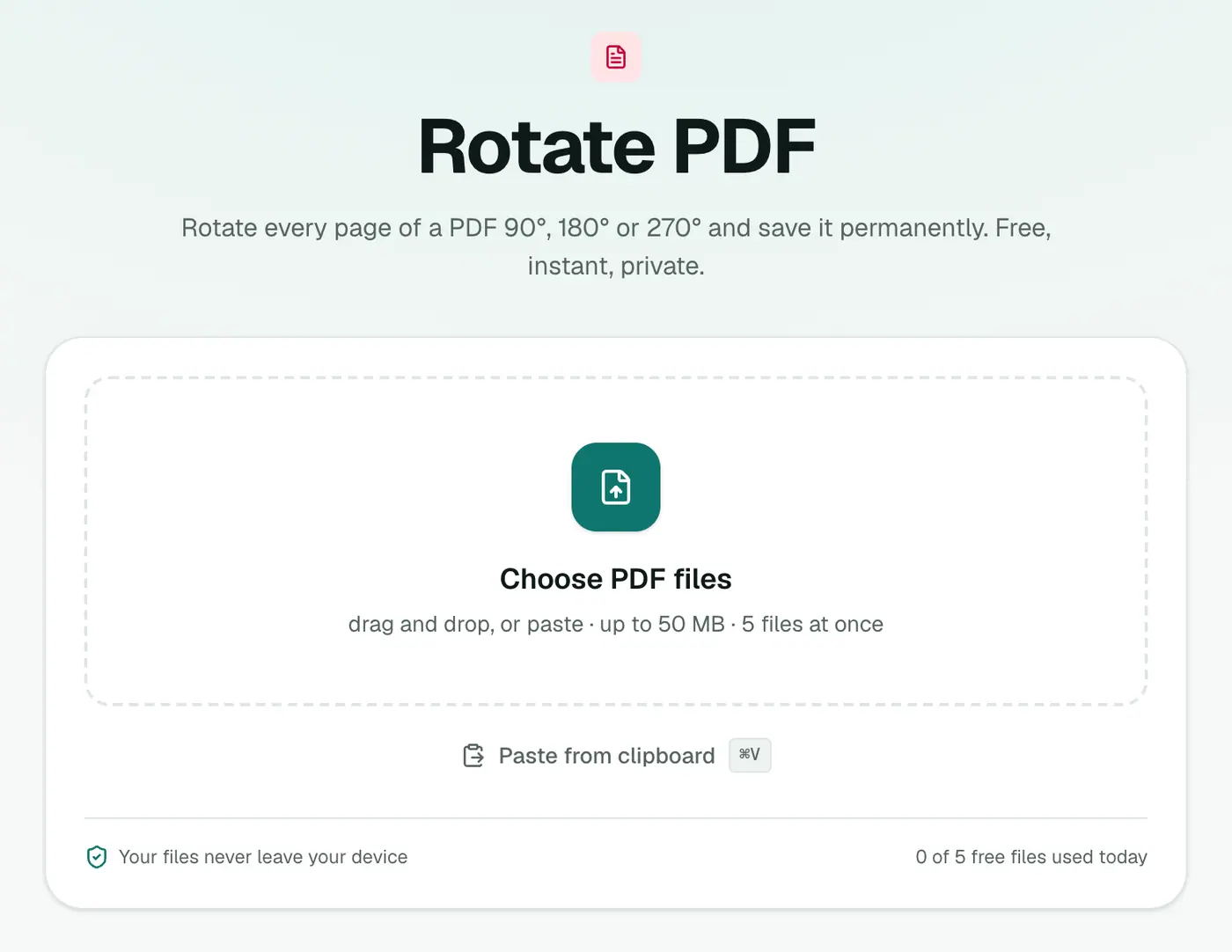
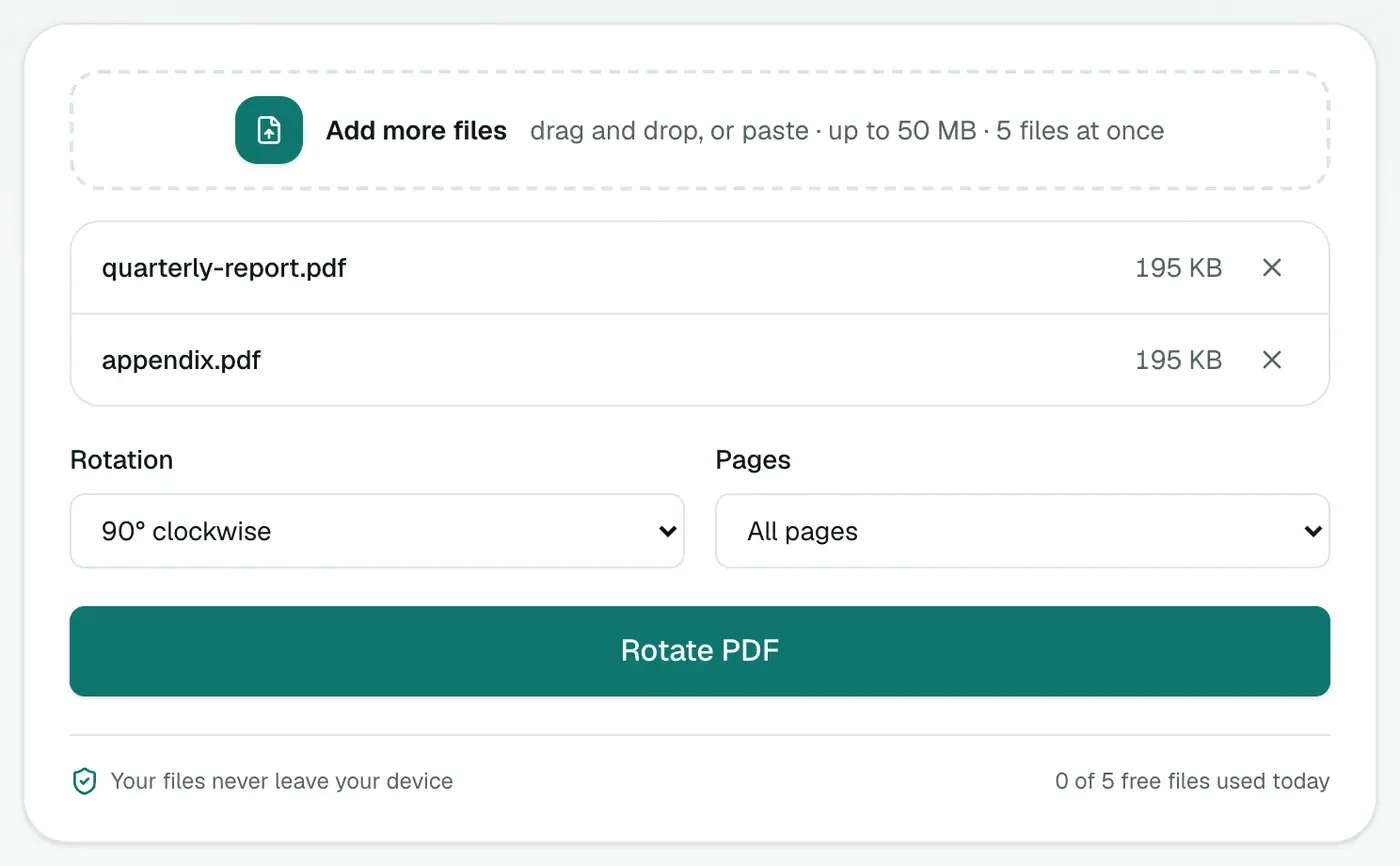
2. Add your PDF and choose the rotation
Pick:
- Rotation: 90° clockwise, 180° (upside down) or 90° counter-clockwise.
- Pages: All pages, Odd pages only, Even pages only, Landscape pages only, or Portrait pages only.
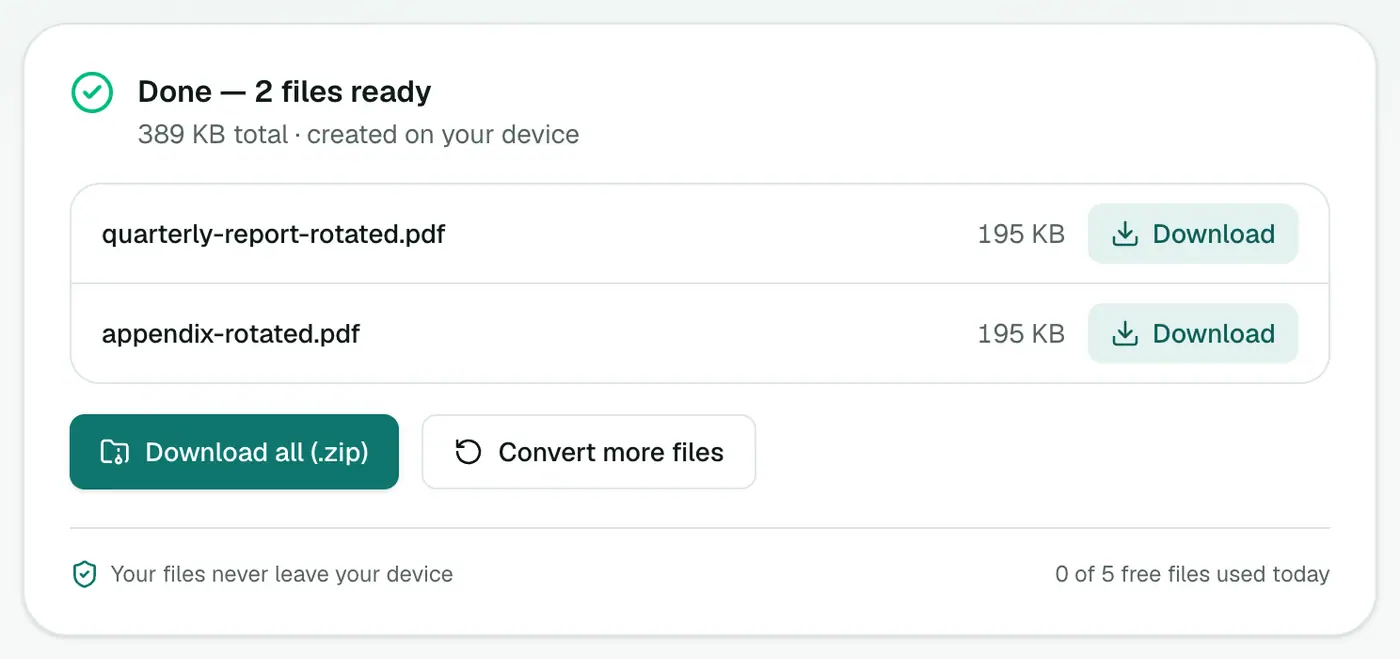
3. Rotate and download
Click Rotate PDF and download. Open it anywhere and the pages stay the right way round.
Handy recipes
| Problem | Rotation | Pages |
|---|---|---|
| Every even page upside down (duplex scan) | 180° | Even pages only |
| Whole scan sideways | 90° clockwise or counter-clockwise | All pages |
| A spreadsheet page printed sideways | 90° | Landscape pages only |
| Everything upside down | 180° | All pages |
Other ways
- Mac Preview: rotate pages in the sidebar, then File → Save. Preview does save the rotation.
- Adobe Acrobat Reader (free) only rotates the view. Saving needs Acrobat Pro.
- Windows: no built-in tool saves rotations.
Rotate in a viewer vs rotate the file
| Viewer rotate (Acrobat, Preview) | Rotate PDF | |
|---|---|---|
| Fixes it for others | Often not | ✓ |
| Saved in the file | Sometimes | ✓ |
| Fixes printing | Not always | ✓ |
Common causes of sideways pages
- Scanners that don't detect orientation.
- Phone scans taken in landscape.
- Mixed portrait and landscape pages in merged documents.
Next steps
- Reorder pages after fixing them: Reorder PDF Pages.
- Make scans searchable: OCR PDF.
Summary
Use the Pages filter to target exactly the pages that are wrong, and the Rotate PDF tool saves the fix into the file without touching quality.
FAQs
Will the rotation stay when I send the PDF to someone?
Yes. The rotation is saved in the file, so it shows the right way up in every viewer and when printed.
Can I rotate just one page?
You can rotate odd, even, landscape-only or portrait-only pages. For one specific page, extract it, rotate it and merge it back, or rotate only the landscape pages if that's the odd one out.
Does rotating reduce quality?
No. The page content isn't touched, only its orientation.
Is my PDF uploaded?
No. Pages are rotated in your browser.
Does rotating reduce quality?
No. Only the page's orientation setting changes; the content is untouched.
Try the Rotate PDF
Free to start, no install, and your files never leave your device.