PDF2 min read
How to Repair a Corrupted PDF That Won't Open
"Failed to load PDF document", "file is damaged"? Here's how to rebuild a broken PDF's structure and recover the readable pages, right in your browser.
By the ZapMorph team
On this page
Just want it done?
Open the Repair PDF — it runs in your browser and nothing is uploaded.
"There was an error opening this document. The file is damaged and could not be repaired." Few messages are more annoying when you need the file now.
The good news: most "corrupted" PDFs aren't really destroyed. Usually it's the index at the end of the file, which tells the reader where each page lives, that got broken. The pages themselves are still in there.
Common causes
- Interrupted downloads, especially on flaky Wi-Fi or mobile data.
- Email attachments mangled by an old mail server.
- Buggy exports from less common apps or scanners.
- Files copied from a failing USB stick or SD card.
First, the quick checks
- Download it again, if you can. It's the easiest fix by far.
- Try a different reader. Chrome, Edge, Firefox and Preview are more forgiving than Acrobat and vice versa. Our PDF viewer is another option.
- Check the file size. If it's 0 KB or a few bytes, nothing can be recovered.
How to repair a PDF with ZapMorph
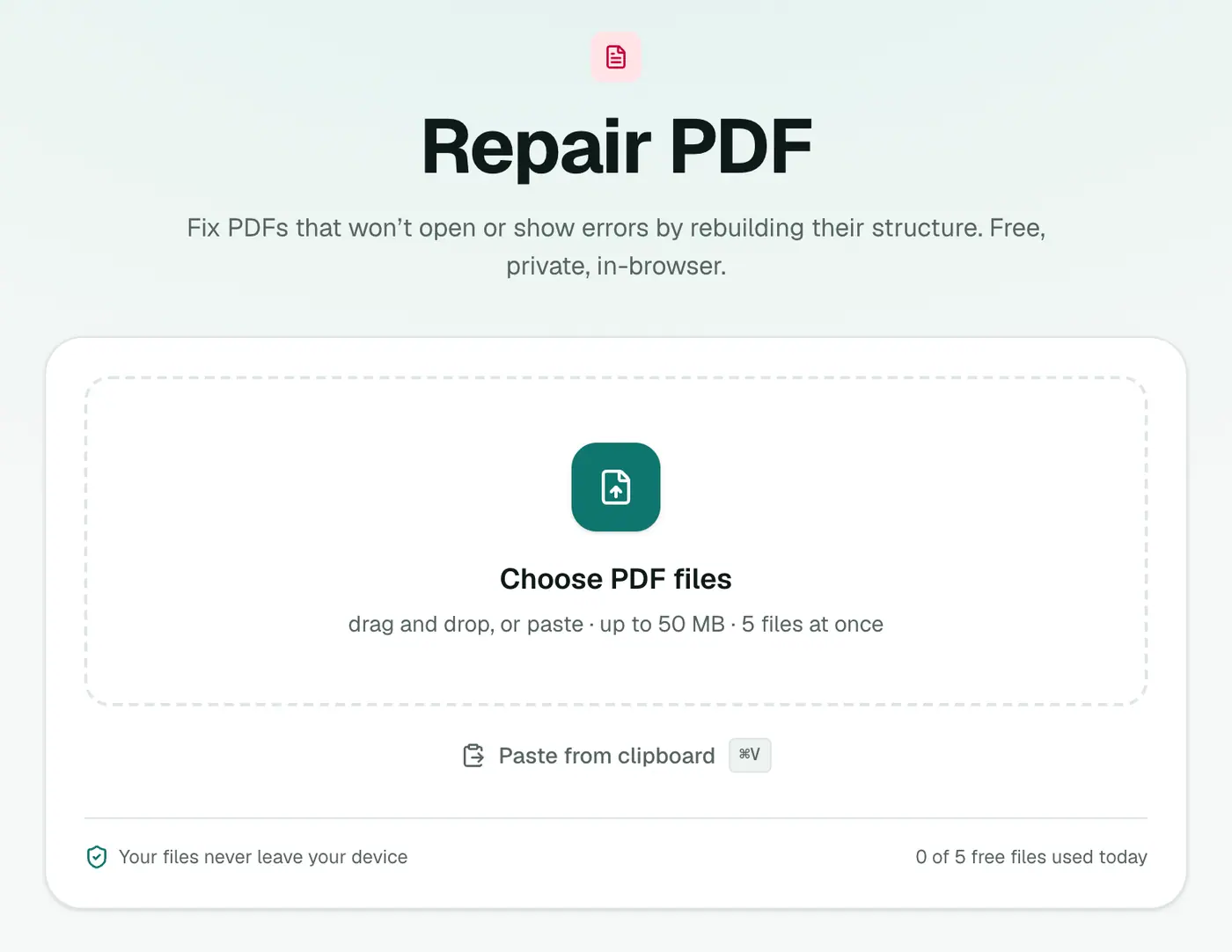
1. Open Repair PDF
Go to Repair PDF.
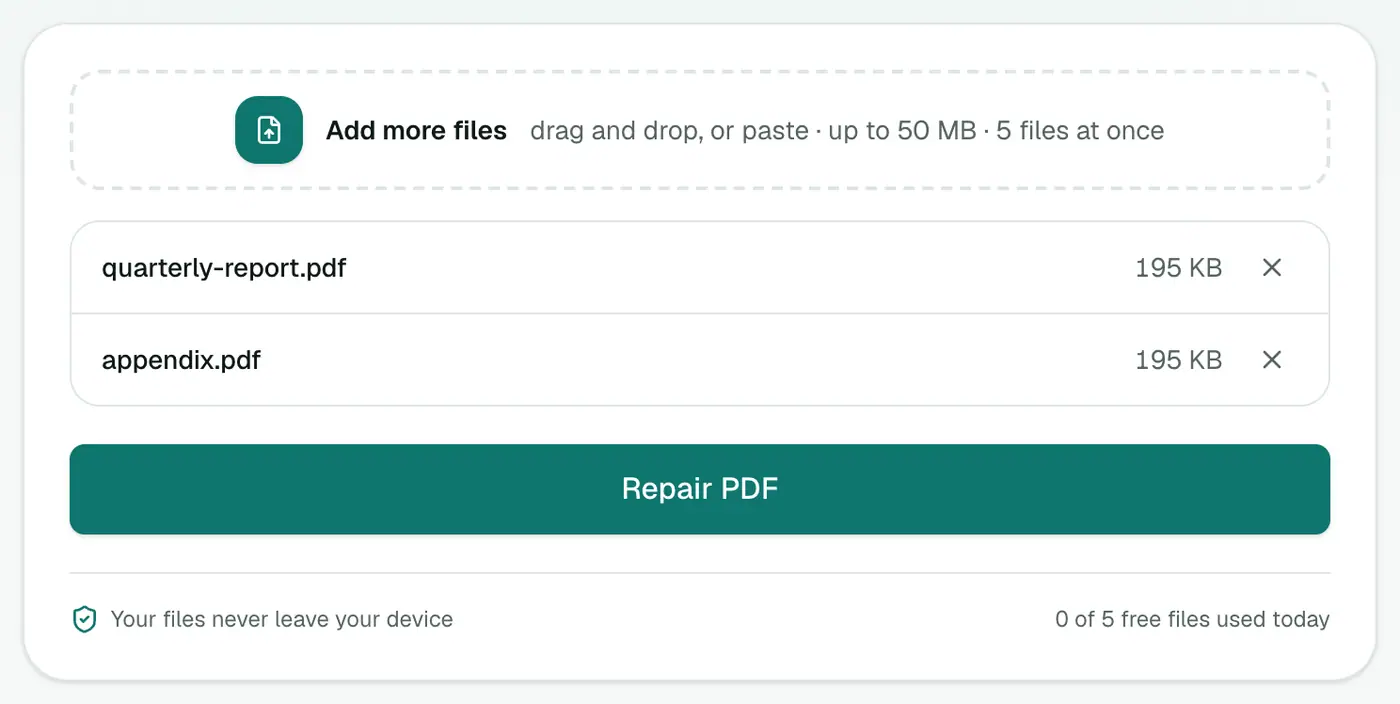
2. Add the damaged PDF
Drop it in. There are no settings.
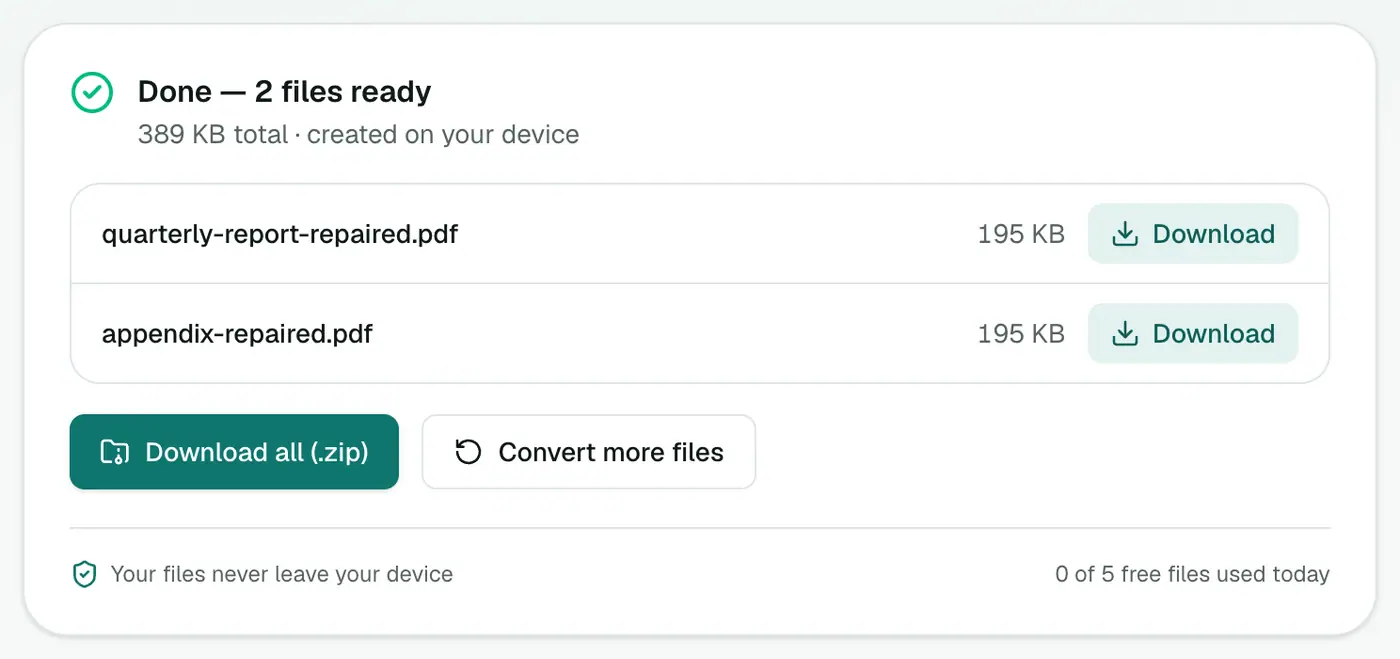
3. Repair and download
Click Repair PDF. The tool rebuilds the file's structure. If that alone doesn't work, it re-renders every page it can read into a brand-new PDF.
If it still won't open
- The file may be truncated, with the end of the download simply missing. Only a fresh copy will help.
- It might not be a PDF at all. Some sites serve an HTML error page with a
.pdfname. Open it in a text editor. A real PDF starts with%PDF. - It may be encrypted with a password your reader isn't asking for properly. Try Unlock PDF if you know the password.
Signs a PDF is damaged
- "The file is damaged and could not be repaired" in Acrobat.
- Blank pages where there should be content.
- The file opens on one device but not another.
- Size is much smaller than expected (an interrupted download).
Before repairing
- Download it again if it came from email or the web. That fixes most problems.
- Try another viewer: the PDF viewer or a different browser.
- Ask the sender for a fresh copy.
If none of that works, repair it here. If the repair falls back to re-rendering pages, text may no longer be selectable; run OCR PDF afterwards to fix that.
Summary
Most broken PDFs are recoverable. Re-download if you can. If not, Repair PDF rebuilds the structure and rescues the readable pages, without sending your file anywhere.
FAQs
What kinds of damage can it fix?
Most commonly a broken cross-reference table from an interrupted download, a buggy export or a mangled email attachment. The structure is rebuilt, and if that's not enough, every readable page is re-rendered into a fresh PDF.
Can it recover a completely empty or zero-byte file?
No. If the file contains no PDF data, there's nothing to recover. Try downloading it again.
Will the repaired PDF look the same?
Usually yes. If the fallback re-rendering is used, pages become images, so text won't be selectable.
Can every PDF be repaired?
No. If the file is badly truncated or the page data itself is missing, some pages can't be recovered. The repair saves whatever is readable.
Try the Repair PDF
Free to start, no install, and your files never leave your device.