PDF2 min read
How to Redact a PDF Properly (So the Text Is Really Gone)
Black out names, account numbers and other sensitive details in a PDF for good. Why black boxes from a normal editor aren't enough, and how to do it right.
By the ZapMorph team
On this page
Just want it done?
Open the Redact PDF — it runs in your browser and nothing is uploaded.
Every few months there's a news story about a "redacted" court filing or government report where journalists simply copied the text from under the black boxes. It's an easy mistake: drawing a black shape in a PDF editor only covers the text. It doesn't remove it.
Proper redaction removes the content itself.
When you need it
- Sharing bank statements with a landlord: hide account numbers and unrelated transactions.
- Sending payslips: hide your employee ID or tax number.
- Publishing reports or legal documents: remove names and personal data.
- Sharing medical or HR documents with only what's necessary visible.
How to redact a PDF with ZapMorph
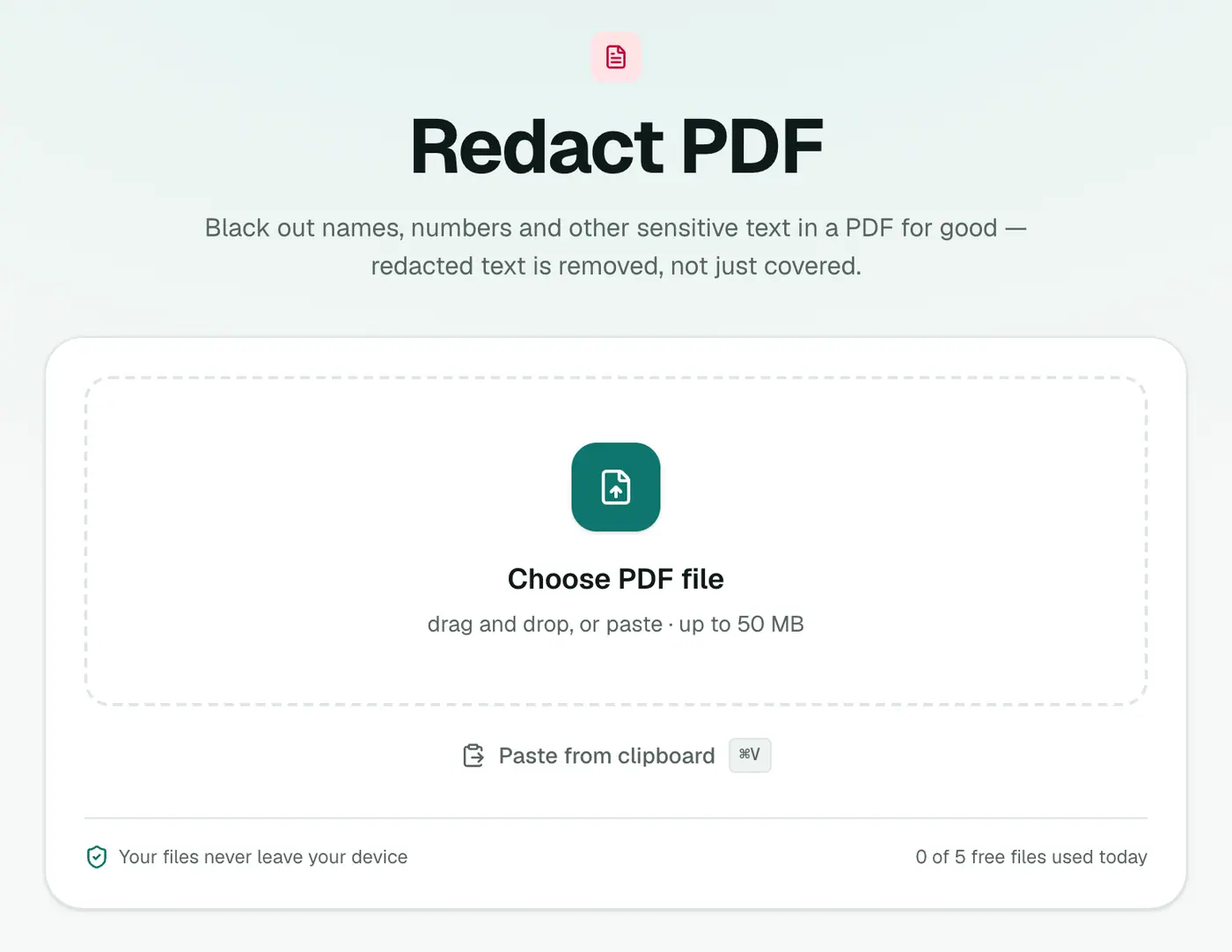
1. Open Redact PDF
Go to Redact PDF and add your PDF.
2. Mark what to remove
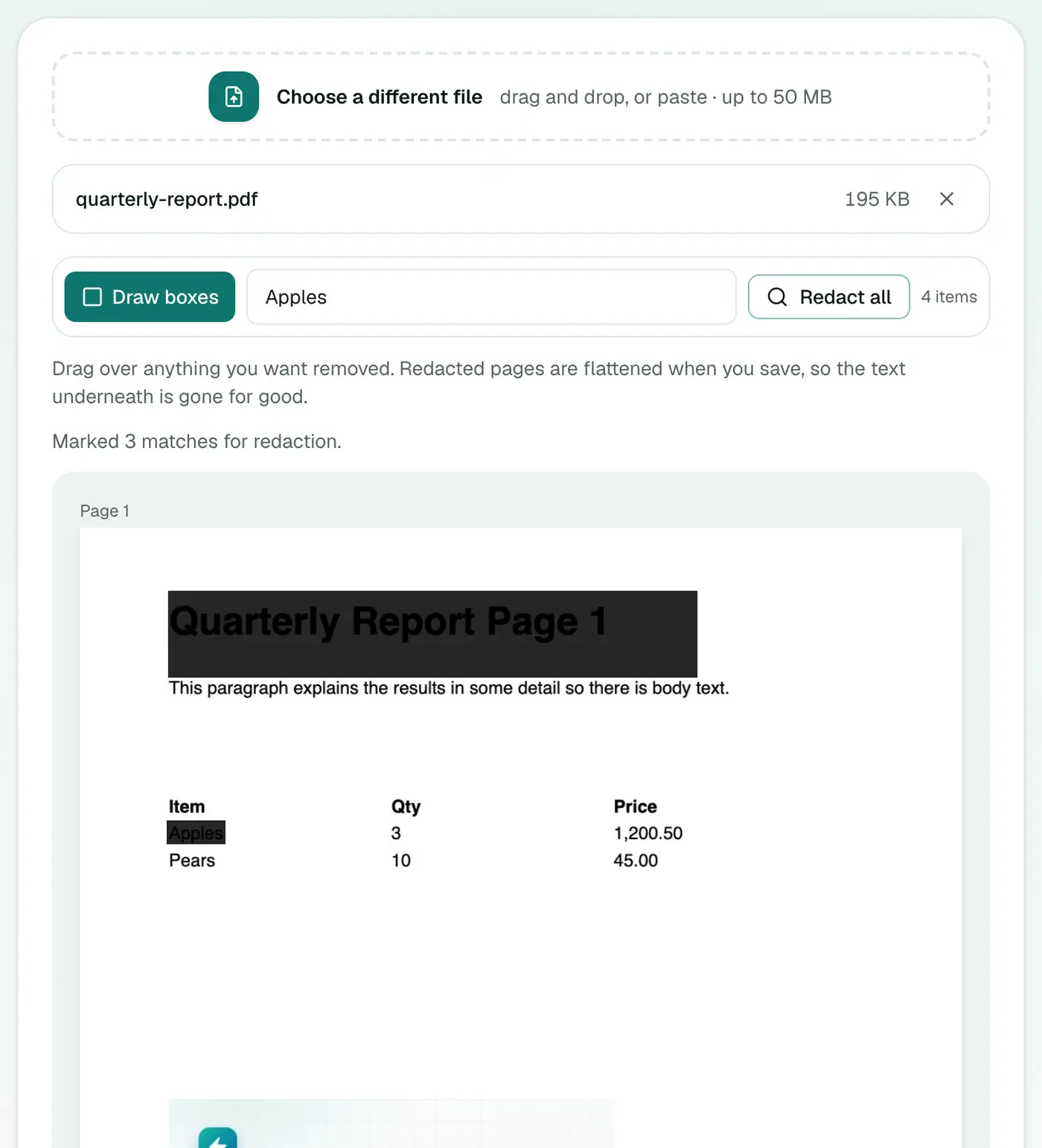
You have two ways to mark content:
- Draw boxes: drag over anything on a page, like a name, a signature, a photo or an account number.
- Redact all: type a word or number into Find text to redact everywhere… and click Redact all. Every match gets marked.
3. Save and download
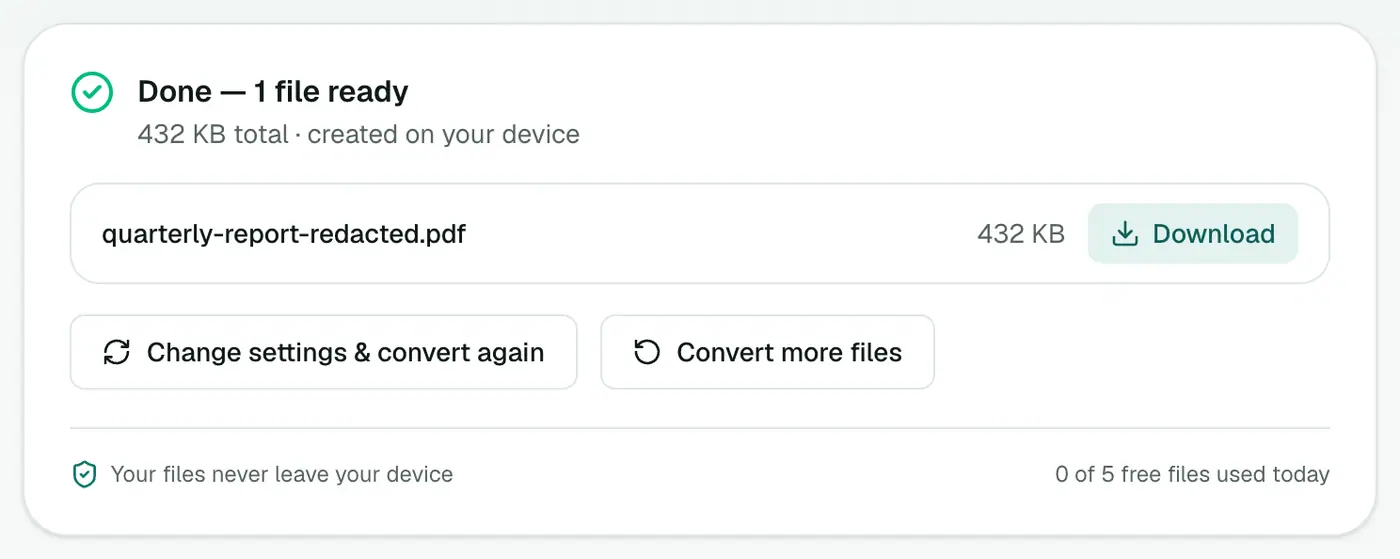
Save the PDF. Redacted pages are flattened, so the text underneath is permanently removed.
Double-check before you send
- Open the redacted PDF and try selecting text under a black box. Nothing should copy.
- Search the document (Ctrl+F) for the redacted names or numbers. No results.
- Check every page. Account numbers often appear in headers or footers too, which is why "Redact all" is so useful.
- Check the file name and metadata. A file called
john-smith-statement.pdfgives the game away. Clean the properties with the PDF Metadata Editor.
Redact vs other tools
- Remove PDF Pages: for whole pages nobody needs.
- Crop PDF: hides edges, but the content still exists. Not a redaction.
- Watermark: marks a document. Doesn't hide anything.
Other ways
Adobe Acrobat Pro has a dedicated Redact tool. Most free editors, including the shape and rectangle tools in common PDF viewers, only cover text. Whatever you use, do the copy-and-search check above before sending.
What people commonly redact
| Document | Redact |
|---|---|
| Bank statements | Account and card numbers, unrelated transactions |
| Payslips | National insurance or tax IDs, salary if not needed |
| Contracts | Prices or third-party names before sharing |
| Medical letters | Diagnoses not relevant to the request |
| ID copies | Document number, if the recipient doesn't need it |
Final check
After downloading, open the redacted file and press Ctrl+F for a redacted word. If nothing is found and nothing can be selected underneath the box, it's gone.
Summary
Covering isn't redacting. Redact PDF flattens redacted pages so the hidden text is truly gone, and lets you redact every occurrence of a word in one click.
FAQs
Why not just draw a black rectangle over the text?
In most editors the rectangle sits on top of the text, which is still there underneath. Anyone can copy it out or remove the box. Proper redaction removes the text itself.
How does this tool make sure the text is removed?
Pages you redact are flattened when you save, so the text under the boxes is permanently gone. It can't be copied or uncovered later.
Can I redact every occurrence of a name or number?
Yes. Type it into the search box and click Redact all. Every match in the PDF's text is marked.
Will the redacted pages still have selectable text elsewhere?
Redacted pages are flattened, so text on those pages is no longer selectable. Pages without redactions are unchanged.
Does it work on scanned PDFs?
You can draw boxes over a scan and it will be flattened. Search won't find text in a scan because there's no text layer.
Is my PDF uploaded?
No. Redaction happens in your browser.
Try the Redact PDF
Free to start, no install, and your files never leave your device.