Viewers2 min read
How to Preview and Edit Markdown Live in Your Browser
Open a .md file or paste Markdown and see it rendered as you type, with tables, code blocks and task lists. Then export to PDF, Word or HTML. Private, free.
By the ZapMorph team
On this page
Just want it done?
Open the Markdown Viewer & Editor — it runs in your browser and nothing is uploaded.
A README, meeting notes from Obsidian, or an AI-generated answer full of ## and **. Markdown is easy to write and confusing to read raw. The Markdown viewer shows you the formatted version instantly, and lets you tweak it.
How to preview Markdown with ZapMorph
1. Open the Markdown viewer
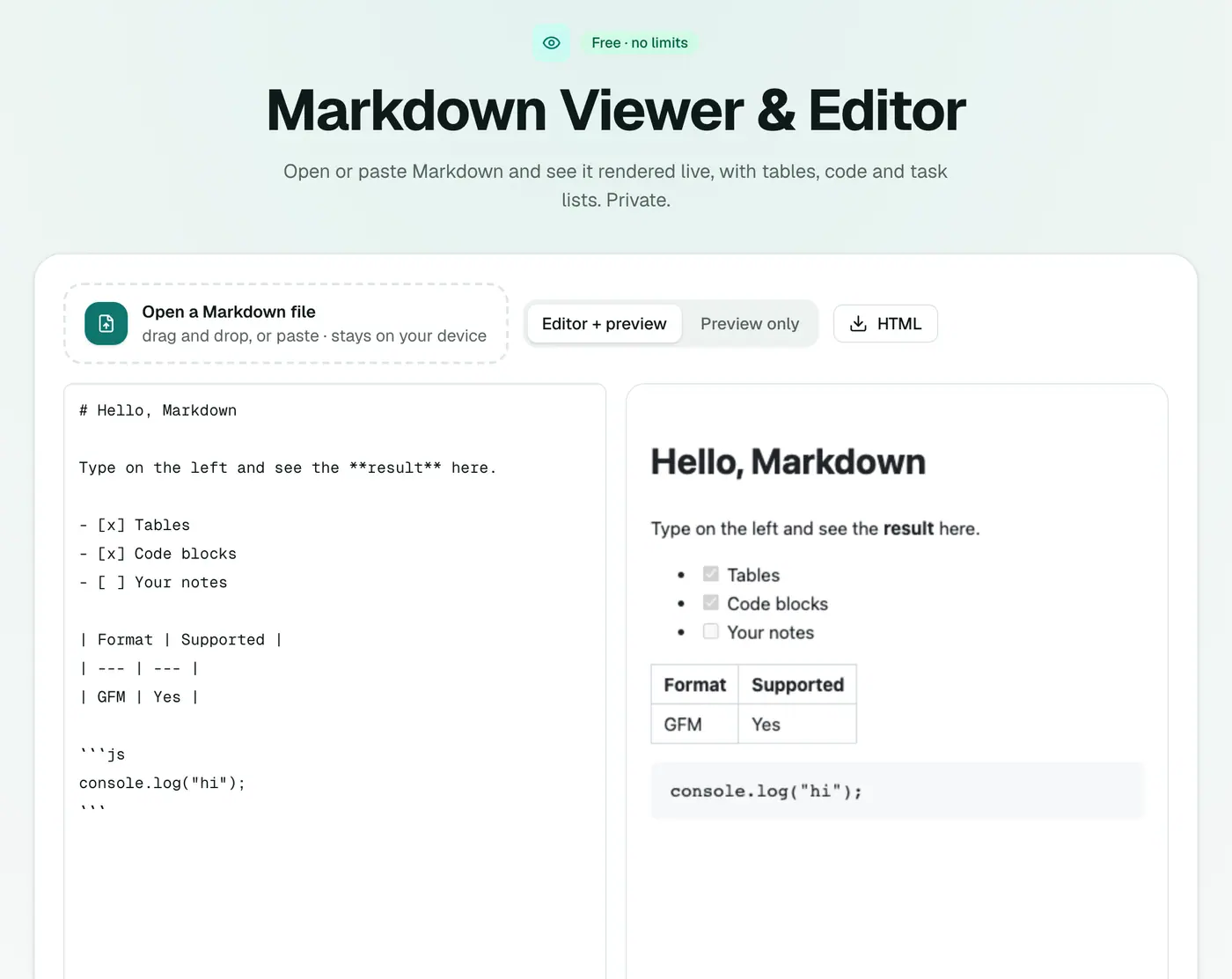
Go to the Markdown viewer.
2. Add your Markdown
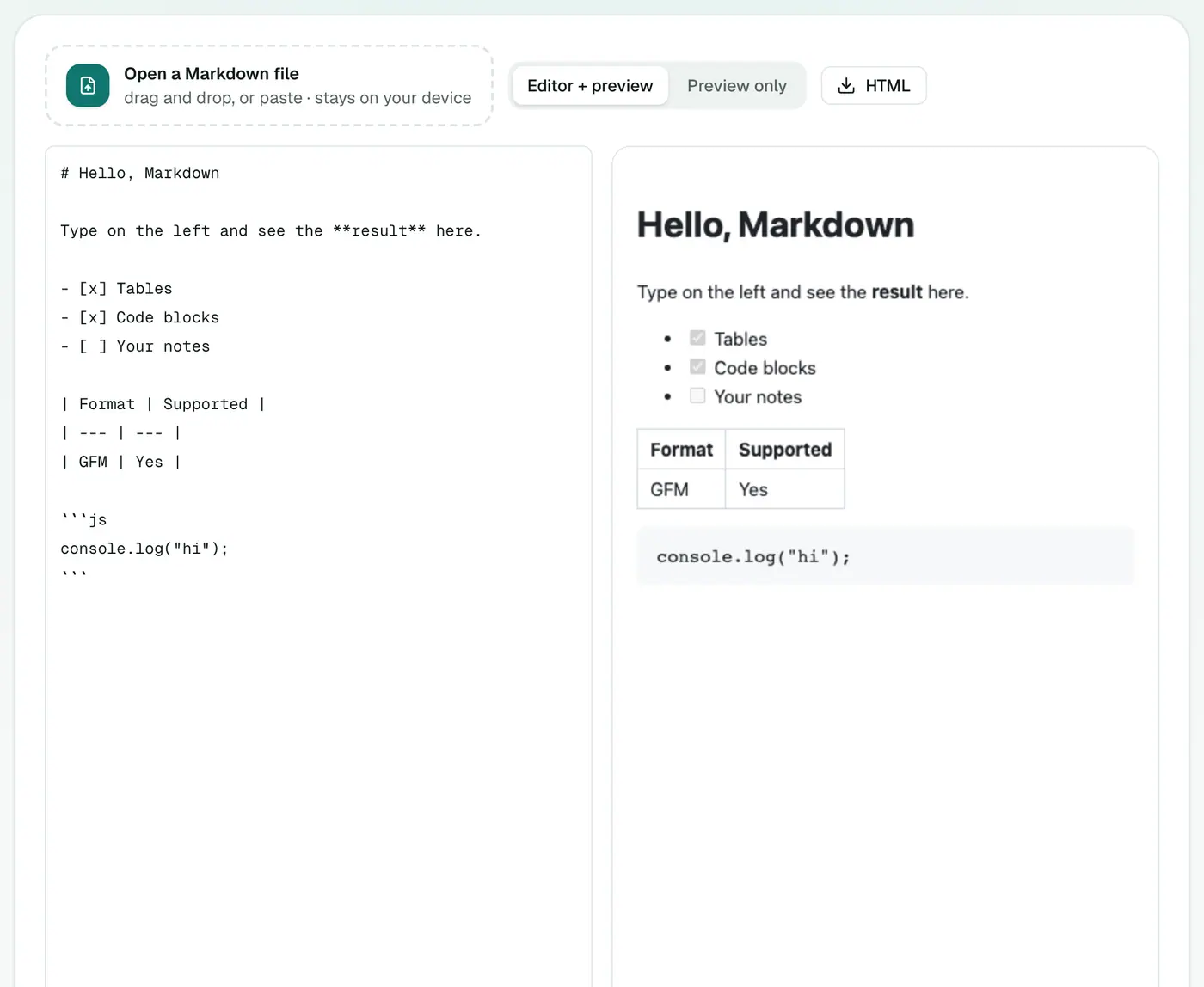
Drop a .md file, or type or paste Markdown into the editor. The preview updates live.
Markdown cheat sheet
| You type | You get |
|---|---|
# Heading | A large heading (use ##, ### for smaller ones) |
**bold** and *italic* | bold and italic |
- item | A bullet point |
1. item | A numbered list |
- [ ] task / - [x] done | A checklist |
[text](https://example.com) | A link |
 | An image |
> quote | A block quote |
`code` | Inline code |
| Cells separated by pipes, plus a line of dashes | A table |
Common uses
- README files: check a GitHub README before you push.
- AI answers: paste output from ChatGPT, Claude or Gemini to read it formatted, then export it.
- Notes: preview Obsidian, Joplin or Bear notes on a computer without the app.
- Documentation: proofread docs before publishing.
Export when you're done
- Markdown to PDF for a document to share.
- Markdown to Word for colleagues who live in Word.
- Markdown to HTML for the web.
Going the other way
Have a Word document or web page you want as Markdown? Use Word to Markdown or HTML to Markdown.
Troubleshooting
A table doesn't render. Tables need a header row, then a line of |---|---| dashes, with the same number of columns in each row.
A list runs into the paragraph above. Leave a blank line before the list.
Images don't show. Images with relative paths (images/logo.png) need the image file alongside. Web addresses (https://…) work when you're online.
Summary
The Markdown viewer is a quick, private place to read and polish Markdown before you share it.
FAQs
Can I edit the Markdown?
Yes. Type on the left and the formatted result updates on the right.
Which Markdown features render?
Headings, lists, task lists, tables, links, images, quotes and code blocks (GitHub-flavored Markdown).
How do I preview a ChatGPT answer?
Copy the answer and paste it into the editor. You'll see it formatted, and can export it to PDF or Word.
Is my text uploaded?
No. The preview is rendered in your browser.
What is Markdown?
A simple way of formatting plain text: # for headings, ** for bold, - for lists. It's used in README files, note apps like Obsidian and Notion, and AI chat answers.
Are my edits saved?
Copy the text or export it before closing the tab. The editor is for previewing and quick edits, not long-term storage.
Try the Markdown Viewer & Editor
Free to start, no install, and your files never leave your device.