Viewers2 min read
How to Open Outlook MSG Files on a Mac, Phone or Any Browser
Read Outlook .msg emails without Outlook for Windows: message body, sender, recipients, date and every attachment, right in your browser. Nothing uploaded.
By the ZapMorph team
On this page
Just want it done?
Open the MSG Viewer — it runs in your browser and nothing is uploaded.
Someone on Windows drags an email out of Outlook and sends it to you. It arrives as something.msg, and your Mac shrugs. The MSG viewer reads it on any device.
What is an MSG file?
A .msg file is a single email saved by Outlook for Windows. It contains the message, its sender and recipients, the date and any attachments. You'll get one when someone:
- Forwards an email "as an attachment" from Outlook.
- Drags an email from Outlook onto the desktop or a shared drive.
- Exports evidence for HR, legal or a support ticket.
The format is Microsoft's own binary format, so on a Mac, an iPhone, Android or Linux, nothing opens it by default.
How to open an MSG with ZapMorph
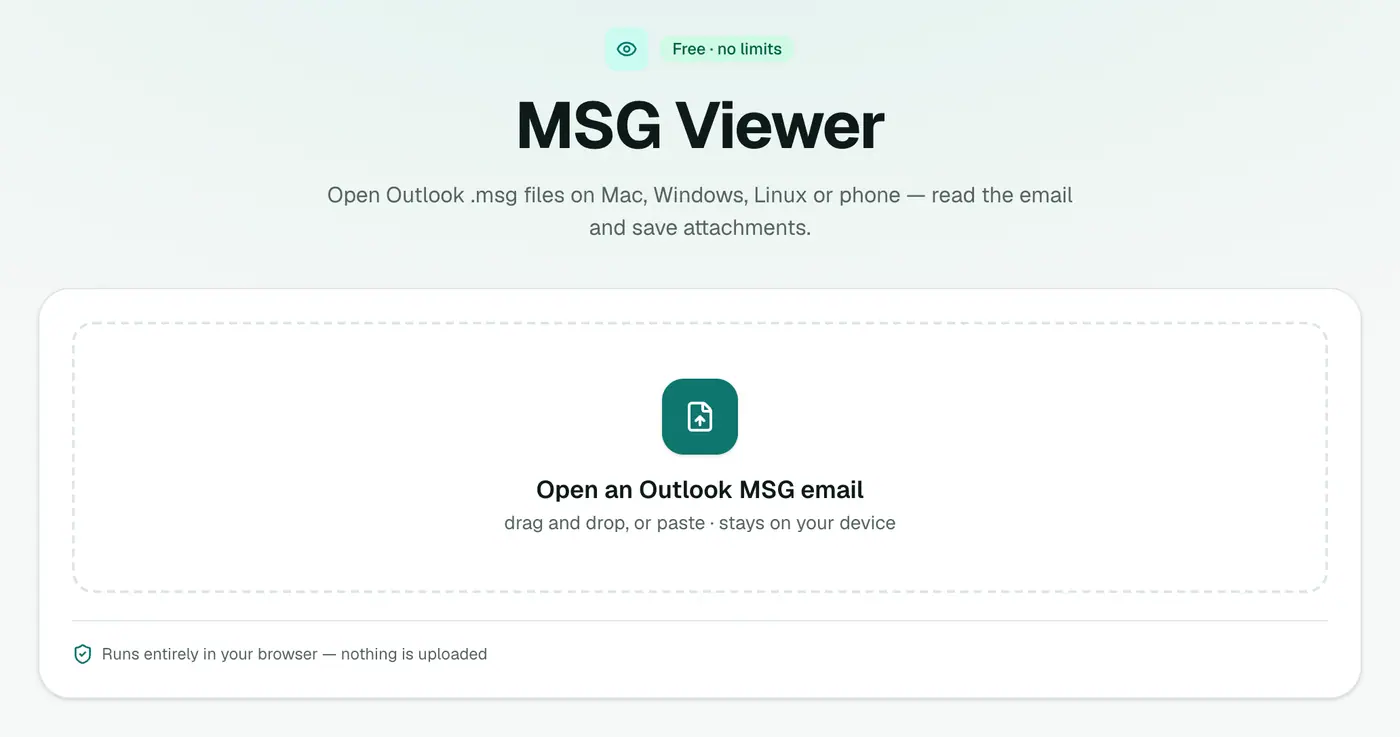
1. Open the MSG viewer
Go to the MSG viewer.
2. Drop in the file
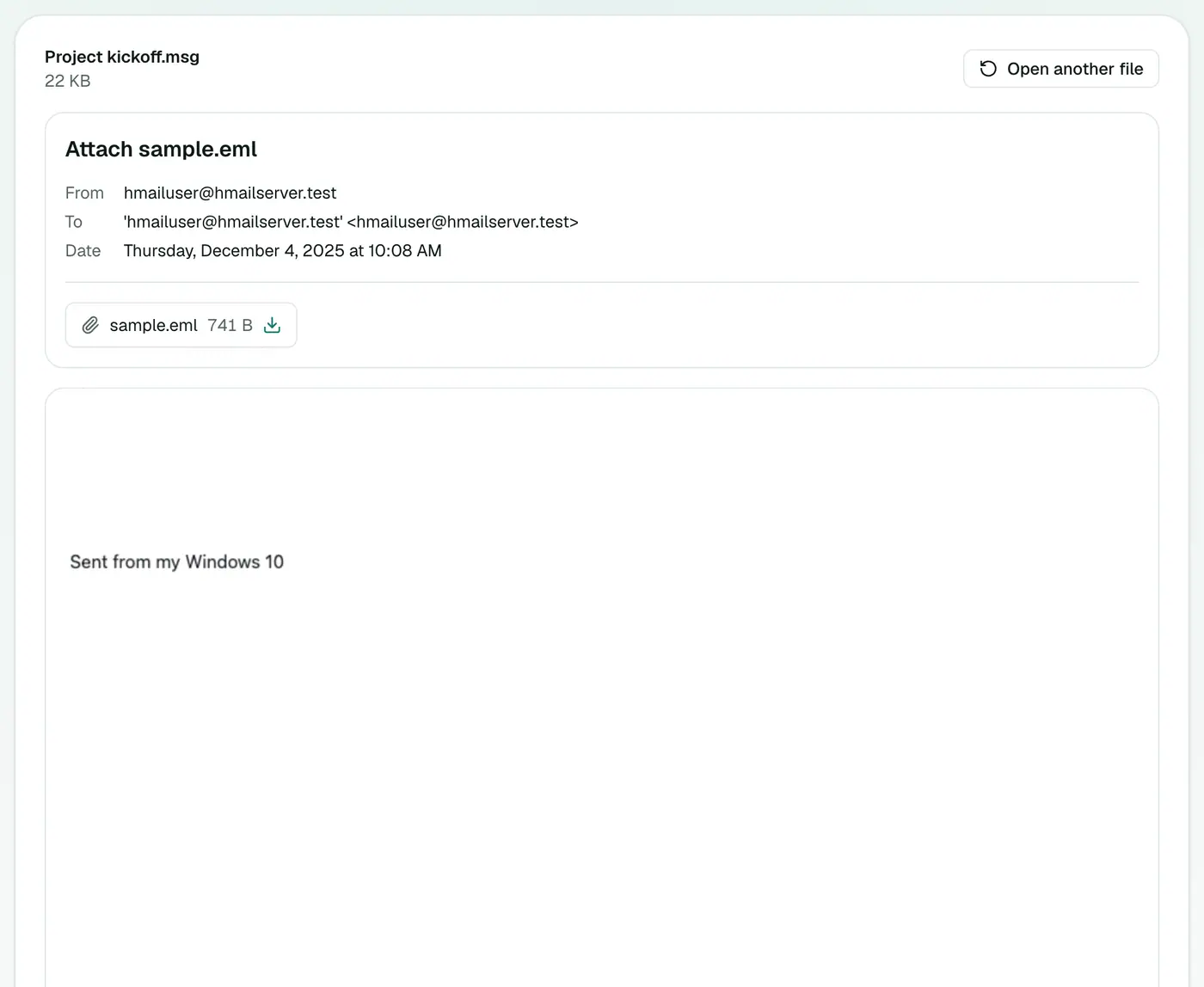
Drop the .msg file onto the box to see the full email: From, To, Cc, Date, Subject, the message with its formatting, and every attachment ready to download.
Opening MSG files on your phone
- iPhone / iPad: save the
.msgto the Files app (tap and hold the attachment → Save to Files), then open the viewer in Safari and pick it. - Android: download the attachment, open the viewer in Chrome, tap the box and choose it from Downloads.
Other options
| You want to… | Use |
|---|---|
| Read it once | MSG viewer |
| Open it in Apple Mail | MSG to EML, then double-click |
| Keep a record or print | MSG to PDF |
| Just get the attachments | Email Attachment Extractor |
| Review lots of MSG files | MSG to CSV |
Tips
- Ask the sender to forward normally rather than "as attachment" next time, and you'll get a regular email instead.
- Private: the file is read on your device, so it's fine for confidential correspondence.
Troubleshooting
"Isn't a readable Outlook MSG file." The file may be damaged, or it isn't really an MSG. Some apps save .msg files in other formats. Ask for the email again, or as an EML.
An email attached inside the MSG doesn't show. Messages nested inside another MSG aren't opened. Ask the sender to forward that inner email separately.
The body looks plain. Emails Outlook stored in its older rich-text format show as plain text. All the wording is there.
Summary
The MSG viewer lets Mac, Linux and phone users read Outlook emails without Outlook, privately and instantly.
FAQs
Why can't Apple Mail open MSG files?
MSG is an Outlook for Windows format. Apple Mail and most other apps don't support it.
Can I save the attachments?
Yes. Each attachment can be downloaded from the viewer.
Is the file uploaded?
No. It's read in your browser.
Can Outlook for Mac open MSG files?
Sometimes, but not reliably. Many MSG files open blank or not at all in Outlook for Mac, and the new Outlook for Mac can't open them.
Does it work on iPhone and Android?
Yes. Open the viewer in Safari or Chrome, tap the box and pick the .msg from Files or your downloads.
What's the difference between MSG and EML?
Both hold a single email. MSG is Microsoft's own binary format; EML is a standard text format almost every mail app opens.
Try the MSG Viewer
Free to start, no install, and your files never leave your device.