Viewers2 min read
How to Open an XPS or OXPS File on a Mac or Phone
View Windows XPS and OXPS documents in any browser, page by page, then convert them to PDF if you need to share them. No Windows needed, nothing uploaded.
By the ZapMorph team
On this page
Just want it done?
Open the XPS Viewer — it runs in your browser and nothing is uploaded.
XPS files are what you get when someone on Windows picks "Microsoft XPS Document Writer" instead of "Microsoft Print to PDF". On a Mac, iPhone or Android, they simply won't open.
Where XPS files come from
- Printing to "Microsoft XPS Document Writer" by mistake, a common choice in the Windows print dialog.
- Older business software that saves invoices, statements or reports as XPS.
- Scanned documents from some Windows scanning tools.
- Government and bank portals that generated XPS in the Windows 7 era.
How to view an XPS file with ZapMorph
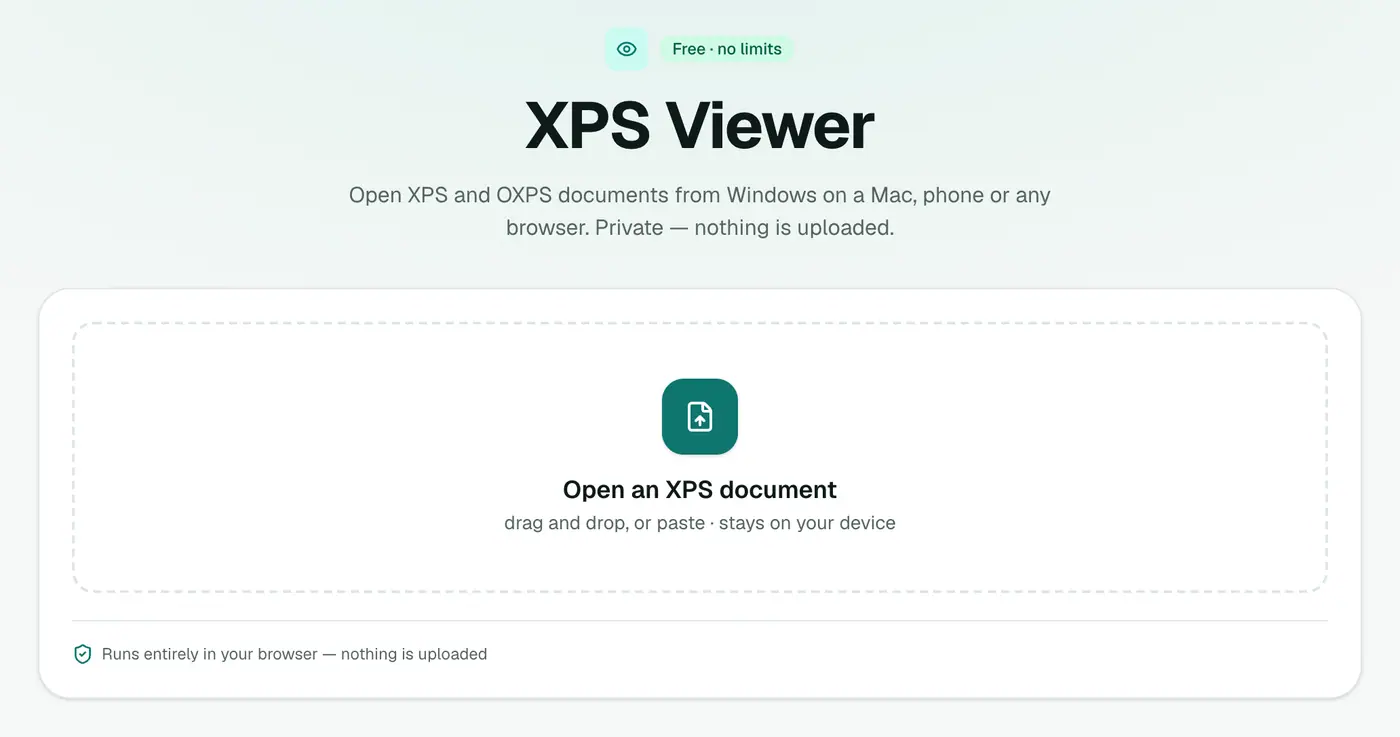
1. Open the XPS viewer
Go to the XPS viewer.
2. Drop in the file
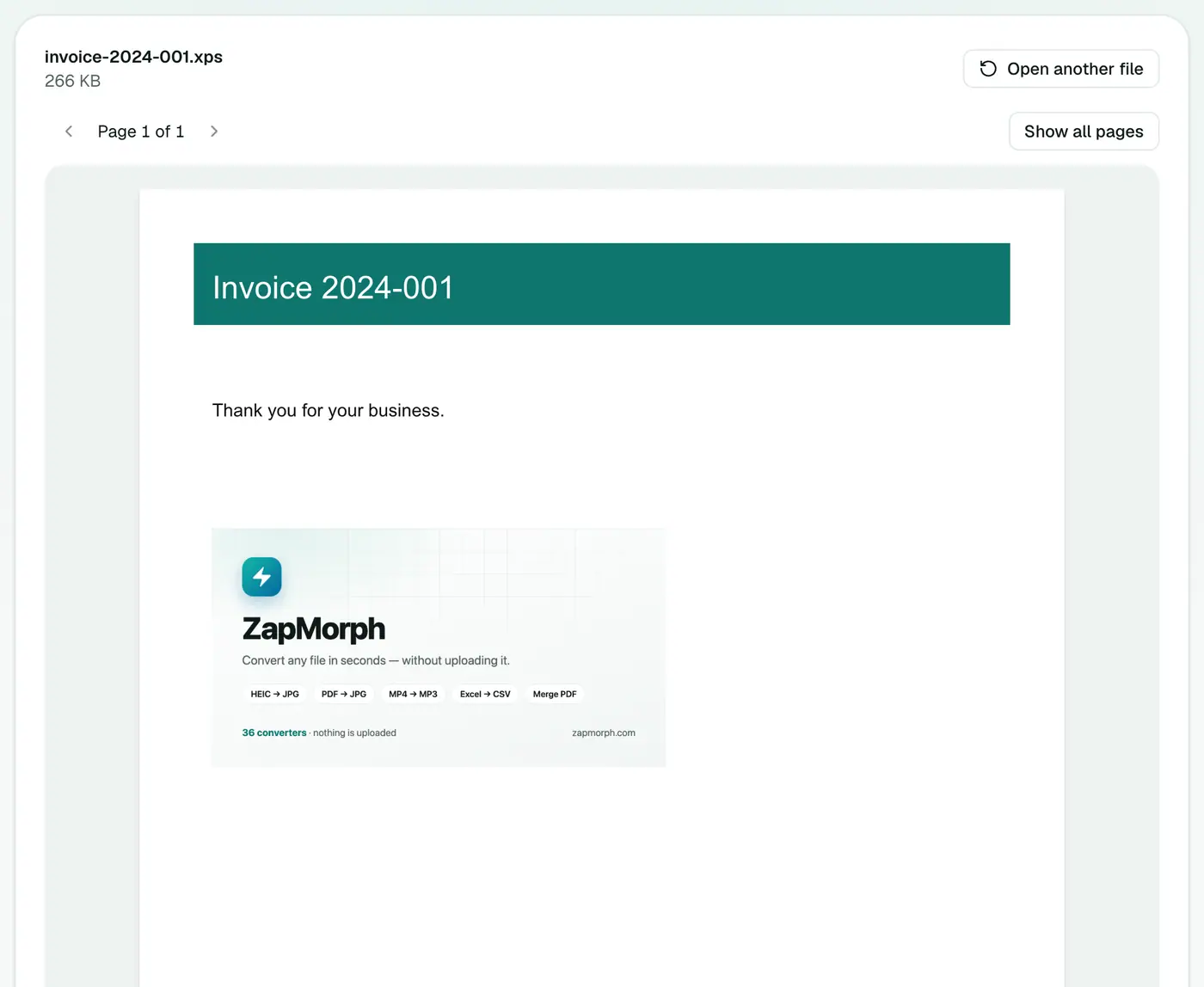
Drop the .xps or .oxps file on the box. Pages appear with their text, shapes and images.
Other ways to open XPS
| Option | Works on | Catch |
|---|---|---|
| XPS viewer (browser) | Any device | Read-only |
| Windows XPS Viewer | Windows only | May need installing as an optional feature |
| Ask for a PDF | Everywhere | Depends on the sender |
| Convert to PDF | Everywhere | One extra step, covered below |
Need to share it?
Convert it with XPS to PDF so the recipient can open it too. PDF opens on every device and in every browser.
Avoiding XPS files in future
If you're the one creating them on Windows, pick Microsoft Print to PDF in the print dialog instead of Microsoft XPS Document Writer. You'll get a PDF straight away.
Troubleshooting
Pages look slightly different from Windows. Unusual fonts embedded in the document can render with small differences. The text and layout are the same.
The file won't open. It may not be a real XPS. Some apps use the extension for other things. XPS and OXPS files are ZIP archives underneath, so a damaged download often won't open at all. Get the file again.
Summary
The XPS viewer opens Windows-only XPS documents on any device, privately and without installing anything.
FAQs
What is an XPS file?
A document 'printed' with Windows' Microsoft XPS Document Writer. It's similar to a PDF, but few apps outside Windows can open it.
Can I convert it to PDF?
Yes. Use XPS to PDF.
Is it uploaded?
No, it's read in your browser.
What's the difference between XPS and OXPS?
OXPS is the standardised version (Open XPS) that Windows 8 and later produce. Both open in the viewer.
Why doesn't Windows open my XPS file any more?
Newer versions of Windows no longer install the XPS Viewer by default. You can add it under Settings → Apps → Optional features, or just use the browser viewer.
Can I open XPS on an iPhone or Android phone?
Yes. Open the viewer in your phone's browser and choose the file.
Try the XPS Viewer
Free to start, no install, and your files never leave your device.