Viewers2 min read
How to Open and Search an MBOX File Without Importing It
Browse a whole MBOX mailbox (Thunderbird, Apple Mail, Gmail Takeout) in your browser: list, search, read messages and download attachments. Nothing uploaded.
By the ZapMorph team
On this page
Just want it done?
Open the MBOX Viewer — it runs in your browser and nothing is uploaded.
Importing an MBOX into a mail app just to find one email is overkill, and it clutters your real inbox. The MBOX viewer lets you look inside without importing anything.
Where MBOX files come from
- Gmail: Google Takeout exports all your mail as
All mail Including Spam and Trash.mbox. - Apple Mail: Mailbox → Export Mailbox creates a folder with an
mboxfile inside. - Thunderbird: each local folder is stored as an MBOX file without an extension.
- Converted archives: from PST to MBOX or OLM to MBOX.
How to open an MBOX with ZapMorph
1. Open the MBOX viewer
Go to the MBOX viewer.
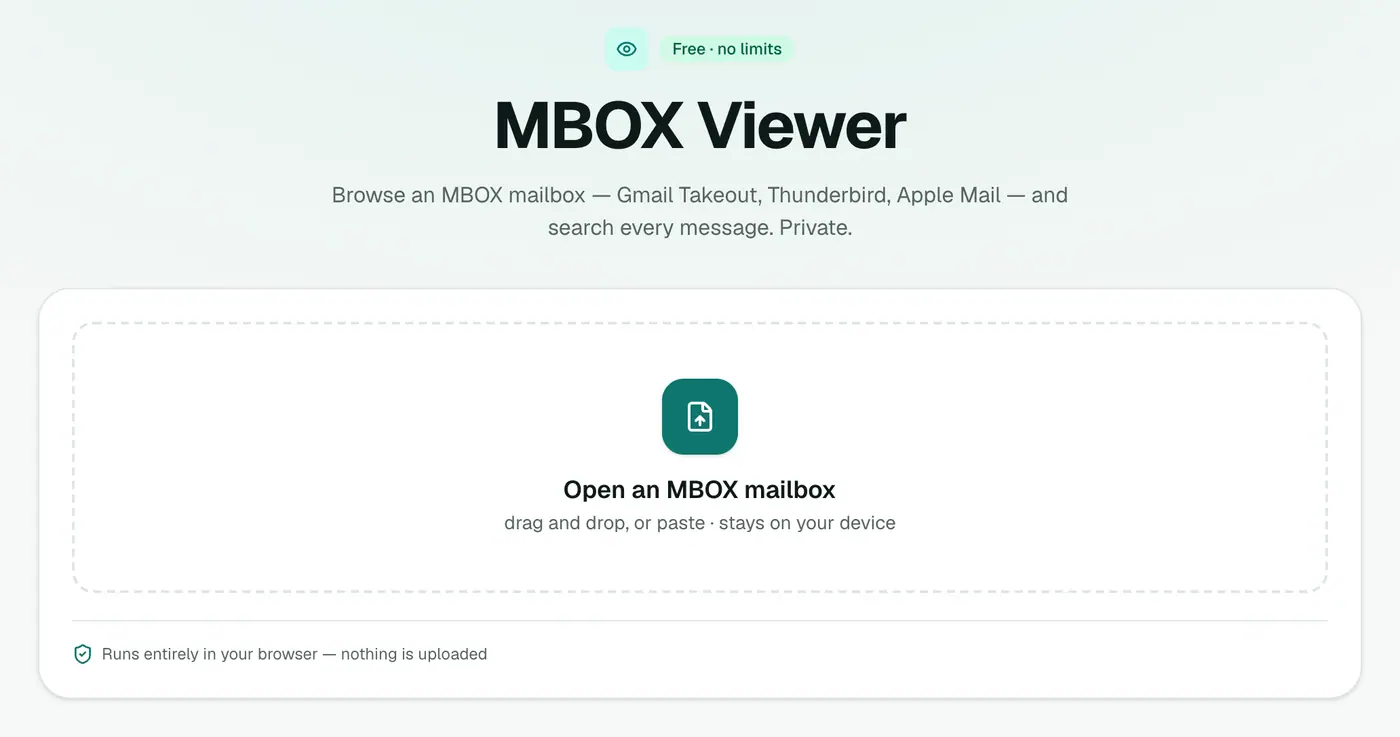
2. Drop in the mailbox
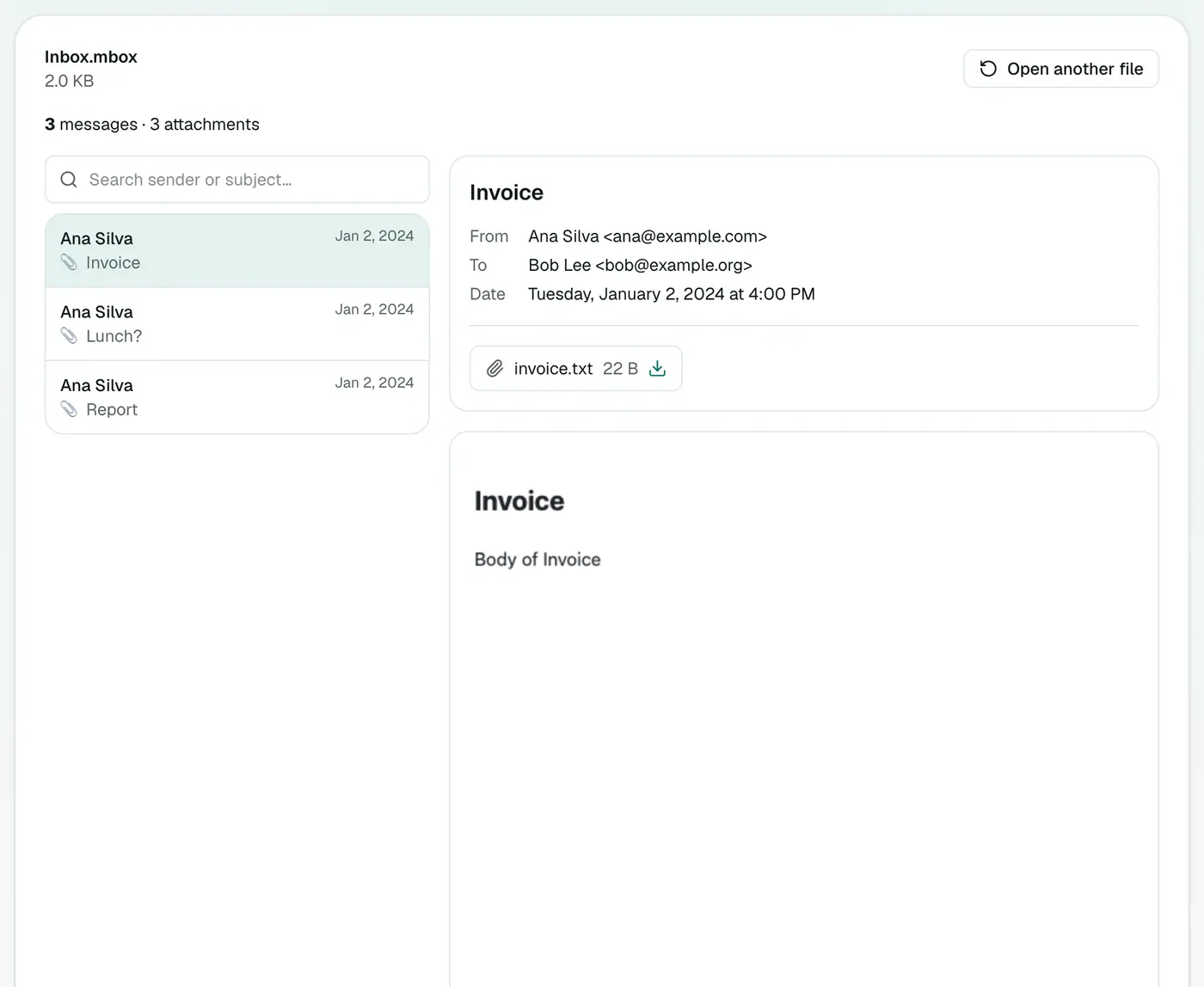
Drop the .mbox on the box. Messages are listed with sender, subject and date, along with the message count. Click one to read it.
- Search by sender, recipient or subject.
- 📎 marks emails with attachments.
- Download attachments from any message.
Viewer or import?
| MBOX viewer | Import into a mail app | |
|---|---|---|
| Setup | None | Add-ons or import wizards |
| Affects your inbox | No | Adds folders, may sync to the server |
| Best for | Finding a few emails | Keeping the mail long term |
Tips
- Thunderbird files without an extension: rename a copy to
Inbox.mboxso it can be selected. - Large mailbox? The list shows up to 1,000 matches at a time. Search narrows it down.
- Just need the numbers? The MBOX counter is faster for huge files.
Related
- Gmail export as a ZIP? The Gmail Takeout viewer opens it directly.
- Just need the numbers? The MBOX counter.
- Convert it: MBOX to PDF, MBOX to CSV, MBOX to EML.
Troubleshooting
"Has no messages in it." The file isn't an MBOX, or it's empty. Apple Mail exports are folders: open the folder and pick the file named mbox inside.
Odd characters in old emails. Some old messages declare the wrong character set. The content is there; a few letters may look off.
Summary
The MBOX viewer is the quickest way to look inside a mailbox export, privately and without importing.
FAQs
Can I search the mailbox?
Yes. Messages are listed with sender, subject and date, and you can search by sender, recipient or subject.
Can I download attachments?
Yes, from each message.
Is the mailbox uploaded?
No. It's read in your browser.
What is an MBOX file?
A mailbox format that stores many emails one after another in a single file. Gmail Takeout, Thunderbird and Apple Mail exports all use it.
Is there a size limit?
It depends on your plan's file size limit and your device's memory. Very large Takeout files open best on a computer with plenty of RAM.
Can I open an MBOX on Windows?
Yes. The viewer runs in any browser, so Windows, Mac, Linux and Chromebooks all work.
Try the MBOX Viewer
Free to start, no install, and your files never leave your device.