Viewers2 min read
How to Open an ICS Calendar File Without Importing It
See every event in a calendar export or meeting invite (.ics), with date, time, location, organiser and notes, before adding it to your calendar. Private, free.
By the ZapMorph team
On this page
Just want it done?
Open the ICS Calendar Viewer — it runs in your browser and nothing is uploaded.
An .ics attachment could be one meeting invite or an entire year of a colleague's calendar. Double-click it and your calendar app imports everything, sometimes into the wrong calendar. The ICS viewer shows you what's inside first.
Where ICS files come from
- Meeting invites from Outlook, Zoom, Teams and Google Calendar.
- Booking confirmations: flights, hotels, doctors, restaurants, webinars.
- Calendar exports from Google Calendar, Outlook or Apple Calendar.
- School and sports schedules, holidays and event programmes.
How to view an ICS file with ZapMorph
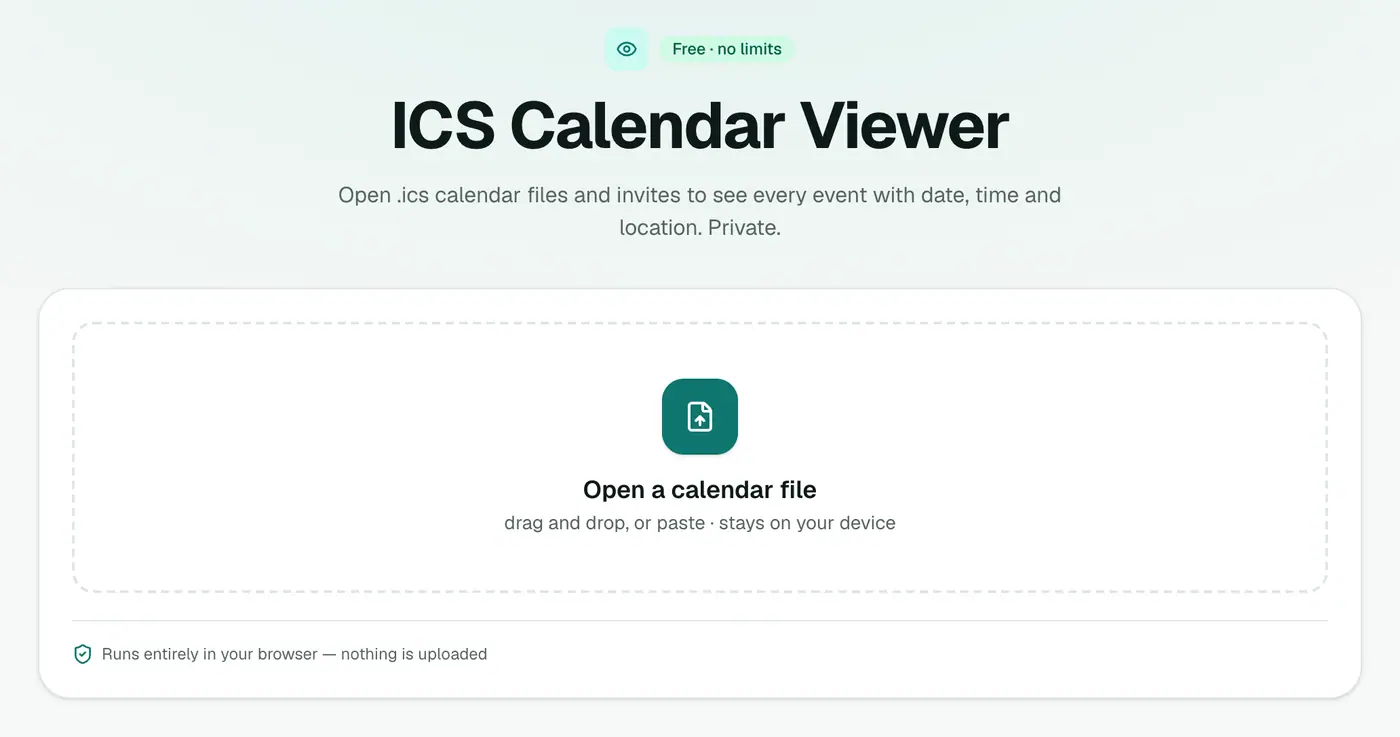
1. Open the ICS viewer
Go to the ICS viewer.
2. Drop in the file
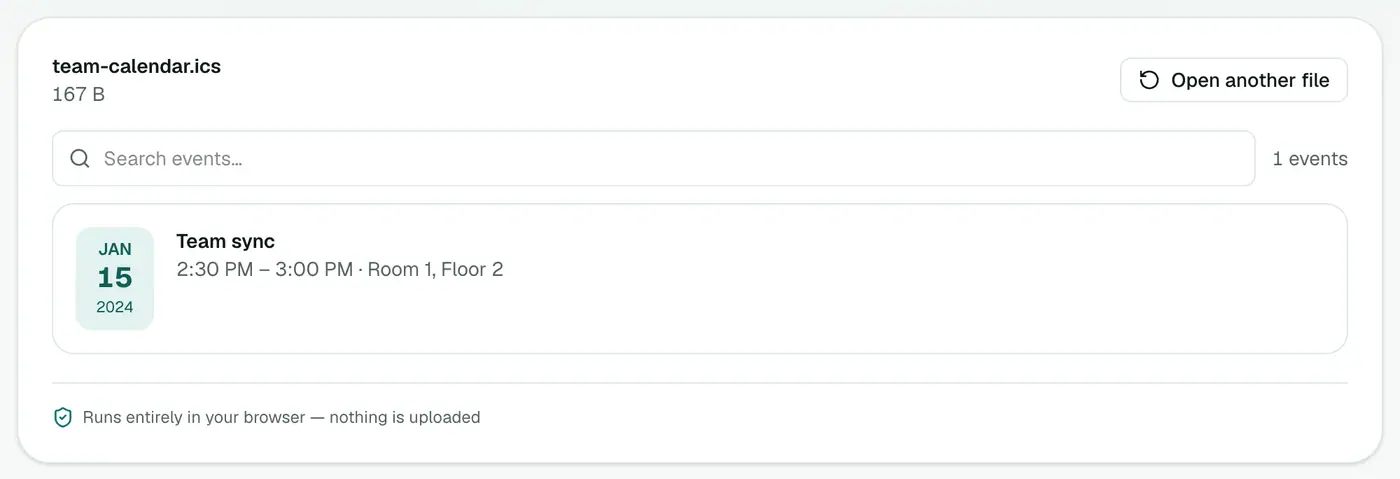
Drop the file on the box. Events are listed in date order with their time, location, organiser and notes.
What to check before importing
- How many events? One invite, or a whole calendar?
- Dates and times: do they look right in your time zone?
- Duplicates: are these events already in your calendar?
- Organiser: is it from someone you expect?
- Links: be wary of unexpected invites with links. Calendar spam is common.
Importing safely afterwards
| Calendar | How to import | Safe-import tip |
|---|---|---|
| Google Calendar | Settings → Import & export → Import | Create a new calendar first and import into it |
| Outlook.com | Add calendar → Upload from file | Choose a new calendar |
| Apple Calendar | File → Import | Pick New Calendar when asked |
| Outlook for Windows | File → Open & Export → Import/Export | Open as a new calendar |
Related
- Timesheets and reports: ICS to Excel.
- Event list: ICS to CSV.
- Calendar stuck inside an Outlook PST? PST to ICS.
Troubleshooting
No events show. The file may contain only tasks or time-zone definitions, or it's not really an ICS. Open it in a text editor. A valid file starts with BEGIN:VCALENDAR.
Times look off by hours. The event was saved without a time zone. Check with the organiser what time zone they meant.
Summary
The ICS viewer lets you check a calendar file before it lands in your calendar.
FAQs
Why not just double-click it?
Double-clicking usually imports the events straight into your calendar, which is messy if the file holds hundreds of events or the wrong ones.
What's shown?
Events in date order with time, location, organiser and notes.
Is the file uploaded?
No. It's read in your browser.
What is an ICS file?
The standard calendar format (iCalendar). Google Calendar, Outlook, Apple Calendar and most booking systems use it for invites and exports.
Can I open an ICS file on my phone?
Yes. The viewer works in mobile browsers, so you can check an invite before tapping Add to Calendar.
How do I undo an accidental import?
Google Calendar and Outlook have no one-click undo for imports. That's why importing into a new, separate calendar is safer: you can delete that calendar in one go.
Try the ICS Calendar Viewer
Free to start, no install, and your files never leave your device.