Viewers2 min read
How to Open an Excel File (XLSX) Without Excel
Browse every sheet of an XLSX spreadsheet as a table in your browser, with formula results shown as values. No Excel, Google Sheets or account needed.
By the ZapMorph team
On this page
Just want it done?
Open the Excel Viewer — it runs in your browser and nothing is uploaded.
You need to check a number in a spreadsheet someone emailed, and you're on a computer without Excel. Or you'd rather not upload a salary sheet to Google Sheets. The Excel viewer shows every sheet as a clean table, right in your browser.
How to view an Excel file with ZapMorph
1. Open the Excel viewer
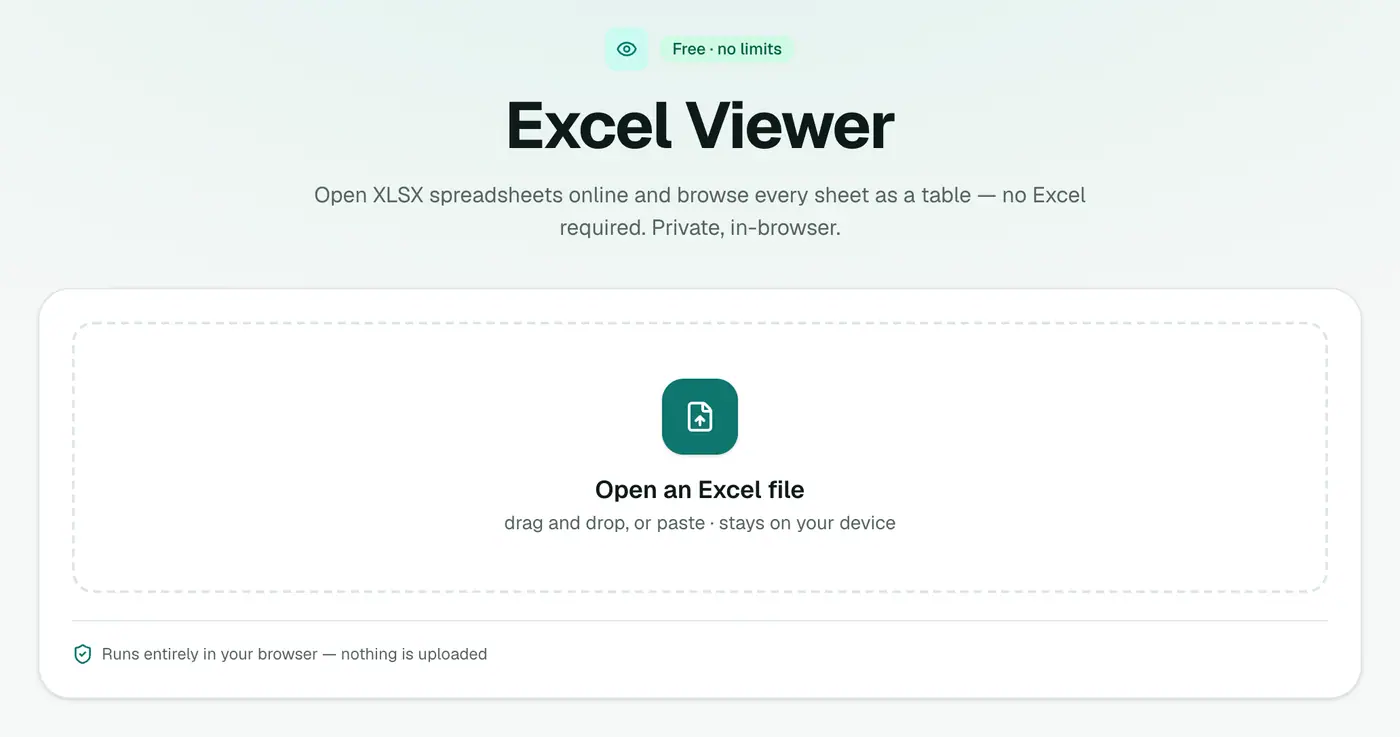
Go to the Excel viewer.
2. Drop in the spreadsheet
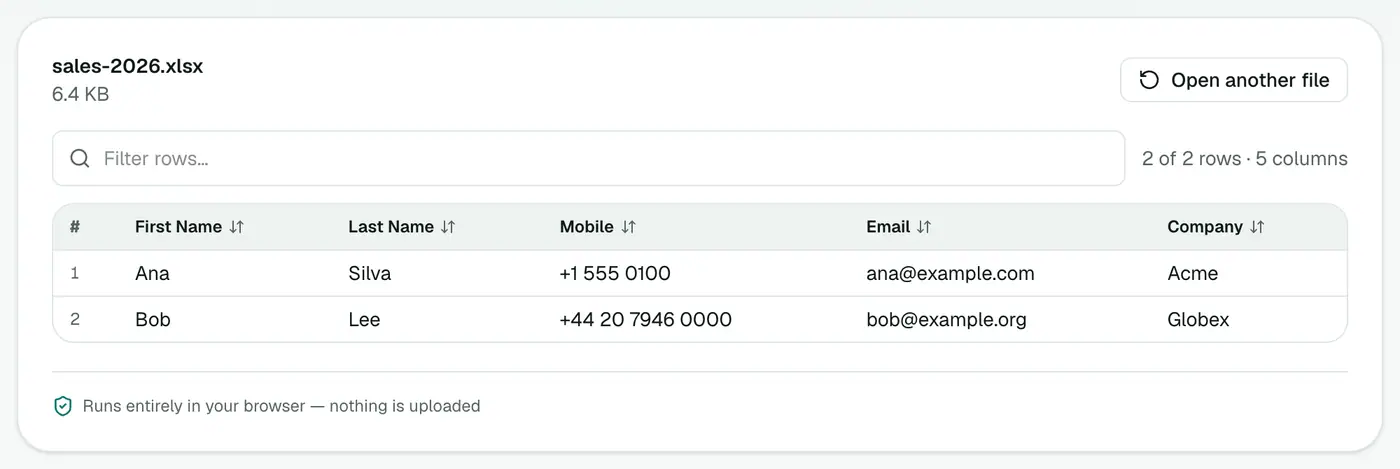
Drop the .xlsx onto the box. Each worksheet appears as a tab.
Good for
- Checking a figure in a budget, invoice list or report.
- Reviewing a data export before importing it somewhere.
- Opening sensitive files (payroll, grades, medical lists) without uploading them.
- Locked-down computers where you can't install software.
Other ways to open XLSX without Excel
| Option | Account | Uploads the file | Edit |
|---|---|---|---|
| Excel viewer | No | No | No |
| Excel for the web | Microsoft account | Yes (OneDrive) | Yes |
| Google Sheets | Google account | Yes (Drive) | Yes |
| Apple Numbers | No | No | Yes |
| LibreOffice Calc | No | No | Yes, after install |
Why formula results, not formulas?
When a spreadsheet is saved, Excel stores both the formula and its last result. The viewer shows the results, so you see the same numbers the sender saw. To inspect the formulas themselves, you'll need a spreadsheet app.
Need the data elsewhere?
- Export a sheet: Excel to CSV or Excel to JSON.
- Contacts list? Excel to vCard.
- Plain CSV file instead? Use the CSV viewer.
Troubleshooting
A cell shows a value that seems out of date. The file was saved by an app that didn't recalculate formulas. Open it in a spreadsheet app to recalculate.
The file won't open. Password-protected workbooks are encrypted and can't be read without the password. Ask the sender to remove it, or open it in Excel with the password.
Summary
The Excel viewer lets you check any XLSX quickly and privately, without Excel.
FAQs
Are all sheets shown?
Yes. Every worksheet appears as a tab.
Are formulas shown?
Formula results are shown as values, which is usually what you want when reading.
Can I edit cells?
No, it's a viewer. Convert to CSV if you want to work with the data elsewhere.
Can I open old .xls files?
The viewer opens .xlsx. For an old .xls, save it as .xlsx in Excel, LibreOffice or Numbers first.
Is the spreadsheet uploaded?
No. It's read in your browser, which makes it suitable for payroll, finance and HR files.
Does it work on a phone?
Yes. Open the viewer in your phone's browser and pick the file.
Try the Excel Viewer
Free to start, no install, and your files never leave your device.