Viewers2 min read
How to Open an EML File Without Outlook or a Mail App
Read .eml emails in your browser: sender, recipients, date, the formatted message and attachments. Remote images are blocked for privacy, nothing is uploaded.
By the ZapMorph team
On this page
Just want it done?
Open the EML Viewer — it runs in your browser and nothing is uploaded.
Double-click an .eml on Windows and it may open Outlook's setup wizard. On a Chromebook, nothing happens. You don't need a mail app to read an email file. The EML viewer shows it right in your browser.
Where EML files come from
EML is the standard format for a single email. You'll get one when:
- Gmail: open an email → ⋮ → Download message.
- Outlook.com: open an email → … → Download.
- Apple Mail: drag an email from the list to the desktop.
- Thunderbird: File → Save As → File.
- Someone attaches an email to another email, or a system exports emails as evidence.
How to open an EML with ZapMorph
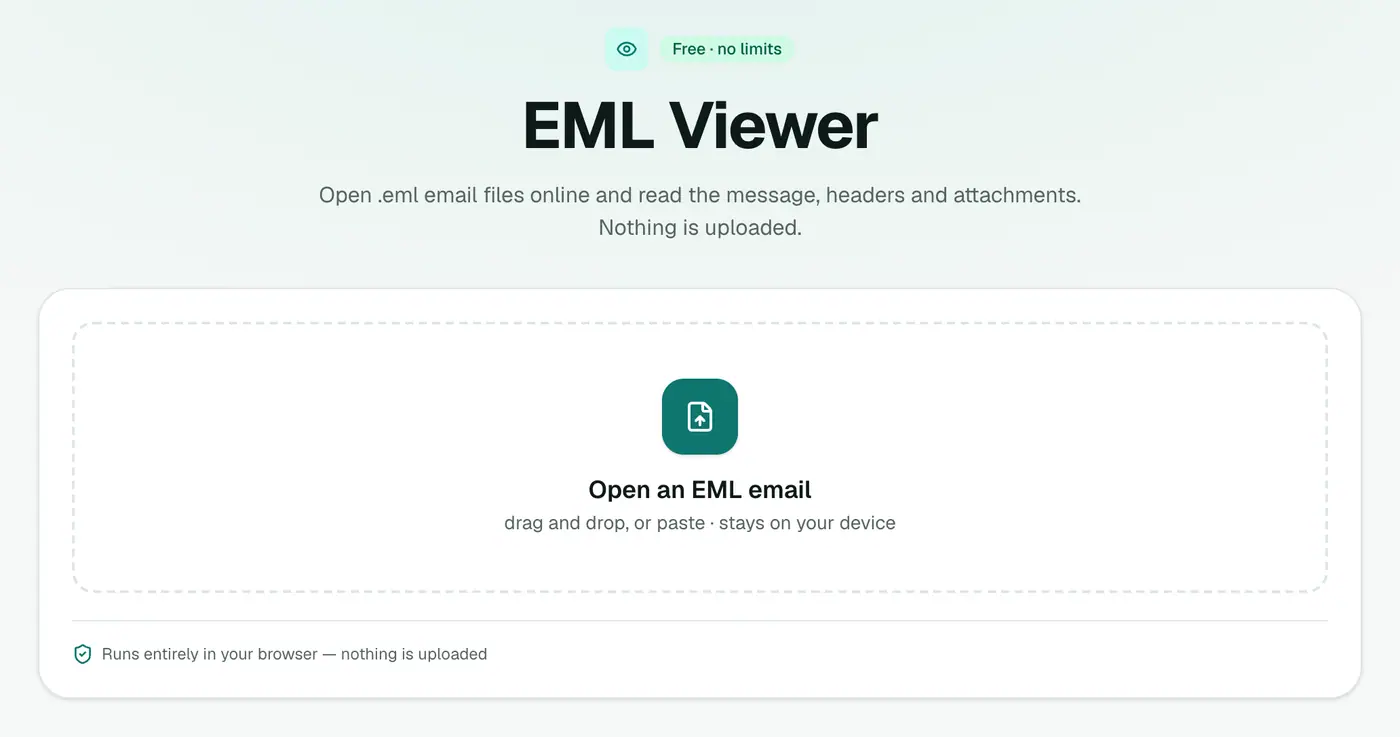
1. Open the EML viewer
Go to the EML viewer.
2. Drop in the file
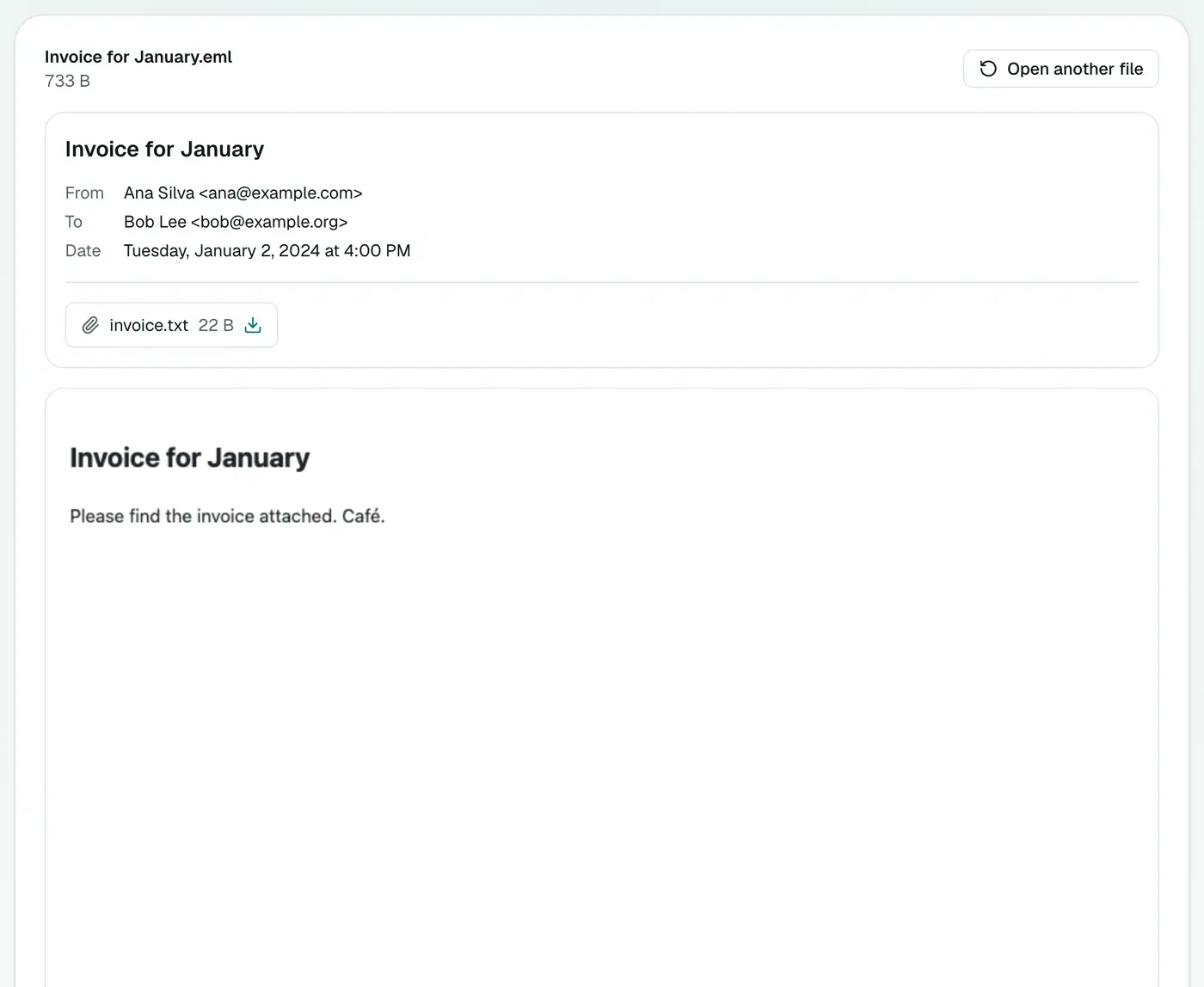
Drop the file on the box. You'll see the subject, sender, recipients, date, attachments and the formatted message.
Privacy note
Emails can contain tiny remote images ("tracking pixels") that tell the sender when you opened them. The viewer blocks remote images so opening an old email doesn't ping anyone. The file itself is read on your device and never uploaded.
Opening EML files with apps you already have
| Device | Built-in option | Catch |
|---|---|---|
| Windows | Outlook or Windows Mail | Outlook may ask you to set up an account first |
| Mac | Apple Mail (double-click) | Opens Mail, which may start syncing |
| Chromebook / Linux | None by default | Needs a viewer or Thunderbird |
| iPhone / Android | Mail apps sometimes open it | Often shown as a raw text file |
The browser viewer works the same on all of them.
Want to keep or share it?
- Keep a record: EML to PDF.
- A page that looks like the original: EML to HTML.
- Save all attachments from many emails: Email Attachment Extractor.
- Many emails as one document: EML Merge.
Troubleshooting
The file shows gibberish. It may not be a real EML. Some apps save .eml files in other formats. Check if it opens in Apple Mail or Thunderbird.
The text is in strange characters. Old emails sometimes declare the wrong character set. The content is still there, but accented letters may look off.
Got an .emlx from Apple Mail? Convert it with EMLX to EML first.
Summary
The EML viewer opens email files instantly and privately, no mail app required.
FAQs
Can I download the attachments?
Yes. Attachments are listed with their size and a download button.
Why are images missing from the email?
Remote images are blocked for your privacy, because they're often used to track when an email is opened.
Is the email uploaded?
No. It's read in your browser.
What is an EML file?
A single email saved in the standard internet message format, with headers, body and attachments in one file.
Can I open EML files on an iPhone or Android phone?
Yes. Open the viewer in your phone's browser, tap the box and choose the .eml from Files or Downloads.
Can I open winmail.dat attachments?
winmail.dat is Outlook's own wrapper for rich-text emails. The viewer shows the email itself, but the contents of a winmail.dat attachment need a dedicated tool.
Try the EML Viewer
Free to start, no install, and your files never leave your device.