Viewers2 min read
How to Open a Word Document (DOCX) Without Microsoft Word
Read .docx files with their headings, lists, tables and images in your browser, on a computer or phone without Office. Nothing uploaded, no account needed.
By the ZapMorph team
On this page
Just want it done?
Open the Word Document Viewer — it runs in your browser and nothing is uploaded.
A Word attachment arrives on a Chromebook, a borrowed laptop or a phone without Office. Uploading it to Google Docs works, but then your contract or CV is sitting in your Google Drive. The Word viewer just shows it, privately.
How to view a Word document with ZapMorph
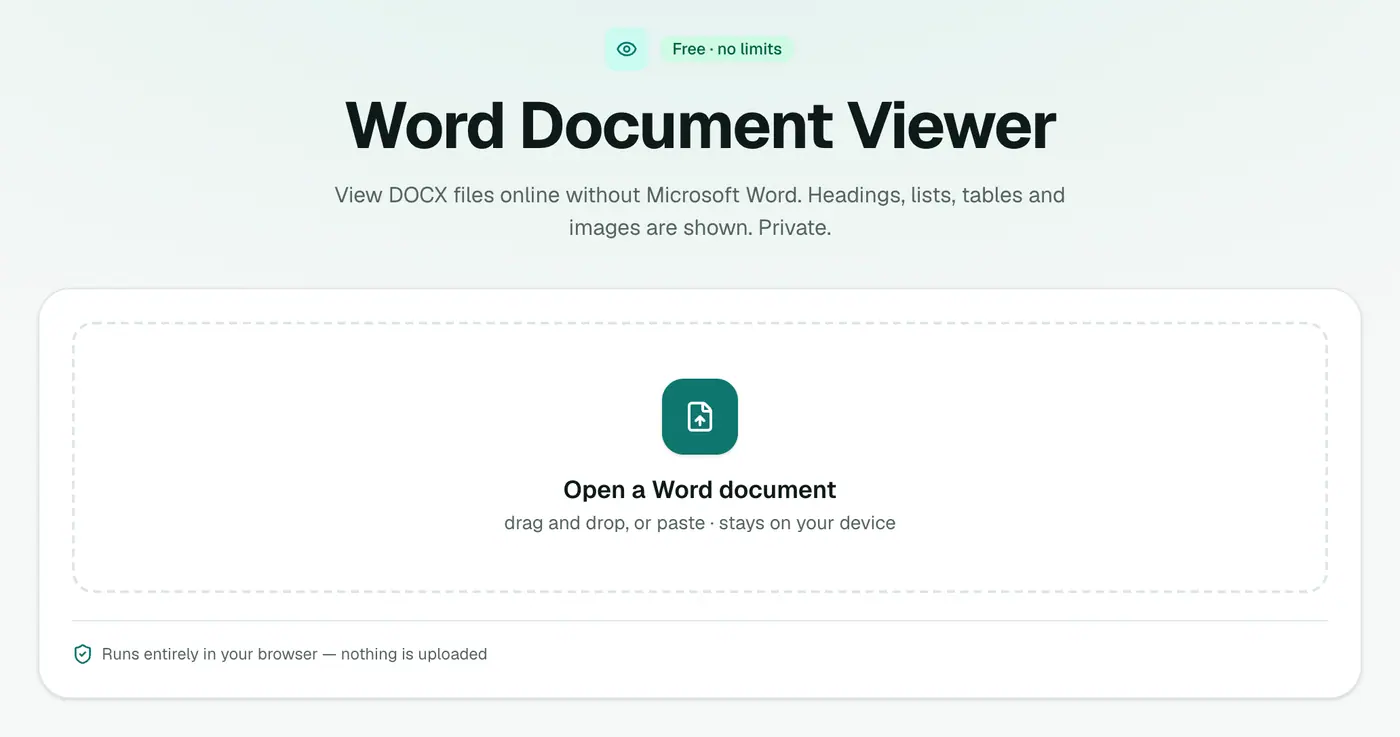
1. Open the Word viewer
Go to the Word viewer.
2. Drop in the document
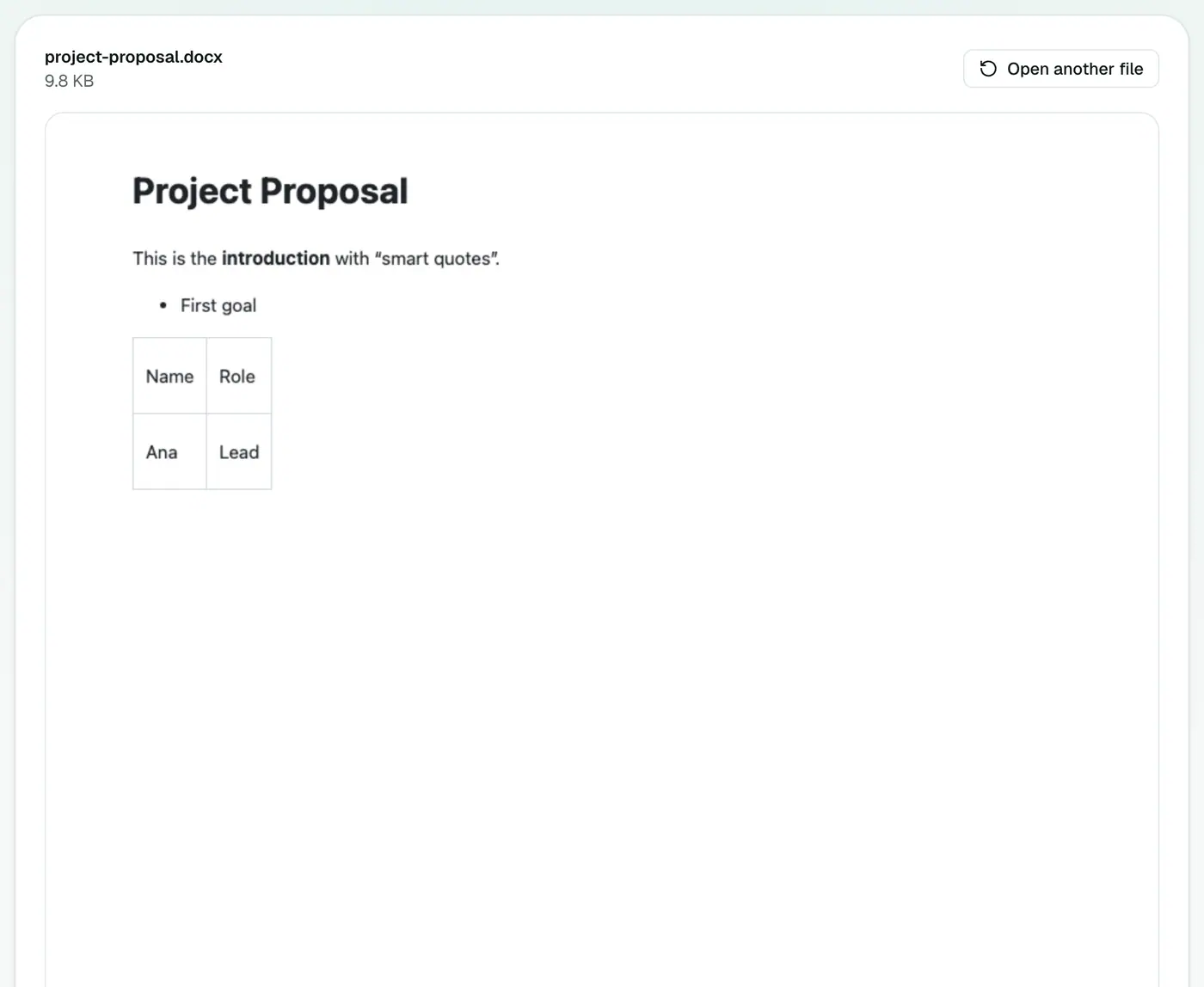
Drop the .docx onto the box. Headings, lists, tables and images appear in a second or two.
Ways to open DOCX without Word, compared
| Option | Account | Uploads the file | Edit |
|---|---|---|---|
| Word viewer | No | No | No |
| Word for the web | Microsoft account | Yes (OneDrive) | Yes |
| Google Docs | Google account | Yes (Drive) | Yes |
| Apple Pages | No | No | Yes |
| LibreOffice Writer | No | No | Yes, after install |
| WordPad (older Windows) | No | No | Basic formatting only |
When a viewer is the right choice
- Contracts, offers and HR letters you'd rather not put in cloud storage.
- CVs you're reviewing as a recruiter or hiring manager.
- Locked-down or shared computers where you can't install anything.
- Quick checks on a phone before replying to an email.
What next?
- Need a PDF to share or print? Word to PDF.
- Need plain text? Word to Text.
- Need it on a website? Word to HTML.
- Writing in Markdown? Word to Markdown.
Troubleshooting
"Isn't a readable Word document." It may be an old .doc or an .rtf renamed to .docx. Save it as .docx in LibreOffice or Google Docs first.
It's password-protected. Encrypted Word files can't be read without the password. Open it in Word with the password, or ask the sender for an unprotected copy.
Fonts look different. Fonts that aren't on your device are replaced with similar ones. The wording is unchanged.
Summary
The Word viewer lets you read any DOCX instantly, without Office and without uploading it anywhere.
FAQs
Can I edit the document?
The viewer is for reading. To edit, open the file in Word for the web (free with a Microsoft account), Google Docs, Pages or LibreOffice.
What about old .doc files?
The viewer opens .docx. For .doc, use Google Docs or LibreOffice, or ask the sender for a .docx or PDF.
Is the document uploaded?
No. It's read entirely in your browser.
Are comments and tracked changes shown?
The viewer shows the document's content. To review comments and tracked changes, open it in Word, Pages, Google Docs or LibreOffice.
Does it work on a phone?
Yes. Open the viewer in your phone's browser and pick the file.
Will it look exactly like it does in Word?
The content, headings, lists, tables and images are all there. Page layout details like exact page breaks, headers and footers can differ, as they do between any two word processors.
Try the Word Document Viewer
Free to start, no install, and your files never leave your device.