Viewers2 min read
How to Open a VCF Contacts File and See Who's Inside
View every contact in a vCard (.vcf) export, with names, phones, emails, company and address, before importing it into your phone. Private, free.
By the ZapMorph team
On this page
Just want it done?
Open the vCard Viewer — it runs in your browser and nothing is uploaded.
Someone sends you a .vcf. Is it one contact or 3,000? Are they all duplicates of people you already have? Opening it on your phone usually means importing it immediately. The vCard viewer lets you look first.
Where VCF files come from
- Phone backups: iPhone (via iCloud) and Android contact exports.
- Google Contacts: Export → vCard.
- Shared contacts: "Share contact" from a phone or Outlook sends a
.vcf. - Email signatures and CRMs often attach a vCard.
- Old phones (Nokia, early Android) with vCard 2.1 backups.
How to view a VCF with ZapMorph
1. Open the vCard viewer
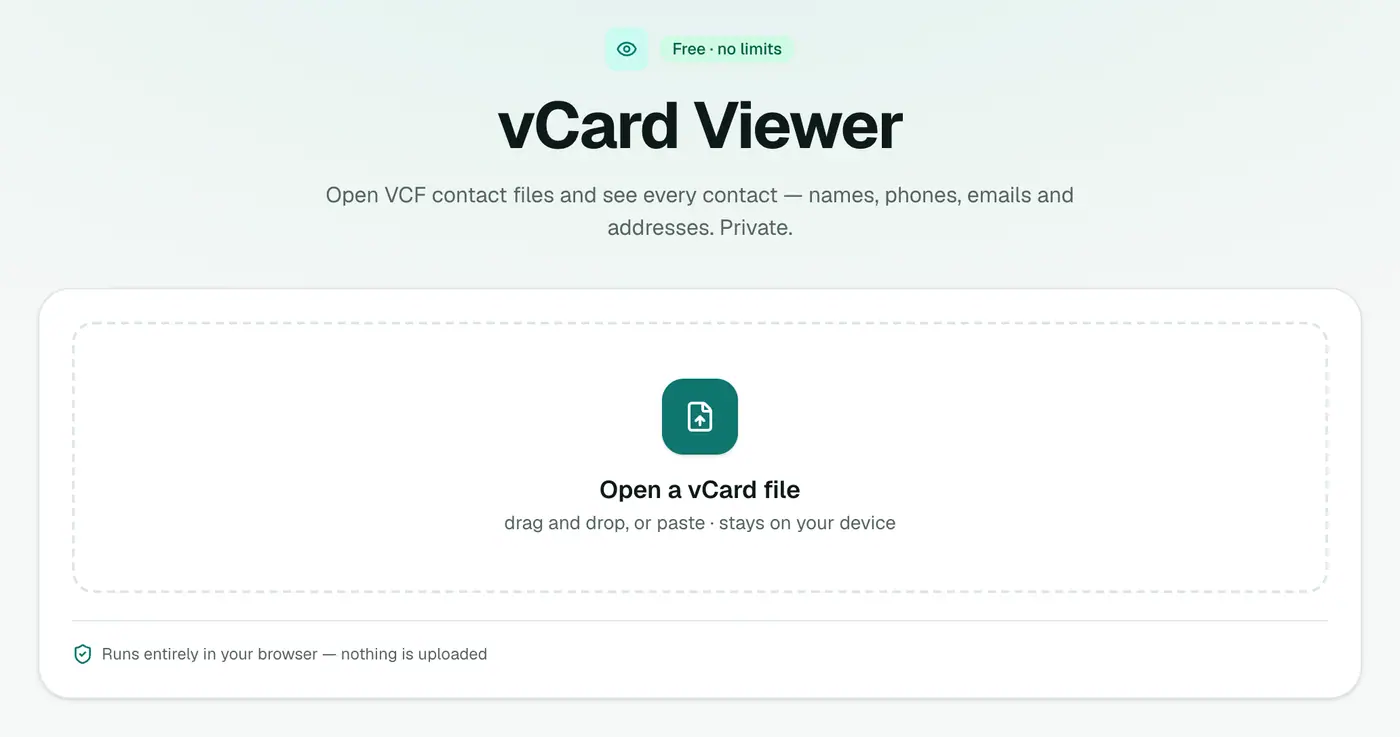
Go to the vCard viewer.
2. Drop in the file
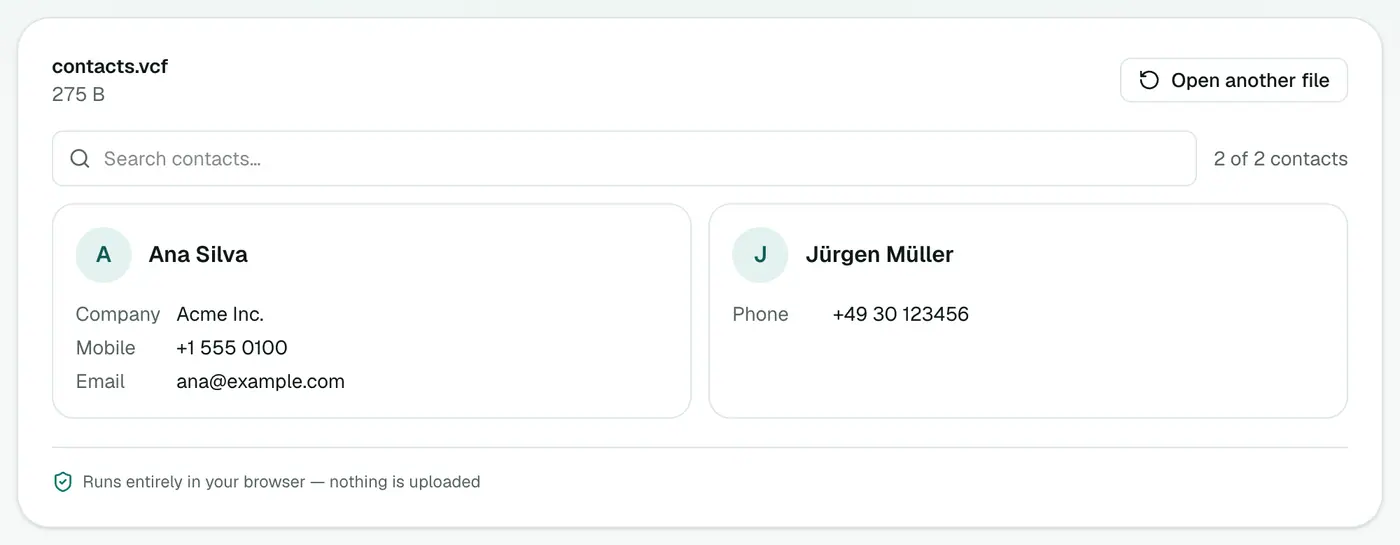
Drop the file onto the box. Every contact appears as a card with phones, emails, company and address. Use the search box to find a name or number.
What to look for before importing
- The total: is it the number of contacts you expected?
- Duplicates of people already in your phone.
- Missing country codes on phone numbers (+44, +1, +91…).
- Empty contacts with no name, phone or email.
- Garbled names from very old exports. A spreadsheet clean-up fixes these.
Fixing problems before you import
- Convert to a spreadsheet with vCard to Excel.
- Delete duplicates and fix numbers.
- Convert back with Excel to vCard.
- Import the clean file.
Importing afterwards
- iPhone: open the VCF from Mail, Messages or Files → Add All Contacts.
- Android: Contacts app → Settings → Import.
- Google Contacts: contacts.google.com → Import.
- Outlook.com: People → Manage → Import contacts.
Related
- Spreadsheet: vCard to Excel or vCard to CSV.
- Make a VCF from a list: CSV to vCard.
- Contacts stuck in an Outlook PST? PST to vCard.
Summary
The vCard viewer shows what's in a contacts file before it touches your address book.
FAQs
Why check before importing?
Importing a VCF can add hundreds of contacts, including duplicates. A quick look avoids cleaning up your phone later.
Can I search contacts?
Yes. Contacts are shown as cards you can search.
Is the file uploaded?
No. It's read in your browser.
What is a VCF file?
A vCard file: the standard format for contacts. One file can hold a single contact or thousands.
Can it open old vCard 2.1 files from older phones?
Yes. Versions 2.1, 3.0 and 4.0 are supported, including the encoded names older Nokia and Android phones used.
Can I open a VCF on Windows without Outlook?
Yes. The viewer works in any browser, so Outlook isn't needed.
Try the vCard Viewer
Free to start, no install, and your files never leave your device.