Viewers2 min read
How to Open a PowerPoint (PPTX) Without PowerPoint
Flip through the slides of a .pptx presentation in your browser, with text, images and backgrounds, on any computer or phone. No PowerPoint or account needed.
By the ZapMorph team
On this page
Just want it done?
Open the PowerPoint Viewer — it runs in your browser and nothing is uploaded.
Someone sends a deck to review and you're on a phone, a Chromebook or a laptop without Office. You don't need to present it, just see what's in it. The PPTX viewer lets you flip through the slides.
How to view a PowerPoint with ZapMorph
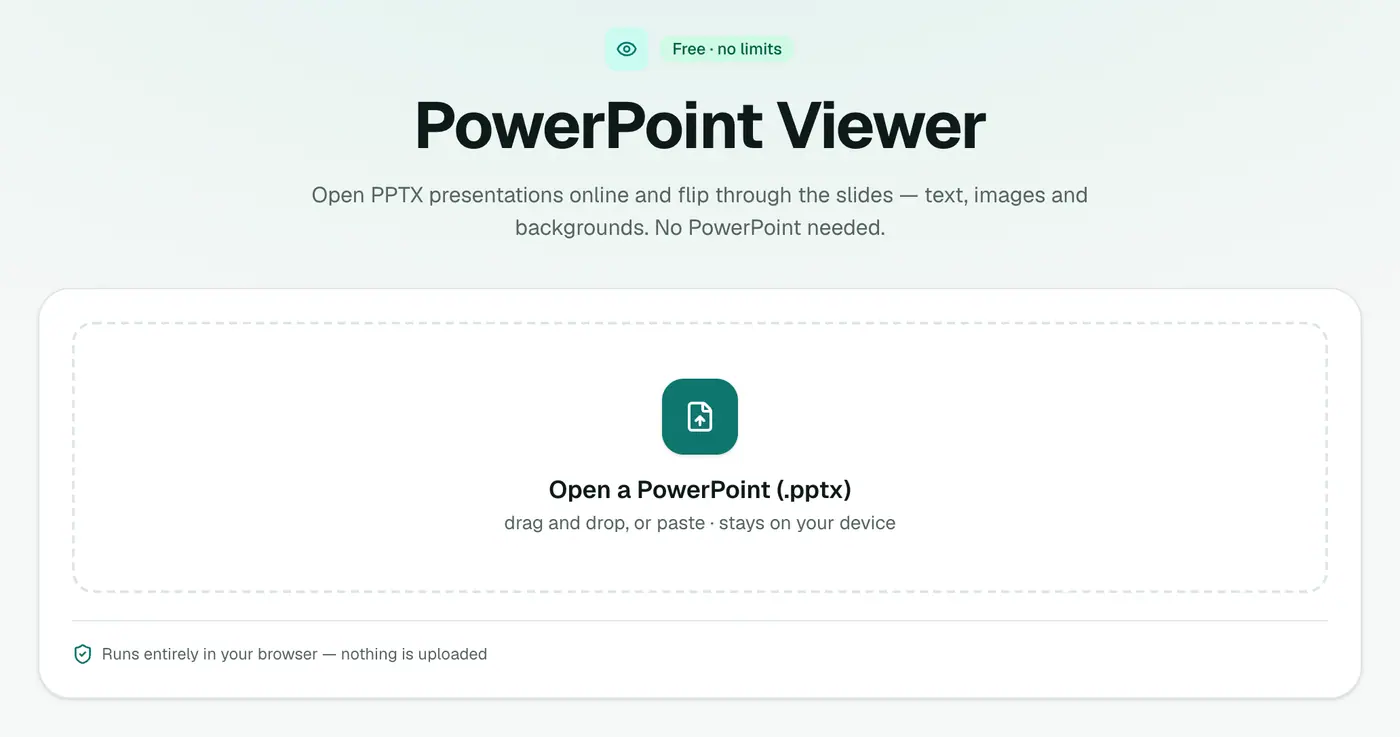
1. Open the PPTX viewer
Go to the PPTX viewer.
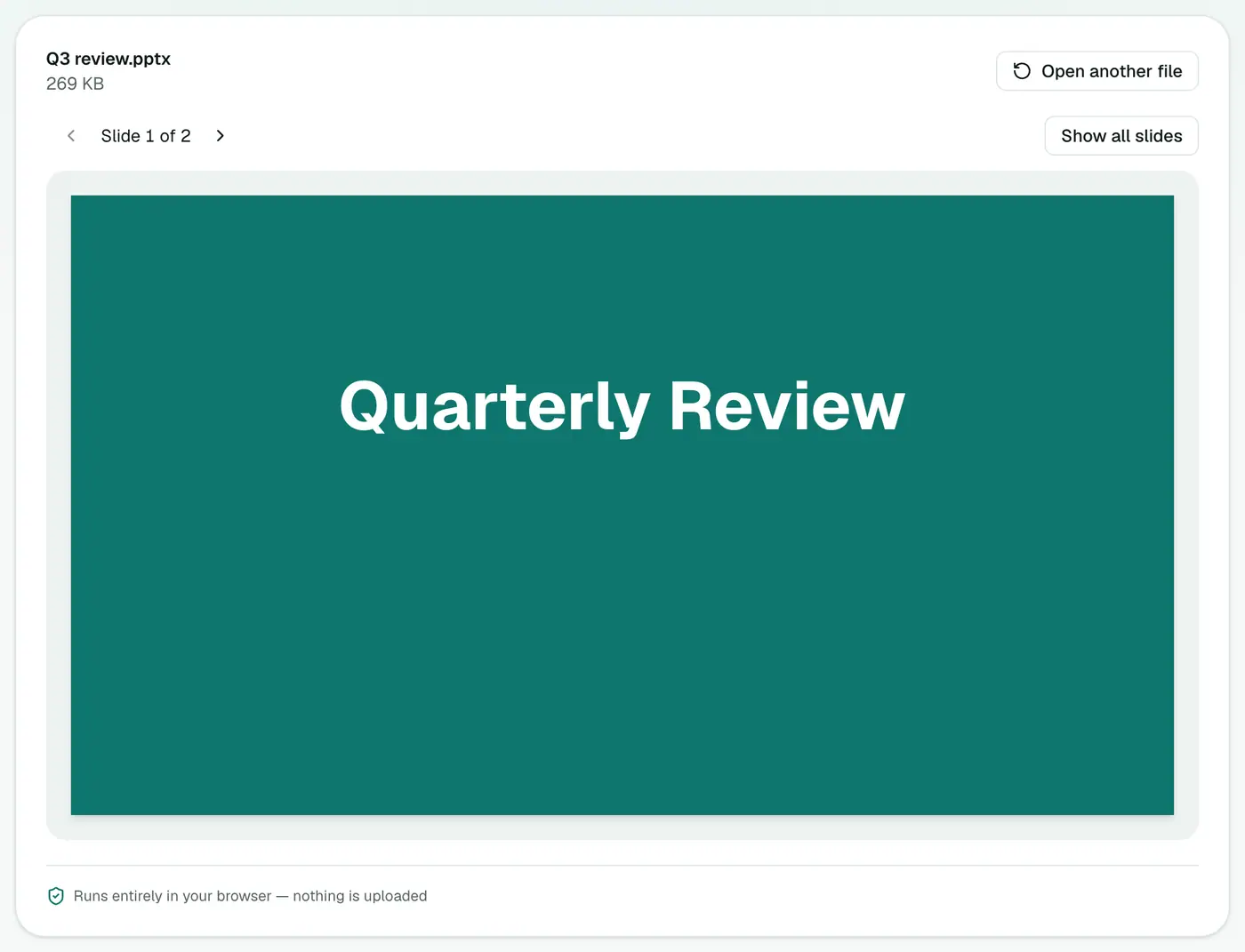
2. Drop in the presentation
Drop the .pptx onto the box and page through the slides.
What's shown, and what's simplified
| Shown | Simplified or left out |
|---|---|
| Text and headings | Animations and transitions |
| Pictures and logos | Charts (shown in simplified form) |
| Shapes and backgrounds | Embedded videos and audio |
| Slide order | Speaker notes |
For reviewing content (wording, images, the flow of a pitch), that covers what matters.
Other ways to open PPTX without PowerPoint
| Option | Account | Uploads the file | Works offline |
|---|---|---|---|
| PPTX viewer | No | No | Once loaded |
| PowerPoint for the web | Microsoft account | Yes (OneDrive) | No |
| Google Slides | Google account | Yes (Drive) | Limited |
| Keynote (Mac, iPhone) | No | No | Yes |
| LibreOffice Impress | No | No | Yes, after install |
Related
- Share it with anyone: PowerPoint to PDF.
- Print handouts: convert to PDF, then Print Multiple Pages Per Sheet.
- Need the images from a deck? Convert to PDF, then use Extract PDF Images.
Troubleshooting
Got a .ppt (PowerPoint 97–2003)? Open it in PowerPoint, Keynote or LibreOffice and save as .pptx, or ask the sender for a newer version.
Fonts look different. Custom fonts aren't always embedded in the file, so a similar font is used. The wording is unchanged.
A slide looks empty. Content made only of a chart, SmartArt or video may appear simplified. Check it in PowerPoint if it matters.
Summary
The PPTX viewer lets you check any presentation quickly, without PowerPoint and without uploading it.
FAQs
Are animations shown?
No. Slides are shown with their text, pictures, shapes and backgrounds. Animations and charts are simplified.
Can I open old .ppt files?
The viewer opens .pptx. Older .ppt files need to be saved as .pptx first.
Is the presentation uploaded?
No. It's read in your browser.
Can I see speaker notes?
The viewer shows the slides themselves. To read the notes, open the file in PowerPoint, Keynote or Google Slides.
Does it work on a phone?
Yes. Open the viewer in your phone's browser and choose the file from Files or Downloads.
Why not just use Google Slides?
Google Slides needs a Google account and uploads the file to Drive. For a confidential deck, a viewer that keeps it on your device is the safer option.
Try the PowerPoint Viewer
Free to start, no install, and your files never leave your device.