Viewers2 min read
How to Open a CSV File Without Excel Messing It Up
View CSV and TSV files as a sortable, searchable table in your browser. Leading zeros, dates and long numbers stay exactly as they are. Private, free.
By the ZapMorph team
On this page
Just want it done?
Open the CSV Viewer — it runs in your browser and nothing is uploaded.
Double-clicking a CSV opens it in Excel, and Excel immediately "fixes" it. Zip code 02134 becomes 2134. Product code 3-5 becomes 5 March. A 16-digit ID turns into 1.23457E+15. Accidentally hit save and the damage is permanent.
The CSV viewer shows you what's actually in the file.
What Excel does to CSV files
| In the file | Excel shows | Why it matters |
|---|---|---|
02134 | 2134 | Zip codes, phone numbers and IDs lose their zeros |
3-5 | 05-Mar | Product and part codes become dates |
1234567890123456 | 1.23457E+15 | Card, account and tracking numbers get rounded |
MARCH1 | 01-Mar | Gene names and codes get "corrected" |
Zoë | Zoë | Accents break if the file isn't UTF-8 with a marker |
How to view a CSV with ZapMorph
1. Open the CSV viewer
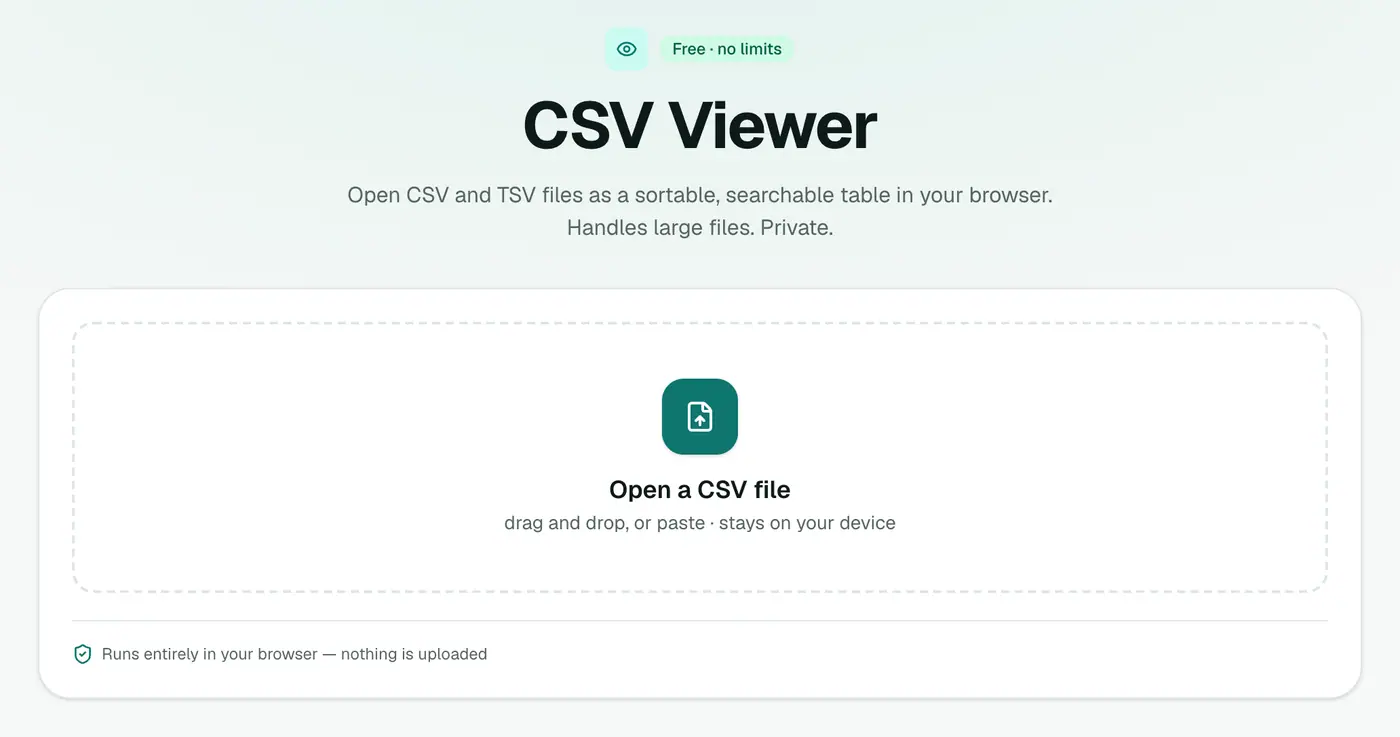
Go to the CSV viewer.
2. Drop in the file
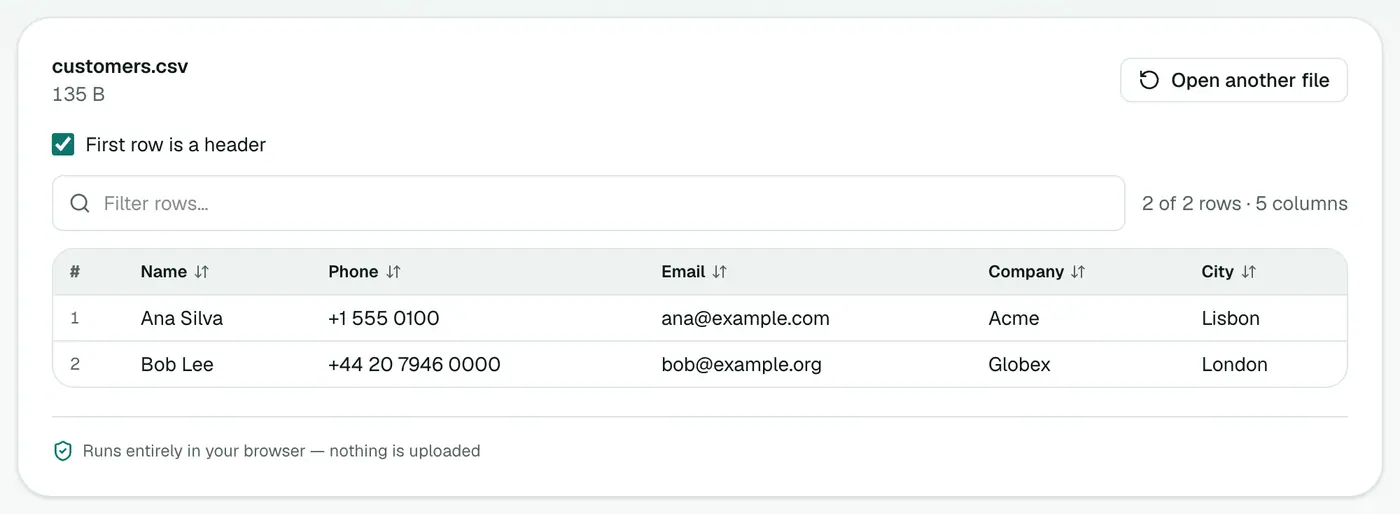
Drop the file on the box, or paste CSV text. You get a table with a row count. Click headers to sort, and use the filter box to search.
Handy for
- Checking an export before importing it into a CRM or shop.
- Spotting bad rows, like missing emails or broken prices.
- Data with IDs and codes that Excel would mangle.
- Quick counts: the row count tells you if an export is complete.
- Bank and payment exports you'd rather not upload to an online spreadsheet.
If you do need Excel
Open CSVs safely in Excel with Data → From Text/CSV instead of double-clicking. In the preview, choose Transform Data and set ID, phone and code columns to Text. Or convert with CSV to Excel, which keeps values as they are.
Related
- CSV to Excel for a proper workbook.
- CSV to JSON for developers.
- CSV to XML for systems that need XML.
- A contact list? CSV to vCard puts it on your phone.
Troubleshooting
Everything is in one column. The file uses an unusual separator. Check the first line in a text editor to see what's between values.
Strange characters like é. The file was saved in an older encoding such as Windows-1252. Re-save it as UTF-8 from the app that created it.
Rows look shifted. A value contains a comma but isn't wrapped in quotes. Fix it at the source export.
Summary
The CSV viewer shows your data as it really is: sortable, searchable and untouched.
FAQs
Why does Excel change my CSV data?
Excel guesses column types, so it strips leading zeros, turns codes into dates and shows long numbers in scientific notation. The CSV viewer shows the raw values.
Can I sort and filter?
Yes. Click a column header to sort, and type in the filter box to search rows.
How big a file can it open?
Large files open fine. The limit is your device's memory.
Can I paste CSV text?
Yes. Press Ctrl+V (Cmd+V) on the page to paste CSV text directly.
Does it open TSV and semicolon-separated files?
Yes. Tab-separated files open too, and common separators such as commas and semicolons are detected automatically.
Is my data uploaded?
No. The file is read in your browser.
Try the CSV Viewer
Free to start, no install, and your files never leave your device.