Email2 min read
How to Merge Many Emails Into One PDF (in Date Order)
Combine EML and Outlook MSG emails into a single PDF, sorted by date, each starting on a new page. Ideal for evidence bundles and client correspondence.
By the ZapMorph team
On this page
Just want it done?
Open the EML Merge — Emails into One PDF — it runs in your browser and nothing is uploaded.
"Please send all correspondence relating to this matter." Lawyers, insurers, tribunals and HR departments ask for this all the time. They want one document, in chronological order, not 37 attachments.
EML Merge does exactly that.
How to merge emails into one PDF with ZapMorph
1. Open EML Merge
Go to EML Merge.
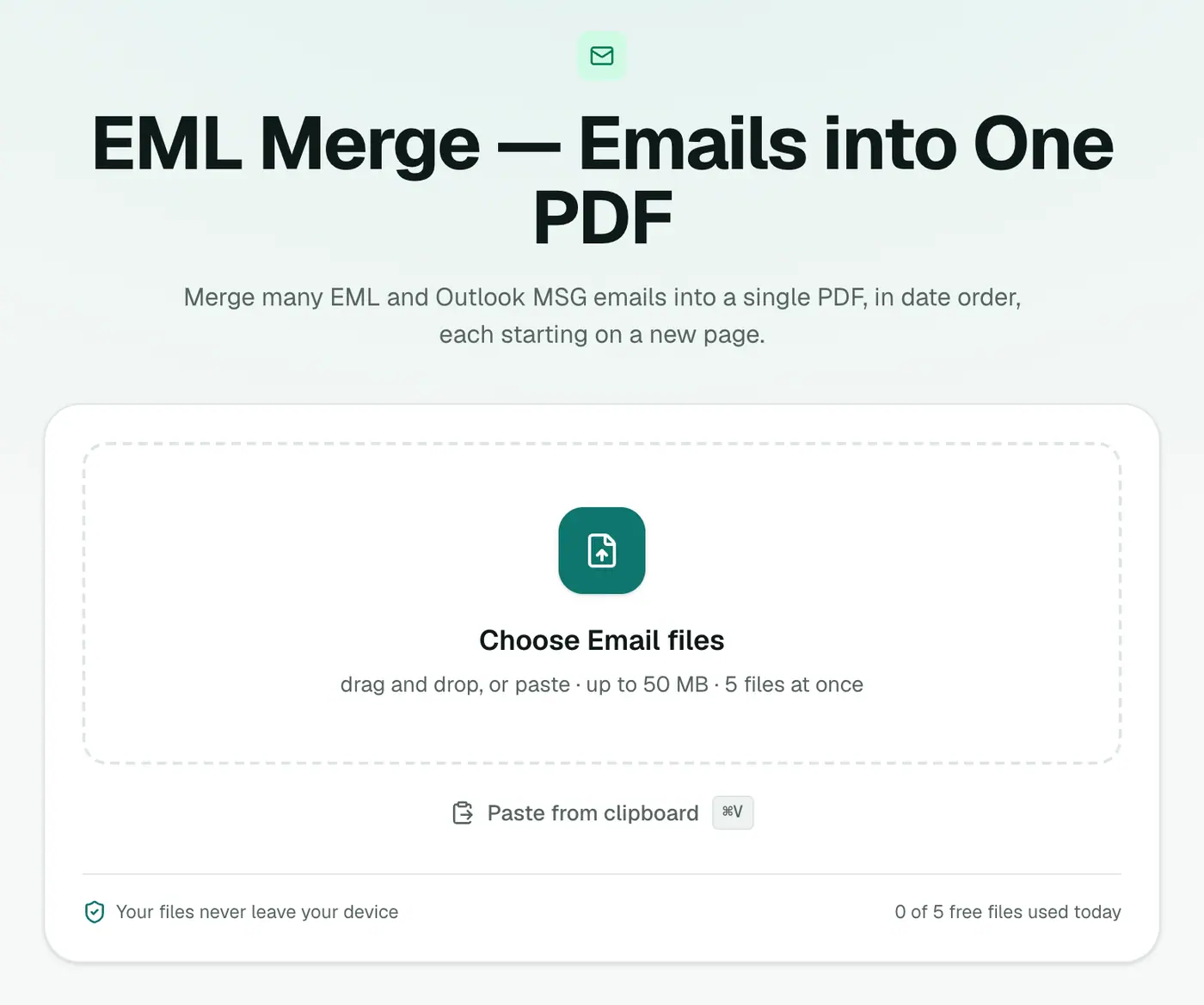
2. Add your emails
Add .eml and .msg files in any order, then choose A4 or US Letter.
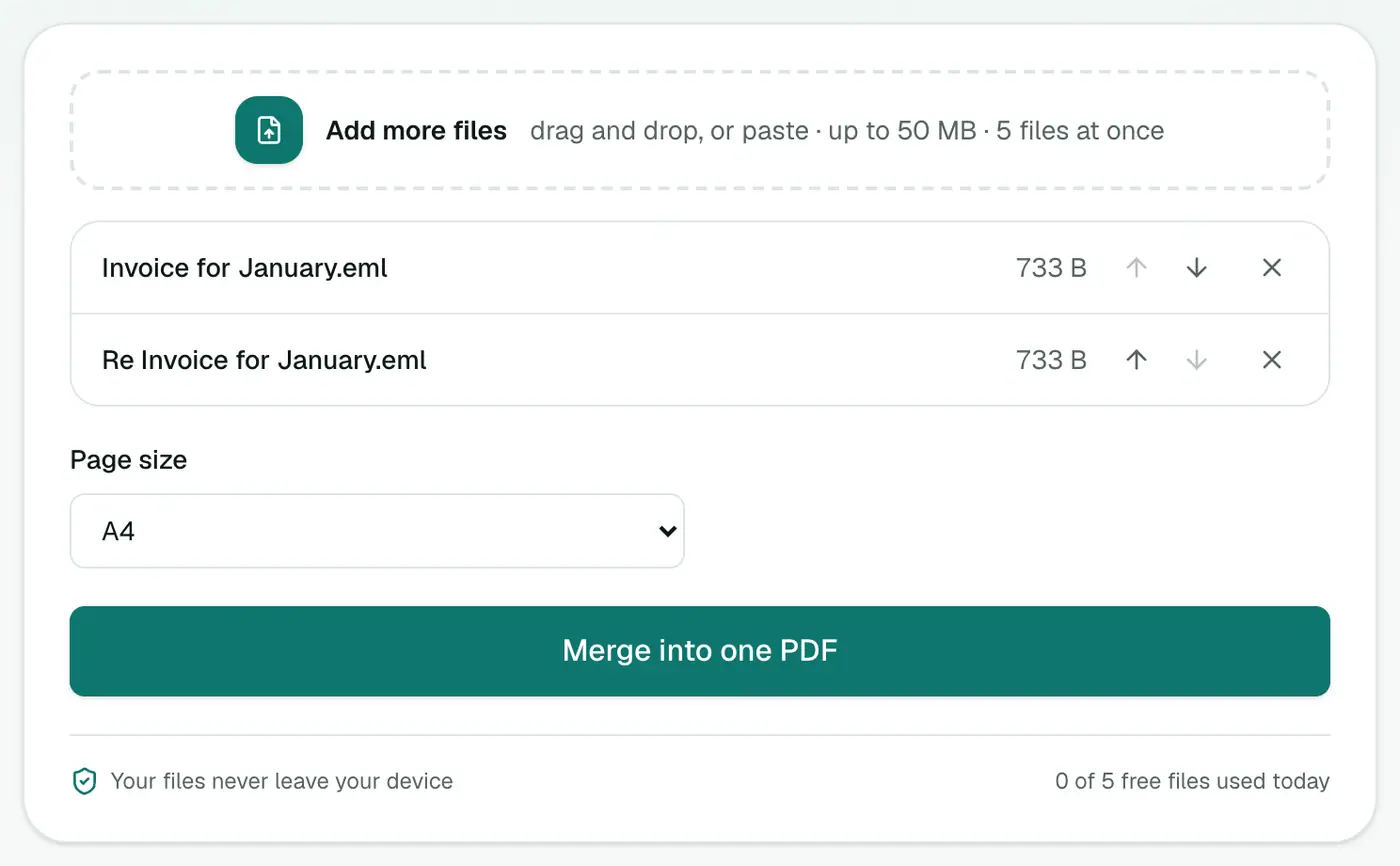
3. Create the PDF
Create the PDF. Every email starts on a new page, oldest first.
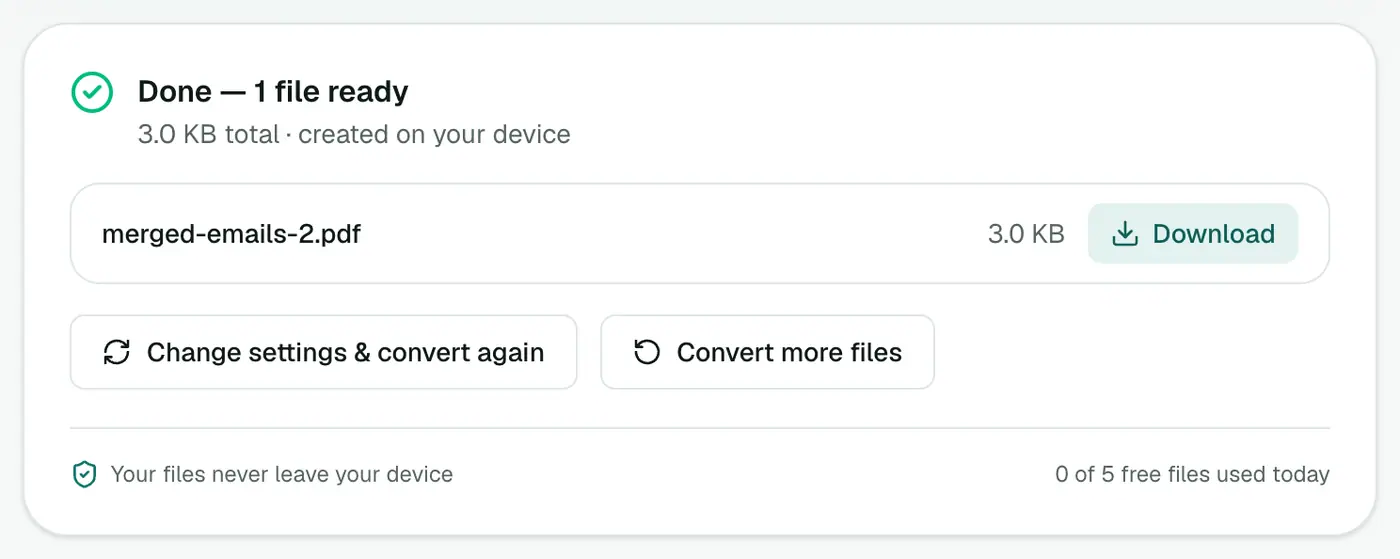
Getting the emails out of your mail app
| App | How |
|---|---|
| Outlook for Windows | Select emails and drag them into a folder (saves .msg) |
| Apple Mail | Drag emails to a Finder folder (saves .eml) |
| Thunderbird | Select emails → File → Save As → File |
| Gmail | Open each email → ⋮ → Download message |
| Outlook.com | … → Download on each email |
Building an evidence bundle
- Export the relevant emails from your mail app (drag them into a folder).
- Merge them here.
- Add page numbers so everyone can refer to "page 14".
- If there are other documents too, combine everything with Merge PDF.
- Remove anything irrelevant or private with Redact PDF.
- Keep the original email files too. They hold technical headers that can prove when and how a message was sent.
Good uses beyond legal work
- Client handovers: a project's whole email history in one file.
- Complaints: a timeline of every message to a company or landlord.
- Insurance claims: emails with the insurer, assessor and repairer in order.
- Personal archives: a family member's emails, readable for years.
Tips
- Remove duplicates first. If you've exported both a sent message and a reply that quotes it, both appear. That's usually fine, but it adds pages.
- Very long threads? Each message's quoted history is printed too. Exporting only the latest reply sometimes gives a shorter bundle.
- Just the attachments? The Email Attachment Extractor saves them all at once.
Troubleshooting
An email is in the wrong place. Its date header is missing or wrong. Emails without a date are placed first.
A file is rejected. The error names it. Check it in the EML viewer or MSG viewer.
Summary
EML Merge turns a scattered email trail into one tidy, chronological PDF, privately in your browser.
FAQs
In what order are emails placed?
By date, oldest first, regardless of the order you add them.
Can I mix EML and MSG files?
Yes. Both formats can go into the same PDF.
What does each page show?
Each email starts on a new page with sender, recipients, date and subject, followed by the body.
Are attachments included?
Attachment names are listed. To get the files, use the Email Attachment Extractor.
Can I choose the paper size?
Yes, A4 or US Letter.
Are my emails uploaded?
No. The PDF is built in your browser, which matters for confidential correspondence.
Try the EML Merge — Emails into One PDF
Free to start, no install, and your files never leave your device.