Email2 min read
How to Convert an Orphaned Outlook OST File to PDF
Recover emails from an Outlook .ost file when the Exchange or Microsoft 365 account is gone, and save them as one readable PDF. Private, nothing uploaded.
By the ZapMorph team
On this page
Just want it done?
Open the OST to PDF Converter — it runs in your browser and nothing is uploaded.
Here's a situation IT people know well: an employee leaves, their Microsoft 365 account is deleted, and weeks later someone needs an email from their mailbox. The account is gone, but their old laptop still has a multi-gigabyte .ost file in C:\Users\<name>\AppData\Local\Microsoft\Outlook.
Outlook refuses to open it. The mail is still in there.
Where to find OST files
On Windows, usually:
C:\Users\<username>\AppData\Local\Microsoft\Outlook\
The file is named after the email address, like ana.silva@company.com.ost. AppData is hidden, so paste the path into File Explorer's address bar, or press Win+R and type %localappdata%\Microsoft\Outlook.
Working from an old drive? Connect it to another PC and browse to Users\<name>\AppData\Local\Microsoft\Outlook on that drive. Copy the OST to your desktop before converting.
How to convert OST to PDF with ZapMorph
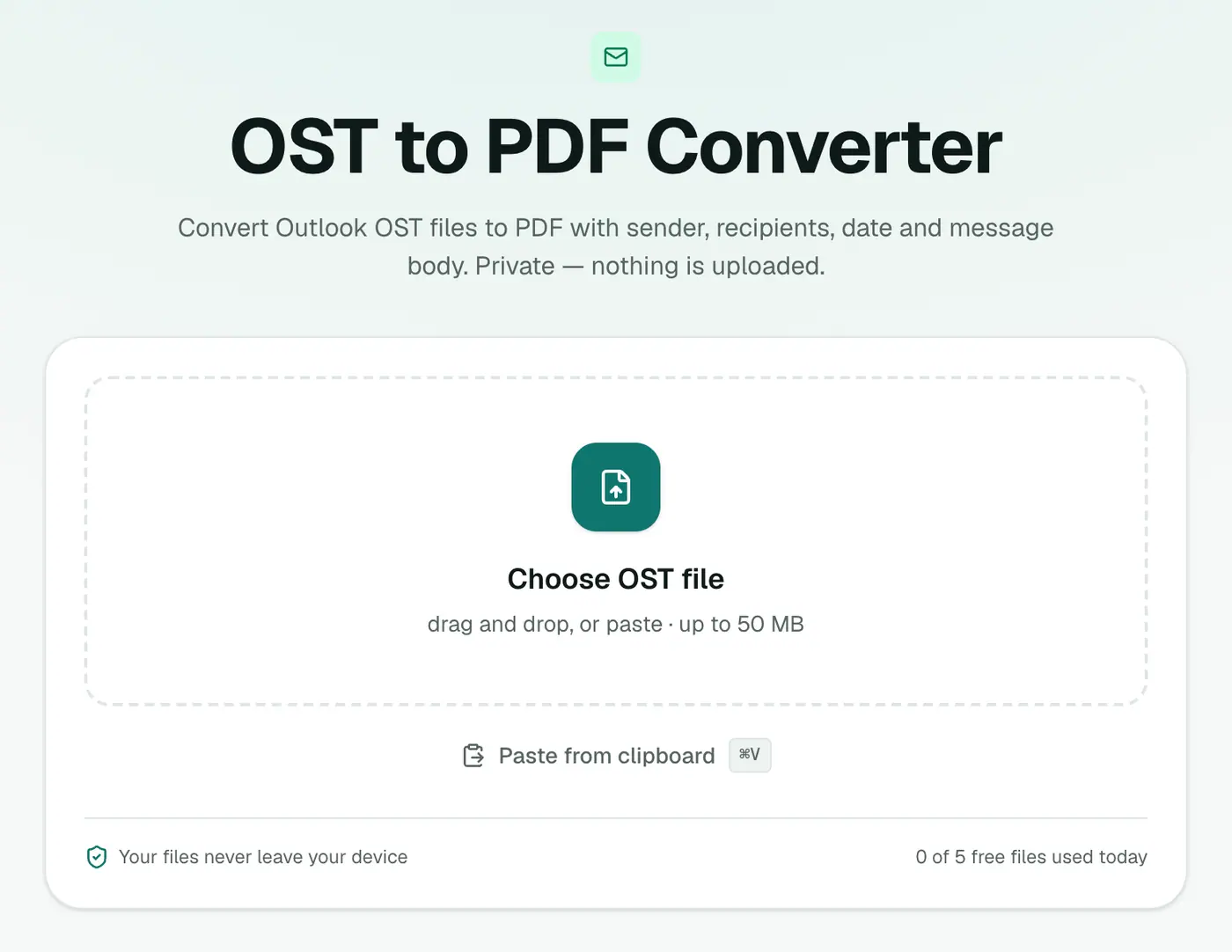
1. Open the converter
Go to the OST to PDF converter.
2. Add the OST and pick the paper size
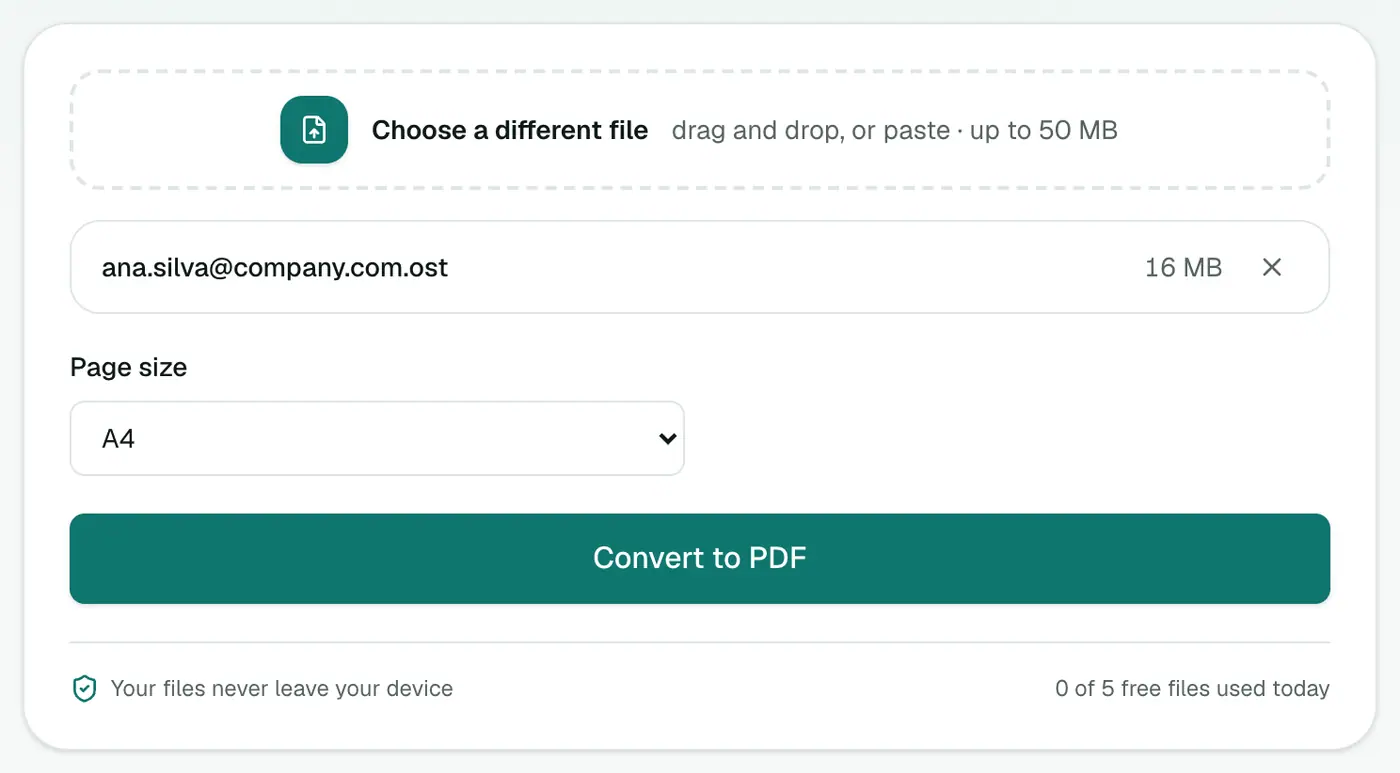
Drop in the .ost and choose A4 or US Letter.
3. Convert and download
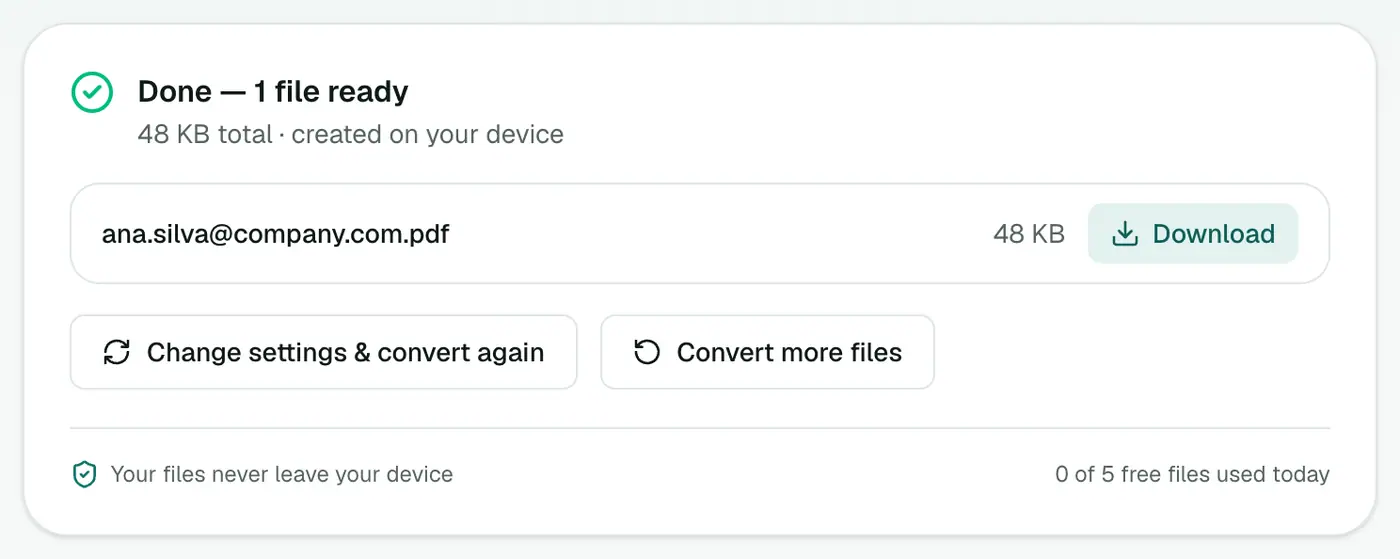
Click Convert to PDF.
What's in the PDF
Every email gets its own page: subject as a heading, then From, To, Cc, Date and attachment names, then the message. The text is real text, not a picture, so the PDF is searchable and you can copy from it.
Preparing it for legal, HR or audit use
- Number the pages with Add Page Numbers.
- Hand over only what's relevant with Extract PDF Pages.
- Remove personal data of third parties with Redact PDF.
- Restrict access with Protect PDF.
Tips
- Look before converting with the OST viewer.
- Large OSTs (they're often several GB) depend on your plan's file size limit and your computer's memory.
- Need individual emails? OST to EML.
- Moving to another mail app? OST to MBOX.
Troubleshooting
"Isn't a readable Outlook data file." The OST is damaged, or it's in a newer internal format used by some Outlook 2013+ installations that can't be read here. If any version of the account still exists, ask a Microsoft 365 admin to restore the mailbox; deleted users can usually be restored for 30 days.
"Password-protected." The OST uses encryption that can't be read outside Outlook. If the account still exists, export from Outlook or webmail instead.
Some emails say "(This message has no text.)" Those messages contained only attachments or images.
Summary
When the account is gone but the OST remains, the OST to PDF converter turns the leftover mailbox into a readable, searchable PDF, without uploading it anywhere.
FAQs
What is an OST file?
Outlook's offline copy of an Exchange, Microsoft 365 or Outlook.com mailbox, stored on the computer so mail works offline.
Why won't Outlook open my OST?
Outlook only opens an OST together with the account it belongs to. If the account was deleted, the password changed or the profile was removed, the OST becomes 'orphaned'.
If the account still works, should I use this?
Usually not. With a working account, all mail is on the server. Exporting from Outlook or webmail is simpler. This is for when the account is gone.
What's in the PDF?
Every readable email, each starting on a new page with From, To, Cc, Date and Subject, followed by the body and a list of attachment names.
Are attachments inside the PDF?
They're listed by name and size, not embedded. Use OST to EML to recover the attachment files.
Can Outlook open an OST if I rename it to PST?
No. The formats differ inside, and renaming just produces an error. Converting is the way to get at the mail.
Try the OST to PDF Converter
Free to start, no install, and your files never leave your device.