Dev tools2 min read
How to Make a QR Code That Never Expires (Links, Wi-Fi and More)
Create free static QR codes for a website, Wi-Fi network, email, phone number or text. Pick colors and download a PNG or a print-ready SVG.
By the ZapMorph team
On this page
Just want it done?
Open the QR Code Generator — it runs in your browser and nothing is uploaded.
Plenty of "free" QR generators have a catch: the code points to their server first, and after a trial period it stops working unless you pay. Print 500 flyers with one of those and you'll find out the hard way.
The codes here are static. Your link or Wi-Fi details are encoded directly in the pattern, so they work forever.
How to make a QR code with ZapMorph
1. Open the QR code generator
Go to the QR code generator.
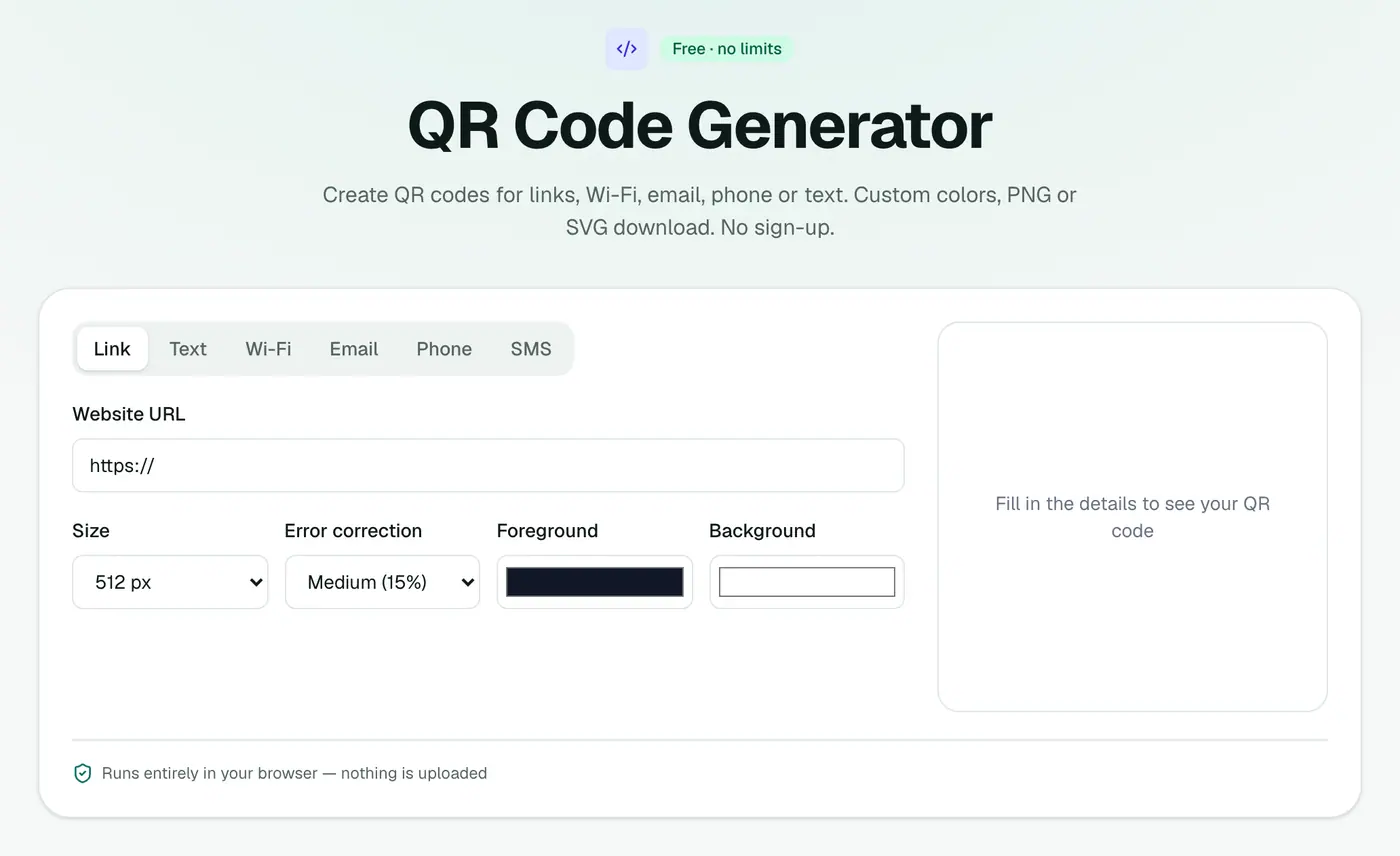
2. Choose what the code opens
Pick a link, Wi-Fi network, email, phone number or text, and fill it in. Adjust size, colors and error correction.
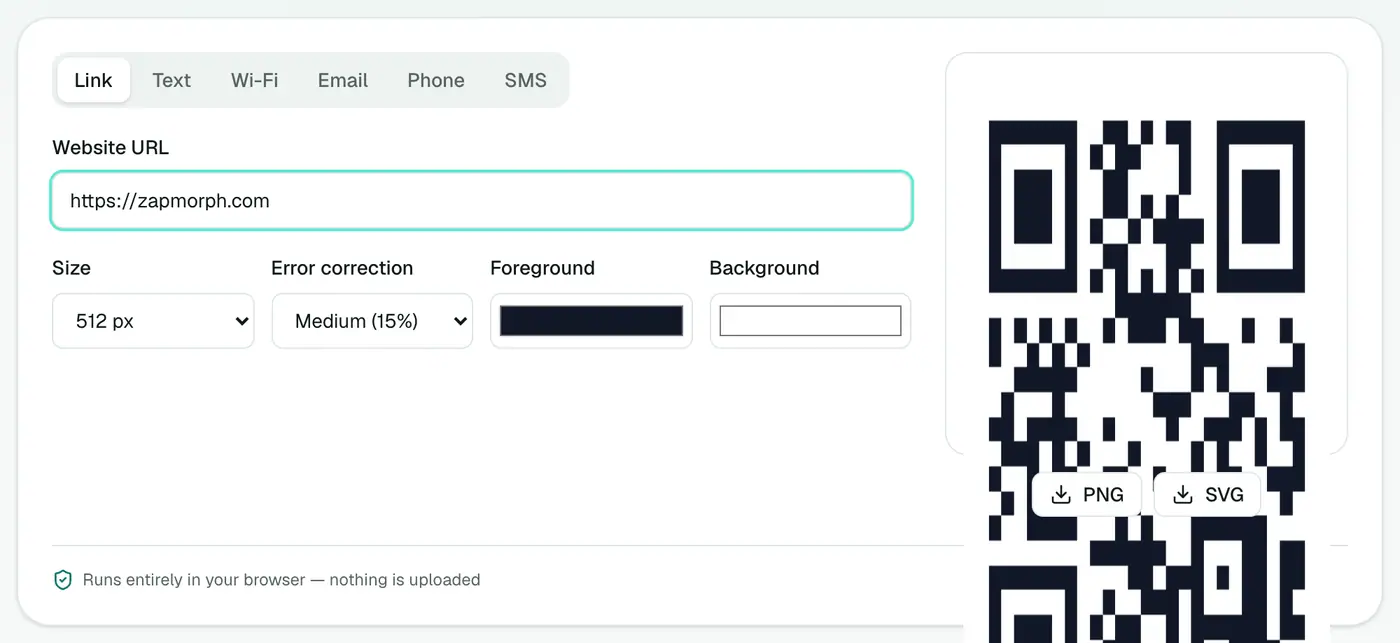
3. Download it
PNG for screens and documents, SVG for print.
Ideas
- Wi-Fi codes for guests, so nobody has to read out a 20-character password.
- Restaurant menus and event posters.
- Business cards linking to your portfolio or LinkedIn.
- Product packaging linking to manuals or setup videos.
- Classroom handouts pointing to a reading list or form.
- Property listings linking to a virtual tour.
Static vs dynamic QR codes
| Static (this tool) | Dynamic (paid services) | |
|---|---|---|
| Works forever | ✓ | Only while you pay |
| Change the link later | ✗, make a new code | ✓ |
| Scan statistics | ✗ | ✓ |
| Tracks people | ✗ | Usually |
| Cost | Free | Monthly fee |
Want to change the destination later? Point the code at a page you control (like yoursite.com/menu) and update that page instead.
Error correction levels
| Level | Recovers | Use when |
|---|---|---|
| L | ~7% | Clean screens, small codes |
| M | ~15% | Most print jobs (a good default) |
| Q | ~25% | Outdoors, may get scuffed |
| H | ~30% | Very harsh conditions |
Higher levels make denser codes, so only raise it if you need to.
Wi-Fi codes: what to enter
Network name (SSID), password, and security type (WPA/WPA2 for almost every home router). Most iPhones and Android phones join with a tap after scanning.
Tips for codes that scan first time
- Keep high contrast: dark code, light background. Avoid light-on-dark if you can.
- Leave a quiet zone, a margin of empty space around the code.
- Shorter content means a simpler code that scans more easily.
- Test it with two different phones before printing.
Summary
The QR code generator makes static QR codes that never expire and don't track anyone, in PNG or print-ready SVG.
FAQs
Will my QR code expire?
No. These are static codes: the content is stored in the code itself, so there's no server that can switch it off.
Can I track scans?
No. Static codes don't track anyone, which is better for privacy but means no scan statistics.
PNG or SVG?
PNG for screens, documents and social posts. SVG for print, since it stays sharp at any size.
How small can I print it?
About 2 × 2 cm is a practical minimum for a short URL. Bigger is safer, especially for long content.
Try the QR Code Generator
Free to start, no install, and your files never leave your device.