Dev tools2 min read
How to Generate a Strong Password (or Passphrase) You Can Trust
Create strong random passwords and word-based passphrases with your browser's secure random generator. Choose length and characters, and see the strength.
By the ZapMorph team
On this page
Just want it done?
Open the Password Generator — it runs in your browser and nothing is uploaded.
The rules for passwords haven't changed much: long, random, unique for every account, and stored in a password manager. The hard part is "random", because humans are bad at it. Let the computer do it.
How to generate a password with ZapMorph
1. Open the password generator
Go to the password generator.
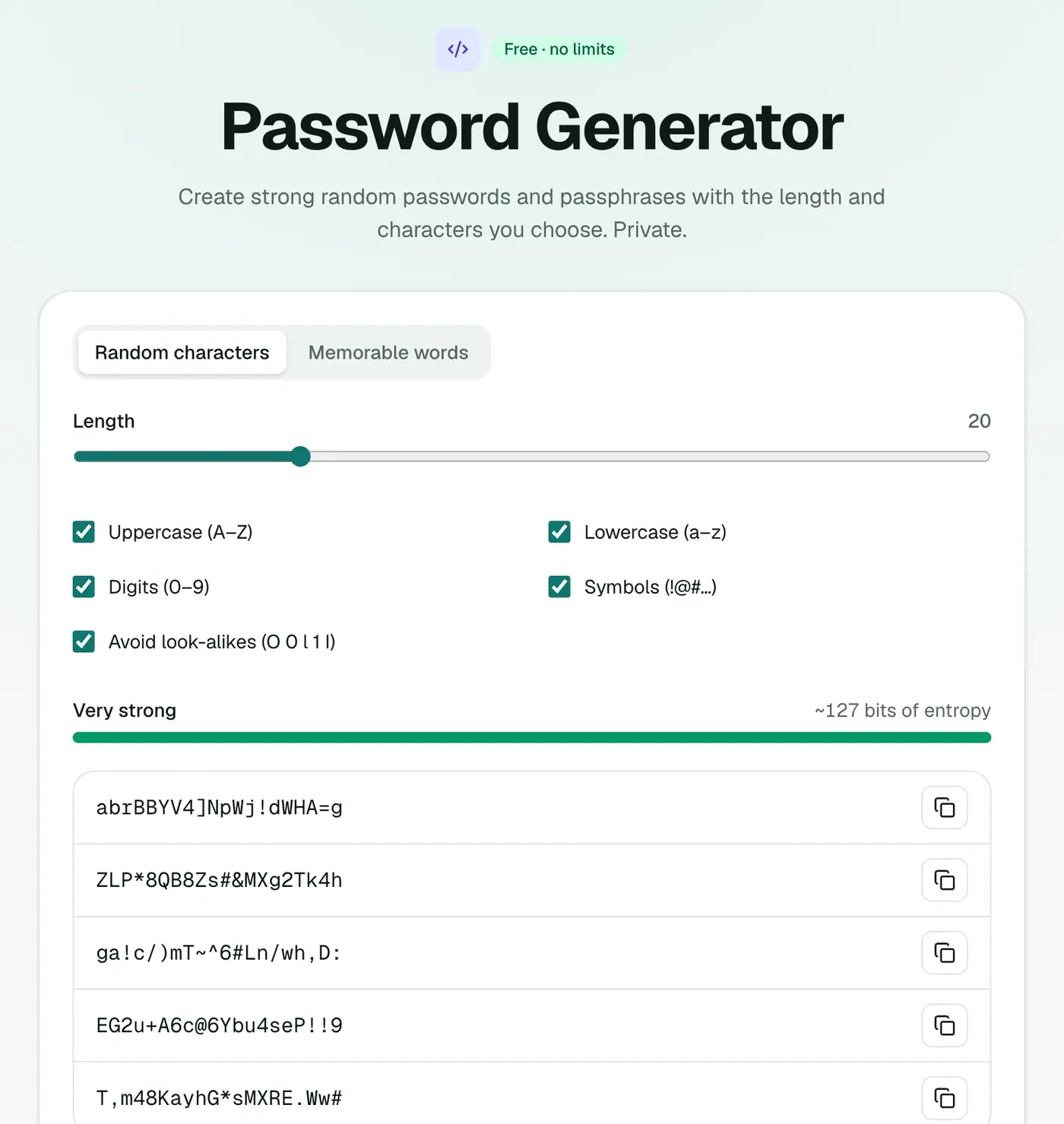
2. Choose the length and characters
Set the length and character sets, choose whether to avoid look-alike characters, or switch to a word-based passphrase. New passwords appear instantly, with their strength in bits.
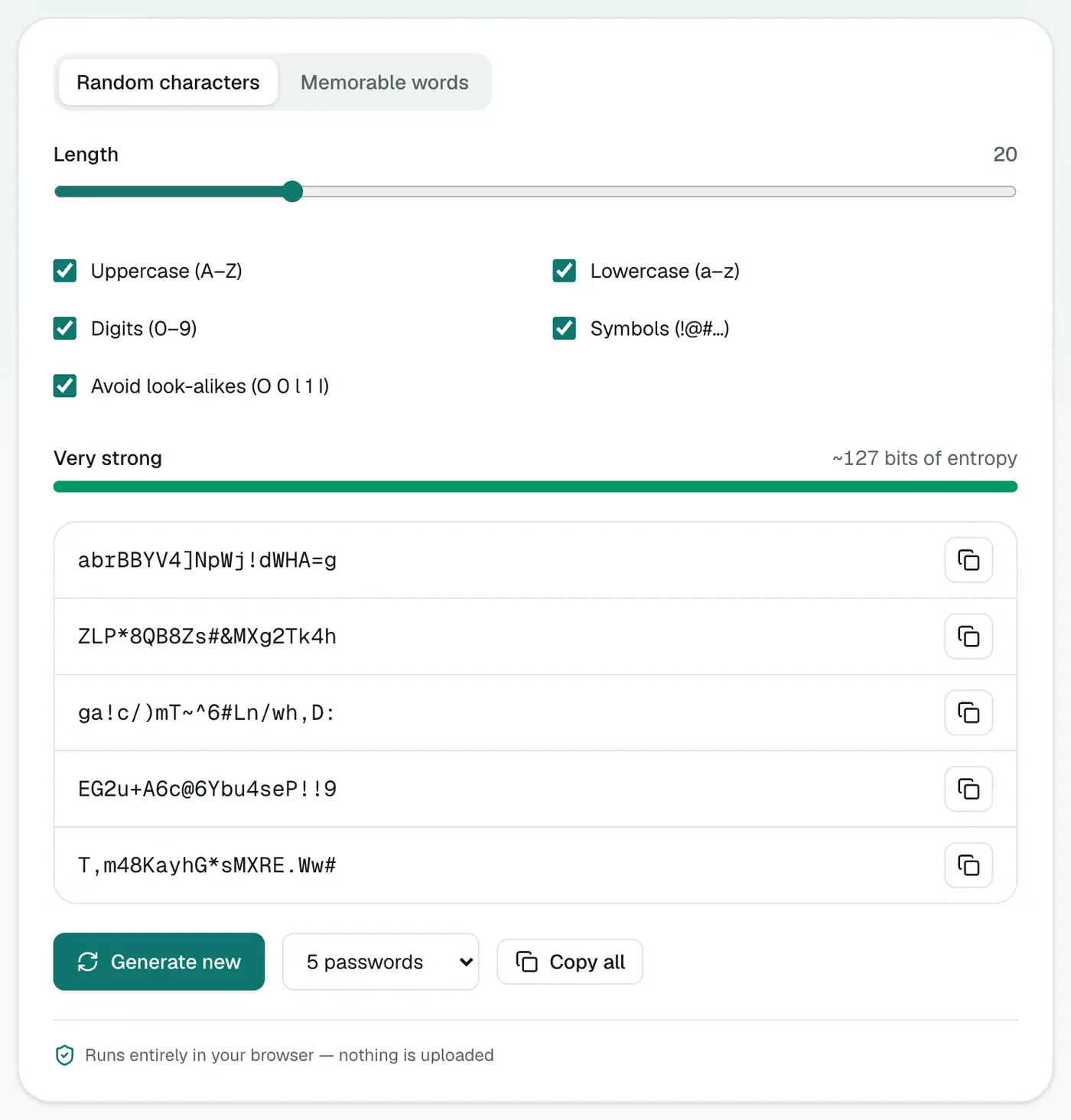
3. Copy and save it
Copy the password and save it in your password manager straight away.
How strong is strong enough?
| Type | Example | Rough strength |
|---|---|---|
| 12 random characters | k7#Qm2!vRp9z | about 78 bits |
| 20 random characters | R8v!pQ2#mZ7kL4@wT1xN | about 130 bits |
| 5 random words | maple-orbit-tunnel-fresh-lamp | about 64 bits or more |
Anything above about 70–80 bits is far beyond what attackers can brute-force. (Don't use these examples, obviously. They're public now.)
Why human-made passwords fail
- Patterns:
Summer2026!follows rules attackers try first. - Personal details: pet names, birthdays and football teams are easy to guess.
- Substitutions:
P@ssw0rdis in every cracking list. - Reuse: one breached site exposes every account sharing that password.
Habits that matter more than the generator
- Never reuse a password. One leaked site shouldn't unlock others.
- Use a password manager (Bitwarden, 1Password, iCloud Keychain, Google Password Manager).
- Turn on two-factor authentication for email, banking and anything important.
- Use passkeys where sites offer them. They're phishing-resistant and need no password at all.
- Check for breaches at haveibeenpwned.com and change any exposed passwords.
When sites reject your password
Some sites limit length or special characters. Lower the length or untick symbols, then generate again. Keep it as long as the site allows.
Summary
The password generator creates truly random passwords and passphrases on your device. Pair it with a password manager and you're in good shape.
FAQs
How long should a password be?
At least 16 characters for random passwords, or 4–5 random words for a passphrase. Longer is better.
Is it safe to generate passwords online?
This generator runs entirely in your browser using a cryptographically secure random generator. Nothing is sent anywhere or stored.
What does 'avoid look-alike characters' do?
It removes characters like 0/O and 1/l/I that are easy to confuse when typing a password by hand.
Passphrase or random password?
Use passphrases for things you type often (like your computer login), and random passwords stored in a password manager for everything else.
What does 'bits of strength' mean?
Entropy: how many guesses an attacker would need. Each extra bit doubles the work. 80 bits means about 2⁸⁰ guesses.
Should I change my passwords regularly?
Current guidance (including NIST's) says no, unless there's a sign of a breach. Unique, strong passwords matter more than frequent changes.
Try the Password Generator
Free to start, no install, and your files never leave your device.