Dev tools2 min read
How to Format, Validate and Minify JSON (and Find the Error)
Paste messy or minified JSON and make it readable, minify it for config, or find exactly which line and column breaks it. Runs privately in your browser.
By the ZapMorph team
On this page
Just want it done?
Open the JSON Formatter & Validator — it runs in your browser and nothing is uploaded.
Minified JSON from an API, a log line, or a config file someone edited by hand: unreadable at best, broken at worst. The JSON formatter makes it readable, tells you exactly where it's broken, and can squash it back down when you're done.
How to format JSON with ZapMorph
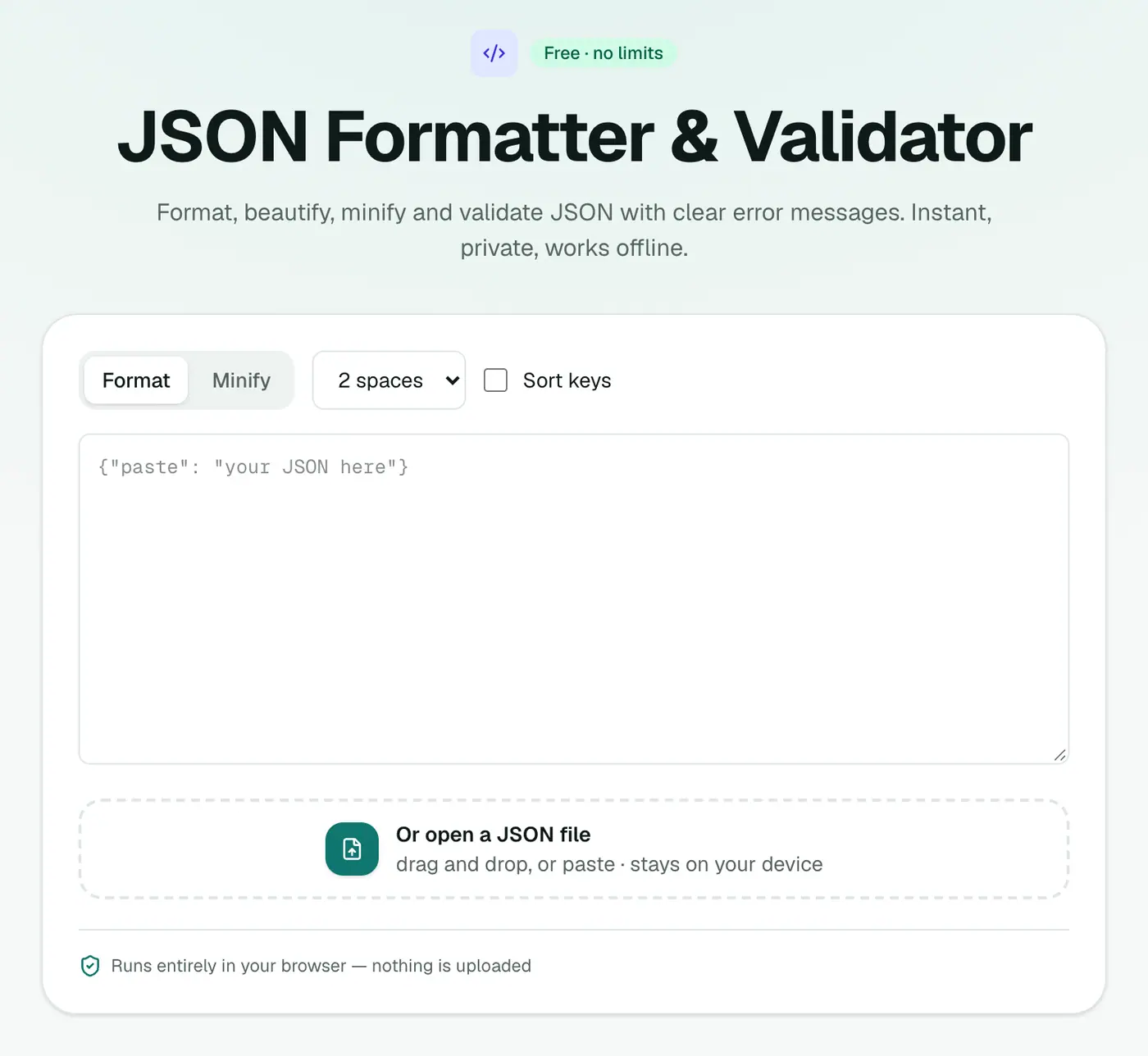
1. Open the JSON formatter
Go to the JSON formatter & validator.
2. Paste your JSON
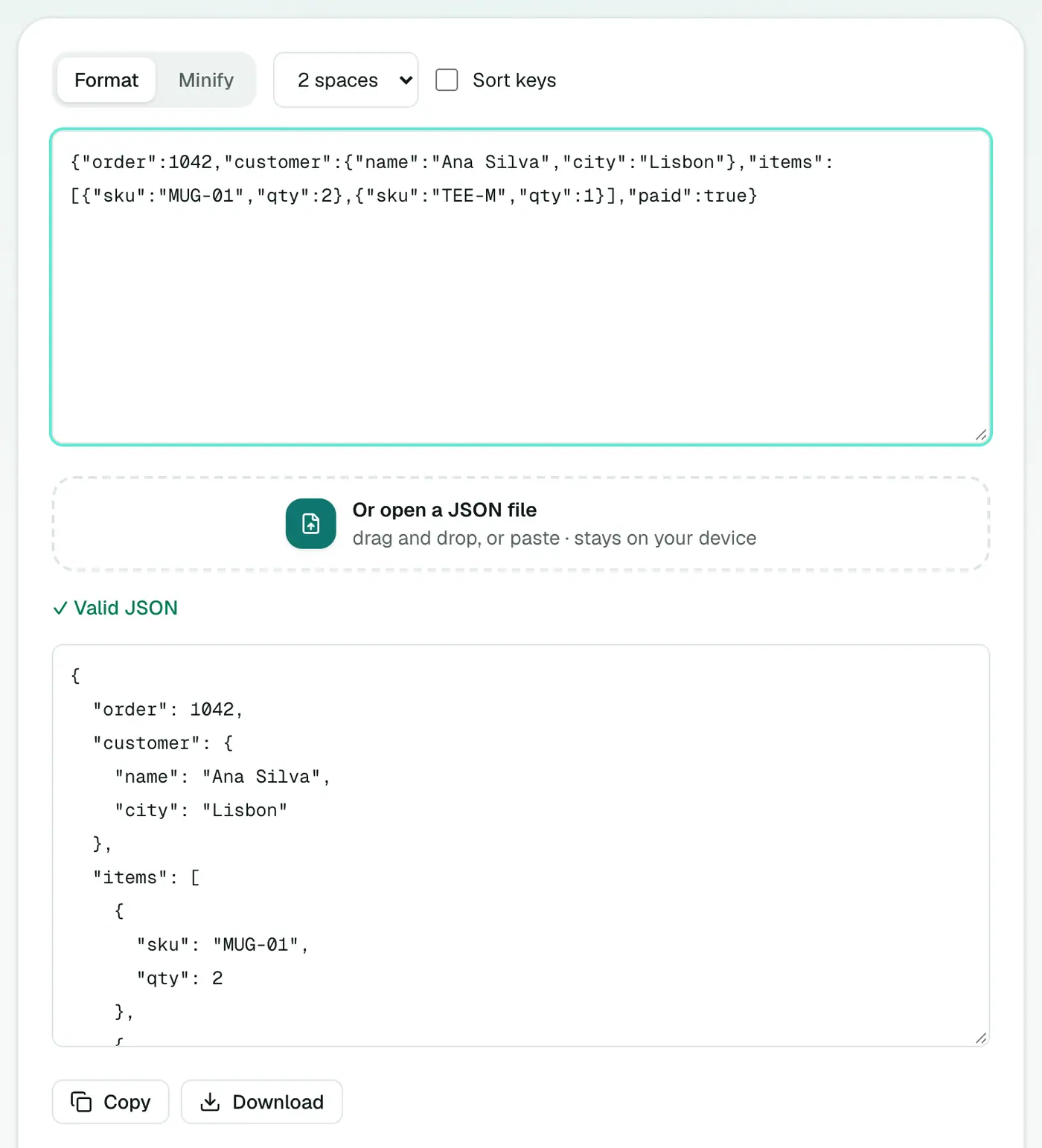
Paste it in, or open a .json file. Choose your indentation, or minify. If it's invalid, you'll see the line and column of the problem.
The usual suspects
{
  "name": "Ana",
  "tags": ["a", "b",],     <- trailing comma: not allowed
  'city': "Lisbon",        <- single quotes: not allowed
  age: 34                  <- unquoted key: not allowed
}
Fix those three and most "invalid JSON" errors disappear.
More errors and their fixes
| Error | Cause | Fix |
|---|---|---|
Unexpected token / | A // comment | Remove comments (JSON has none) |
| Unexpected end of input | Missing } or ] | Check brackets are balanced |
| Bad control character | A real line break inside a string | Use \n instead |
Unexpected token N | NaN or None | Use null |
Unexpected token T | True from Python | Use lowercase true |
| Invalid escape | Single backslash in a Windows path | Double it: C:\\Users |
Formatted vs minified
{"user":{"id":42,"roles":["admin","editor"]}}
{
  "user": {
    "id": 42,
    "roles": ["admin", "editor"]
  }
}
Same data. The first is smaller, the second is readable.
JSON-like formats that aren't JSON
- JSON5 and JSONC (VS Code settings,
tsconfig.json) allow comments and trailing commas. Strict JSON parsers reject them. - JavaScript objects allow unquoted keys and single quotes.
- Python dicts printed with
print()use single quotes andTrue/None. Usejson.dumps()instead.
Related
- Explore big files: JSON viewer.
- Convert it: JSON to CSV, JSON to YAML, JSON to Excel.
- Decode a token: JWT decoder.
Summary
The JSON formatter makes JSON readable, finds errors precisely and never sends your data anywhere.
FAQs
How do I find where my JSON is broken?
Paste it in. Invalid JSON is flagged with the line and column of the problem.
What are the most common JSON errors?
Trailing commas, single quotes instead of double quotes, unquoted keys, and comments. JSON allows none of them.
Is it safe to paste API responses with tokens?
Yes. Nothing you paste leaves your browser.
Should I use 2 or 4 spaces?
Either is fine. 2 spaces is the most common in JavaScript projects and APIs; follow whatever your project already uses.
Why minify JSON?
Minified JSON removes whitespace, making files and API payloads smaller. It's harder for people to read, so keep a formatted copy for editing.
What's the difference between the formatter and the JSON viewer?
The formatter works on the text: indenting, minifying and validating. The viewer turns valid JSON into a collapsible tree for exploring large files.
Try the JSON Formatter & Validator
Free to start, no install, and your files never leave your device.