PDF2 min read
How to Extract Images From a PDF at Full Quality
Pull every photo, chart and logo out of a PDF brochure, report or catalogue as separate PNG files, at their original embedded resolution.
By the ZapMorph team
On this page
Just want it done?
Open the Extract Images from PDF — it runs in your browser and nothing is uploaded.
You've got a product catalogue, a brochure or a report as a PDF, and you need the photos inside it. Screenshots work, but they're low resolution and you have to crop each one. Extracting gets the original image files out directly.
How to extract images from a PDF with ZapMorph
1. Open the image extractor
Go to Extract Images from PDF.
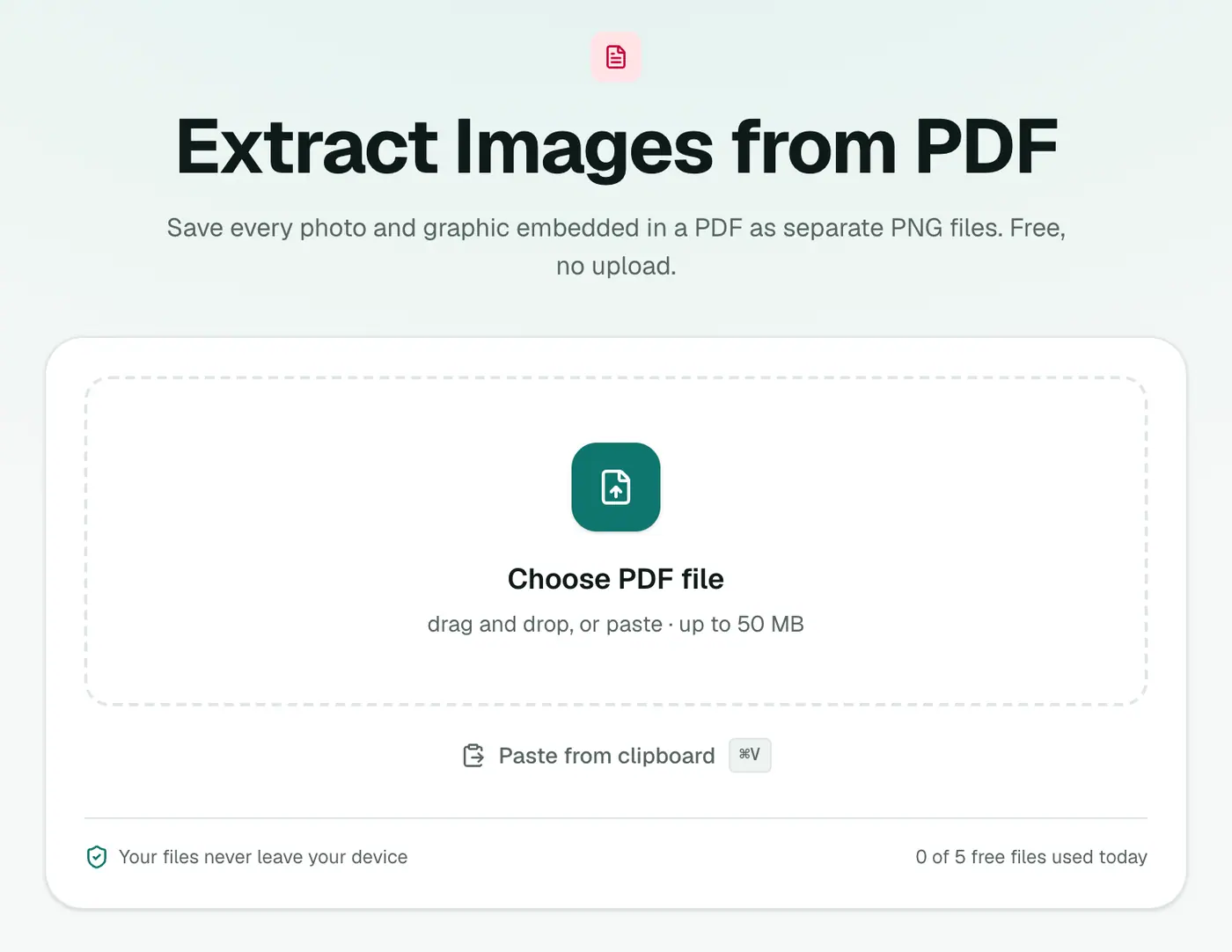
2. Add your PDF
Drop it in. There are no settings.
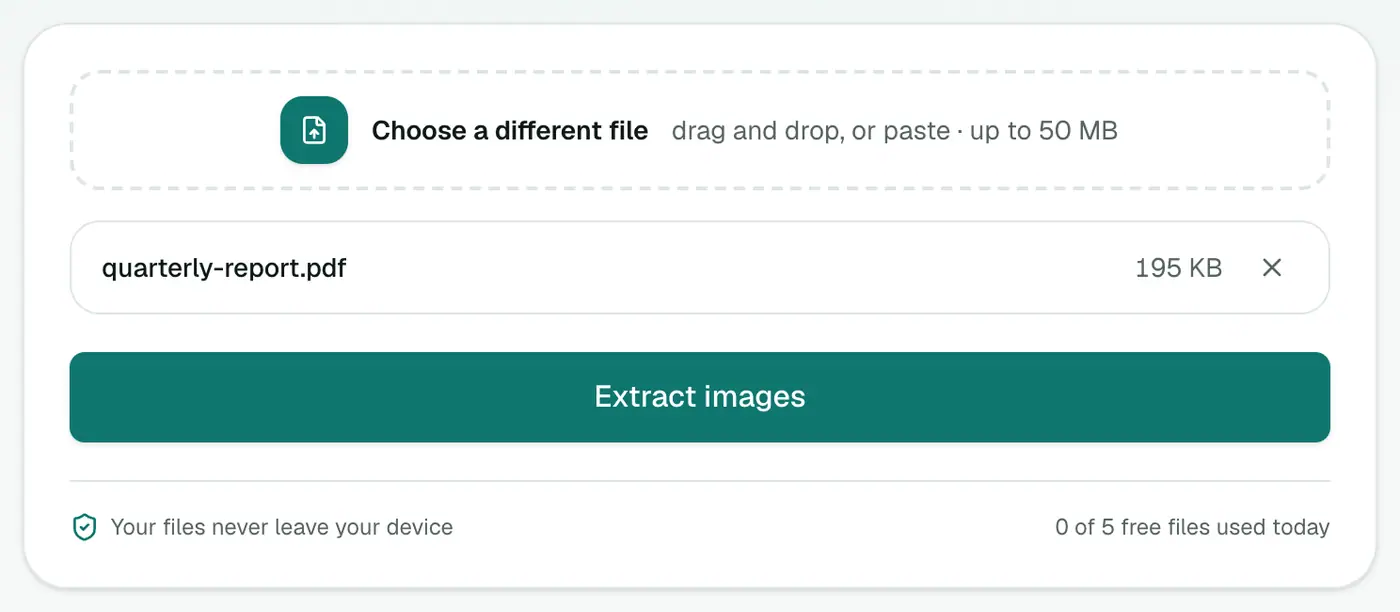
3. Extract and download
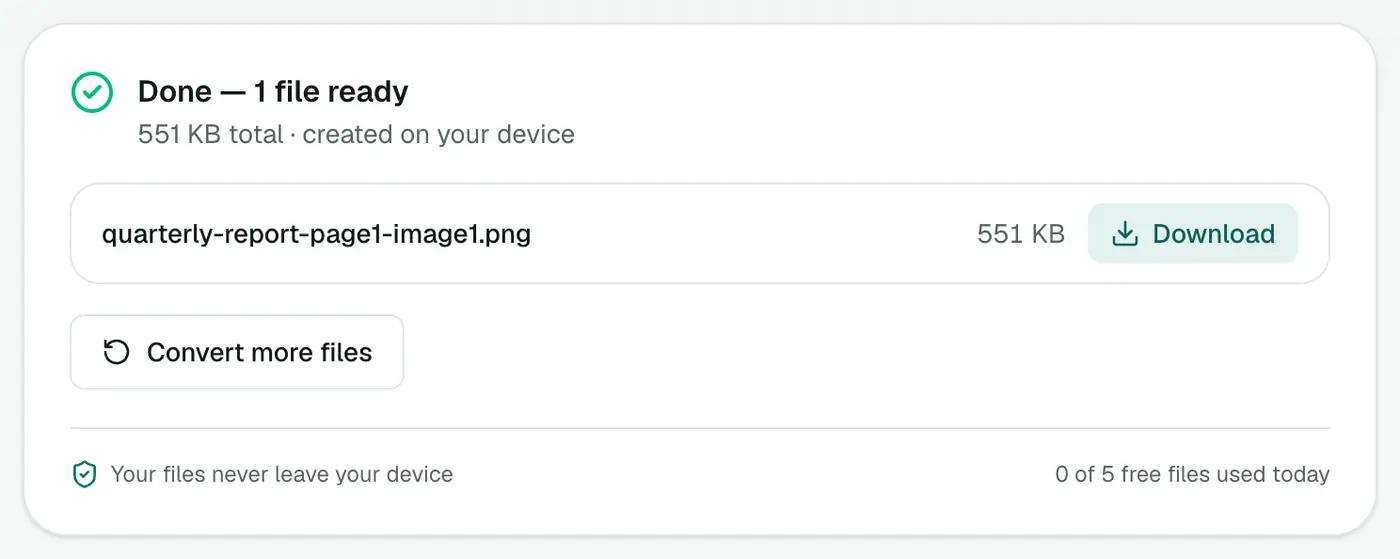
Click Extract images. Every embedded image comes out as a PNG. Download them all as a ZIP.
Extract images or convert pages?
- Extract images: you want the photos inside the page, at their original resolution.
- PDF to JPG / PDF to PNG: you want the whole page as an image, text and layout included.
A word on rights
Getting the images out is easy. Being allowed to use them is a separate question. Photos in a brochure usually belong to the company or photographer. Use extracted images for your own documents, or with permission.
Tips
- PNG files can be big. Convert photos to JPG with PNG to JPG if you need smaller files.
- Images look cut off or odd? Some PDFs store images in pieces or with masks. The page-to-image route may work better.
- Need a logo with a transparent background? If the extracted version has a white box, the background was part of the image. Try the background remover.
Extract images or convert pages?
| You want… | Use |
|---|---|
| The original photos and logos inside the PDF | Extract PDF Images |
| A picture of a whole page | PDF to PNG or PDF to JPG |
| Charts drawn as vectors | PDF to PNG at high resolution |
Good uses
- Product photos from a supplier catalogue.
- Logos from a brand guide.
- Figures from a report for a presentation.
A note on rights
Images in a PDF belong to whoever made them. Use extracted images only where you have permission.
Summary
For original-quality photos out of a PDF, Extract Images from PDF beats screenshots every time.
FAQs
Are images extracted at full quality?
They're extracted at the resolution they're stored at inside the PDF, which is usually better than a screenshot.
Why are some small images missing?
Tiny decorations under 32 pixels, like bullets and icons, are skipped so you don't get hundreds of useless files.
Why didn't my scanned PDF give separate images?
A scanned page is one big image, so you'll get one image per page. For separate photos, crop them afterwards.
What about charts made in Excel or PowerPoint?
Those are often stored as vector drawings, not images, so they may not be extracted. Use PDF to PNG to capture the whole page instead.
Is my PDF uploaded?
No. Images are extracted in your browser.
Why are some images missing?
Tiny decorations under 32 px are skipped. Graphics drawn as vectors (lines and shapes) aren't images at all, so they can't be extracted; convert the page to PNG instead.
Try the Extract Images from PDF
Free to start, no install, and your files never leave your device.