Email2 min read
How to Save All Attachments From Many Emails at Once
Pull every attachment (PDFs, images, documents) out of a batch of EML or Outlook MSG files in one go, and download them together as a ZIP. Private, free.
By the ZapMorph team
On this page
Just want it done?
Open the Email Attachment Extractor — it runs in your browser and nothing is uploaded.
Invoices from twelve suppliers, photos from a family thread, signed documents from a case file. Opening each email and clicking "save attachment" twelve times is tedious. This tool grabs them all at once.
How to extract attachments with ZapMorph
1. Open the extractor
Go to the Email Attachment Extractor.
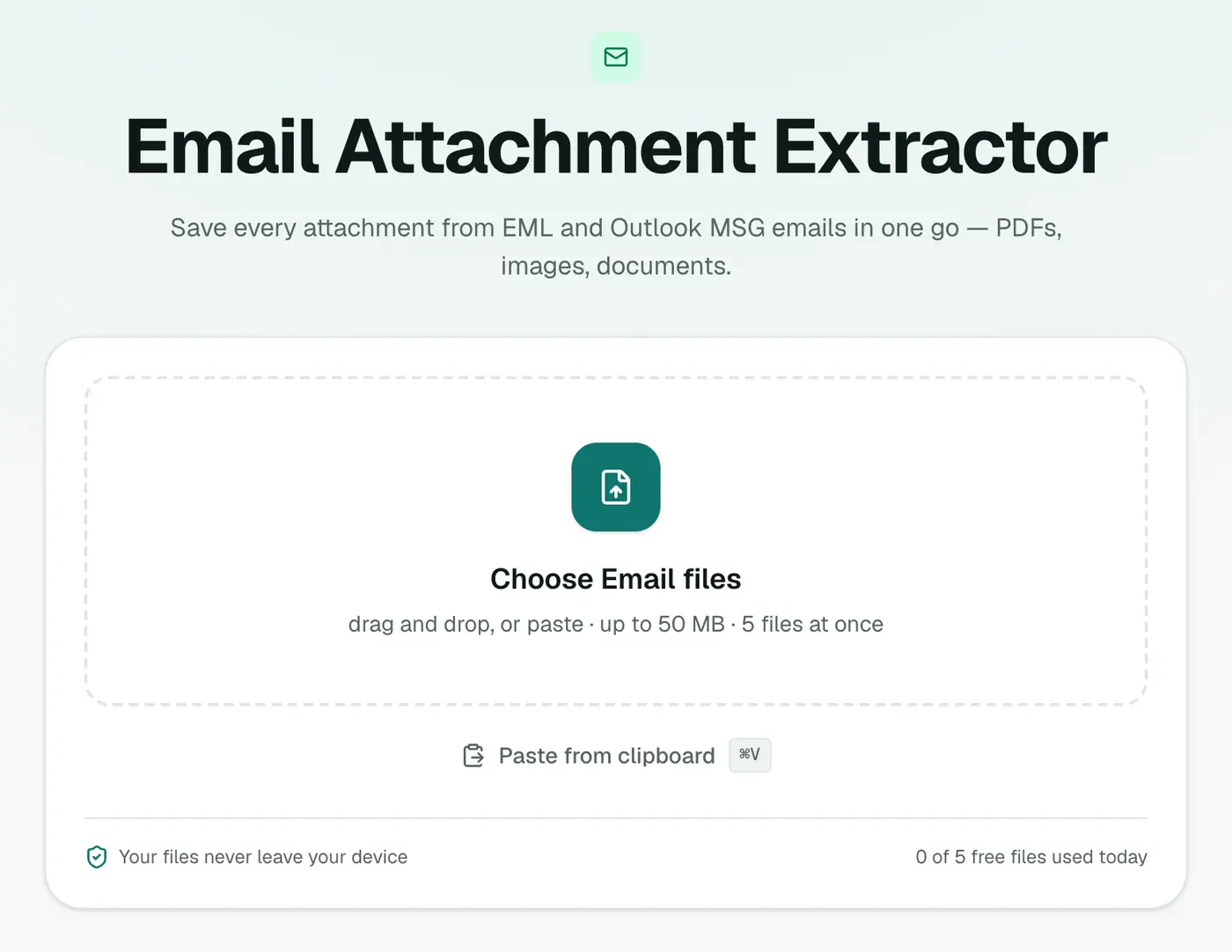
2. Add your emails
Drop in .eml and .msg files. You can mix both.
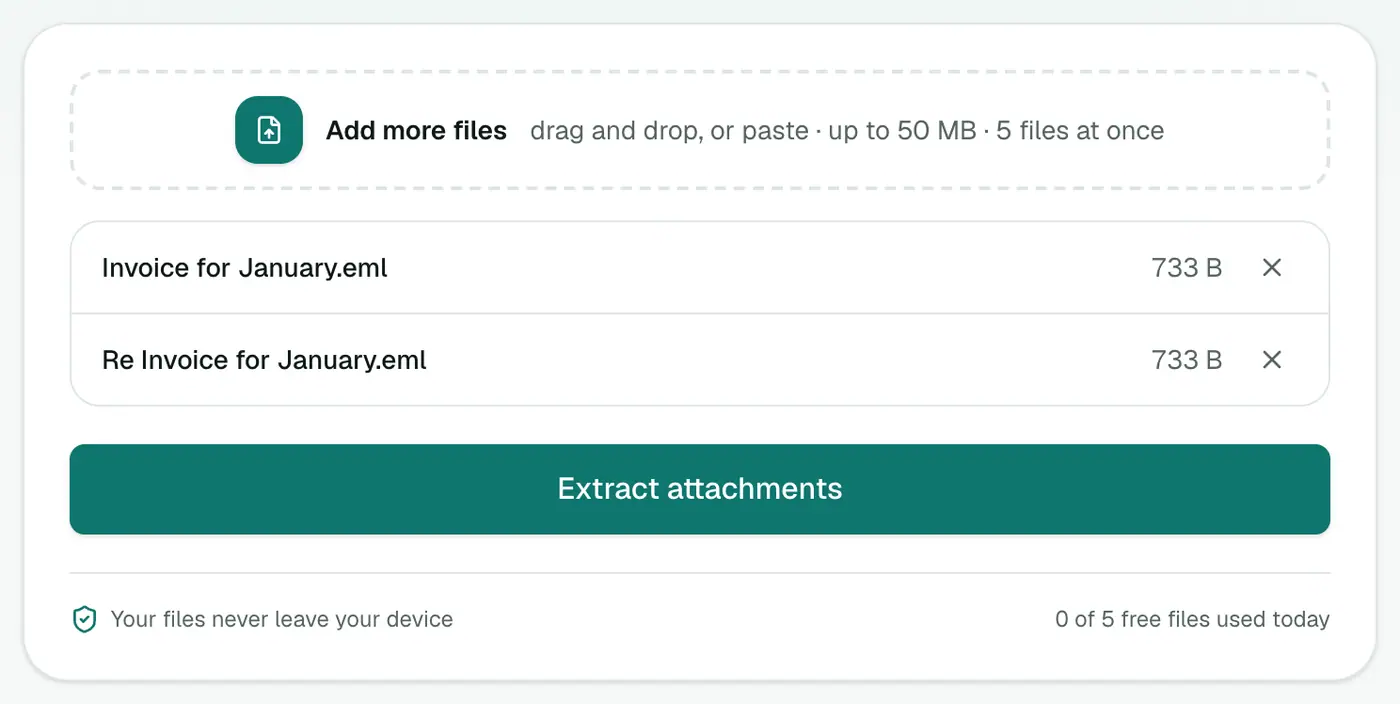
3. Extract and download
Click Extract attachments and use Download all to get a ZIP.
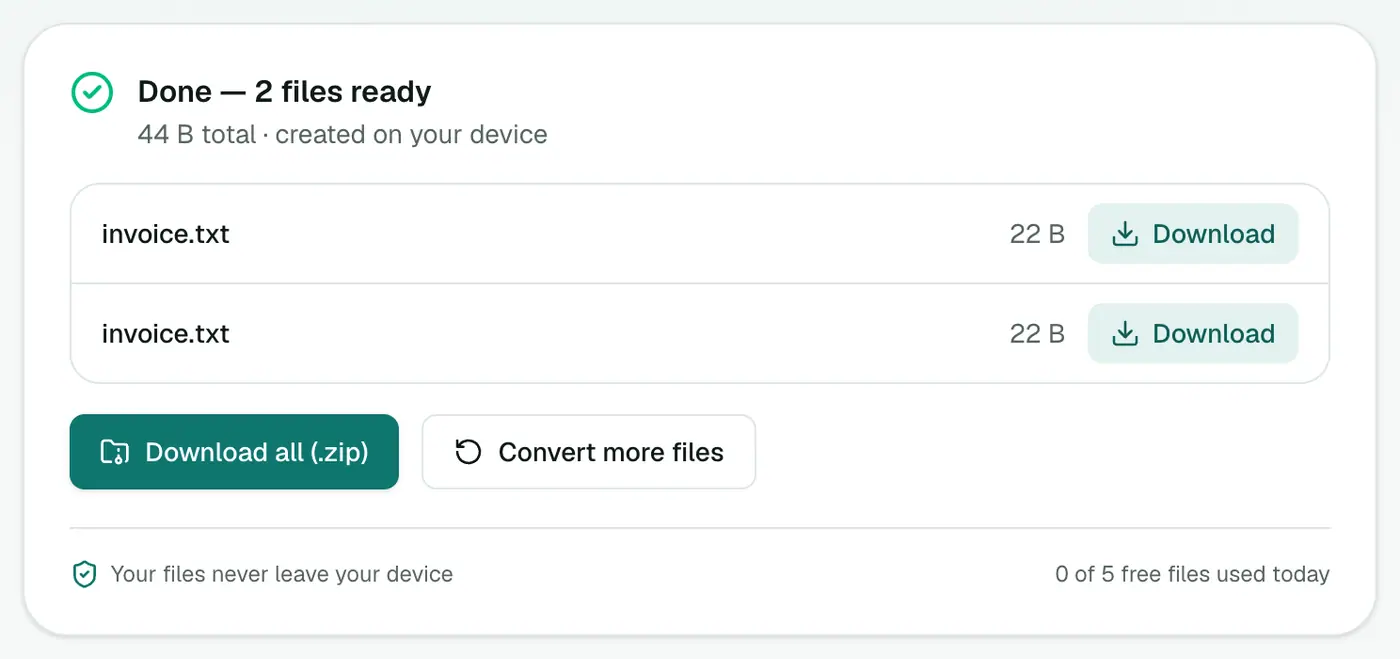
Getting the email files
- Outlook (Windows): select emails and drag them into a folder. They save as
.msg. - Thunderbird: select emails, right-click, then Save As (saves
.eml). - Apple Mail: drag emails into a Finder folder.
- Gmail: ⋮ → Download message per email, or use Takeout for a whole label.
Common jobs
- Expense season: drag all the receipt emails out of your mail app, extract, done.
- Photo threads: save every picture a relative sent over the years.
- Supplier invoices: collect a quarter's PDFs for the accountant in one ZIP.
- Case files: gather every signed document from a client's emails.
After extracting
- Combine PDF invoices into one file with Merge PDF.
- Shrink photos for sharing with Compress Image.
- iPhone photos (HEIC)? Convert them with HEIC to JPG.
- Need the emails as a record too? EML Merge puts them in one PDF.
Tips
- Look before extracting with the EML viewer or MSG viewer.
- Duplicate names? If two emails both attach
invoice.pdf, the ZIP keeps both, naming the secondinvoice (1).pdf. - Small logo files come from email signatures. Sort by size and delete the tiny ones.
Troubleshooting
"Has no attachments." The email's files may be links to cloud storage (OneDrive, Google Drive, Dropbox) rather than real attachments. Open the email and follow the link.
Outlook winmail.dat instead of the real file. The sender's Outlook used its rich-text wrapper. Ask them to resend in HTML format.
Summary
The Email Attachment Extractor saves every attachment from a pile of emails in a single step.
FAQs
Which email files are supported?
EML and Outlook MSG files. How many you can add at once depends on your plan.
How do I get attachments from a whole mailbox?
For an MBOX, convert it to EML files first with MBOX to EML, then extract. Or open it in the MBOX viewer and download individual attachments.
Are the attachments changed?
No. They're saved exactly as they were attached.
Are inline images included?
Yes. Images embedded in the email body, such as logos in signatures, are saved too, so you may get a few small image files.
What if an email has no attachments?
It's simply skipped. If none of the emails you added have attachments, you'll get a message saying so.
Are the emails uploaded?
No. Attachments are extracted in your browser.
Try the Email Attachment Extractor
Free to start, no install, and your files never leave your device.