PDF2 min read
How to Save a WhatsApp Chat as a PDF (iPhone and Android)
Export a WhatsApp conversation and turn it into a readable PDF transcript with dates and names. For records, evidence or keepsakes. Your chat stays private.
By the ZapMorph team
On this page
Just want it done?
Open the WhatsApp Chat to PDF — it runs in your browser and nothing is uploaded.
People save WhatsApp chats for all sorts of reasons: a record of what a landlord or contractor agreed to, evidence of harassment, work conversations that need archiving, or simply a conversation with someone they love that they never want to lose.
WhatsApp's own export gives you a plain .txt file, readable but not exactly pleasant. A PDF transcript is much easier to read, print and share.
Step 1: Export the chat from WhatsApp
On iPhone:
- Open the chat.
- Tap the contact or group name at the top.
- Scroll down and tap Export Chat.
- Choose Without Media (smaller) or Attach Media.
- Save it to Files, AirDrop it to your computer, or email it to yourself.
On Android:
- Open the chat.
- Tap ⋮ (More) → More → Export chat.
- Choose Without media or Include media.
- Save it to Drive, or send it to yourself by email.
You'll end up with a file like WhatsApp Chat with Family.txt, or a .zip.
Note: WhatsApp limits how many messages an export includes, especially with media. For very long chats, exporting without media includes more history.
Step 2: Turn it into a PDF with ZapMorph
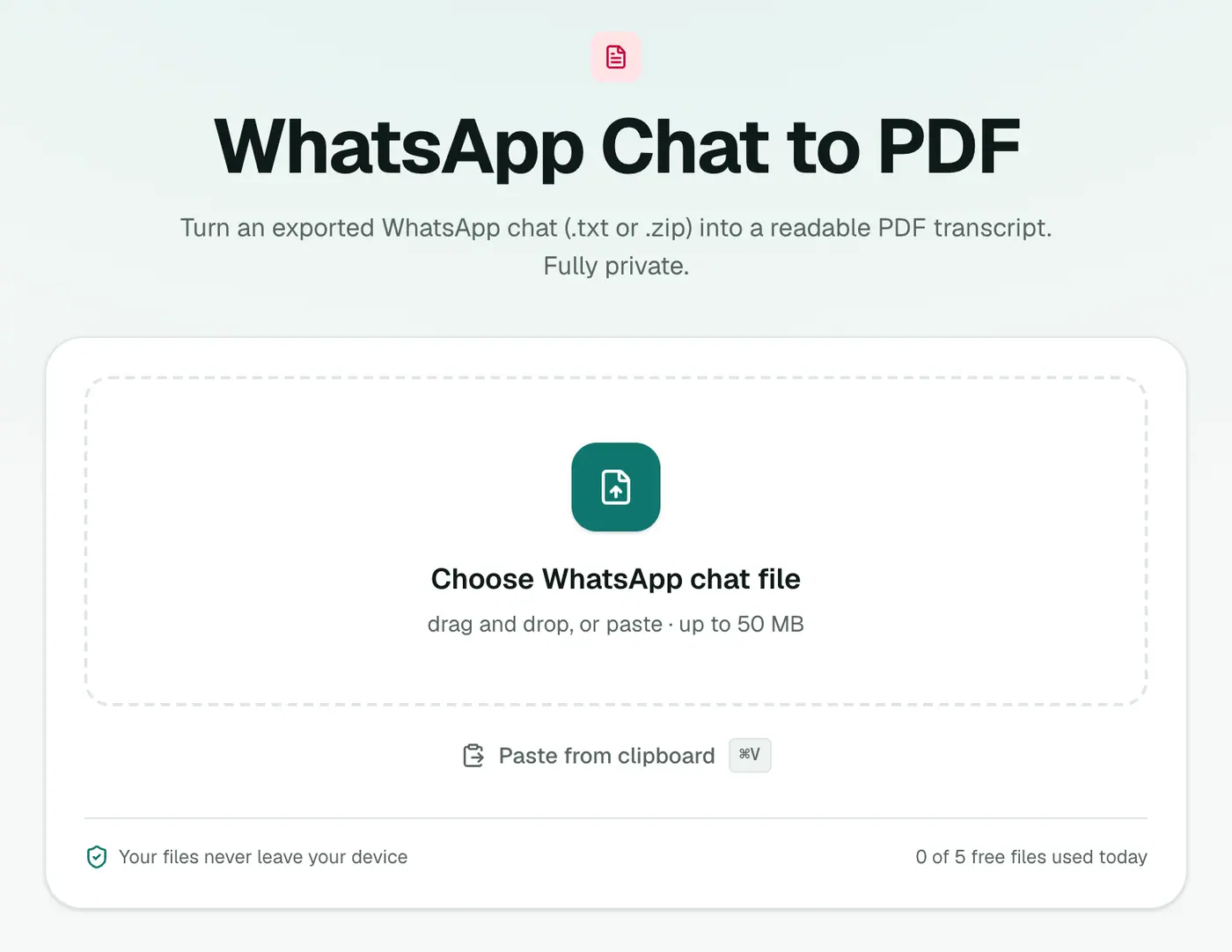
1. Open the tool
Go to WhatsApp Chat to PDF.
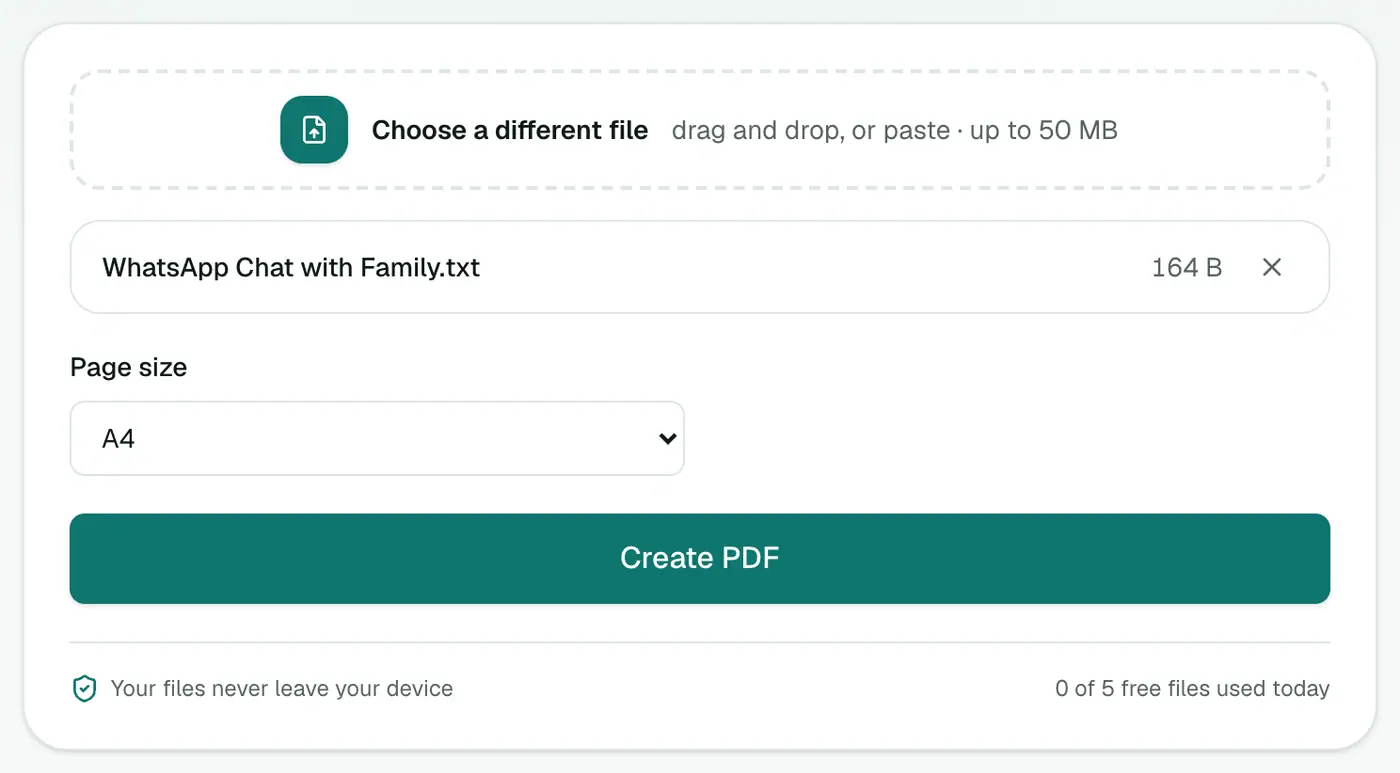
2. Add the export
Drop in the .txt or .zip and choose A4 or US Letter.
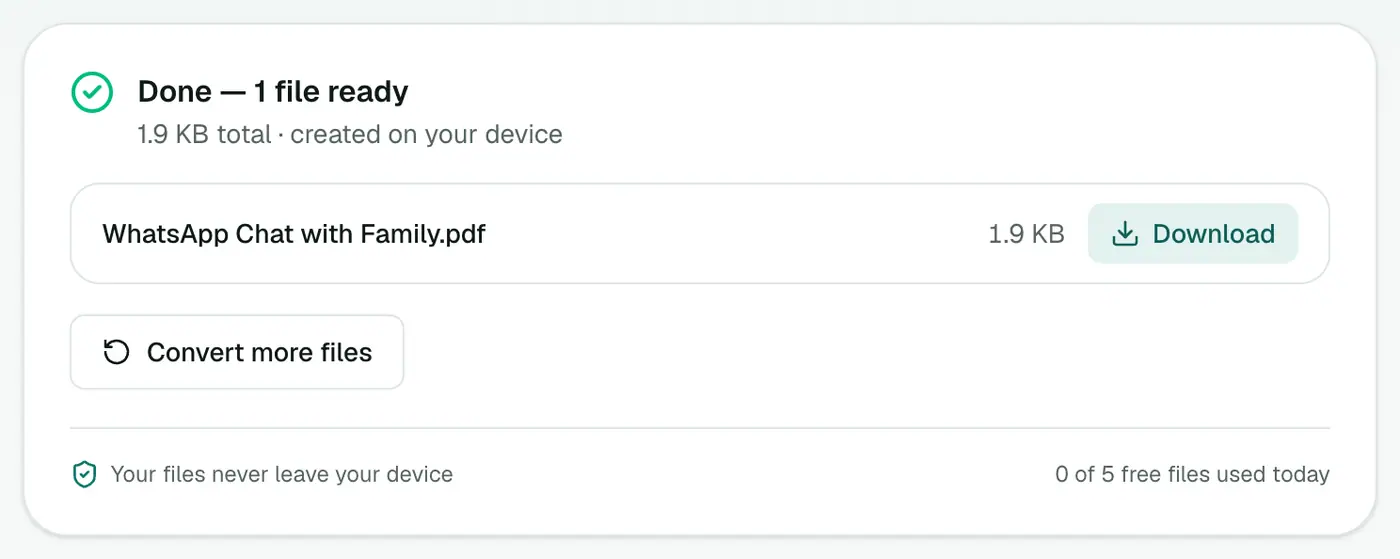
3. Create the PDF
Click Create PDF. Messages are laid out by date with sender names.
Why not just screenshot the chat?
| Screenshots | PDF transcript | |
|---|---|---|
| Long conversations | Dozens of images | One document |
| Searchable | No | Yes |
| Dates on every message | Often cut off | Always |
| Easy to print or file | Awkward | Yes |
Screenshots are still useful for showing how something looked on the phone. Use both if it matters.
Tips
- Very long chats (years of messages) make long PDFs. That's fine, but they take a moment to build.
- Need only part of it? Create the full PDF, then use Extract PDF Pages for the relevant dates.
- Keeping it as a record? Store the original export alongside the PDF, and consider adding page numbers.
- Sensitive content? Password protect the PDF before sharing it.
- Hide phone numbers or names of other people with Redact PDF.
Troubleshooting
"Doesn't look like a WhatsApp chat export." Make sure you added the chat .txt (or the .zip WhatsApp created), not a different text file, and that it wasn't edited or re-saved in another format.
Names show as phone numbers. That's how they appear in the export: people who weren't saved in your contacts are shown by number.
"
Summary
Export the chat from WhatsApp, drop the file into WhatsApp Chat to PDF, and you'll have a clean transcript, made privately on your own device.
FAQs
Do I export the chat with or without media?
Either works. "Without media" gives a small .txt file. "Include media" gives a .zip. The converter accepts both, and the PDF is built from the messages.
Will the PDF include photos from the chat?
The transcript focuses on the messages, with sender names and dates. Photos and voice notes aren't embedded in the PDF.
Is my chat uploaded?
No. The PDF is created in your browser. Your conversation never leaves your device.
Can a PDF of a chat be used as evidence?
It's commonly used as a readable record, but rules differ by court and country. Keep the original exported file too, and ask a lawyer about what's accepted where you are.
Does it work with group chats?
Yes. Every message is shown with the sender's name, however many people are in the group.
Does it work with WhatsApp Business?
Yes. WhatsApp Business exports chats in the same format.
Can I choose the paper size?
Yes, A4 or US Letter.
Try the WhatsApp Chat to PDF
Free to start, no install, and your files never leave your device.