Dev tools2 min read
How to URL-Encode and Decode Text (and Read Messy Links)
Percent-encode text for URLs and query strings, decode messy tracking links, and break a URL into protocol, host, path and parameters. Instant and private.
By the ZapMorph team
On this page
Just want it done?
Open the URL Encoder & Decoder — it runs in your browser and nothing is uploaded.
https://example.com/search?q=red%20shoes&size=9%C2%BD&utm_source=newsletter is the kind of link that's hard to read and easy to break. URL encoding replaces unsafe characters with % codes, and decoding turns them back.
How to encode or decode URLs with ZapMorph
1. Open the URL tool
Go to the URL encoder & decoder.
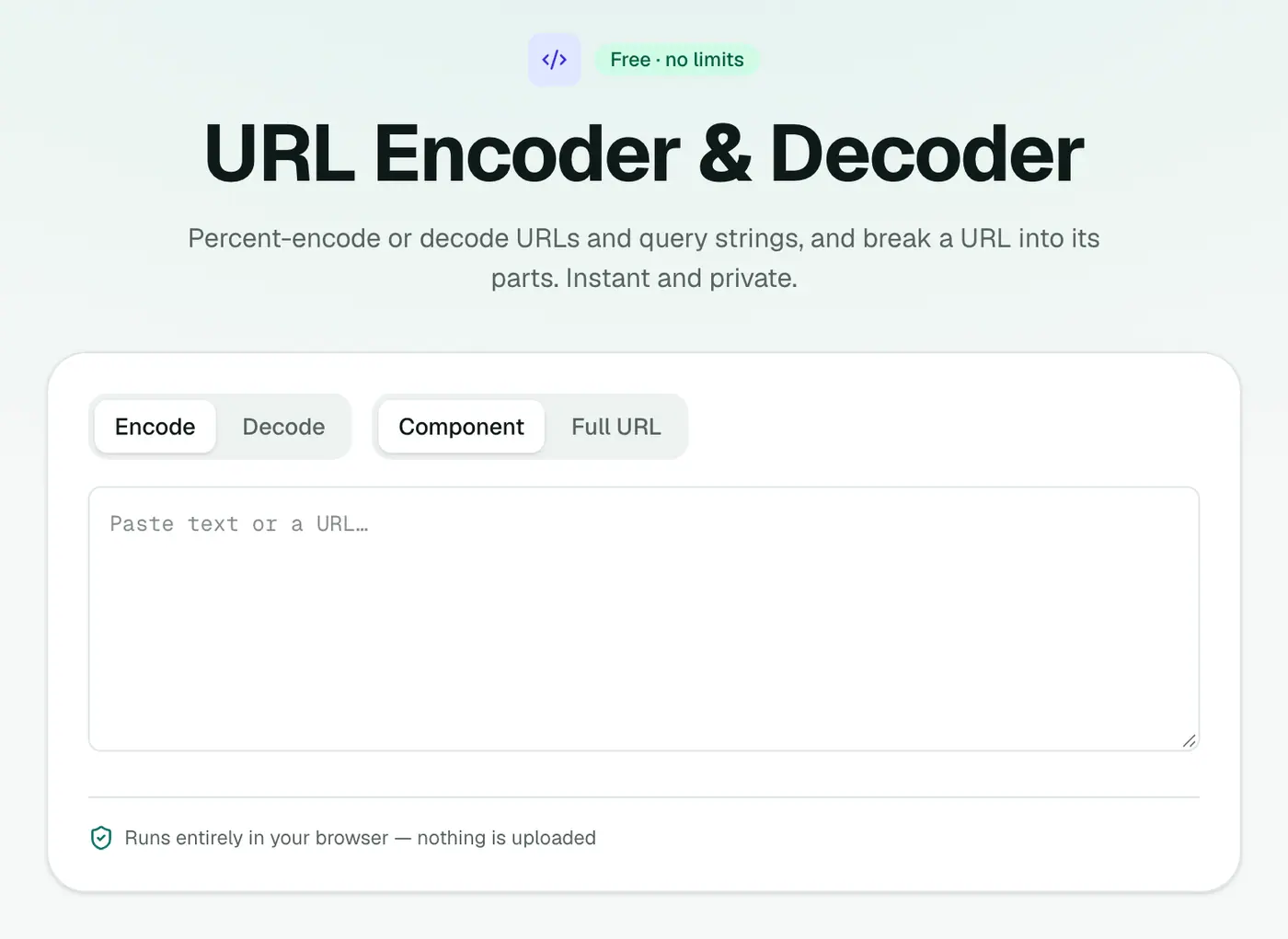
2. Paste text or a URL
Encoding and decoding happen as you type. Choose component or full URL mode. For a full URL, the parts and every query parameter are listed and decoded.
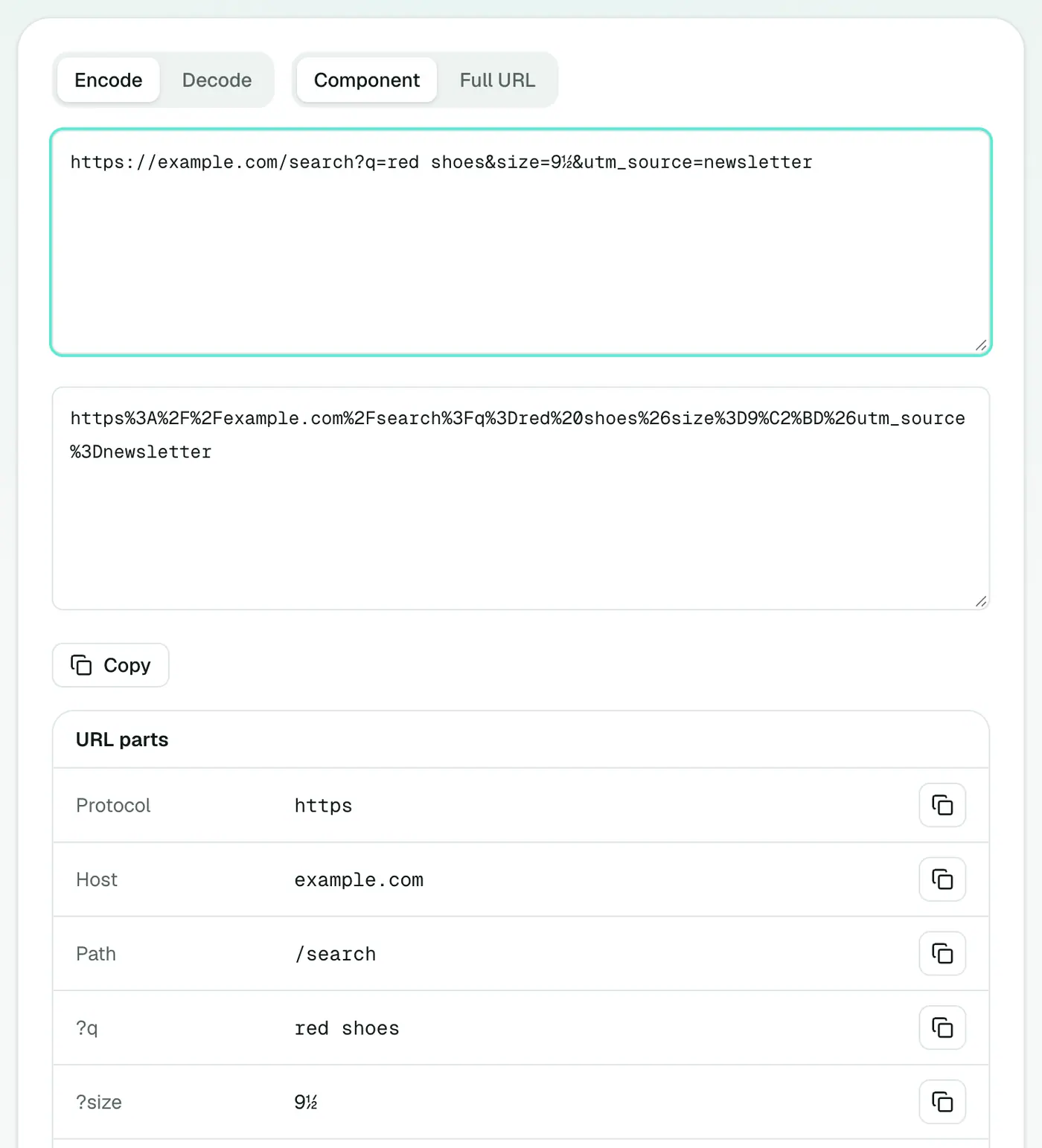
Common codes
| Character | Encoded |
|---|---|
| space | %20 (or + in forms) |
& | %26 |
= | %3D |
? | %3F |
/ | %2F |
# | %23 |
% | %25 |
é | %C3%A9 |
The parts of a URL
https://shop.example.com:443/products/shoes?colour=red&size=9#reviews
| Part | Value |
|---|---|
| Protocol | https: |
| Host | shop.example.com |
| Port | 443 |
| Path | /products/shoes |
| Query | colour=red, size=9 |
| Fragment | #reviews |
Common uses
- Building API requests with values that contain
&,=or spaces. - Reading tracking links to see where they really go, and what
utm_tags they carry. - Fixing broken links pasted with unencoded spaces.
- Checking redirect links in suspicious emails, where the real destination is often hidden in an encoded parameter.
- Debugging web forms and OAuth redirects.
In code
| Language | Encode a value | Decode |
|---|---|---|
| JavaScript | encodeURIComponent(s) | decodeURIComponent(s) |
| Python | urllib.parse.quote(s) | urllib.parse.unquote(s) |
| PHP | rawurlencode($s) | rawurldecode($s) |
Summary
The URL encoder & decoder encodes, decodes and dissects URLs instantly and privately.
FAQs
What's the difference between component and full URL mode?
Component mode also encodes characters like / ? & = so the text is safe inside a single query parameter. Full URL mode leaves the URL structure intact.
Why is a space sometimes %20 and sometimes +?
In URL paths a space is %20. In form-encoded query strings it's often +. Both decode to a space.
Can I see all the parameters in a link?
Yes. Paste the URL and its query parameters are listed and decoded in a table.
Why do some links have %25 in them?
%25 is an encoded % sign. Seeing %2520 means the text was encoded twice. Decode it twice to get the original.
Are non-English characters supported?
Yes. Characters like é, ü or 漢 are encoded as UTF-8 bytes (é becomes %C3%A9) and decode back correctly.
Is my URL sent anywhere?
No. Encoding and decoding happen in your browser.
Try the URL Encoder & Decoder
Free to start, no install, and your files never leave your device.