Dev tools2 min read
How to Encode and Decode Base64 (Text and Files)
Encode text or files to Base64, decode Base64 back to text or a downloadable file, and make data URIs. UTF-8 safe and private, in your browser.
By the ZapMorph team
On this page
Just want it done?
Open the Base64 Encoder & Decoder — it runs in your browser and nothing is uploaded.
Base64 turns any data into plain text characters so it can travel through systems built for text: email attachments, JSON payloads, data URIs, HTTP headers, JWTs. You run into it constantly in development, and you usually need to peek inside quickly.
How to use Base64 with ZapMorph
1. Open the Base64 tool
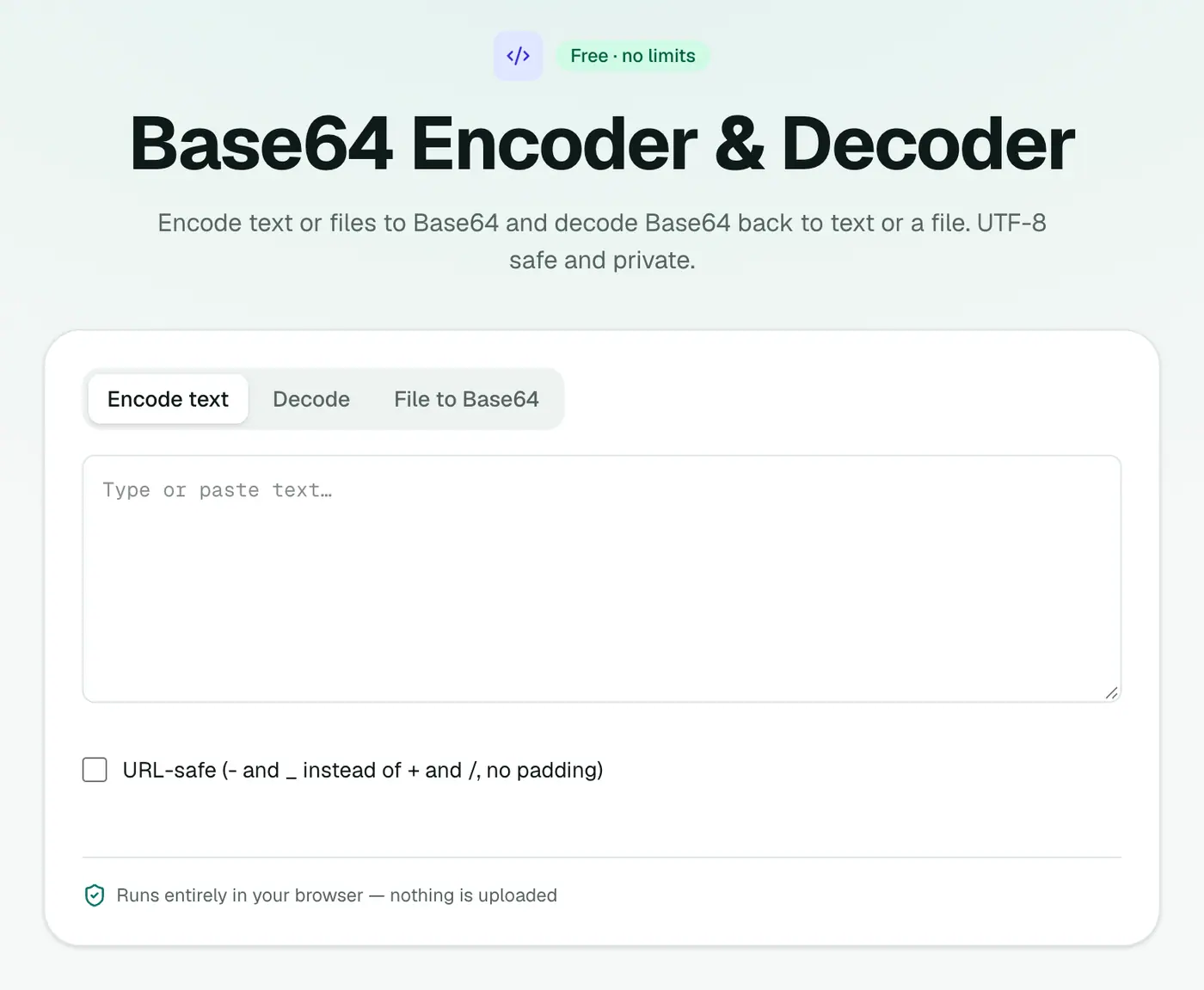
Go to the Base64 encoder & decoder.
2. Encode or decode
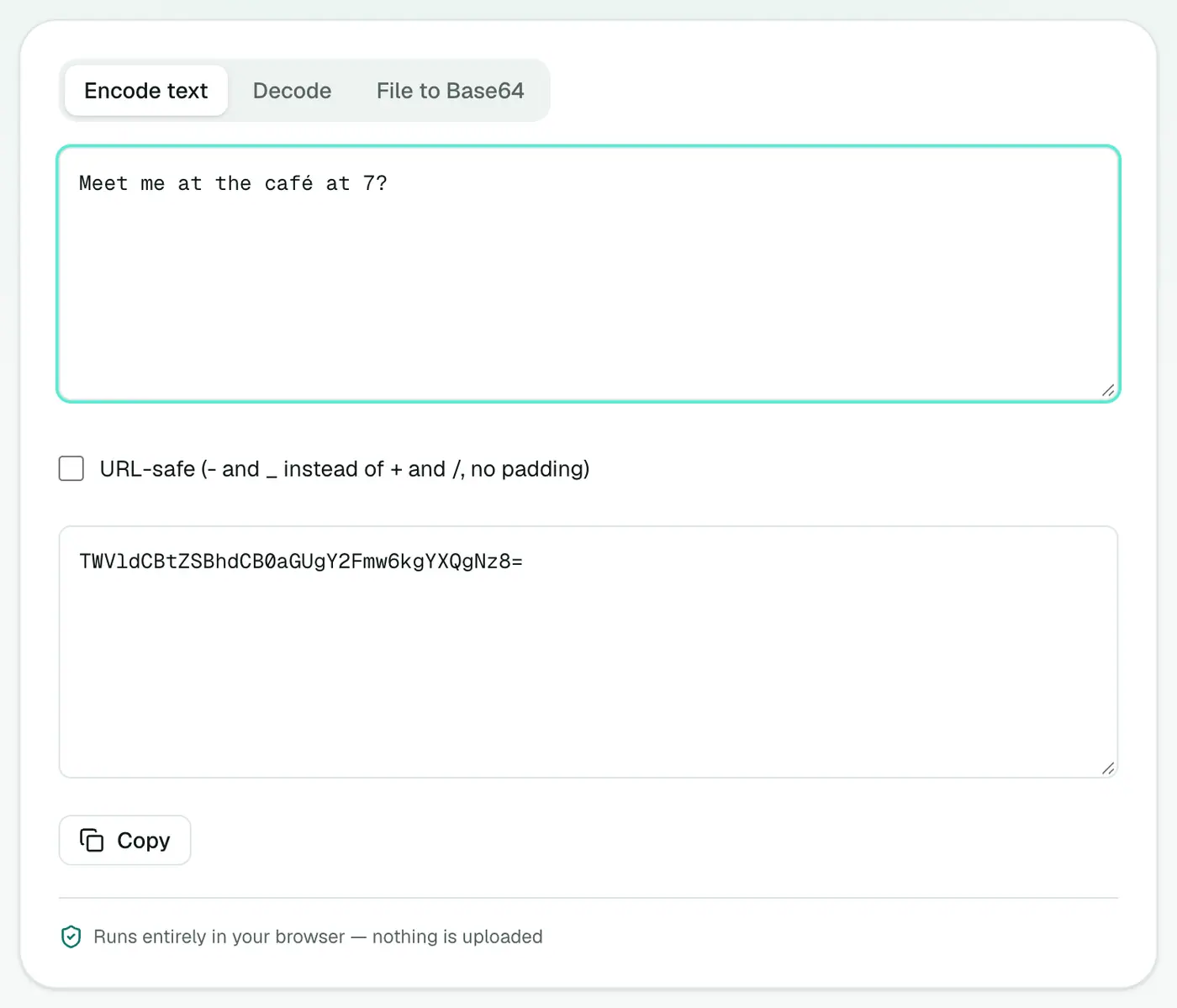
Pick encode or decode and type or paste. Results update as you type. Switch to file mode to encode a file or decode Base64 back into a downloadable file.
A quick example
| Text | Base64 |
|---|---|
hello | aGVsbG8= |
user:password | dXNlcjpwYXNzd29yZA== |
café | Y2Fmw6k= |
Everyday examples
- Debugging an API that returns a Base64 field.
- Inlining a small icon in CSS as a
data:image/png;base64,...URI. - Reading an HTTP Basic auth header.
Authorization: Basic ...is just Base64 ofuser:password, which is why it needs HTTPS. - Kubernetes secrets are stored Base64-encoded. Decode to check a value.
- Email source: attachments in raw email are Base64 blocks you can decode back into files.
Data URIs: when to use them
- Good: tiny icons and SVGs under a few KB, so a page makes fewer requests.
- Bad: large images. They grow by a third, can't be cached separately, and slow the page.
In code
| Language | Encode | Decode |
|---|---|---|
| JavaScript (browser) | btoa(...) (ASCII only) | atob(...) |
| Node.js | Buffer.from(s).toString('base64') | Buffer.from(b, 'base64').toString() |
| Python | base64.b64encode(b) | base64.b64decode(s) |
| macOS / Linux | base64 file | base64 -d file |
Important
Base64 is not security. It's trivially reversible. If you see a password "protected" with Base64, it isn't protected.
Related
- JWT decoder for tokens.
- URL encoder for query strings.
- Hash generator when you need a one-way fingerprint.
Summary
The Base64 tool encodes and decodes text and files correctly, UTF-8 included, without sending data anywhere.
FAQs
Is Base64 encryption?
No. It's an encoding, so anyone can decode it. Never use it to hide passwords or secrets.
Why do accented characters break in some Base64 tools?
Older tools don't handle UTF-8 properly. This one does, so café and emoji encode and decode correctly.
Can I turn an image into a data URI?
Yes. Switch to file mode and open the image to get a data: URI you can paste into HTML or CSS.
Why is Base64 bigger than the original?
Every 3 bytes become 4 characters, so encoded data is about 33% larger.
What are the = signs at the end?
Padding. They make the length a multiple of 4. Some variants (like Base64URL in JWTs) leave them off.
What is Base64URL?
A variant that uses - and _ instead of + and / so the result is safe in URLs and file names. JWTs use it.
Try the Base64 Encoder & Decoder
Free to start, no install, and your files never leave your device.