PDF2 min read
How to Delete Pages From a PDF (Blank, Duplicate or Private)
Remove blank scanner pages, duplicates or a confidential page from a PDF before you share it. Choose the pages by number. Everything else stays the same.
By the ZapMorph team
On this page
Just want it done?
Open the Remove PDF Pages — it runs in your browser and nothing is uploaded.
Duplex scanners love adding blank backs. Merged PDFs sometimes include a page twice. And sometimes there's one page, like a salary breakdown or a medical note, that the person you're sending it to really shouldn't see.
Deleting pages is a quick fix for all of these.
How to delete PDF pages with ZapMorph
1. Open Remove PDF Pages
Go to Remove PDF Pages.
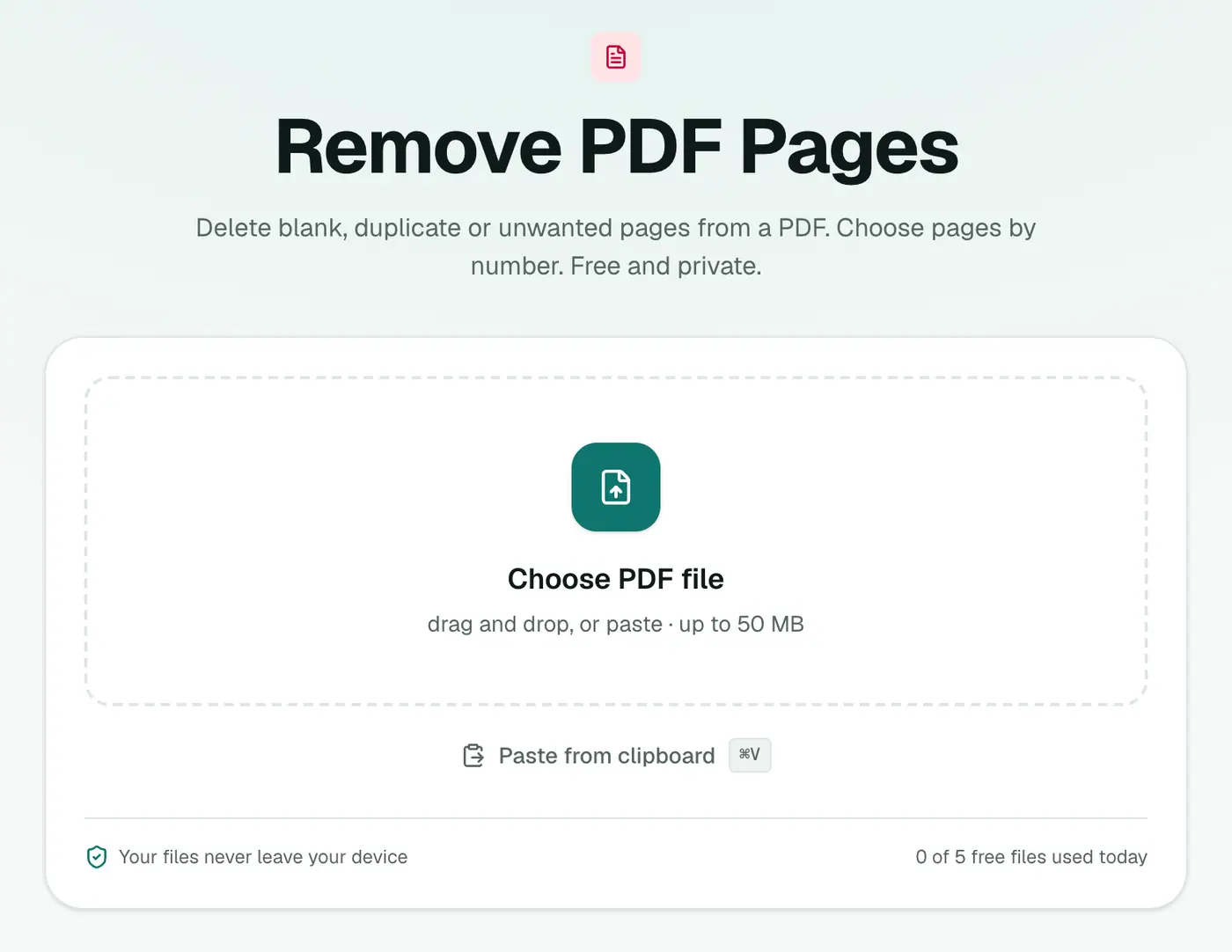
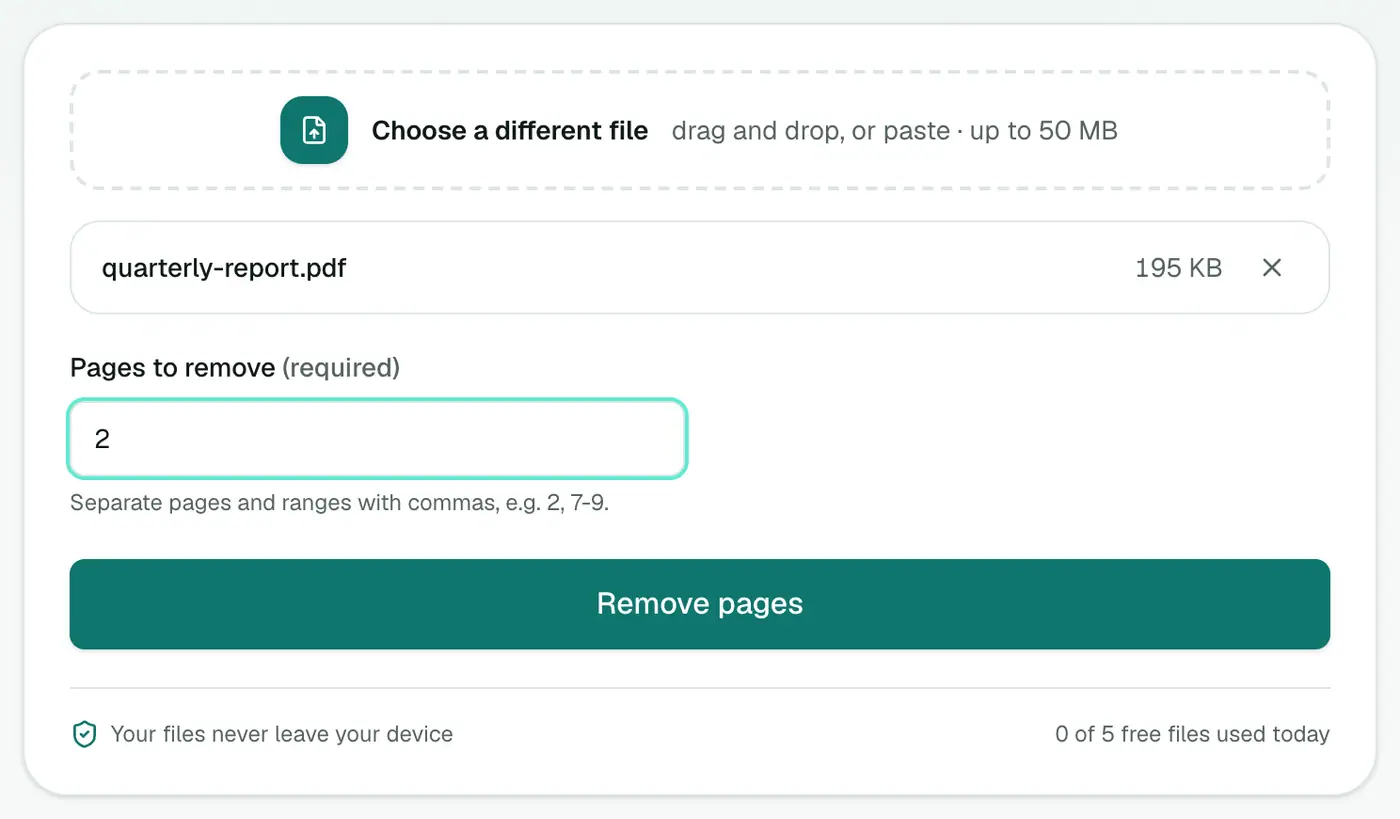
2. Add your PDF and list the pages to remove
Drop in the PDF and type Pages to remove, for example 2 or 2, 7-9.
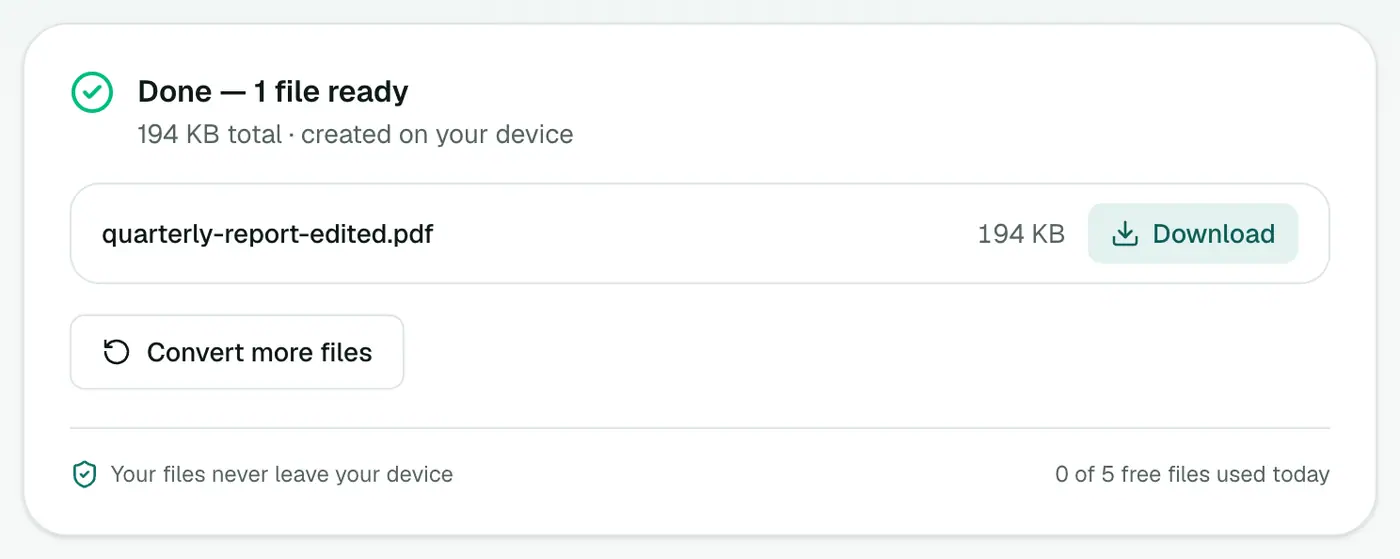
3. Remove and download
Click Remove pages and save the new PDF.
Tips
- Find blank pages fast by scrolling through thumbnails in your PDF reader, or open it in the PDF viewer.
- Removing a lot? It might be easier to extract the pages you want to keep.
- Hiding part of a page? Removing pages is all-or-nothing. For a name or account number on a page you need to keep, use Redact PDF.
- Wrong order too? Organize PDF reorders and drops pages in one go.
Other ways
- Mac Preview: select thumbnails, press Delete, save.
- Acrobat Pro: Organize Pages → Delete.
- Windows: no built-in option.
Writing page ranges
| You type | Removes |
|---|---|
2 | Page 2 |
2, 7-9 | Pages 2, 7, 8 and 9 |
1, 10-12, 20 | Page 1, pages 10–12 and page 20 |
Not sure of the page numbers? Open the file in the PDF viewer first.
Remove, extract or reorder?
| You want to… | Use |
|---|---|
| Drop a few pages | Remove PDF Pages |
| Keep only a few pages | Extract PDF Pages |
| Change the order | Reorder PDF Pages |
| Cut into several files | Split PDF |
Common jobs
- Blank pages from double-sided scanning.
- Cover sheets and fax headers.
- A confidential page before forwarding a contract.
- Ads and terms pages at the end of e-tickets and statements.
Summary
List the page numbers, download the clean copy. Remove PDF Pages is a quick, private way to tidy up a PDF before sharing.
FAQs
How do I pick which pages to remove?
Type page numbers and ranges, like 2, 7-9. Those pages are dropped and everything else is kept in order.
Can I undo it?
Your original PDF isn't changed. You download a new copy without those pages.
Does it affect the remaining pages?
No. They're copied exactly as they were.
Is my PDF uploaded?
No. Pages are removed in your browser, so confidential documents stay on your device.
Does removing pages reduce quality?
No. The remaining pages are copied exactly as they were.
Try the Remove PDF Pages
Free to start, no install, and your files never leave your device.