Dev tools2 min read
How to Decode a JWT Safely (Without Pasting It Into a Server)
Inspect a JSON Web Token's header, payload and expiry. Times are shown as readable dates, and the token never leaves your browser.
By the ZapMorph team
On this page
Just want it done?
Open the JWT Decoder — it runs in your browser and nothing is uploaded.
When an API returns 401 and you suspect the token, the first step is to look inside it: which user, which roles, when it expires. JWTs are just Base64-encoded JSON, but decoding them by hand is fiddly, and pasting a live token into a random website is a security risk.
How to decode a JWT with ZapMorph
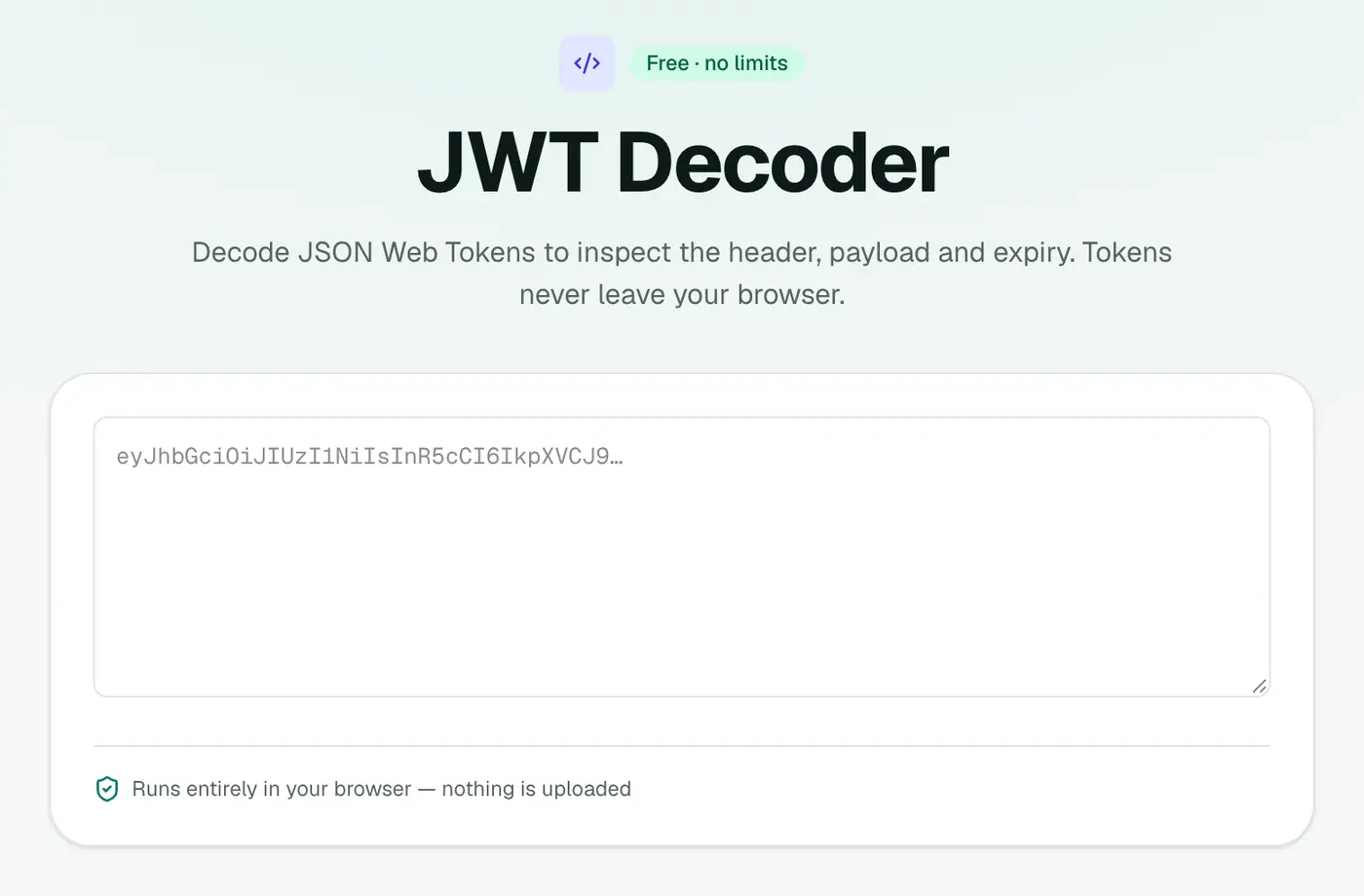
1. Open the JWT decoder
Go to the JWT decoder.
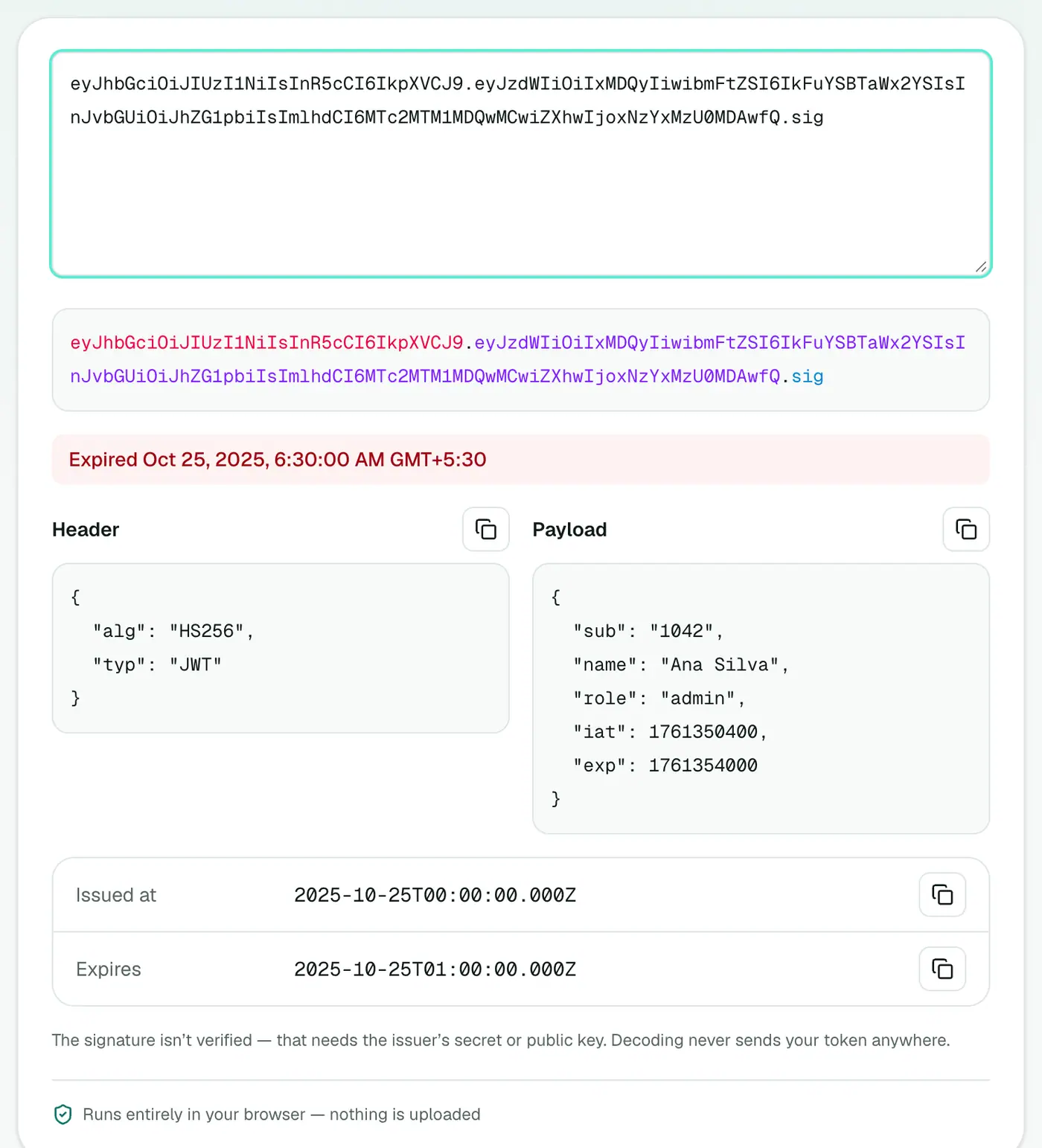
2. Paste your token
The three parts are colour-coded. The header and payload are pretty-printed, and iat and exp appear as readable dates.
What you're looking at
A JWT looks like xxxxx.yyyyy.zzzzz: three Base64URL parts separated by dots.
- Header: algorithm (e.g.
HS256,RS256) and token type. - Payload: claims like
sub(user ID),name,role,iat,exp. - Signature: proves the token wasn't tampered with. Only your server can verify it.
Standard claims
| Claim | Meaning |
|---|---|
iss | Issuer: who created the token |
sub | Subject: usually the user ID |
aud | Audience: which API it's for |
exp | Expiry time |
nbf | Not valid before |
iat | Issued at |
jti | Unique token ID |
scope / roles | Permissions (provider-specific) |
Debugging checklist
- Has it expired? Compare
expwith now. - Is the audience (
aud) or issuer (iss) what your API expects? - Are the roles or scopes there?
- Is your server's clock in sync? Clock skew causes "not yet valid" errors.
- Is the algorithm what the server expects?
RS256vsHS256mismatches are a common cause of failures.
Security reminders
- Treat tokens like passwords while they're valid. Don't paste them into chats or tickets.
- Don't trust the payload on the server without verifying the signature.
- Reject
alg: nonein your server configuration. - Keep expiry short for access tokens, and use refresh tokens for longer sessions.
Related
- Unix timestamp converter for other epoch times.
- Base64 tool to decode individual parts.
- JSON formatter for the payload.
Summary
The JWT decoder lets you read tokens without exposing them, and turns timestamps into dates so debugging is quick.
FAQs
Does decoding verify the signature?
No. Decoding only reads the header and payload. Signature verification needs the secret or public key and should happen on your server.
Why is pasting tokens into websites risky?
A valid token can grant access to an account or API. Pasting it into a site that sends it to a server exposes it. This decoder runs entirely in your browser.
What are iat and exp?
Issued-at and expiry times, as Unix timestamps. The decoder shows them as readable dates.
Is the payload encrypted?
No. A normal JWT (JWS) is only signed, not encrypted. Anyone holding the token can read the payload, so never put passwords or secrets in it.
Where do I find my token?
In browser DevTools → Network, open an API request and look at the Authorization header (Bearer …), or check cookies and local storage under Application.
What about encrypted JWTs (JWE)?
A JWE has five parts instead of three and can only be read with the decryption key, so a decoder can show its header but not its contents.
Try the JWT Decoder
Free to start, no install, and your files never leave your device.