Image3 min read
How to Make a Favicon for Your Website (Every Size + the HTML)
Create favicon.ico, PNG favicons, the Apple touch icon and a web manifest from one image, then paste the ready-made HTML tags into your site.
By the ZapMorph team
On this page
Just want it done?
Open the Favicon Generator — it runs in your browser and nothing is uploaded.
The favicon is the tiny icon in your browser tab. It's also the icon when someone saves your site to their phone's home screen, the image in bookmarks, and sometimes what Google shows next to your search result.
Ten years ago a single favicon.ico was enough. Today iPhones, Android phones and browsers all look for different files. The favicon generator makes the whole set from one image.
What you actually need
Here's the modern, sensible set without going overboard:
| File | Size | Used by |
|---|---|---|
favicon.ico | 16–256 px | Browsers, Windows, older tools |
favicon-32x32.png / favicon-16x16.png | 32, 16 | Browser tabs |
apple-touch-icon.png | 180×180 | iPhone and iPad home screens |
android-chrome-192x192.png / -512x512.png | 192, 512 | Android home screen, PWAs |
site.webmanifest | none | Tells Android about the icons |
How to create a favicon with ZapMorph
1. Open the favicon generator
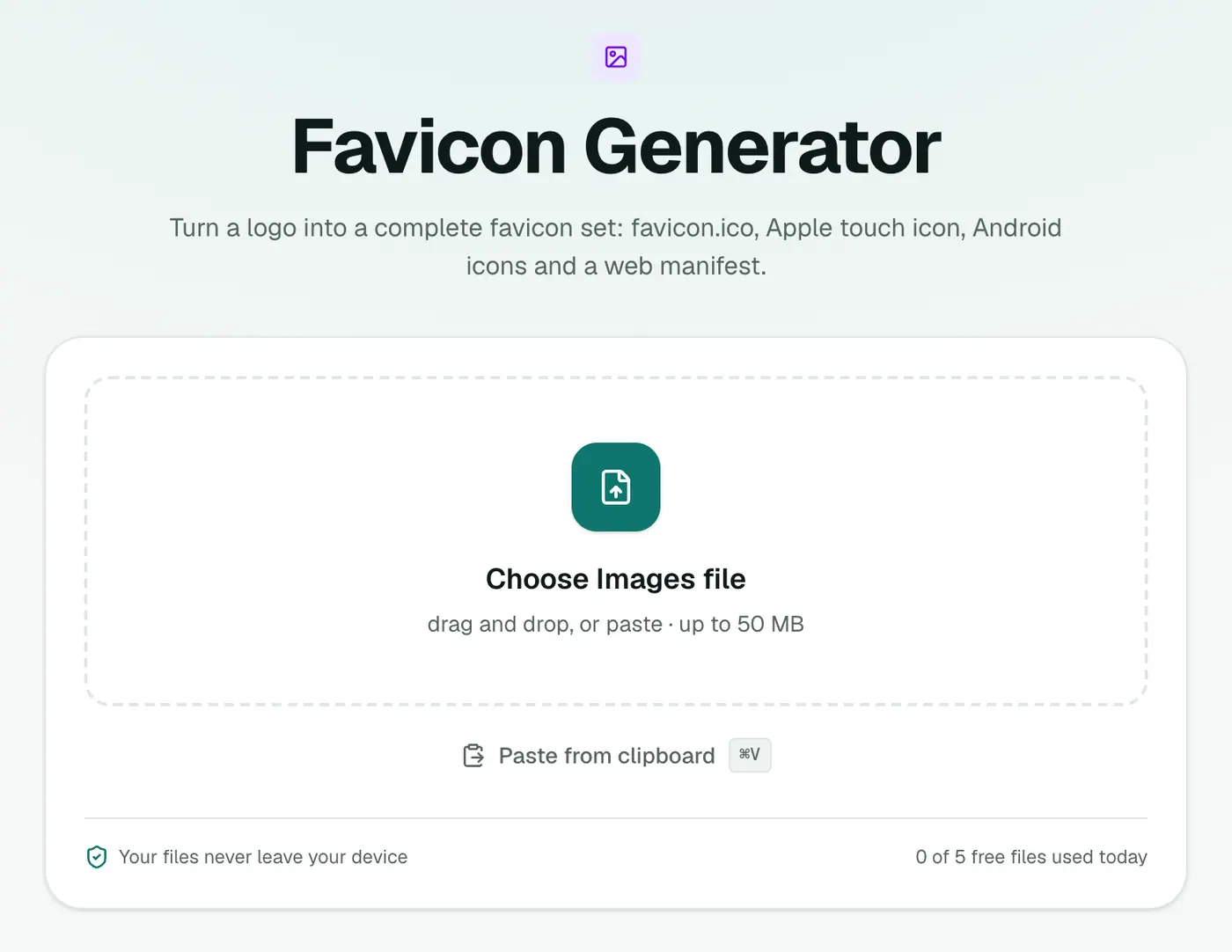
Go to the favicon generator.
2. Add your logo
Pick a square image, 512×512 or larger. Transparent PNGs look best in browser tabs.
3. Generate and download
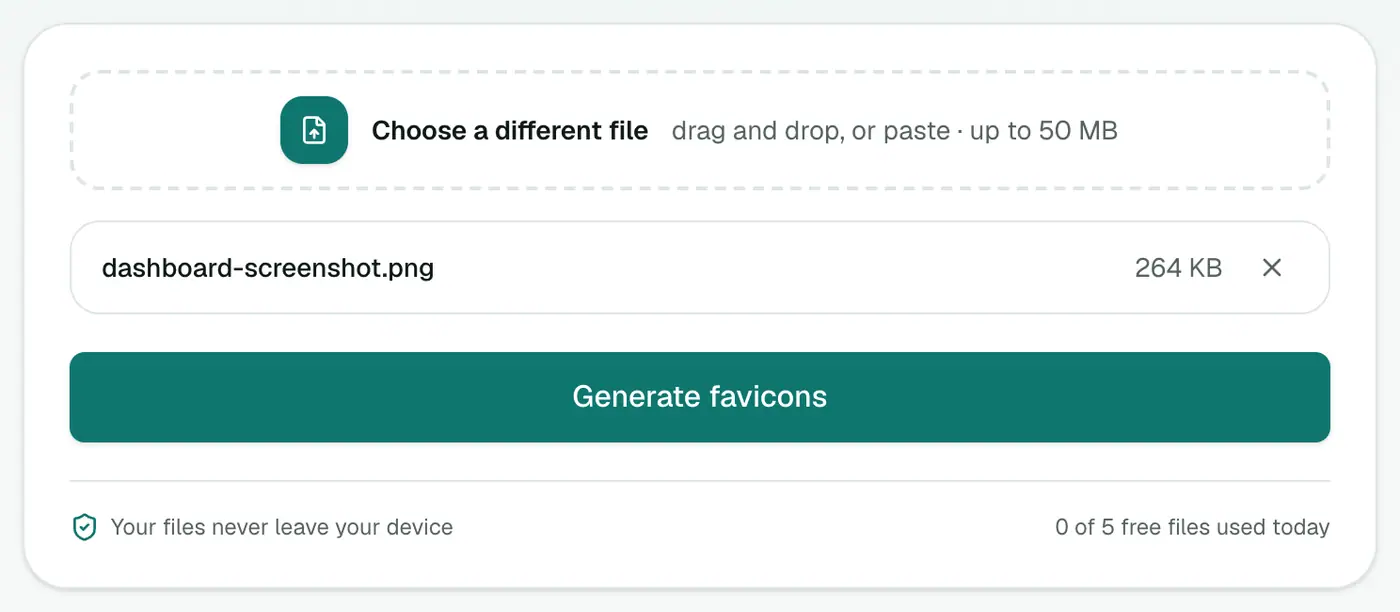
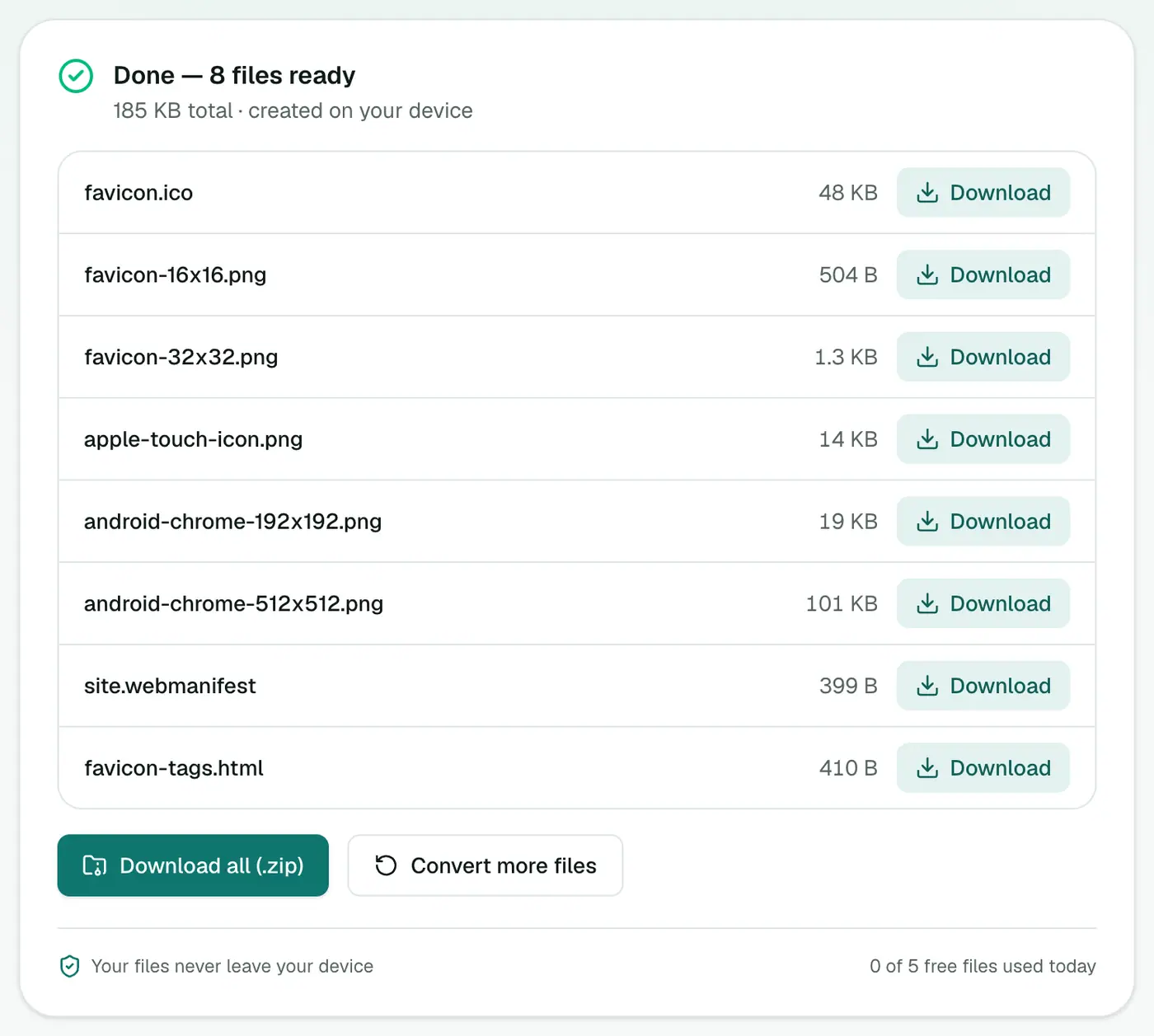
Click Generate favicons. You'll get every file listed above, plus favicon-tags.html with the exact tags to paste. Download them all as a ZIP.
Adding it to your site
- Unzip and upload the image files and
site.webmanifestto your site's root folder. - Open
favicon-tags.htmland copy the tags into the<head>of your pages. - Open your site in a private window to see the new icon (your normal window will likely show the cached old one for a while).
WordPress: go to Appearance → Customize → Site Identity → Site Icon and upload the 512×512 PNG. WordPress generates its own sizes. Shopify, Squarespace, Wix: each has a "Favicon" setting that takes a single image. Upload the 512 px PNG.
What the HTML tags look like
The generated snippet is:
<link rel="icon" href="/favicon.ico" sizes="any">
<link rel="icon" type="image/png" sizes="32x32" href="/favicon-32x32.png">
<link rel="icon" type="image/png" sizes="16x16" href="/favicon-16x16.png">
<link rel="apple-touch-icon" sizes="180x180" href="/apple-touch-icon.png">
<link rel="manifest" href="/site.webmanifest">
Paths start with /, so the files must sit in your site's root folder.
Will Google show my favicon in search?
Google shows favicons next to mobile and desktop results when it can crawl them. Make sure the icon is square, at least 48×48 pixels (the 192 px icon covers this), and not blocked by robots.txt. It can take days or weeks to update.
Design tips for tiny icons
- Use just the symbol of your logo, not the wordmark. Text is unreadable at 16 px.
- Thicker strokes survive shrinking. Hairlines disappear.
- The Apple touch icon gets a white background, because iOS doesn't do transparent home screen icons.
- Test it on both light and dark tab themes.
- Add padding if your symbol touches the edges. A little breathing room looks better on home screens.
Troubleshooting
The icon doesn't change. Clear the cache, open a private window, or add ?v=2 to the link URLs.
It's blurry in the tab. Your source image was small or detailed. Start from a larger, simpler image.
404 for favicon.ico in server logs. Browsers request /favicon.ico automatically. Upload it to the root even if you also use PNG icons.
Summary
One square image in, a complete favicon set out. Run your logo through the favicon generator, upload the files, paste the tags, and you're done. If you just need a Windows icon file, PNG to ICO is simpler.
FAQs
What files does the favicon generator create?
favicon.ico, 16×16 and 32×32 PNG favicons, a 180×180 Apple touch icon, 192×192 and 512×512 Android icons, a site.webmanifest file and a snippet of HTML tags.
What image should I start with?
A square PNG or SVG, at least 512×512 pixels for PNG, ideally with a transparent background. JPG and WebP work too.
Where do I put the files?
In the root of your website, the same folder as your homepage. Then paste the HTML tags into the head section of your pages.
My old favicon still shows. Why?
Browsers cache favicons aggressively. Try a private window, or add a version query like favicon.ico?v=2 to the link tags.
Try the Favicon Generator
Free to start, no install, and your files never leave your device.