Dev tools2 min read
How to Count Words and Characters (With Reading Time)
Count words, characters with and without spaces, sentences and paragraphs, plus reading and speaking time and your most-used words. Private, live as you type.
By the ZapMorph team
On this page
Just want it done?
Open the Word Counter — it runs in your browser and nothing is uploaded.
Word limits are everywhere: university essays, cover letters, grant applications, meta descriptions, ad copy, tweets. The word counter tells you where you stand as you type.
How to count words with ZapMorph
1. Open the word counter
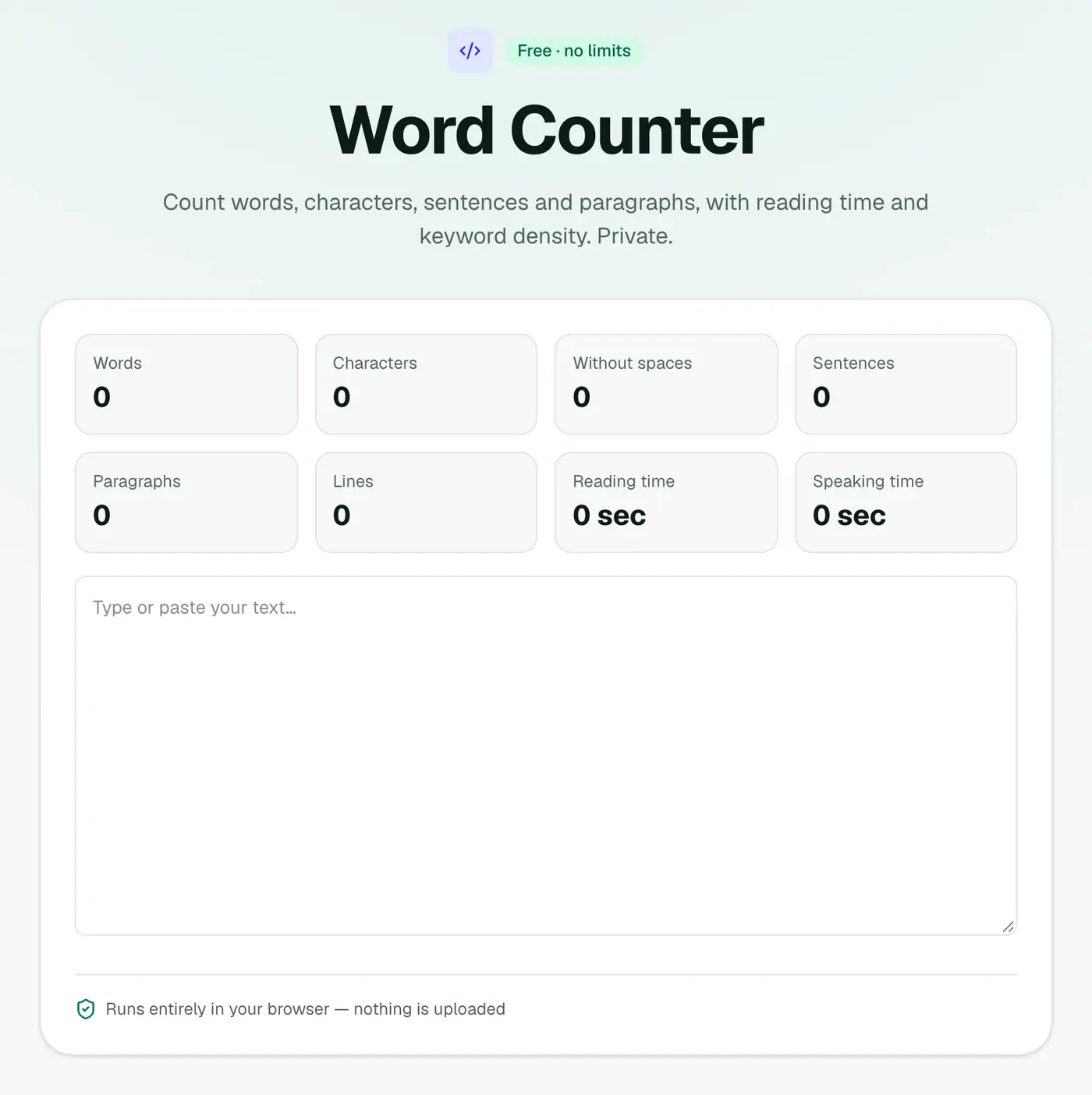
Go to the word counter.
2. Type or paste your text
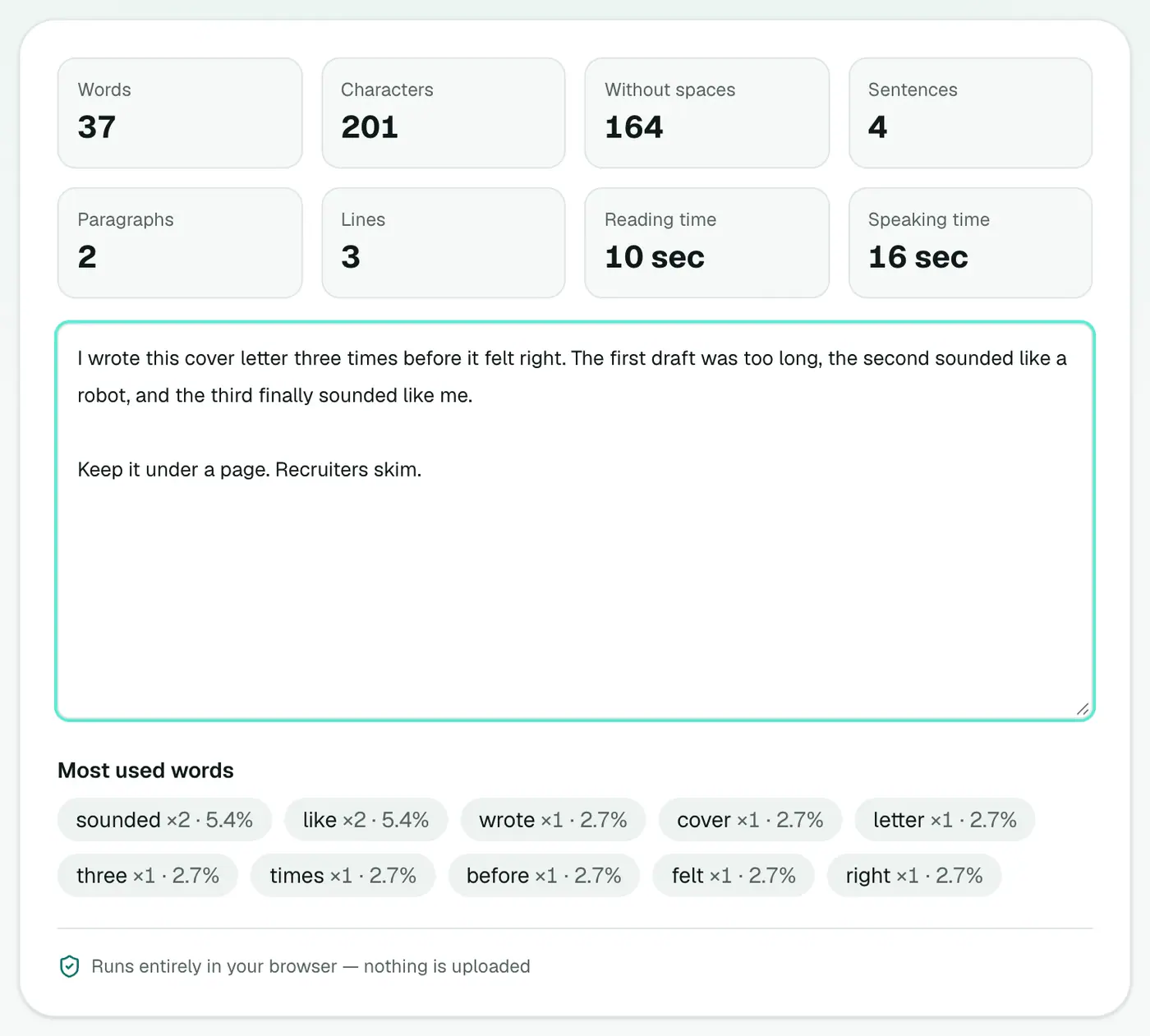
Counts update as you type: words, characters (with and without spaces), sentences, paragraphs, reading time, speaking time and your most-used words.
Handy limits to know
| Where | Typical limit |
|---|---|
| Google meta description | About 155–160 characters |
| Google title tag | About 50–60 characters |
| X (Twitter) post | 280 characters |
| LinkedIn post | 3,000 characters |
| Instagram caption | 2,200 characters |
| Cover letter | 250–400 words |
| Personal statement (UK UCAS) | 4,000 characters |
| Abstract (academic) | 150–300 words |
Limits change, so always check the current rules.
Reading and speaking time
| Words | Reading (silent) | Speaking aloud |
|---|---|---|
| 250 | ~1 minute | ~2 minutes |
| 750 | ~3 minutes | ~5 minutes |
| 1,500 | ~6 minutes | ~10 minutes |
Speaking time is useful for speeches, podcast scripts and video voice-overs.
Use the keyword list
The most-used words list shows when you've leaned on the same word too often. Very useful for essays and marketing copy.
Tips for cutting words
- Remove filler: "very", "really", "just", "in order to".
- Turn passive into active: "The report was written by Sam" → "Sam wrote the report".
- Cut repeated ideas. The keyword list shows where you're saying the same thing twice.
- Check one section at a time by pasting only that part.
Related
- Case converter to fix capitals.
- Text diff checker to compare drafts.
Summary
The word counter keeps you inside every limit, privately and in real time.
FAQs
Does it count characters with and without spaces?
Yes, both.
How is reading time calculated?
From a typical silent reading speed. Speaking time uses a slower speaking pace, which is handy for speeches and video scripts.
Is my text stored?
No. Counting happens in your browser.
Why does my count differ from Word or Google Docs?
Tools treat hyphenated words, numbers, URLs and symbols differently. Differences of a few words on a long text are normal.
Can I paste text from a PDF?
Yes. If copying from the PDF is awkward, extract it with PDF to Text first.
Does it work for languages other than English?
Words are counted by the spaces between them, so it works for most languages that use spaces. Languages written without spaces, like Chinese or Japanese, are better measured by characters.
Try the Word Counter
Free to start, no install, and your files never leave your device.