Viewers2 min read
How to Count the Emails in an MBOX File (Even a Huge One)
Instantly count the messages in an MBOX mailbox, with attachments, date range, top senders and messages per year. Fast even for multi-gigabyte files. Private.
By the ZapMorph team
On this page
Just want it done?
Open the MBOX Counter — it runs in your browser and nothing is uploaded.
You've exported a mailbox, or downloaded your Gmail Takeout, and want to know: is it all there? How many messages? Spanning which years? Opening a 6 GB MBOX in a mail app to find out takes ages. The MBOX counter takes seconds.
What it shows
| Figure | Why it's useful |
|---|---|
| Messages | Check the export is complete |
| With attachments | Estimate how much is files rather than text |
| Unique senders / top senders | Spot newsletters and automated mail |
| Date range | Confirm the oldest and newest email are there |
| Messages per year | See gaps that suggest a missing period |
| File size | Plan storage or upload limits |
How to count emails in an MBOX with ZapMorph
1. Open the MBOX counter
Go to the MBOX counter.
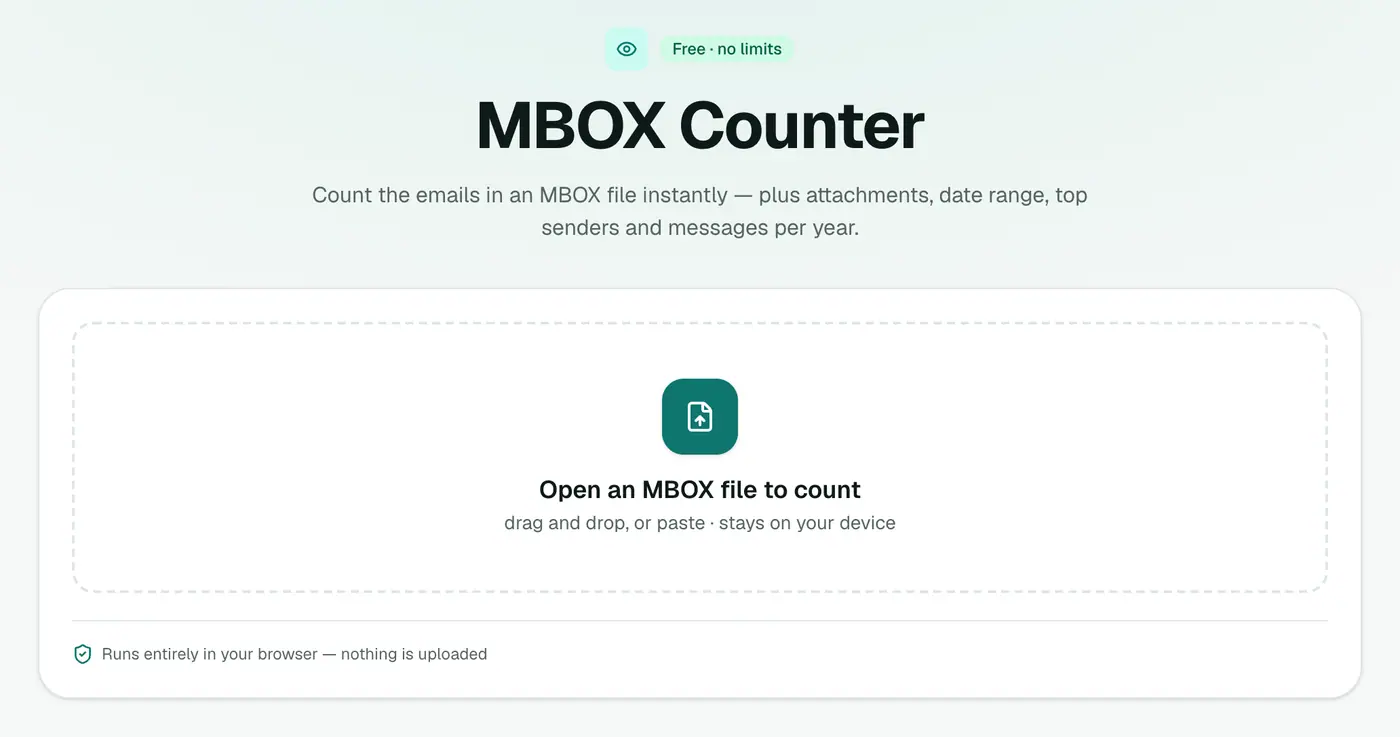
2. Drop in the mailbox
Drop the file in. You'll see the message count, attachments, date range, top senders and a per-year breakdown.
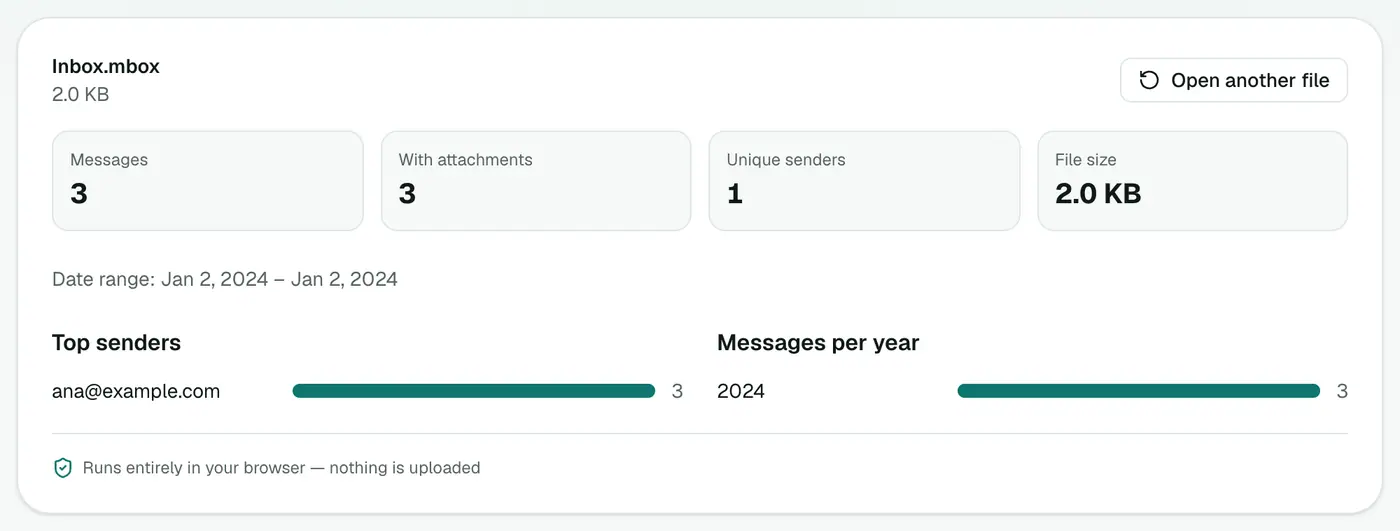
Verifying a backup
Compare the count with what your mail app or Gmail shows for that folder or label. If the numbers match, your export is complete.
- Gmail: turn off Conversation view (Settings → See all settings) so Gmail counts messages, not threads.
- Thunderbird: right-click a folder → Properties shows the message count.
- Apple Mail: select a mailbox. The count appears in the toolbar or the message list header.
Reading the per-year chart
- A year with almost nothing often means mail from that period lives in another account or archive.
- One huge year may be a migration that imported old mail with new dates.
- Dates in 1970 or far in the future come from a few broken messages. They're harmless.
Related
- Read the messages: MBOX viewer.
- Gmail Takeout ZIP? Gmail Takeout viewer.
- Outlook files: PST analyzer.
- List every email in a spreadsheet: MBOX to CSV.
Troubleshooting
"This doesn't look like an MBOX file." Apple Mail exports are folders: open the folder and use the mbox file inside. Gmail Takeout ZIPs need unzipping first, or use the Gmail Takeout viewer.
Summary
The MBOX counter tells you what's in a mailbox in seconds, however big it is.
FAQs
How is it so fast?
It scans only message headers, not full bodies and attachments, so even multi-gigabyte files are counted in seconds.
What else does it show?
How many messages have attachments, the date range, top senders and the number of messages per year.
Is the mailbox uploaded?
No. It's scanned in your browser.
Why doesn't my count match Gmail?
Gmail shows conversations by default, while an MBOX holds individual messages. Takeout also includes Spam, Trash, Sent and every label. Turn off conversation view in Gmail for a closer comparison.
Does it work with Thunderbird folders?
Yes. Thunderbird stores each folder as an MBOX file without an extension. Copy it and add .mbox to the name.
Try the MBOX Counter
Free to start, no install, and your files never leave your device.