Data & docs2 min read
How to Convert YAML to JSON (Including Multi-Document Files)
Turn YAML config into formatted JSON for APIs, validators and scripts. Multi-document YAML files become a JSON array.
By the ZapMorph team
On this page
Just want it done?
Open the YAML to JSON Converter — it runs in your browser and nothing is uploaded.
YAML is great to write and review, but plenty of tools want JSON: schema validators, API clients, browser code, jq pipelines. Converting is also a handy way to check how a YAML file is actually being interpreted, which can be surprising.
Example
# deployment settings
name: web
replicas: 2
tags: [frontend, public]
---
name: worker
replicas: 1
becomes:
[
  { "name": "web", "replicas": 2, "tags": ["frontend", "public"] },
  { "name": "worker", "replicas": 1 }
]
How to convert YAML to JSON with ZapMorph
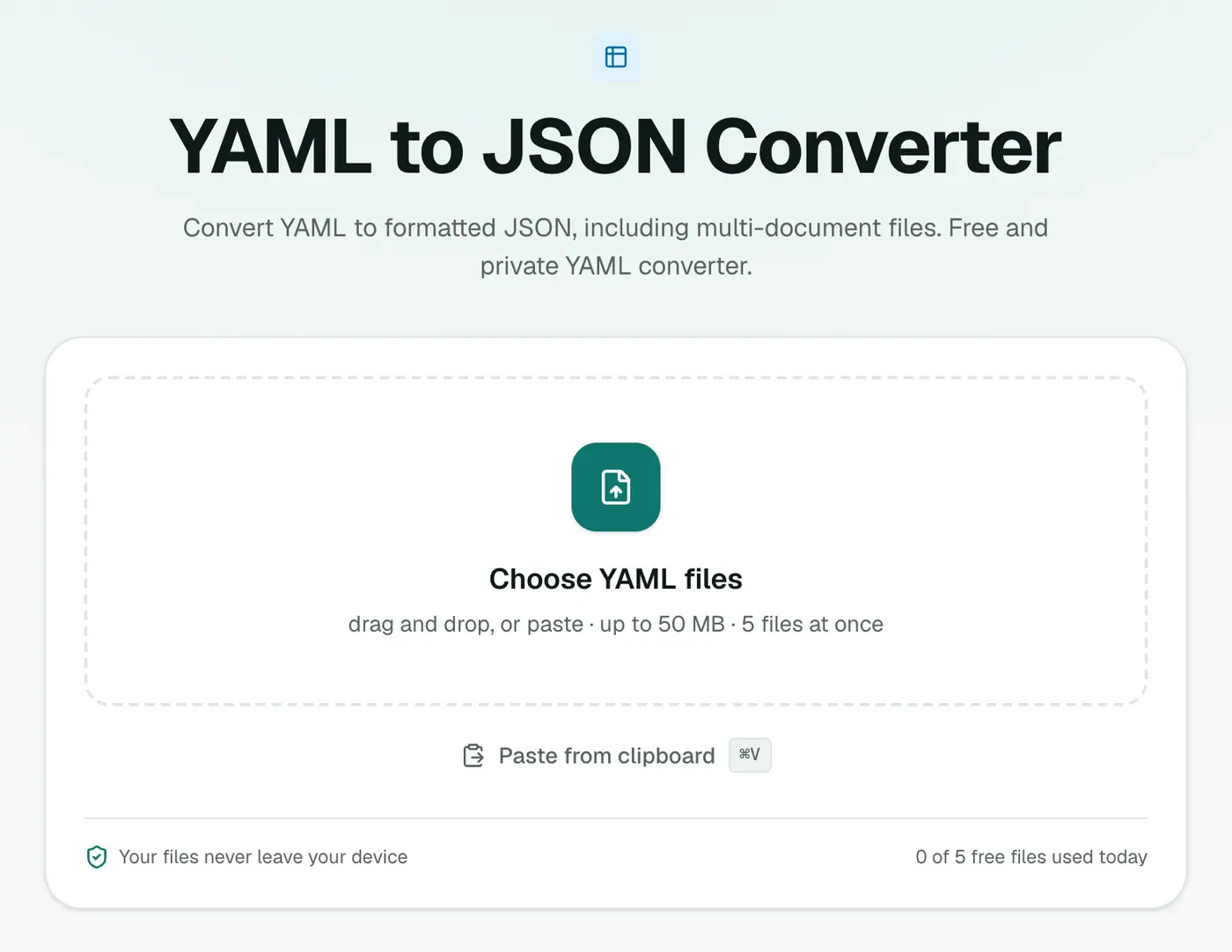
1. Open the converter
Go to the YAML to JSON converter.
2. Add your YAML
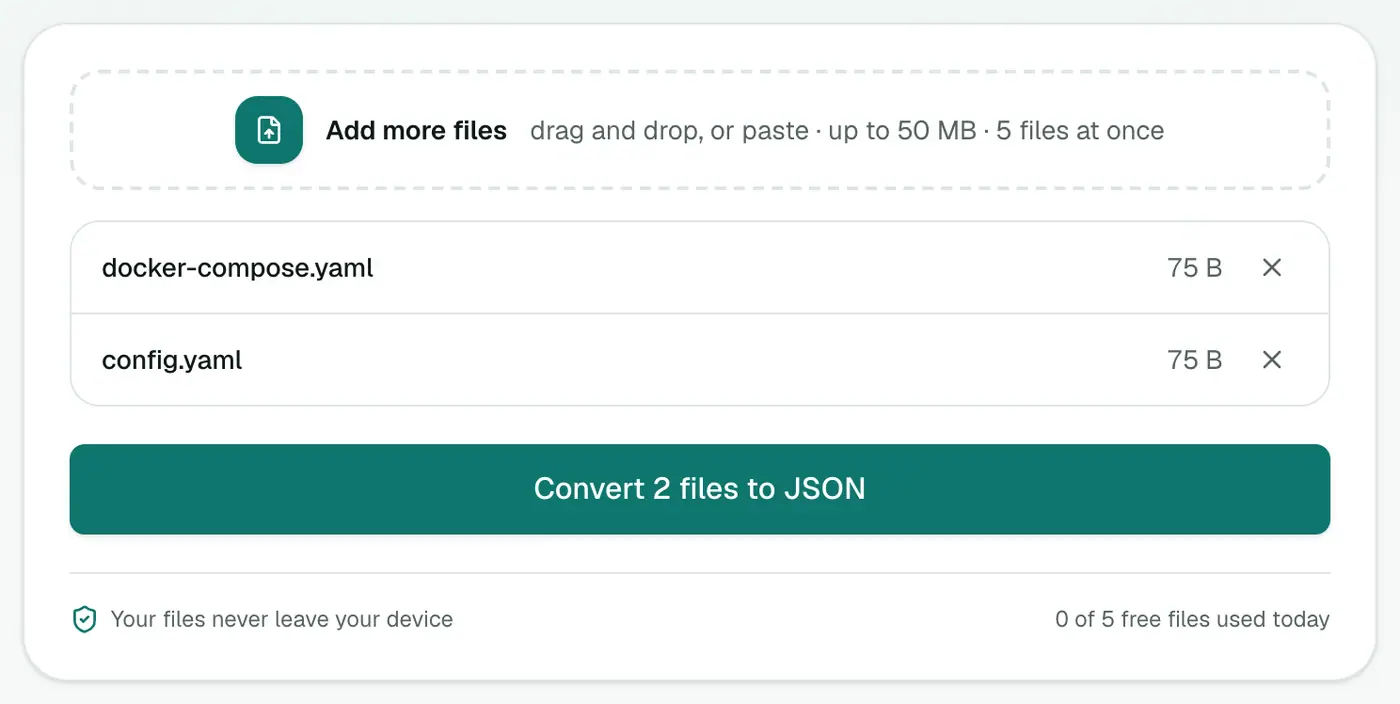
Drop in .yaml or .yml files, or paste YAML text.
3. Convert and download
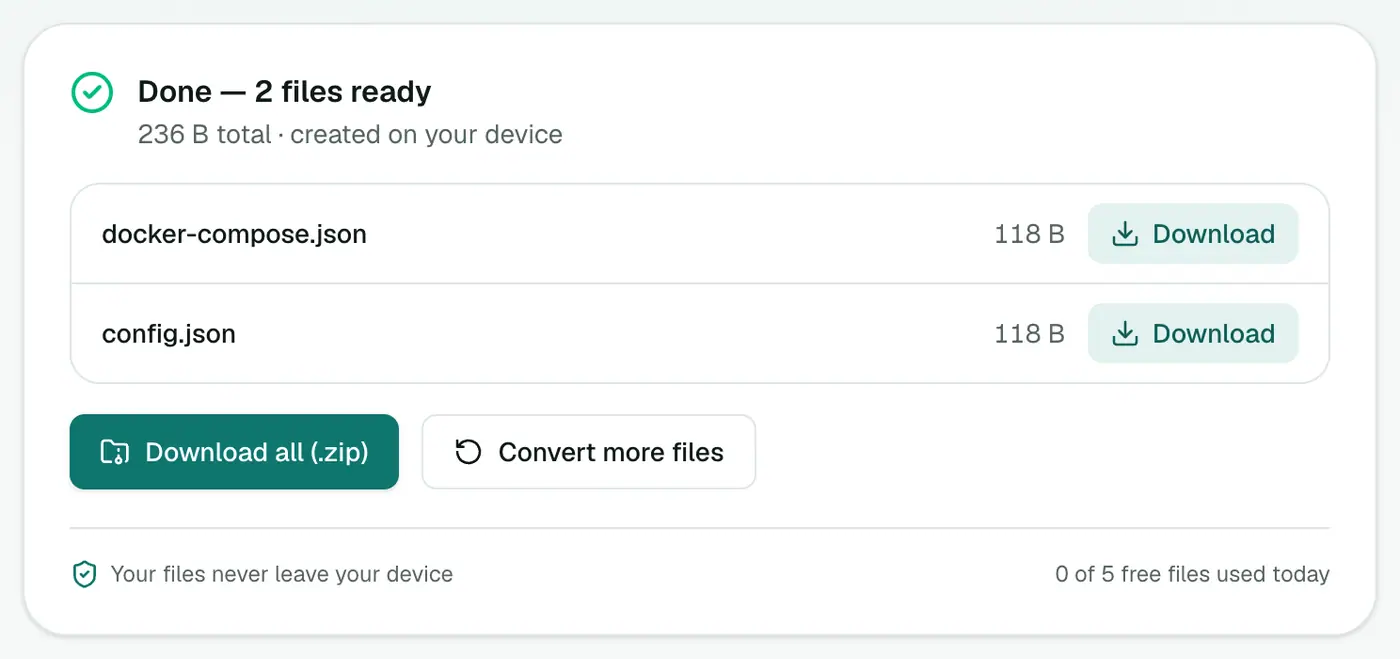
Click Convert to JSON.
Debugging with it
If a YAML config behaves strangely, convert it and look at the JSON. You'll quickly spot:
- A value that became
true/falsewhen you meant a string. - A number that lost its trailing zero (
1.10→1.1). - Indentation that put a key under the wrong parent.
Other ways
- yq:
yq -o=json file.yaml. - Python:
json.dumps(yaml.safe_load(f), indent=2).
Related
- The reverse: JSON to YAML.
- Explore big JSON in the JSON viewer.
Example
service: api
replicas: 3
ports:
  - 80
  - 443
{ "service": "api", "replicas": 3, "ports": [80, 443] }
YAML gotchas to watch for
| YAML | Becomes | Why |
|---|---|---|
version: 1.10 | 1.1 (a number) | Quote it: "1.10" |
country: NO | possibly false in older YAML parsers | Quote values like yes, no, on, off |
| Tabs for indentation | An error | YAML needs spaces |
time: 12:30 | May be read as a number in some parsers | Quote times |
Uses
- Validating configs with JSON Schema tools.
- APIs that accept JSON but your team writes YAML.
- Debugging what a YAML file really contains.
Summary
The YAML to JSON converter handles multi-document files and anchors, and it's a quick way to see what your YAML really says.
FAQs
What happens with multiple documents separated by ---?
They become a JSON array, with one element per document.
Are comments kept?
No. JSON doesn't support comments, so they're dropped.
What about anchors and aliases (&, *)?
They're resolved, so the JSON contains the expanded values.
Is my config uploaded?
No. It's converted in your browser, so secrets in config files stay on your device.
What happens to comments?
JSON has no comments, so YAML comments are dropped.
Try the YAML to JSON Converter
Free to start, no install, and your files never leave your device.