Data & docs2 min read
How to Convert CSV to JSON (With Proper Numbers and Booleans)
Turn a spreadsheet export into a JSON array for an API, a database seed or a script. Choose objects with header keys or plain arrays.
By the ZapMorph team
On this page
Just want it done?
Open the CSV to JSON Converter — it runs in your browser and nothing is uploaded.
Spreadsheets are where data lives. JSON is what code wants. Converting between them by hand, or with a quick script that then chokes on a comma inside quotes, is a classic time-sink.
What you get
With First row: Is a header (objects), this CSV:
name,city,orders,active
Ana Silva,Lisbon,12,true
Bob Lee,Leeds,3,false
becomes:
[
  { "name": "Ana Silva", "city": "Lisbon", "orders": 12, "active": true },
  { "name": "Bob Lee", "city": "Leeds", "orders": 3, "active": false }
]
Notice 12 and true aren't strings. With Is data (arrays), each row becomes ["Ana Silva", "Lisbon", 12, true] instead.
How to convert CSV to JSON with ZapMorph
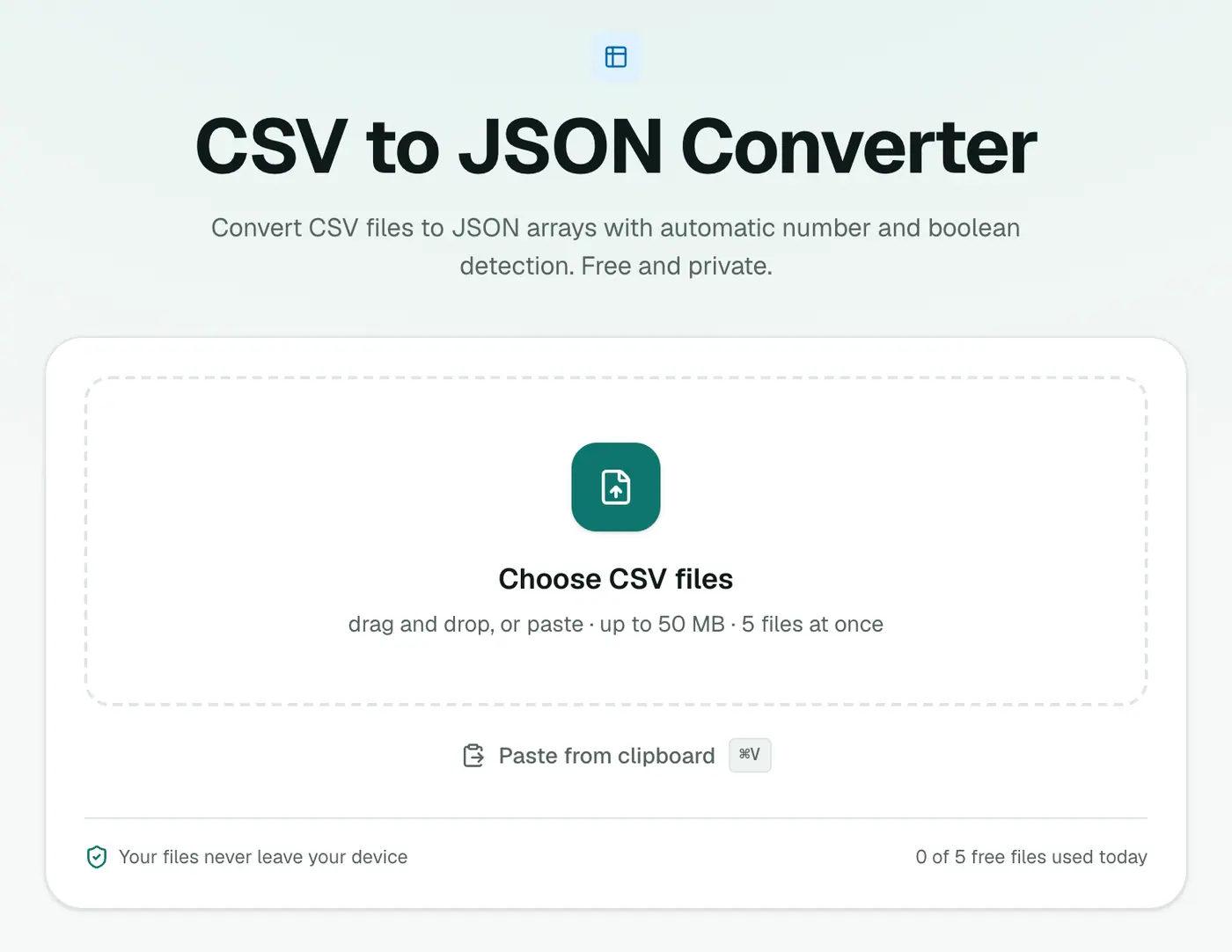
1. Open the converter
Go to the CSV to JSON converter.
2. Add your CSV and choose the first-row option
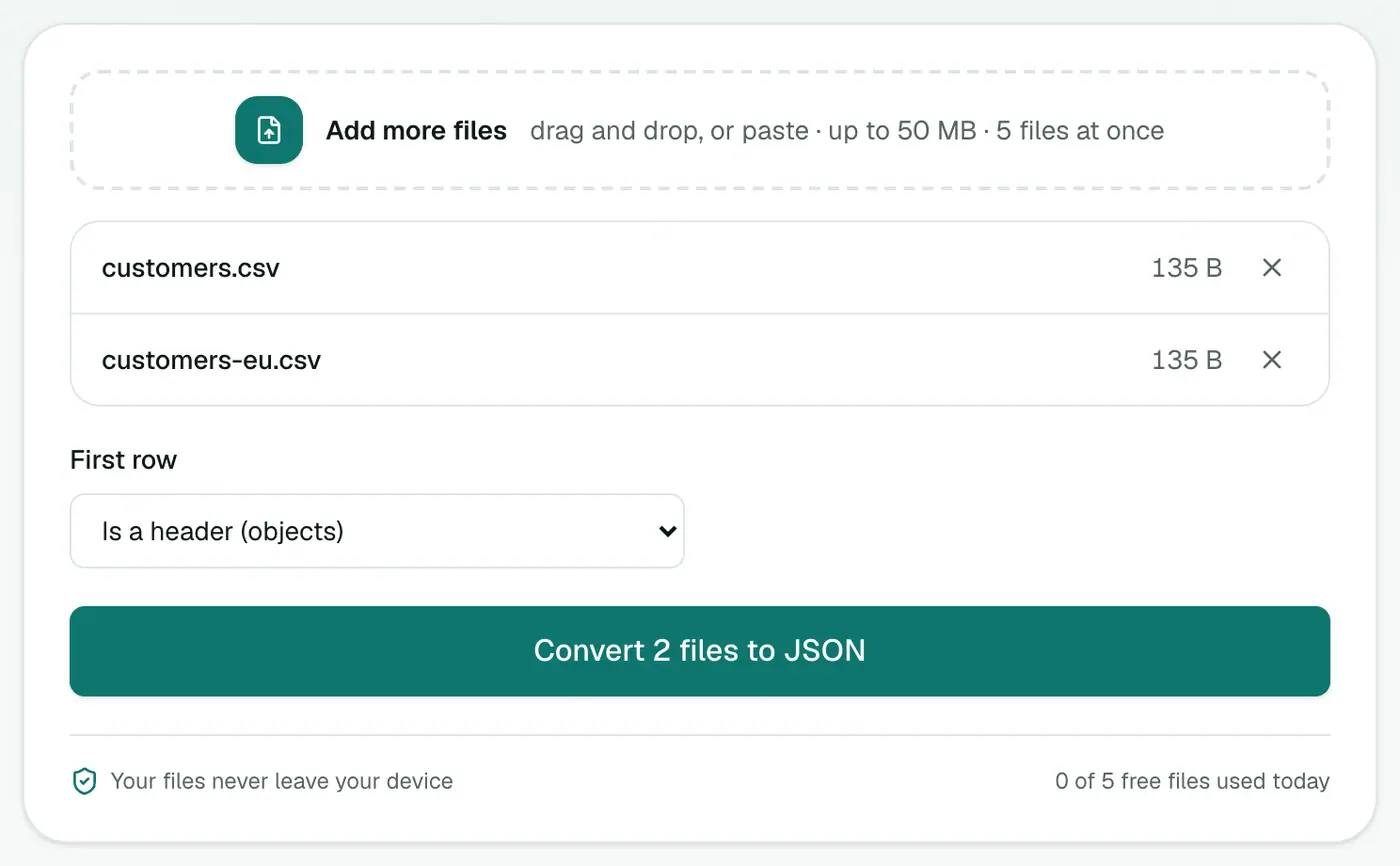
Drop in .csv or .tsv files, or paste CSV text with Ctrl+V. Choose First row: header (objects) or data (arrays).
3. Convert and download
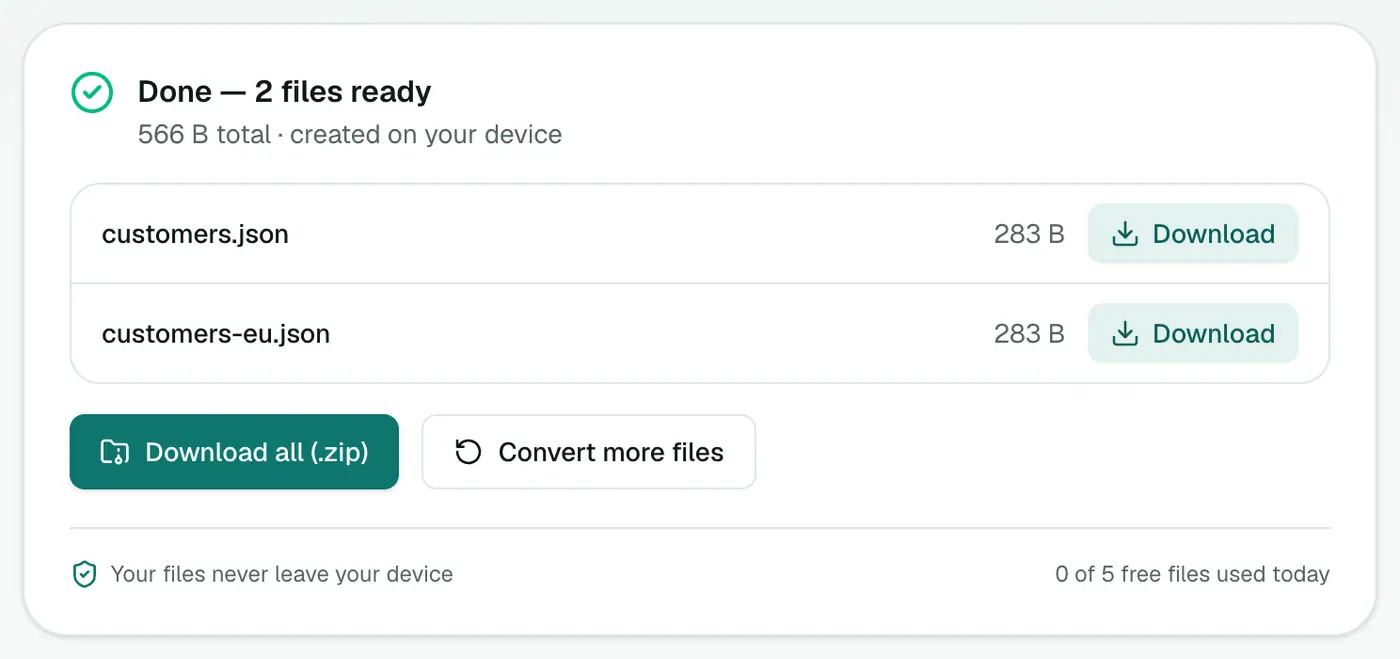
Click Convert to JSON and download.
Common gotchas
- Leading zeros: a value like
00123(a zip code or product ID) may be read as the number123. If that matters, adjust it in your code or quote it in the source. - Excel exports sometimes use semicolons instead of commas in some regions. Check your file in a text editor if columns look merged.
- Empty cells become empty strings.
Other ways
- Python:
pandas.read_csv("file.csv").to_json(orient="records"). - Node: libraries like
papaparseorcsv-parse. - jq + Miller:
mlr --icsv --ojson cat file.csvon the command line.
Related
- Going the other way? JSON to CSV.
- Need to inspect the JSON? The JSON viewer or JSON formatter.
- Need a spreadsheet instead? CSV to Excel.
Example
id,name,active
1,Ana,true
[{ "id": 1, "name": "Ana", "active": true }]
Watch out for
- IDs with leading zeros like
00123may become numbers. If they must stay text, adjust them in your code or keep them as strings at the source. - Empty cells come through as empty values. Decide how your app should treat them.
- Header names become keys, so keep them short and consistent (
first_name, notFirst Name (required)).
Uses
- Seeding databases and test fixtures.
- Static websites loading data from a JSON file.
- APIs that accept JSON uploads.
Summary
The CSV to JSON converter handles quoting and typing correctly, so you get clean JSON without writing a throwaway script.
FAQs
Are numbers kept as numbers?
Yes. Numbers and true/false values are detected and typed automatically, so 42 becomes 42, not "42".
What if my CSV has no header row?
Set First row to "Is data (arrays)". Each row becomes an array of values instead of an object.
Does it handle commas inside quoted values?
Yes. Standard CSV quoting is understood, so "Smith, John" stays one value.
Can I convert TSV files?
Yes, tab-separated files work too.
Is my data uploaded?
No. It's converted in your browser.
Are numbers converted to real numbers?
Yes. Numbers and true/false values are typed automatically, so 9.5 becomes a number, not a string.
Try the CSV to JSON Converter
Free to start, no install, and your files never leave your device.