Data & docs2 min read
How to Convert JSON to CSV and Open It in Excel
Turn an API response or JSON export into a CSV spreadsheet. Nested objects are flattened into columns like address.city automatically.
By the ZapMorph team
On this page
Just want it done?
Open the JSON to CSV Converter — it runs in your browser and nothing is uploaded.
Someone hands you a JSON export ("it's from the API") and asks for a spreadsheet. Or you need to look through 2,000 records and filter them, which is miserable in a text editor and easy in Excel.
What the conversion looks like
[
  { "id": 1, "name": "Ana", "address": { "city": "Lisbon", "zip": "1100" } },
  { "id": 2, "name": "Bob", "address": { "city": "Leeds" }, "vip": true }
]
becomes:
| id | name | address.city | address.zip | vip |
|---|---|---|---|---|
| 1 | Ana | Lisbon | 1100 | |
| 2 | Bob | Leeds | true |
Nested fields get their own columns, and vip appears even though only one row has it.
How to convert JSON to CSV with ZapMorph
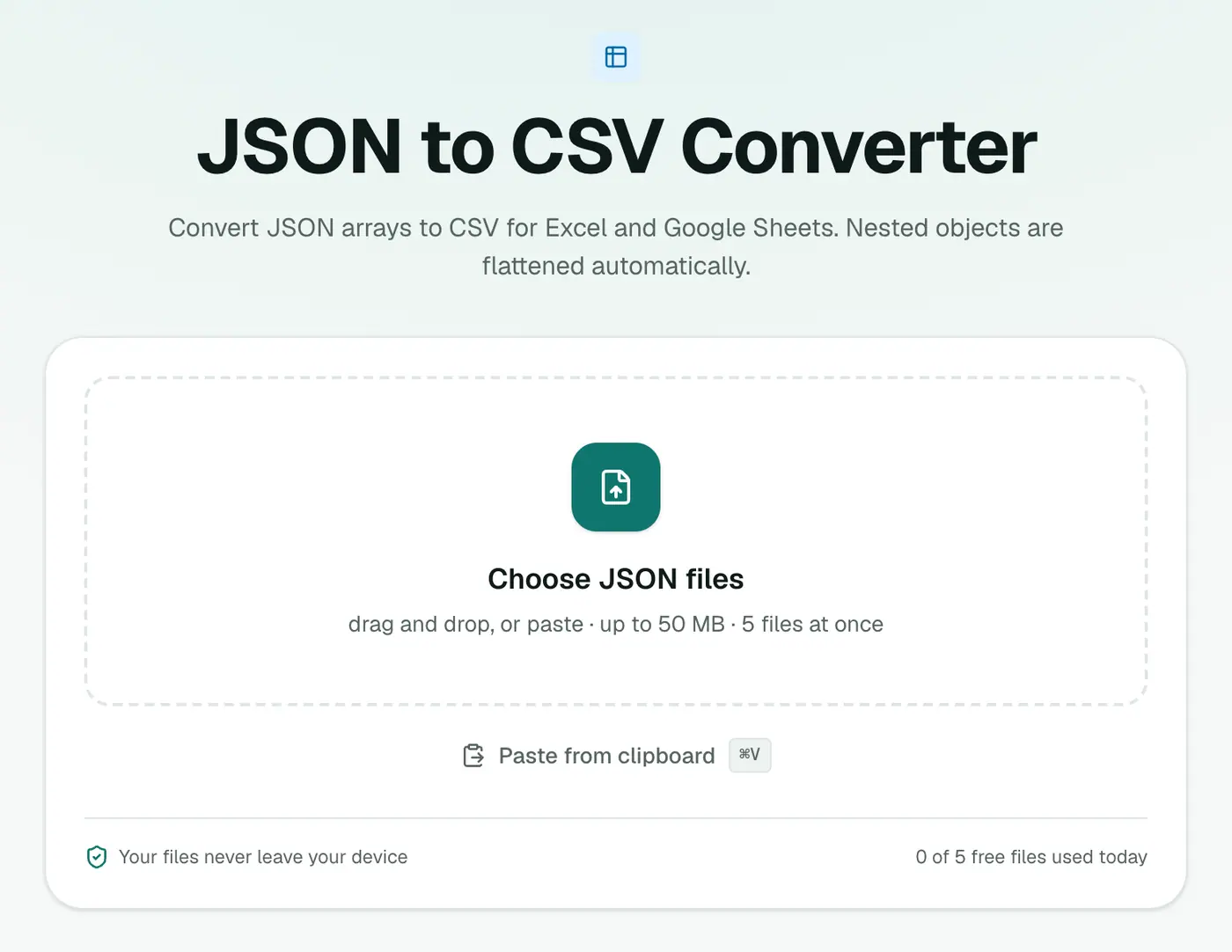
1. Open the converter
Go to the JSON to CSV converter.
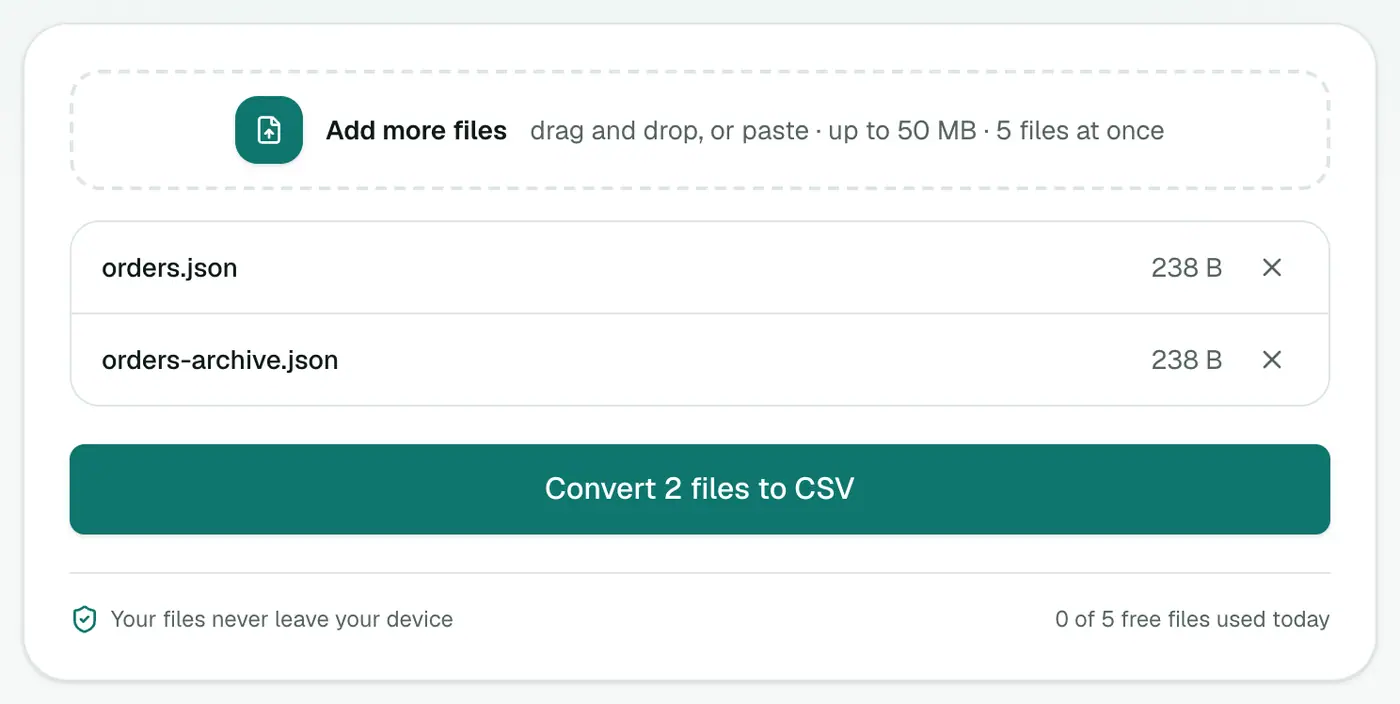
2. Add your JSON
Drop in a .json file, or paste JSON text with Ctrl+V.
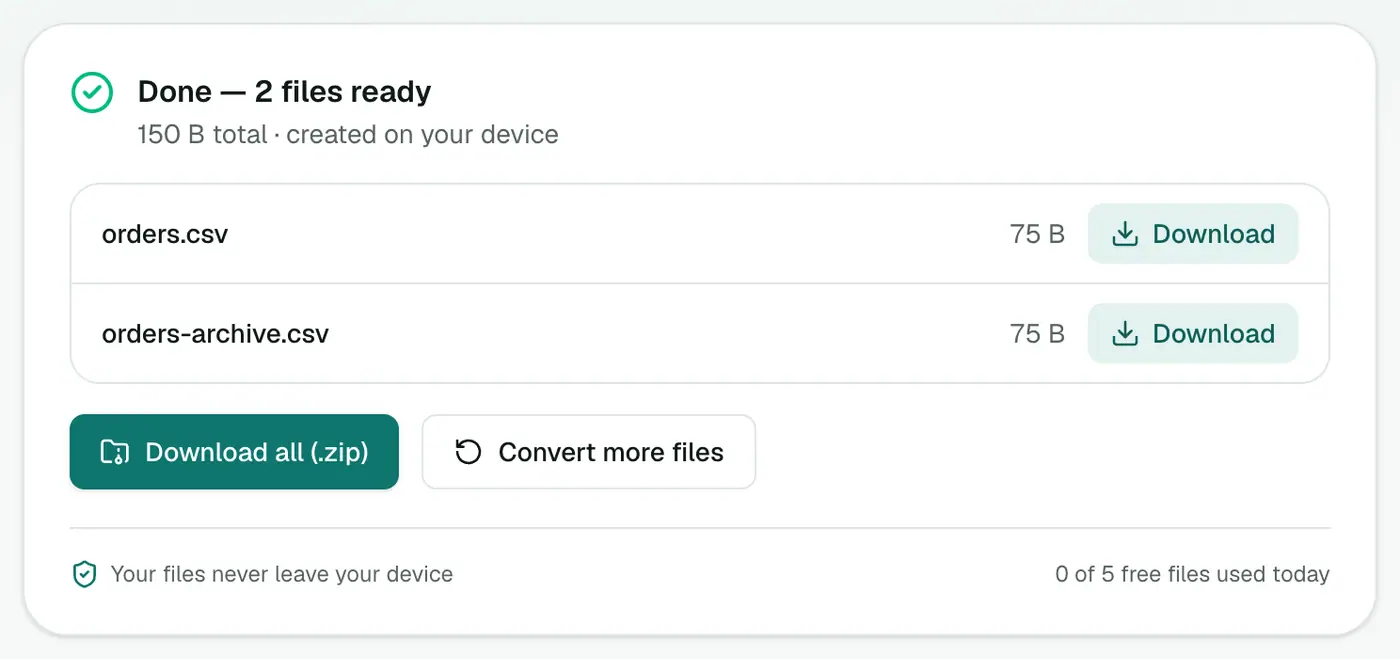
3. Convert and download
Click Convert to CSV and open the file in Excel, Google Sheets or Numbers.
Tips
- Arrays inside objects (like a list of tags) are kept as text in a single cell.
- Excel mangling characters? Some versions of Excel misread UTF-8 CSVs. Use JSON to Excel for a proper XLSX instead.
- Invalid JSON? Paste it into the JSON formatter first. It points to the exact line and column of the error.
- Deeply nested data can produce a lot of columns. That's normal. Hide the ones you don't need.
Other ways
- jq:
jq -r '.[] | [.id, .name] | @csv' data.jsonfor precise control. - Python/pandas:
pd.json_normalize(data).to_csv("out.csv")flattens nested objects too.
Nested data, flattened
[{ "id": 1, "customer": { "name": "Ana", "city": "Lisbon" } }]
| id | customer.name | customer.city |
|---|---|---|
| 1 | Ana | Lisbon |
Getting JSON to convert
- API responses saved from your browser's Network tab.
- Exports from Stripe, Shopify, Firebase and other tools.
- Converted mailboxes from MBOX to JSON.
Tips
- Arrays of objects convert best: one object per row.
- Open in Excel safely via Data → From Text/CSV, or use JSON to Excel for a ready-made XLSX.
Summary
The JSON to CSV converter flattens nested data and unions all keys into columns, so any JSON array opens neatly in a spreadsheet.
FAQs
How are nested objects handled?
They're flattened into dot-separated columns. {"address":{"city":"Lisbon"}} becomes a column called address.city.
What if rows have different keys?
Every key found in any row becomes a column. Rows missing a key get an empty cell.
What JSON shape is expected?
An array of objects works best, like [{...}, {...}]. A single object is treated as one row.
Can I paste JSON instead of uploading a file?
Yes. Press Ctrl+V (Cmd+V) on the page to paste JSON text.
Is my data uploaded?
No. The CSV is built in your browser.
What if objects have different keys?
Every key found in any object becomes a column. Rows without that key leave the cell empty.
Try the JSON to CSV Converter
Free to start, no install, and your files never leave your device.