Data & docs2 min read
How to Convert JSON to Excel (No Coding Needed)
Hand API data to non-technical teammates as a spreadsheet they can filter and chart. Nested JSON objects become columns automatically.
By the ZapMorph team
On this page
Just want it done?
Open the JSON to Excel Converter — it runs in your browser and nothing is uploaded.
"Can you send me that as a spreadsheet?" If you work anywhere near an API, you've heard it. Marketing wants the campaign data, finance wants the order export, and the data is JSON.
You could write a quick script. Or you could convert it in ten seconds.
Example
[
  { "order": 1042, "total": 37.5, "customer": { "name": "Ana", "country": "PT" } },
  { "order": 1043, "total": 18, "customer": { "name": "Bob", "country": "UK" }, "coupon": "AUTUMN" }
]
becomes a sheet with columns order, total, customer.name, customer.country and coupon.
How to convert JSON to Excel with ZapMorph
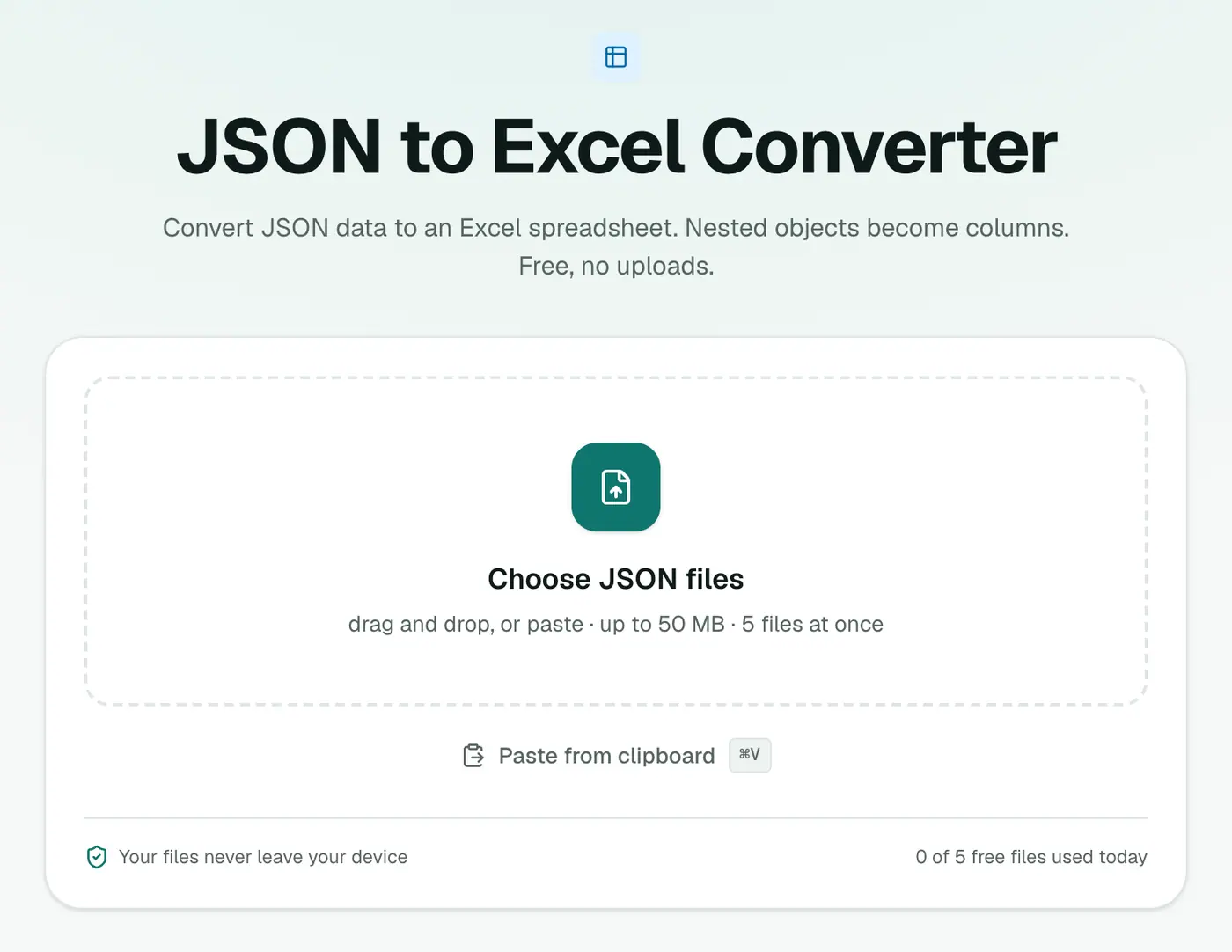
1. Open the converter
Go to the JSON to Excel converter.
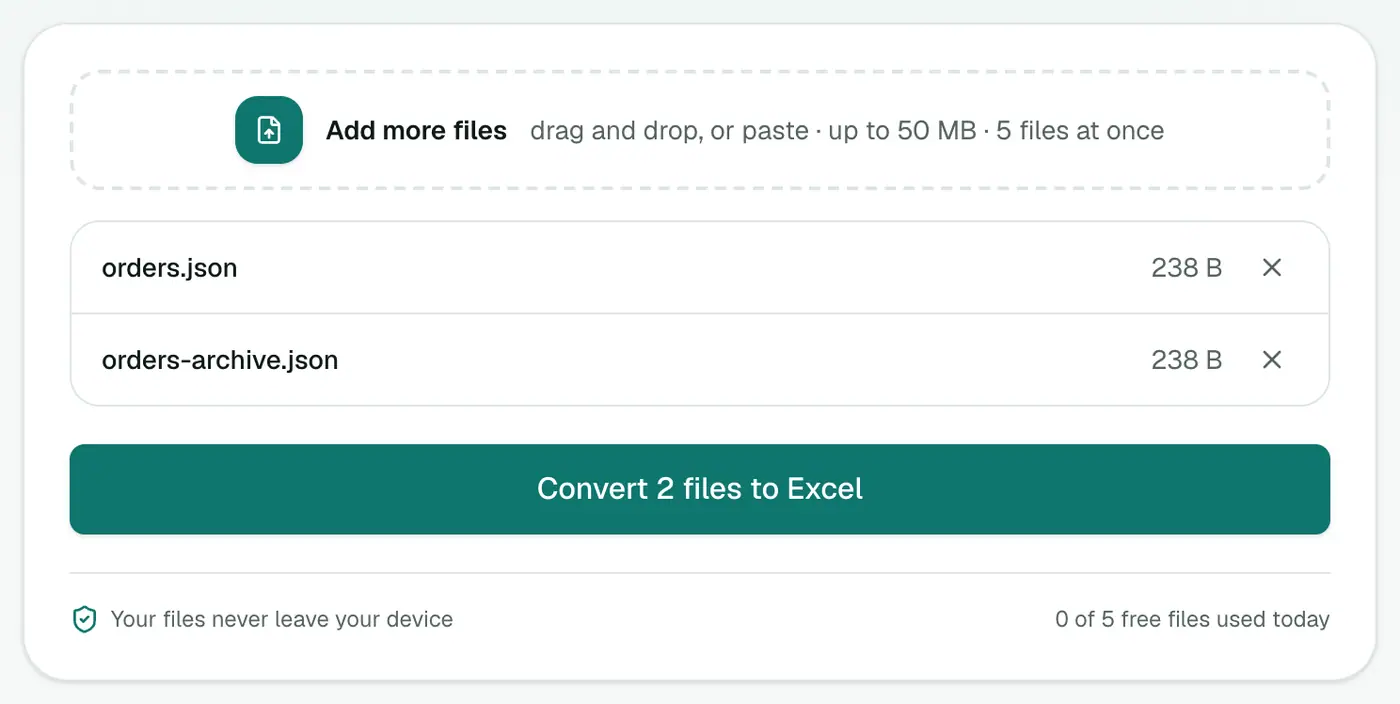
2. Add your JSON
Drop in .json files or paste JSON text with Ctrl+V.
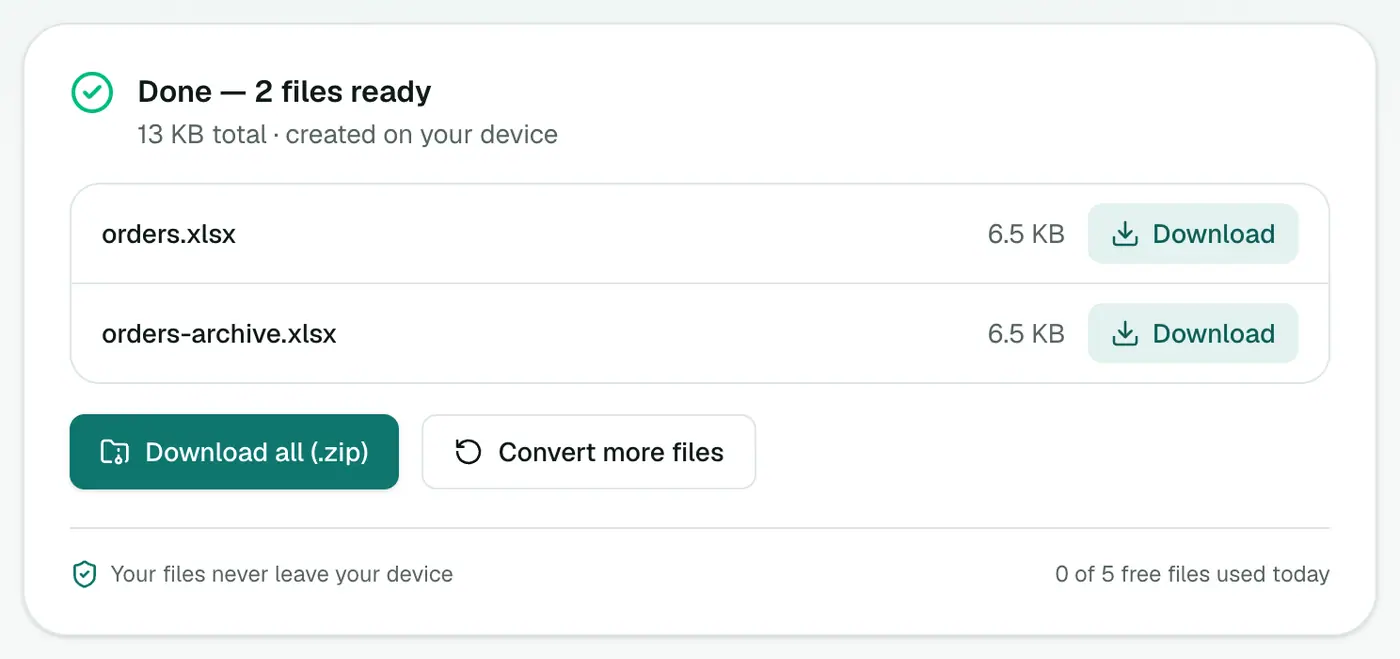
3. Convert and download
Click Convert to Excel and open the workbook.
Tips
- Invalid JSON? The JSON formatter shows exactly where the syntax error is.
- Huge exports: very large arrays work, but Excel itself tops out at about a million rows per sheet.
- Need CSV for another tool? Use JSON to CSV.
- Just exploring? The JSON viewer shows the structure as a collapsible tree.
Example
[
  { "name": "Ana", "address": { "city": "Lisbon" }, "orders": 4 },
  { "name": "Raj", "address": { "city": "Pune" }, "orders": 7 }
]
| name | address.city | orders |
|---|---|---|
| Ana | Lisbon | 4 |
| Raj | Pune | 7 |
Excel or CSV?
| Excel (XLSX) | CSV | |
|---|---|---|
| Opens cleanly in Excel | ✓ | Sometimes mangles values |
| Works with databases and imports | Sometimes | ✓ |
| Best for | Sharing with colleagues | Feeding other systems |
Tips
- An array of objects gives the cleanest table: one object per row.
- Check the JSON first with the JSON formatter if conversion fails.
Summary
The JSON to Excel converter flattens nested JSON into a clean workbook, so anyone can sort, filter and chart the data.
FAQs
How is nested JSON handled?
Nested objects are flattened into columns with dot-separated names, like address.city.
What if some records have extra fields?
Every field found in any record becomes a column. Records without it get an empty cell.
Why XLSX instead of CSV?
An XLSX file opens correctly in Excel without encoding or number-format surprises, and has a proper header row.
Is my data uploaded?
No. The spreadsheet is built in your browser.
What happens to nested objects?
They're flattened into dot-separated columns, like address.city, so everything fits in a table.
Try the JSON to Excel Converter
Free to start, no install, and your files never leave your device.