PDF2 min read
How to Convert XPS or OXPS Files to PDF
Windows saved your document as an .xps or .oxps file that nobody else can open? Here's what happened and how to convert it to PDF.
By the ZapMorph team
On this page
Just want it done?
Open the XPS to PDF Converter — it runs in your browser and nothing is uploaded.
XPS is Microsoft's old answer to PDF. It never really caught on, but Windows still includes the "Microsoft XPS Document Writer" printer, and it's easy to click the wrong one. The result: a file that opens on your PC and almost nowhere else. Macs, phones and most apps have no idea what it is.
How to convert XPS to PDF with ZapMorph
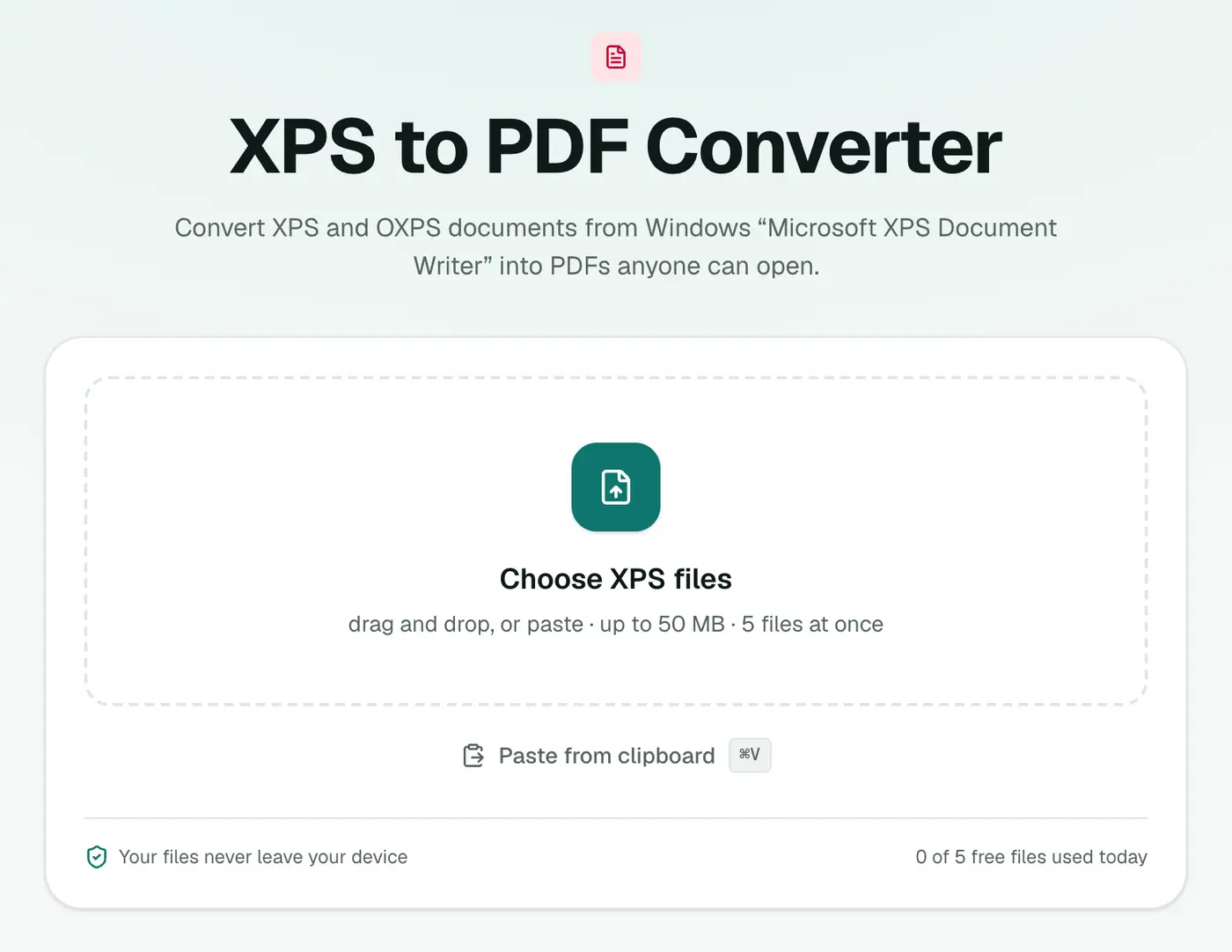
1. Open XPS to PDF
Go to the XPS to PDF converter. It takes .xps and .oxps files.
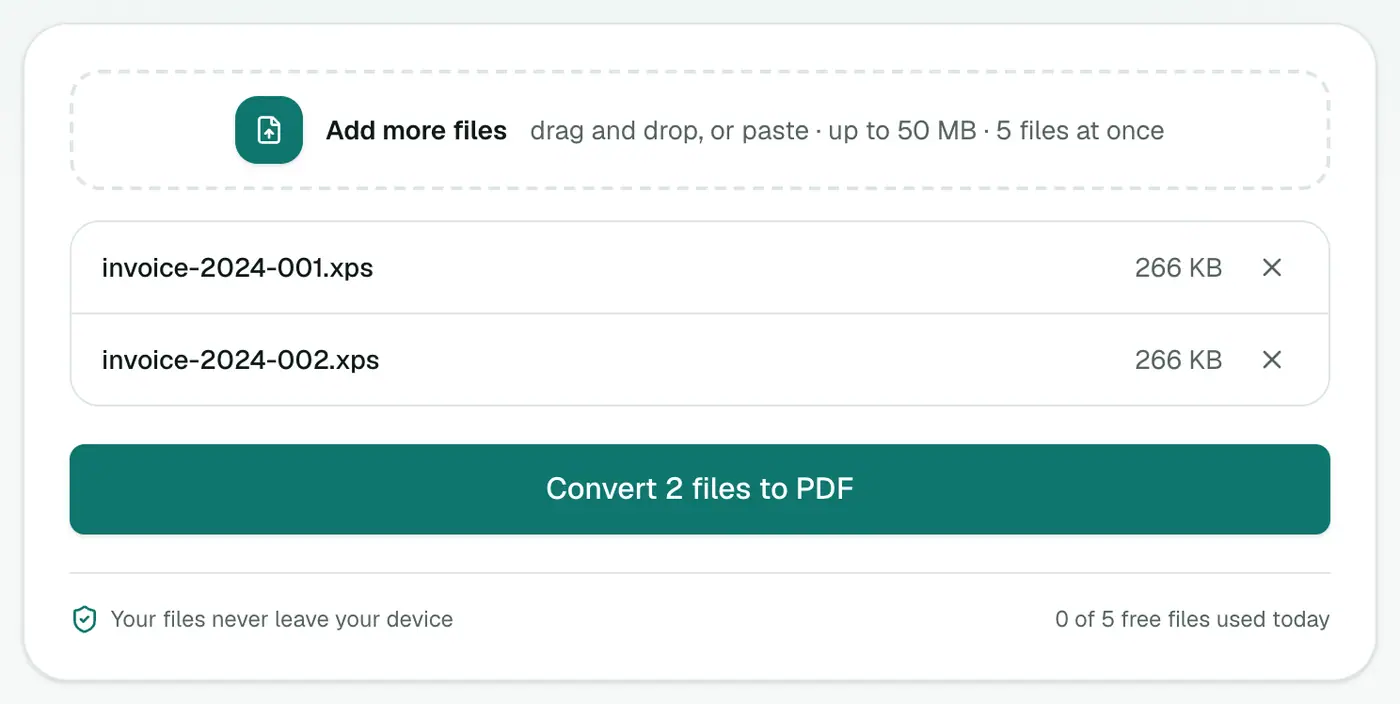
2. Add your XPS files
Drop them in.
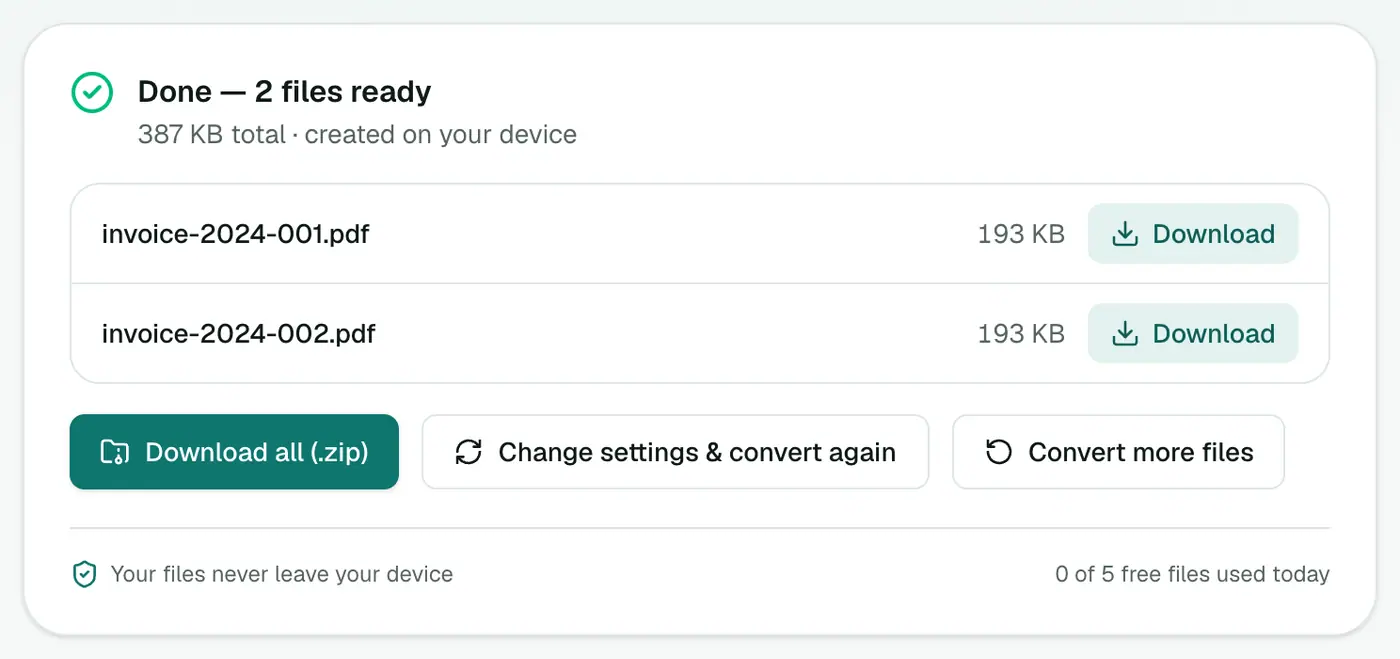
3. Convert and download
Click convert and download your PDFs.
Other ways on Windows
- XPS Viewer: open the file, then File → Print and choose Microsoft Print to PDF. On Windows 10 (1803+) and 11, XPS Viewer is an optional feature you may need to add: Settings → Apps → Optional features → Add a feature → XPS Viewer.
Avoid it next time
When printing to a file in Windows, choose Microsoft Print to PDF, not Microsoft XPS Document Writer. You can also remove the XPS printer from Settings → Bluetooth & devices → Printers & scanners so it can't be picked by accident.
Why convert XPS to PDF?
| XPS | ||
|---|---|---|
| Opens on Mac, iPhone, Android | ✗ | ✓ |
| Opens in browsers | ✗ | ✓ |
| Accepted by upload forms | Rarely | ✓ |
| Created by | Windows XPS Document Writer | Almost everything |
Avoid XPS next time
In any Windows print dialog, choose Microsoft Print to PDF instead of Microsoft XPS Document Writer.
After converting
- Check fonts and layout against the original. Unusual fonts may be substituted.
- Combine with other files using Merge PDF.
- Just need a look? The XPS viewer opens it without converting.
Summary
XPS files are a Windows quirk. The XPS to PDF converter turns them into PDFs anyone can open, without needing Windows.
FAQs
Why did I end up with an XPS file?
You (or someone) printed to "Microsoft XPS Document Writer" instead of "Microsoft Print to PDF". Both appear in the Windows printer list.
What's the difference between XPS and OXPS?
OXPS is the standardised version Windows 8 and later produce. Both are converted the same way.
Will the layout be kept?
Page layout, text and images are rebuilt one page at a time, so the PDF looks very close to the original.
Is my document uploaded?
No. It's converted in your browser.
Does it work with OXPS files?
Use the XPS viewer to check an OXPS file opens; the converter rebuilds each page's text, layout and images as PDF.
Try the XPS to PDF Converter
Free to start, no install, and your files never leave your device.